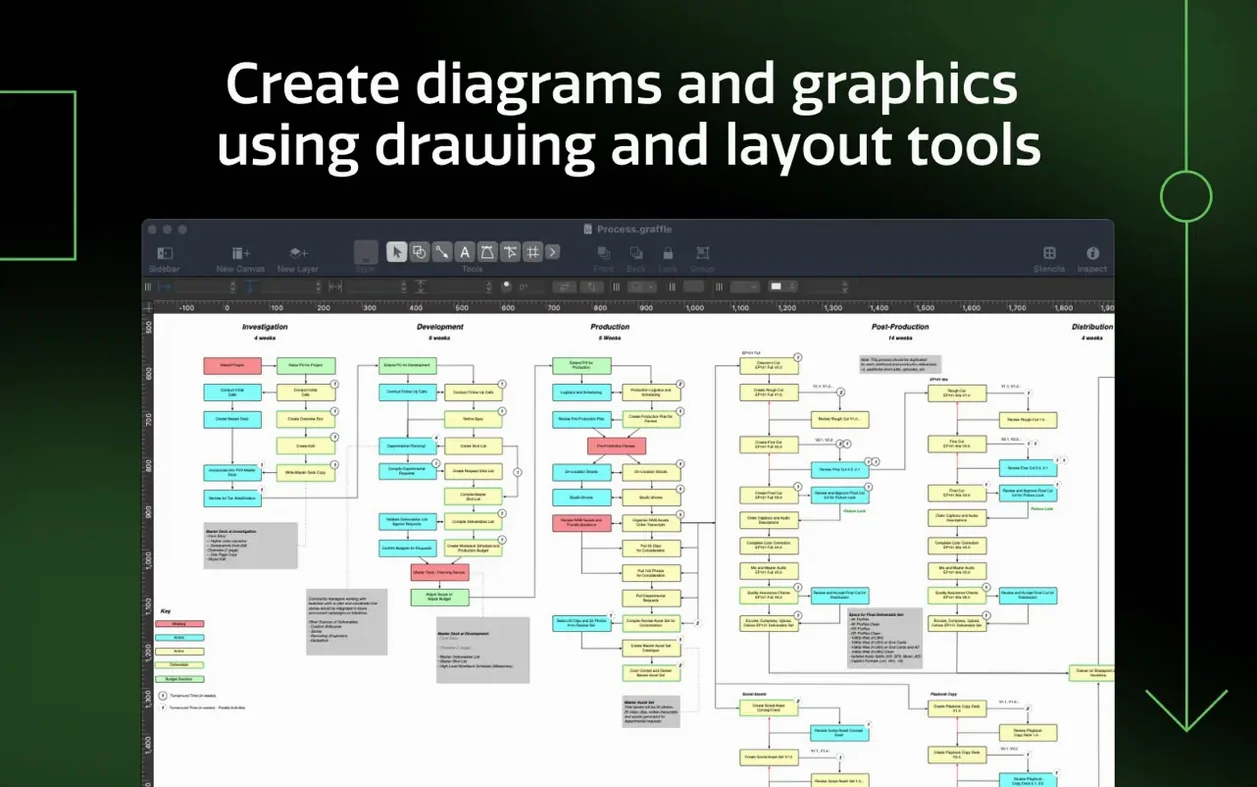
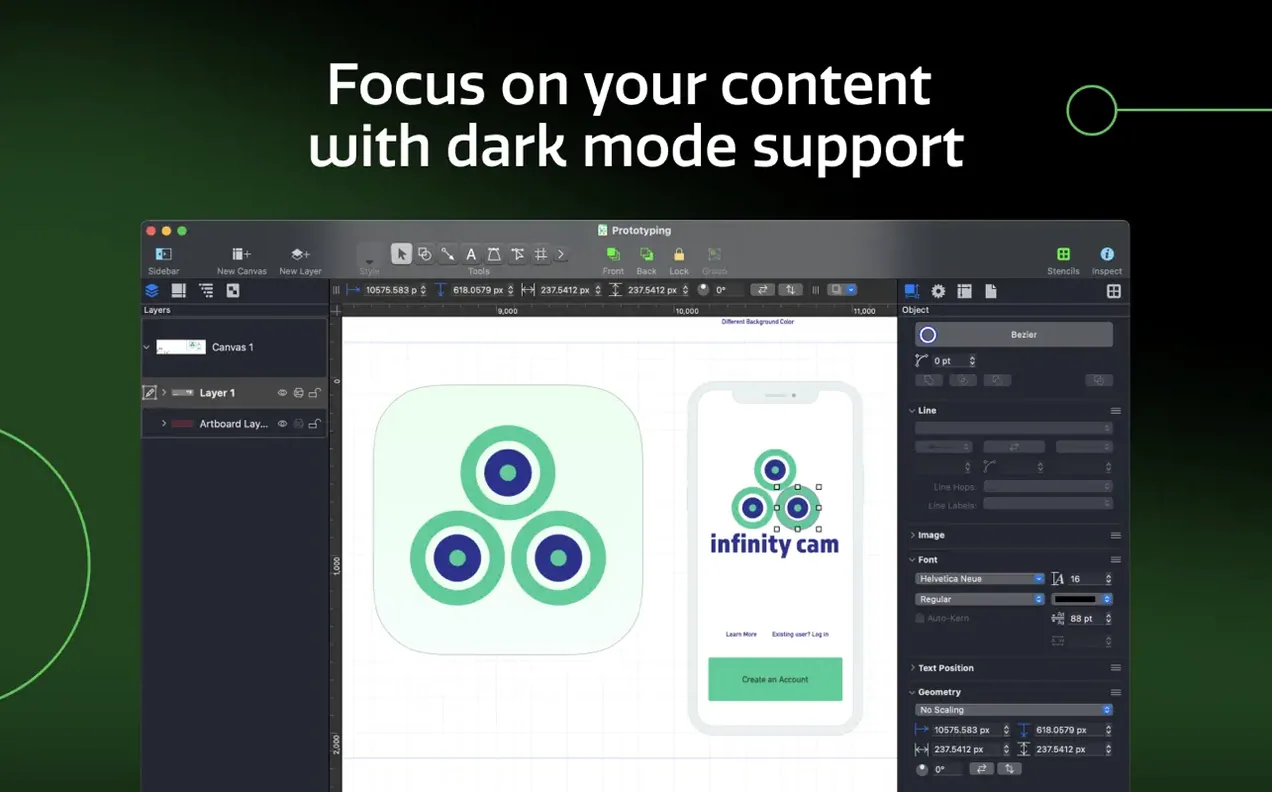
Version 7.26 is a quiet tightening. It lands on macOS 14, drops older systems, and smooths the rough edges with Golden Gate 27. Nothing flashy. Just the kind of housekeeping a pro tool needs.
The features that keep experienced users around are the deeper ones.
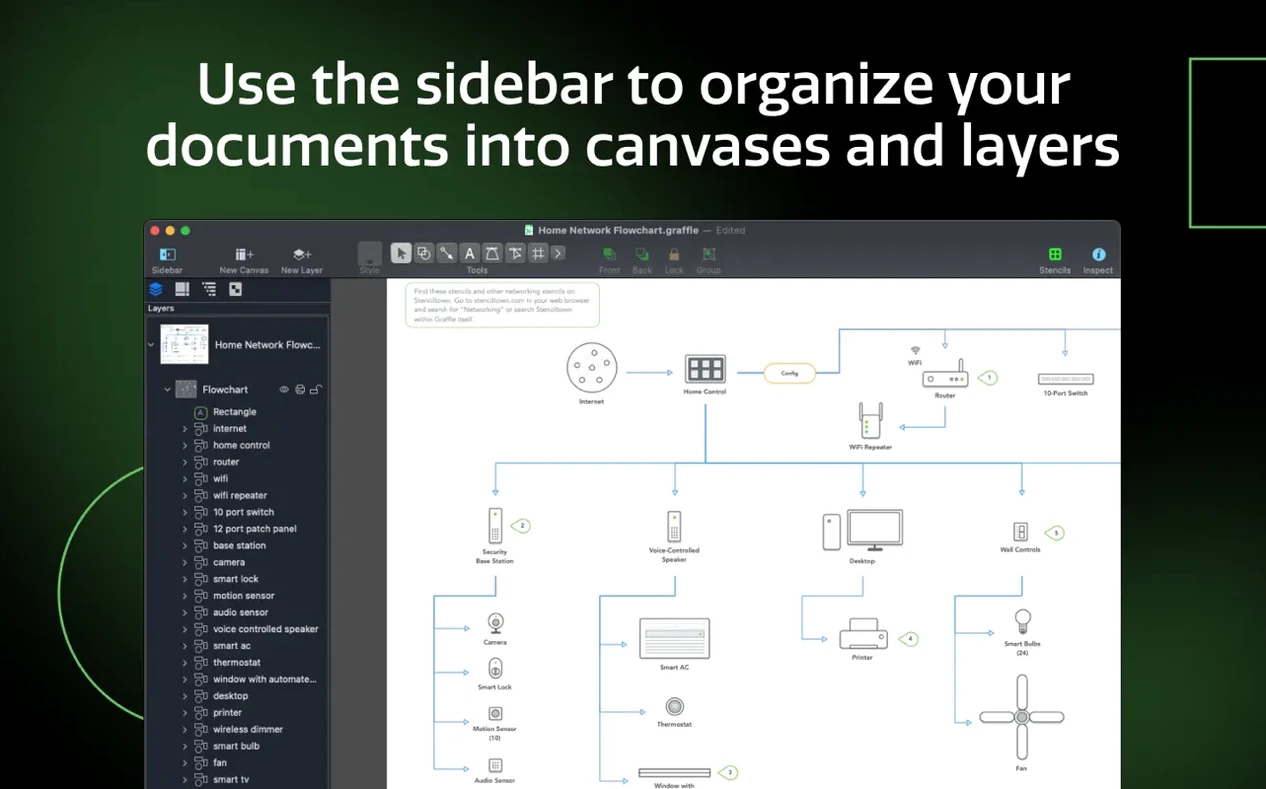
Shared layers
- Shared layers that update across every canvas.
- OmniGraffle layers export directly to Photoshop layers.
- Tables for grouping shapes, with proper row and column control.
- Visio VDX export, not just import.
- Keyboard shortcut sets you can share across machines.
Why it sticks
Artboards, canvases, and inspectors live in a sidebar that stays out of your way. Visio VSD and VDX files come in cleanly. The app doesn’t chase every new diagramming trend. It refines the ones that matter.
Option-drag
Hold Option while dragging a shape. It duplicates instantly — no menu, no hesitation. The same key resizes from center when combined with a corner handle.
Shift-Command-L locks a shape in place. Beginners hunt through menus for this. The shortcut is faster and works across every canvas.
The stencil search field accepts abbreviations. Typing rect finds rectangles; db pulls database shapes. After a week, your fingers learn the shorthand.
Double-click the canvas background to zoom-to-fit. Triple-click a shape to enter text mode. These are not in any toolbar.
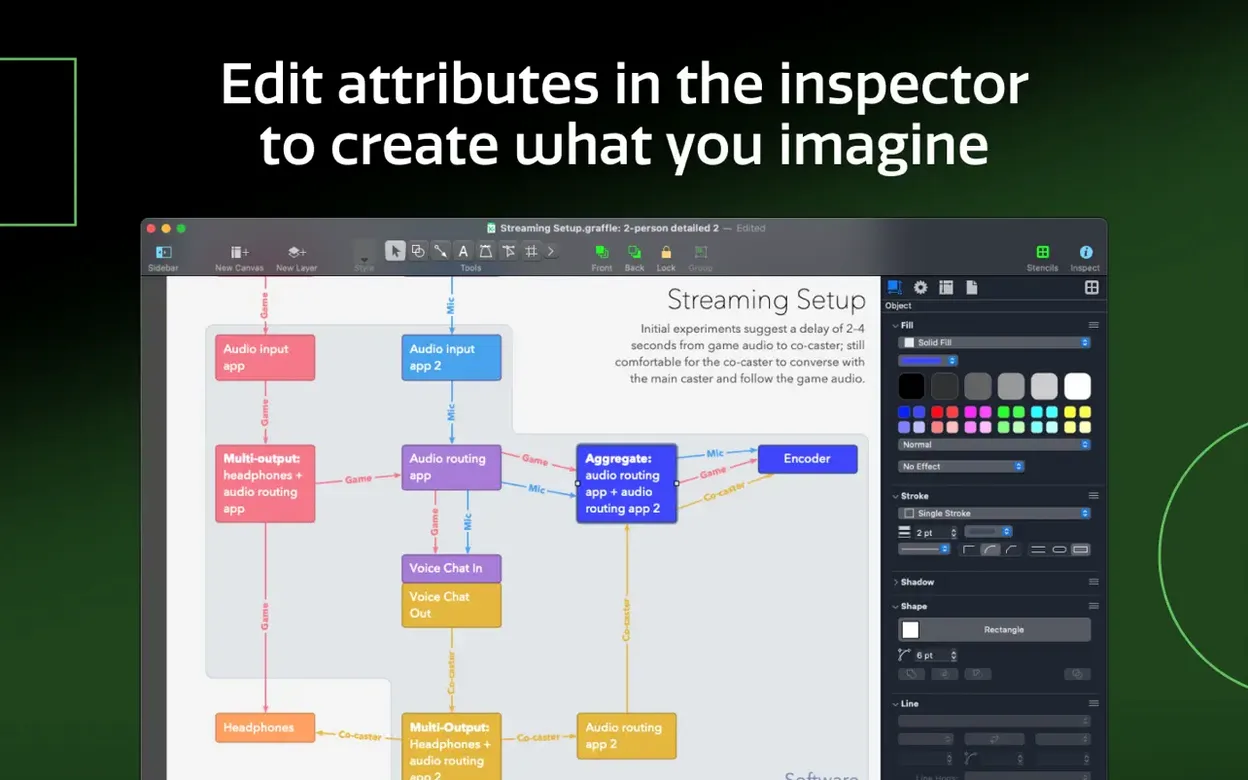
Magnet positions on shapes can be set per-object, not just per-stencil. Select a shape, open the Connections inspector, and drag the magnet markers. OmniGraffle remembers your placement for that shape type.
What 7.26 actually changed
The jump to macOS 14 was not cosmetic. Golden Gate 27 introduced rendering changes that broke older diagramming tools in subtle ways — blurred exports, sluggish canvas zoom, misaligned text baselines. Version 7.26 addresses those at the Core Graphics level.
In daily use, the difference is invisible. That is the point. Zooming across a dense wireframe no longer stutters. Exported PDFs match screen rendering exactly. Fonts that shifted by a pixel in 7.25 now sit where you placed them.
Apple Silicon Macs see slightly faster canvas redraws. Intel machines benefit from the same compatibility fixes without a performance penalty. The app does not advertise this. It simply works.
Smart snaps
The biggest mistake is treating OmniGraffle like a vector illustration app. It is not Illustrator. Shapes want to connect. Lines snap to magnets. Fighting the snapping system by disabling it entirely misses the point — use the F key to toggle snapping per-action instead.
New users often ignore shared layers, then manually update repeating elements across fifteen canvases. One shared layer, edited once, propagates everywhere. This alone saves hours on multi-page wireframes.
Another common error: importing a Visio file, making changes, then exporting to VDX without checking the export settings. OmniGraffle preserves most Visio data, but custom line patterns and some text formatting need the VDX export preset selected explicitly.
People who search for omnigraffle download often grab an older version that predates the macOS 14 requirement — then wonder why it will not launch. Version 7.26 is the cutoff. Earlier builds simply refuse on Golden Gate 27.