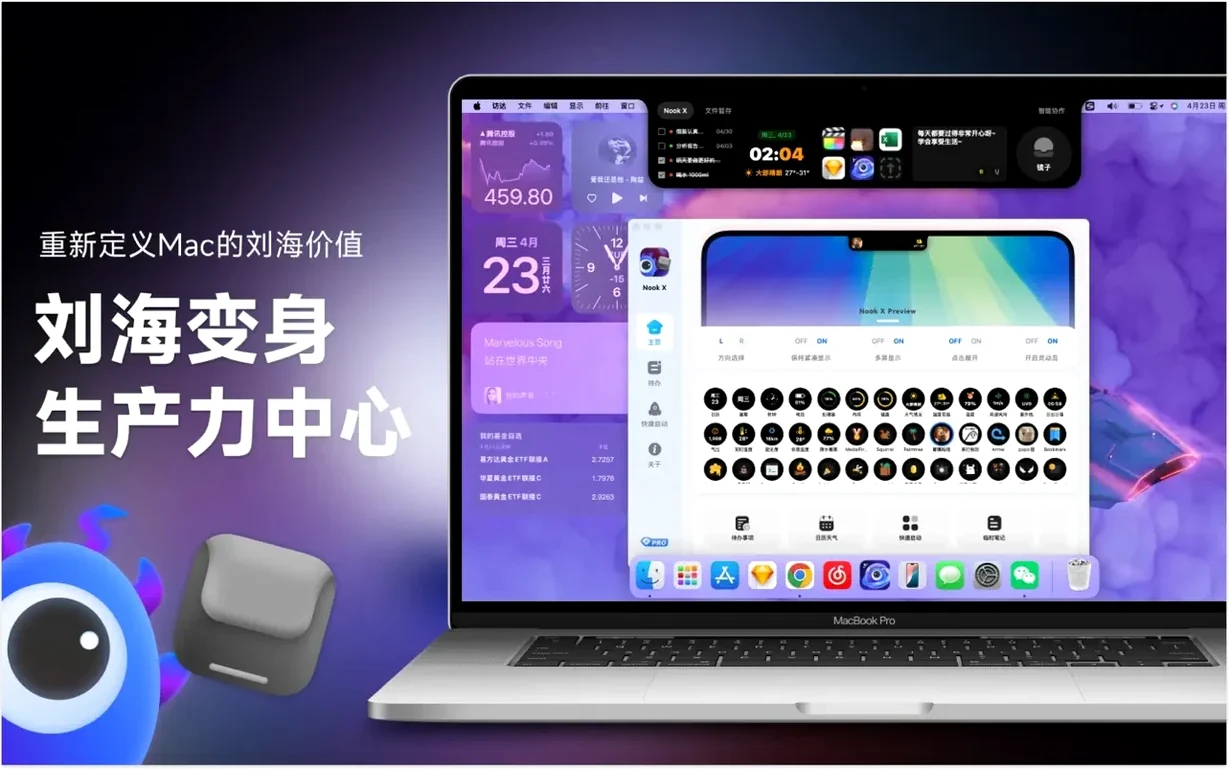

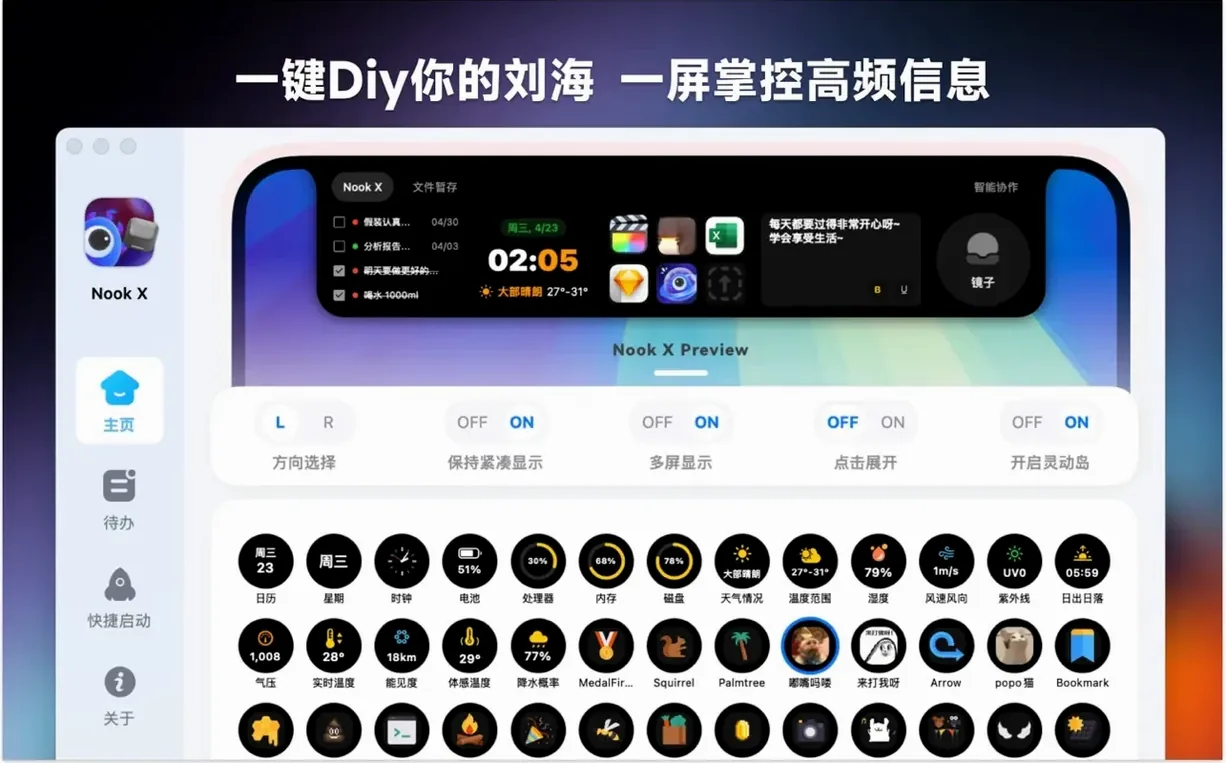
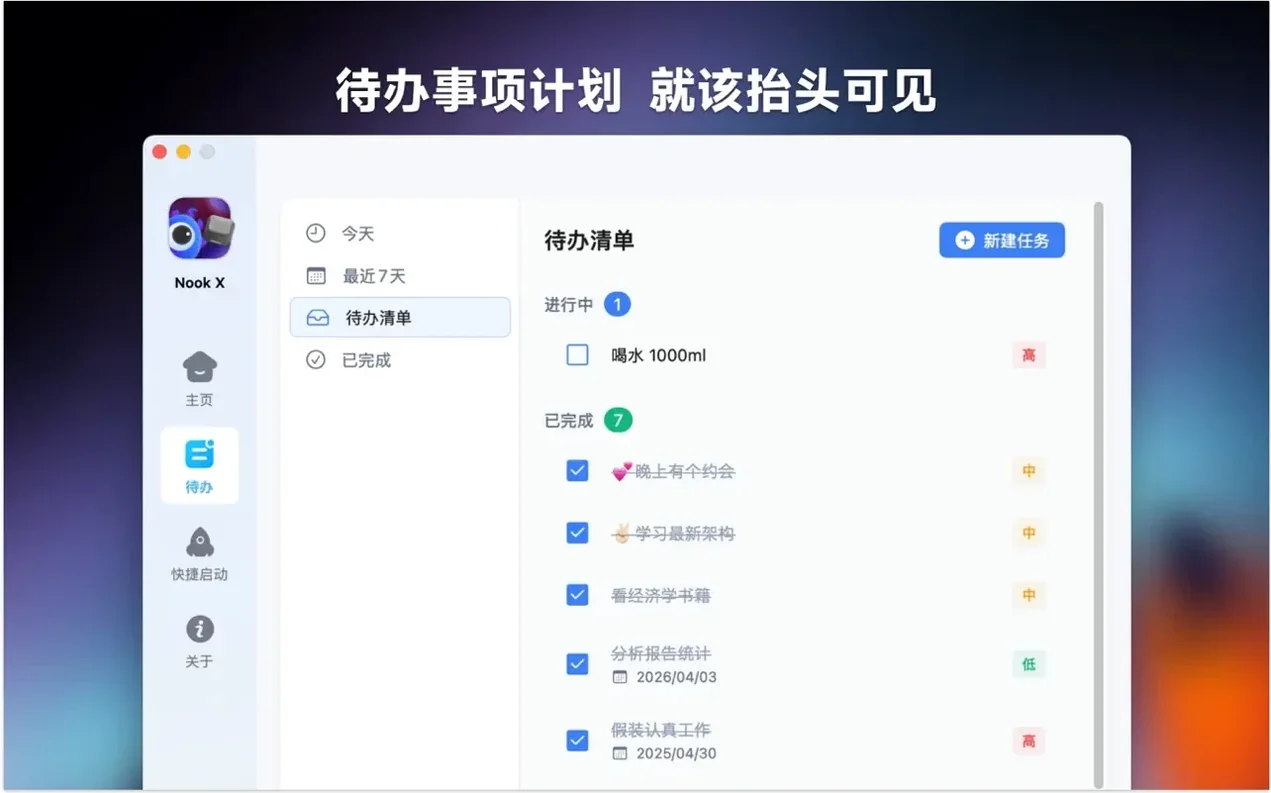
If you’ve used Dropover and wished the shelf lived in the notch, Nook X follows a similar instinct. It takes the dead space at the top of your screen and puts it to work.
Tasks
A quick panel keeps reminders and to-dos within reach. Nothing lives here long.
Lyrics
It shows song lyrics in time with the music. A karaoke mode stays out of your way until you glance up.
Chat
The 2026.09.15 release changed how the notch panel remembers its place. Earlier versions reset to a default tab each time you clicked away. Now Nook X restores your last-used view. If you were in the lyrics panel, that’s what you see when you glance up again. A small shift, but it removes a daily friction point that added up across dozens of interactions.
Voice input also got quieter. The microphone no longer needs a separate permission prompt every session. Once granted, it stays ready. You speak, the AI assistant responds. The translation feature gained Korean and Thai in this release, bringing the language count to fourteen. Nothing else changed in the interface. That restraint is rare.
Thin layer
Nook X doesn’t try to replace your full music library or your task manager. It works best as a thin layer above them. Keep Apple Music or Vox playing. The lyrics panel picks up whatever is playing system-wide—no app switching, no plugin setup.
The task list plays a similar role. It’s not a Things or OmniFocus competitor. It catches items that would otherwise sit in a sticky note or a hastily opened text file. Drag a task from the notch into Reminders if it outgrows the panel. Or let the AI assistant turn a chat message into a task with a single click. That task stays in Nook X until you decide it belongs elsewhere.
Spotlight integration is indirect but useful. Nook X doesn’t index into Spotlight itself. But the app sits in your menu bar. A keyboard shortcut summons the notch panel. The combination—typing in Spotlight for files, glancing up to Nook X for quick actions—becomes a rhythm. Two invisible interfaces working together.
Sentence checks
Someone translating a short story between Japanese and German keeps Nook X open all afternoon. The AI chat handles sentence checks. They paste a paragraph, ask for nuance, get a reply in seconds. Voice input lets them speak a phrase aloud when typing feels too slow.
Between translation passes, they cue up a playlist. The lyrics panel shows the Japanese text in karaoke mode. They glance up to catch a line they’d misheard for years. A stray task idea—check a historical reference—lands in the task panel without leaving the main workspace. No new windows. The notch holds everything peripheral, leaving the text editor full-screen and clean.
By evening, the task list has four items. One becomes a calendar event. Two get done. One waits for tomorrow. The translator closes Nook X without thinking about it. That’s the point.
An AI assistant handles questions, translations, and loose ideas. Voice input is included.