
One folder. 400 RAW files from a morning walk.
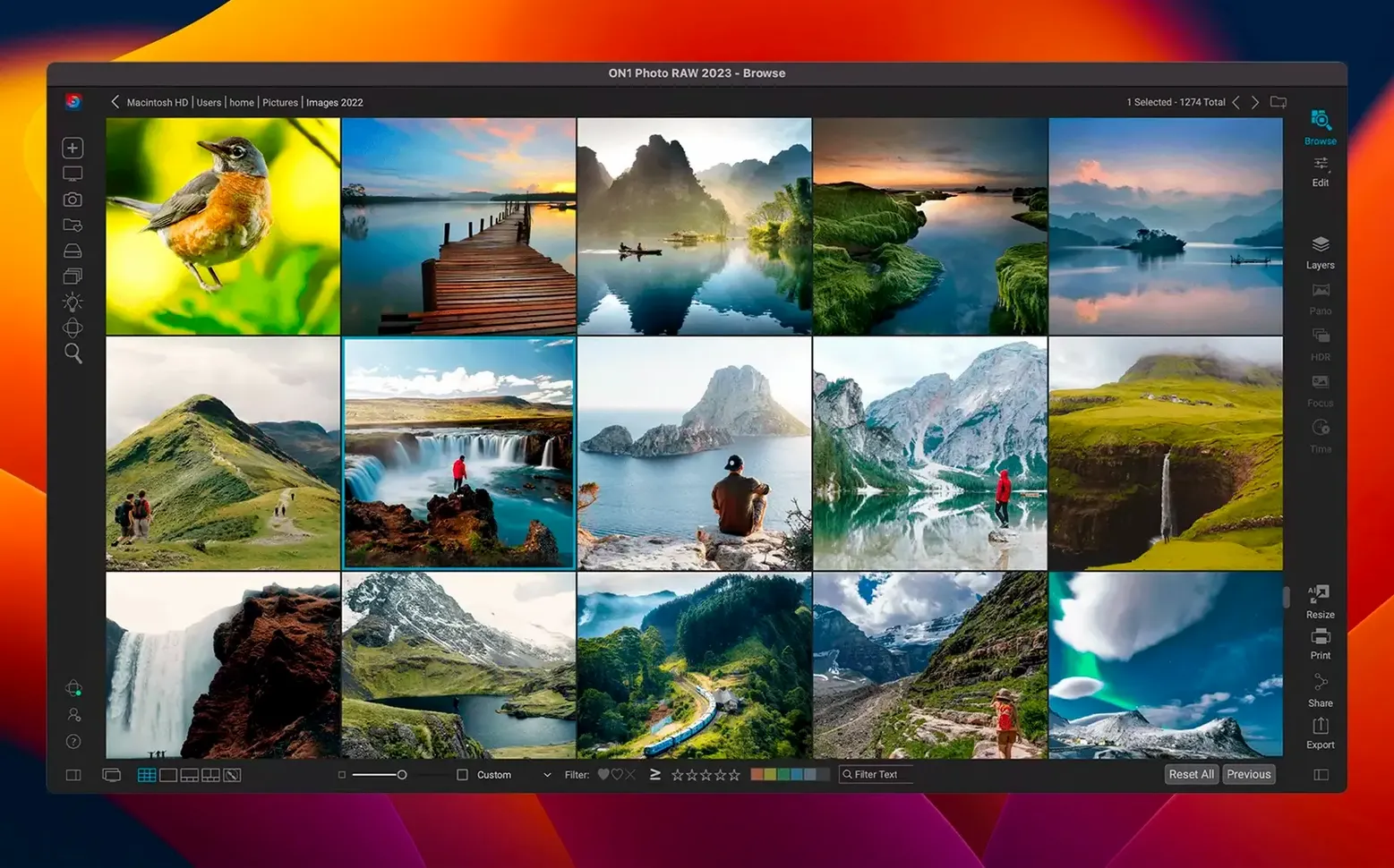
1. Browse in the organizer. The grid renders fast. I flag three frames that hold the light.
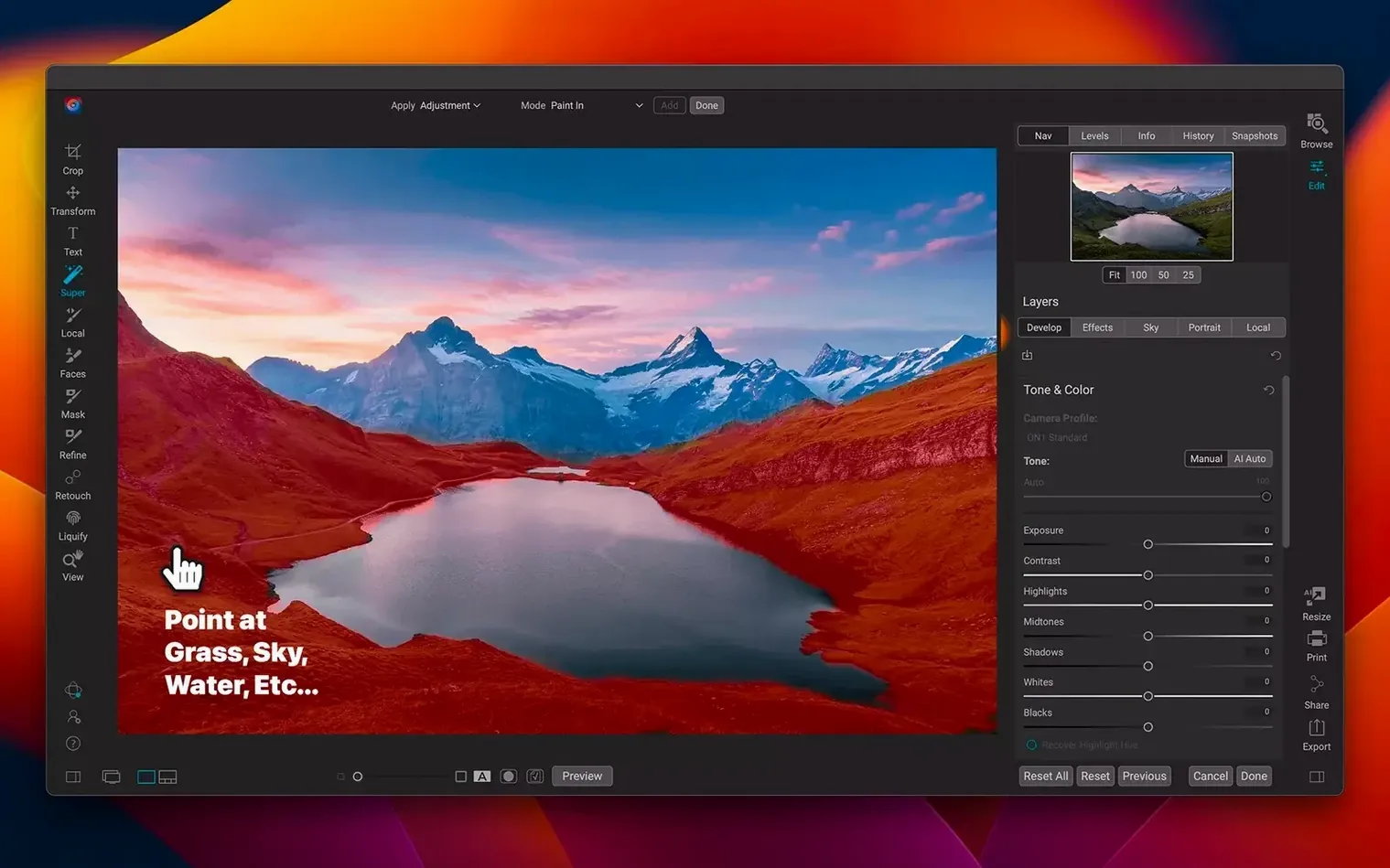
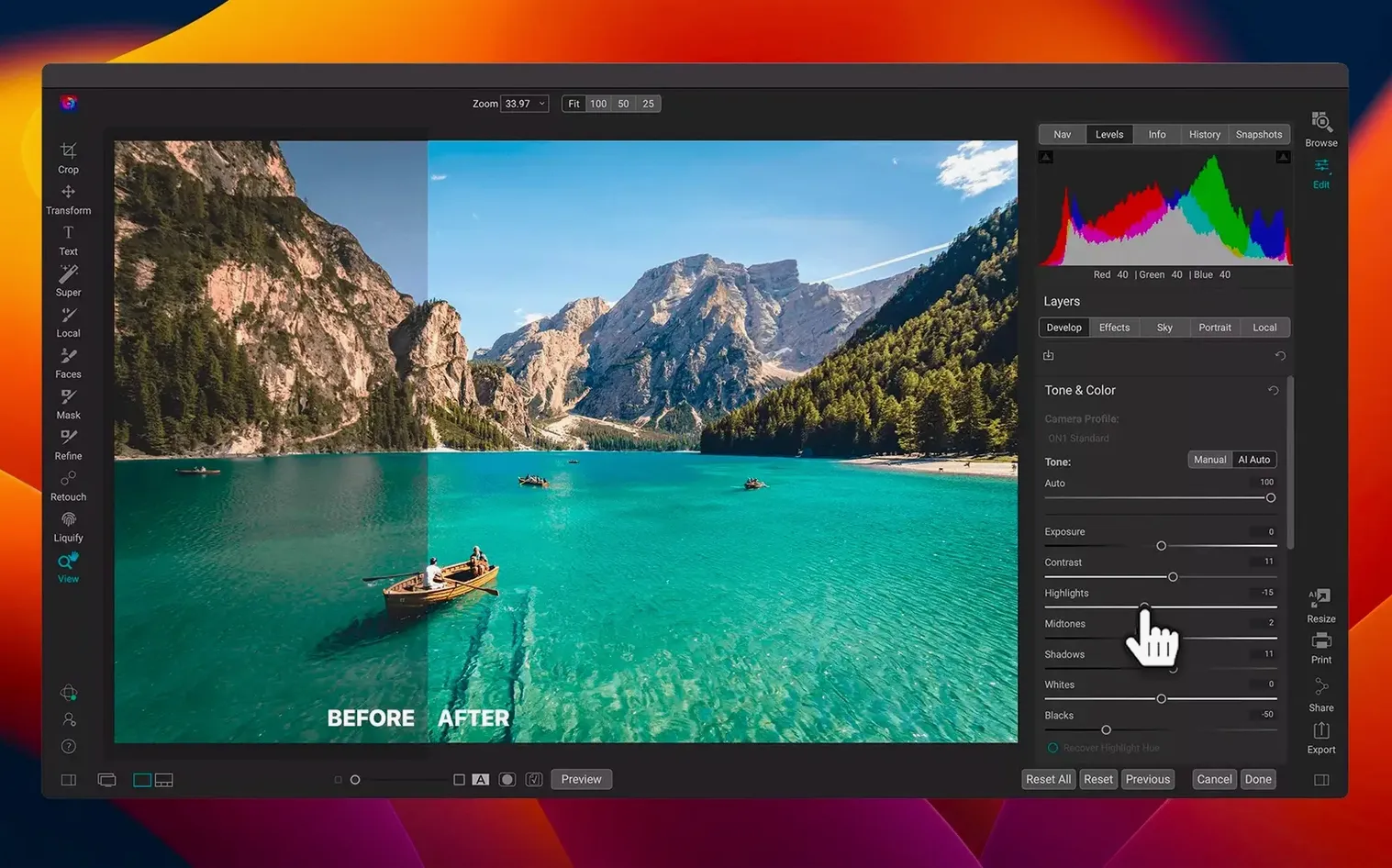
2. Open the first keeper. The RAW processor reads the sensor data cleanly. Shadows lift without noise.
3. Switch to the layered editor. I add a curves adjustment and a subtle vignette. No round-trip. No sidecar clutter.
4. Export a full-res TIFF. The local workflow never touches a cloud.
Photographers often compare it to Lightroom Classic, Capture One, and Luminar Neo. Lightroom still feels lighter for culling thousands of frames, but it ties you to a catalog system and a subscription-shaped workflow. ON1 Photo RAW keeps the catalog local and optional — you can browse a folder without importing it.
Capture One has more refined color tools for studio work. Skin tones and tethered sessions are its ground. ON1 answers with layers, filters, and the effects module in the same window. No need to leave the app for textures or borders.
Luminar Neo makes single-image edits quick, but its organizer is thinner. ON1 Photo RAW 2026 carries the whole day: import, cull, edit, export.
Duplicate imports
New users often import every folder twice. The organizer does not require an import to view images. Browse first. Import only when you want searchable metadata.
Another common misstep is editing in the wrong module. The develop tab handles RAW processing. The effects tab stacks filters. The layers tab is for compositing and local adjustments. Mixing them leads to slow edits and buried settings.
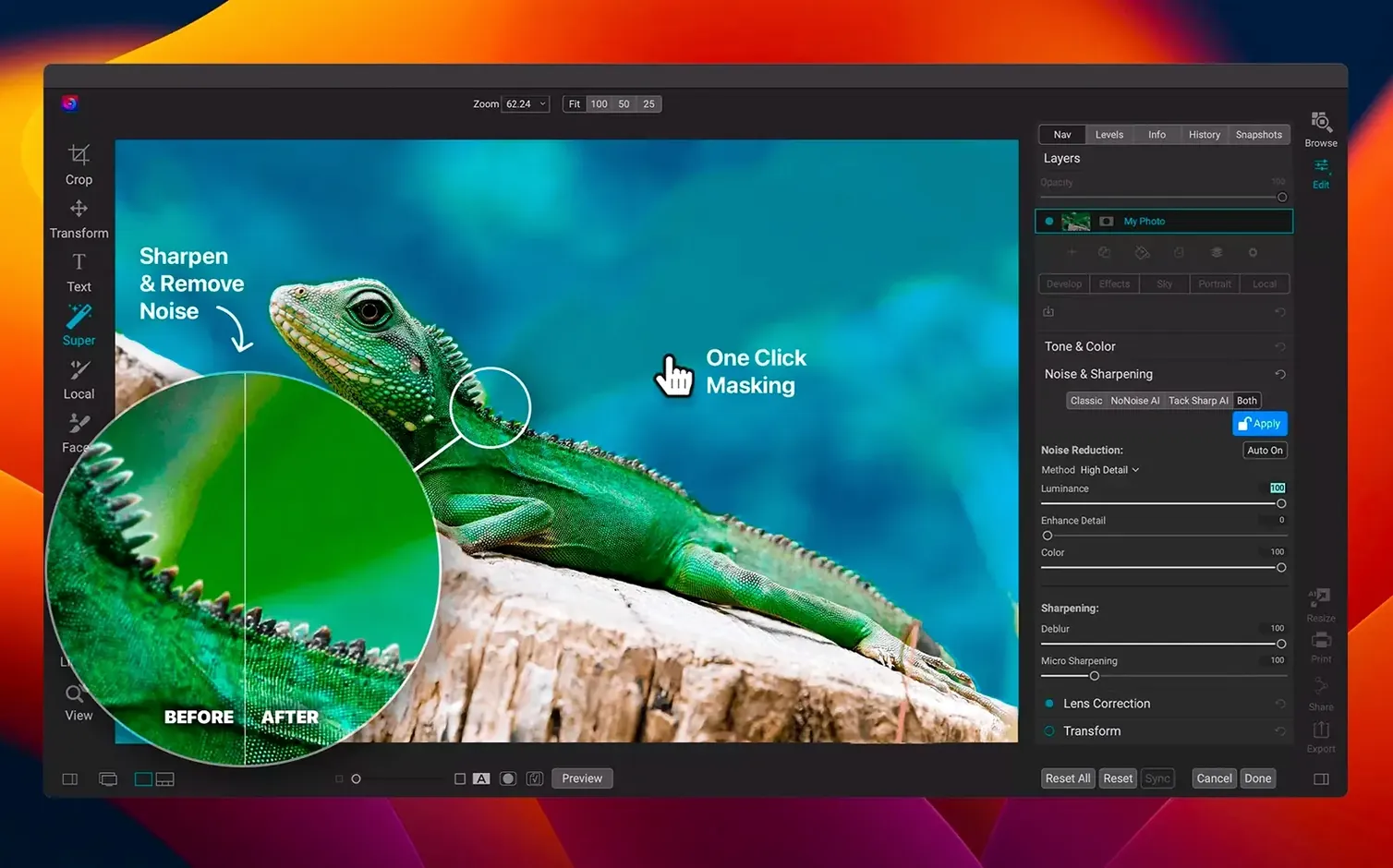
Some people apply sharpening before noise reduction. Reverse that order. Clean the noise first, then sharpen what remains.
Ignoring the crop overlay early also hurts. A loose composition fixed after color work often changes the histogram. Crop before you fall in love with the tones.
Scratch disk
Set the scratch disk to a fast internal drive on day one. The setting hides in preferences under performance. It keeps brush strokes responsive.
Pick three folders of recent work. Browse them without importing. Flag ten keepers, edit five, export two. This small loop teaches the workflow faster than reading the manual.
Create a preset from your first good edit. Name it plainly — “morning walk” or “window light.” Use it as a starting point for the next session, then adjust. Presets shorten the path from raw file to finished frame.
Leave the cloud features off for the first week. The local workflow is the core. Learn it before anything syncs.
ON1 Photo RAW rewards a calm start. Fewer clicks, same folder, better prints.
One app carried the file from card to finished print.