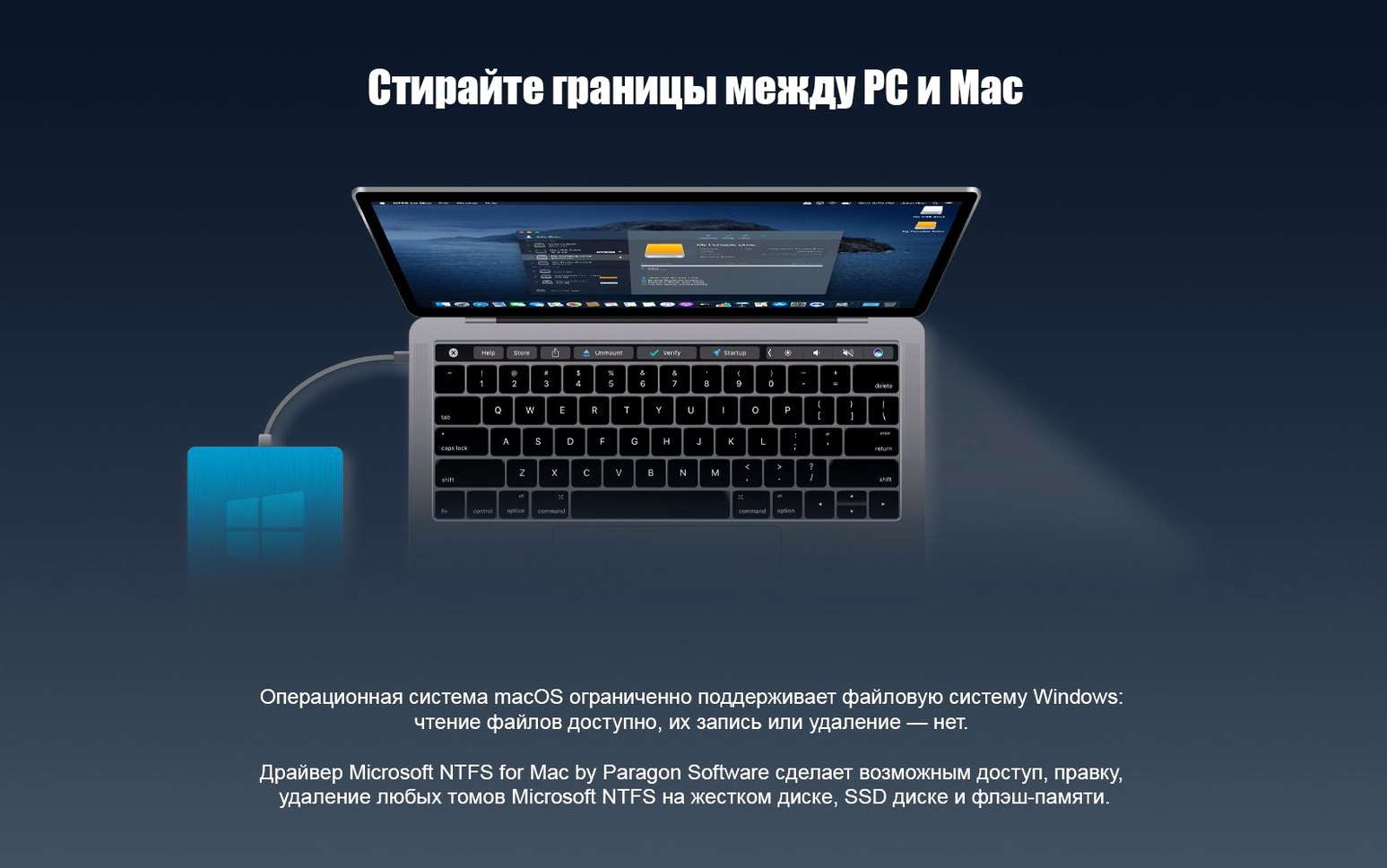
Your Mac sees the external drive, but it won't let you write to it. Finder shows the files, yet they are frozen in place—a familiar limitation for anyone who shares disks between macOS and Windows.
- Connect an NTFS volume. It mounts automatically.
- Open, copy, rename, or delete files in Finder. The volume acts like any native Mac drive.
- Work with Windows 10 system-compressed files. The new driver core handles them without friction.
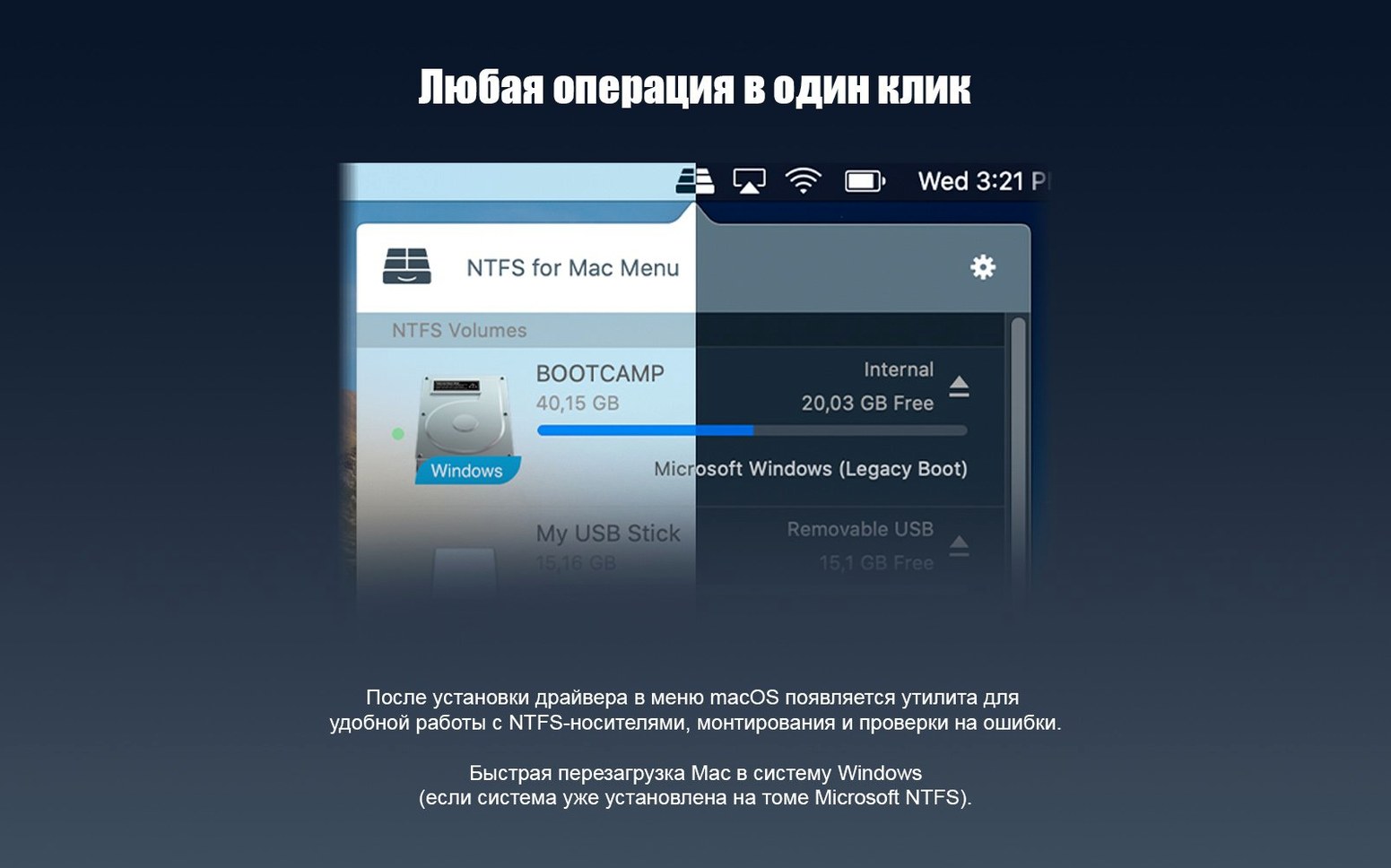
No toolbar. No extra window. The driver sits beneath Finder, translating between file systems so you don't have to think about it. What felt broken now simply works.
A typical session begins when you plug in a USB drive from a Windows machine. The disk mounts with no prompt, no permission dialog. Its icon appears on the desktop just like any other volume. You open it in Finder and see folders from last week's project. You drag a rendered video onto it. The progress bar completes in seconds.
You open a Word document directly from the drive, edit a few paragraphs, save, and close. The file never touched your internal storage. Then you rename a folder of images, delete an old installer, and eject. The whole thing feels like using a native Mac disk. That is the point.
Mapping delay
After installing, connect every NTFS drive you own. Let the driver handle them one by one. It builds a small internal mapping for each volume, and the first mount is slightly slower. Subsequent connections are instant.
If a drive was improperly ejected on a Windows machine, macOS may flag it. Let Paragon mount it anyway. The driver often reads volumes that Disk Utility refuses to touch. Files appear when other tools show nothing.
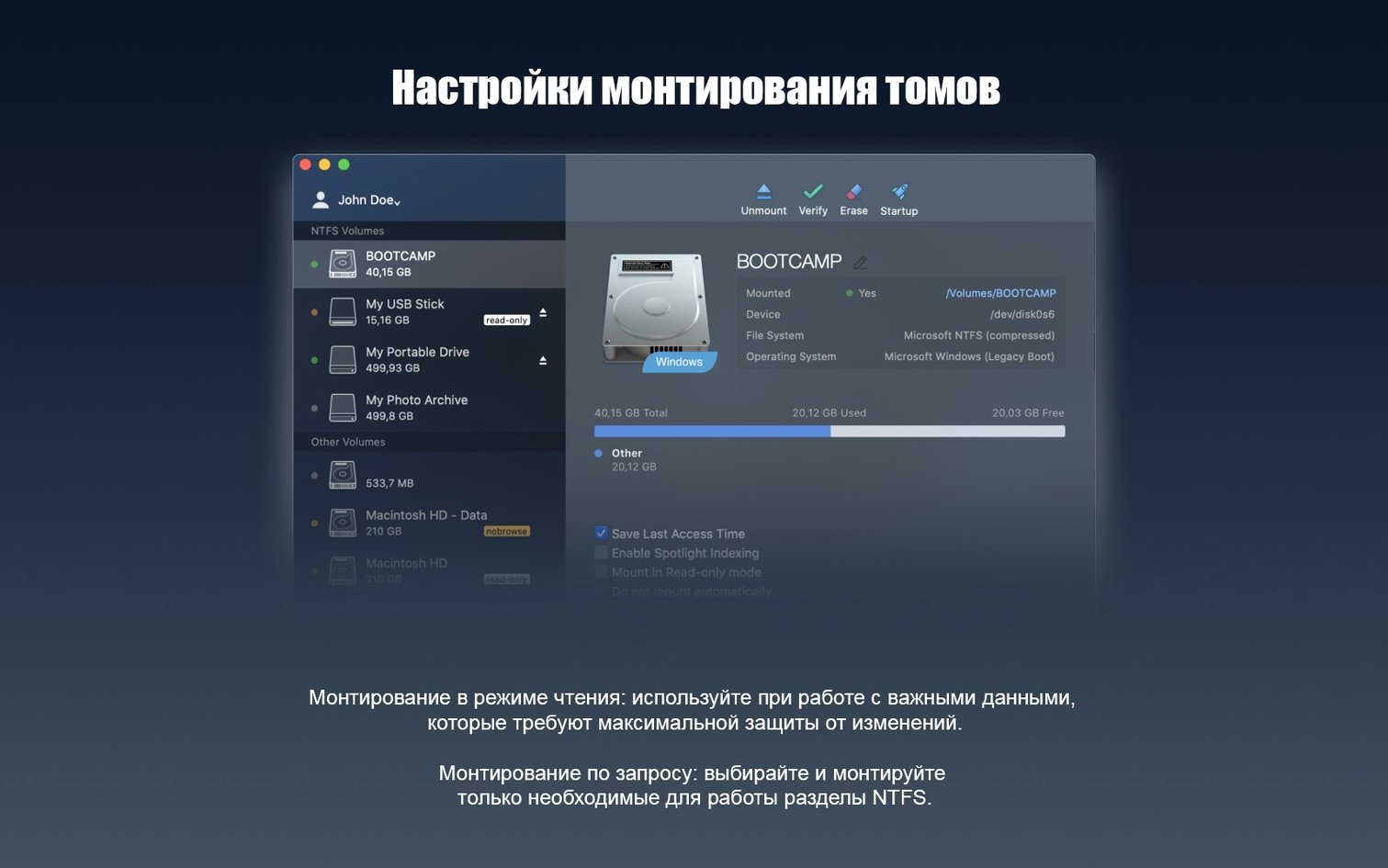
Turn off Spotlight indexing for NTFS volumes you rarely search. Open System Settings, find Spotlight, and add the volume to the privacy list. The driver writes faster without indexing overhead, and you avoid `.Spotlight-V100` folders littering the disk.
When you disconnect a drive, eject from Finder rather than pulling the cable. The driver flushes write caches on eject. Yanking the cord mid-write can leave metadata in an inconsistent state, and Windows may demand a repair scan next time you plug it in there.
Native Finder integration
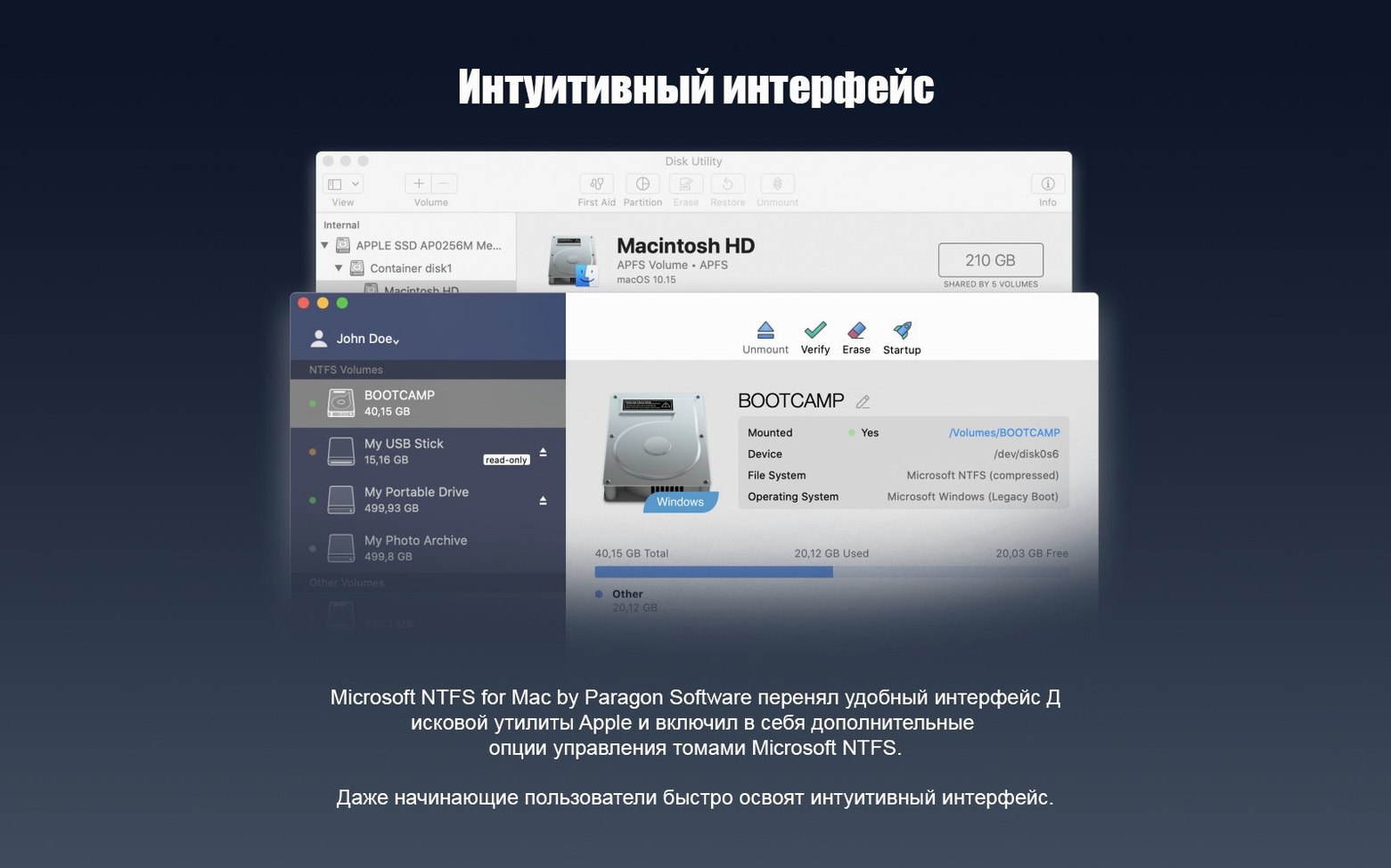
Right-click any NTFS volume on the desktop and choose Get Info. The format line reads Windows NT File System, but the permissions section shows you can read and write. No third-party pane. Finder handles it natively.
The driver respects Windows file attributes. Files marked hidden on a Windows machine appear dimmed on your Mac. System files stay invisible unless you toggle Finder's hidden-file shortcut. It is a quiet translation layer, not a takeover.
In Disk Utility, NTFS volumes still appear as read-only. That is cosmetic. Disk Utility reads the system's default policy, not the active driver. Your actual access happens through Paragon, and Finder has the final word. Ignore what Disk Utility says about write permissions.
If you search for something like paragon ntfs for mac crack or a paragon ntfs torrent online, you'll find copies that may need the updated driver core from version 15 to perform best. Older builds can run slower and occasionally stall on large file copies. The Shark's build includes the full 15 release core. File transfers stay smooth even on ARM Macs with large NTFS volumes.
Hold Option while dragging a file to an NTFS volume. Finder copies rather than moves, even between folders on the same disk. This avoids a rare edge case where cross-folder moves can fail on deeply nested paths. The shortcut costs nothing and works every time.
One more: if you work with Boot Camp, the driver sees the Windows partition as a normal NTFS volume. You can browse your Windows desktop from macOS, pull out a forgotten file, and reboot back without ever switching OS. Just remember to eject before restarting.