macOS 26 and later. That is the minimum.
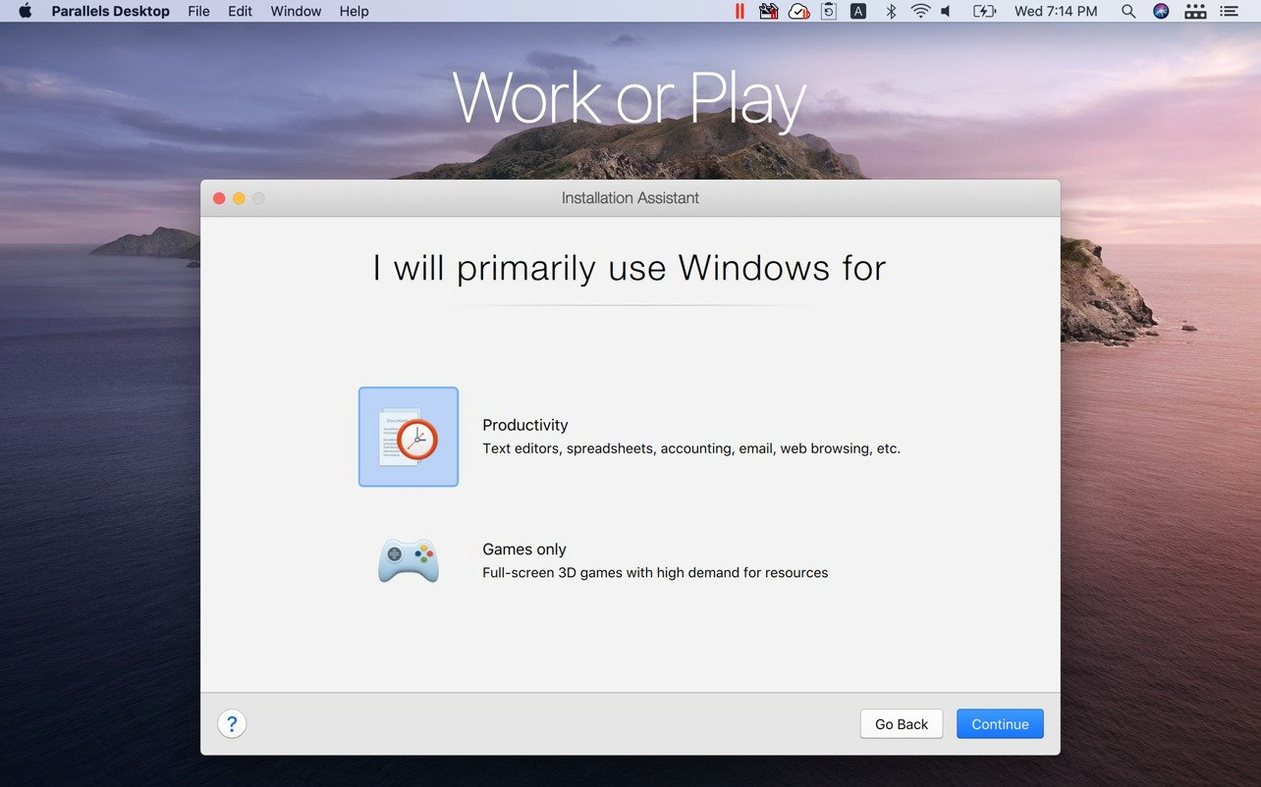
1. Pick your guest system. Windows or Linux.
2. Install it. The assistant handles the setup.
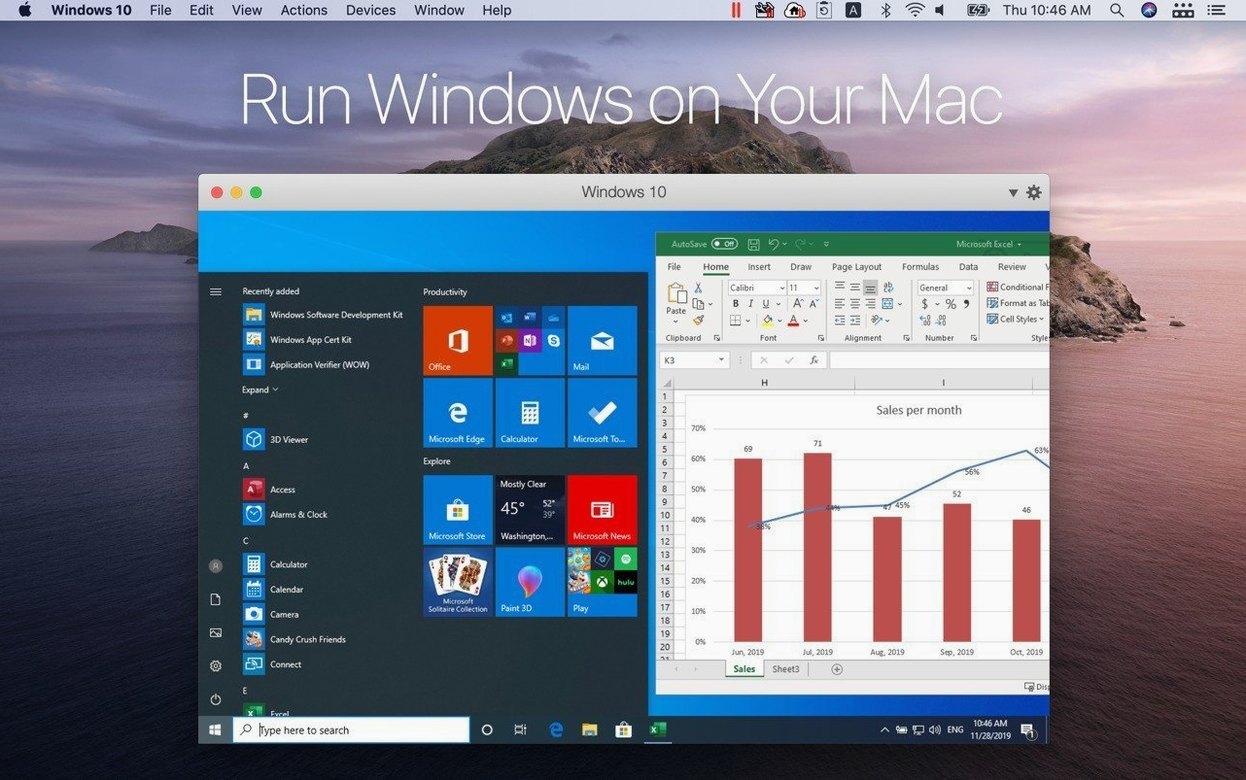
3. Run a Windows app. Go full screen if you want.
4. Switch to Coherence mode. The Windows desktop disappears. Your app sits on the Mac dock like any other.
5. Drag a file from the Mac Finder into the Windows app. Copy text on one side, paste it on the other.
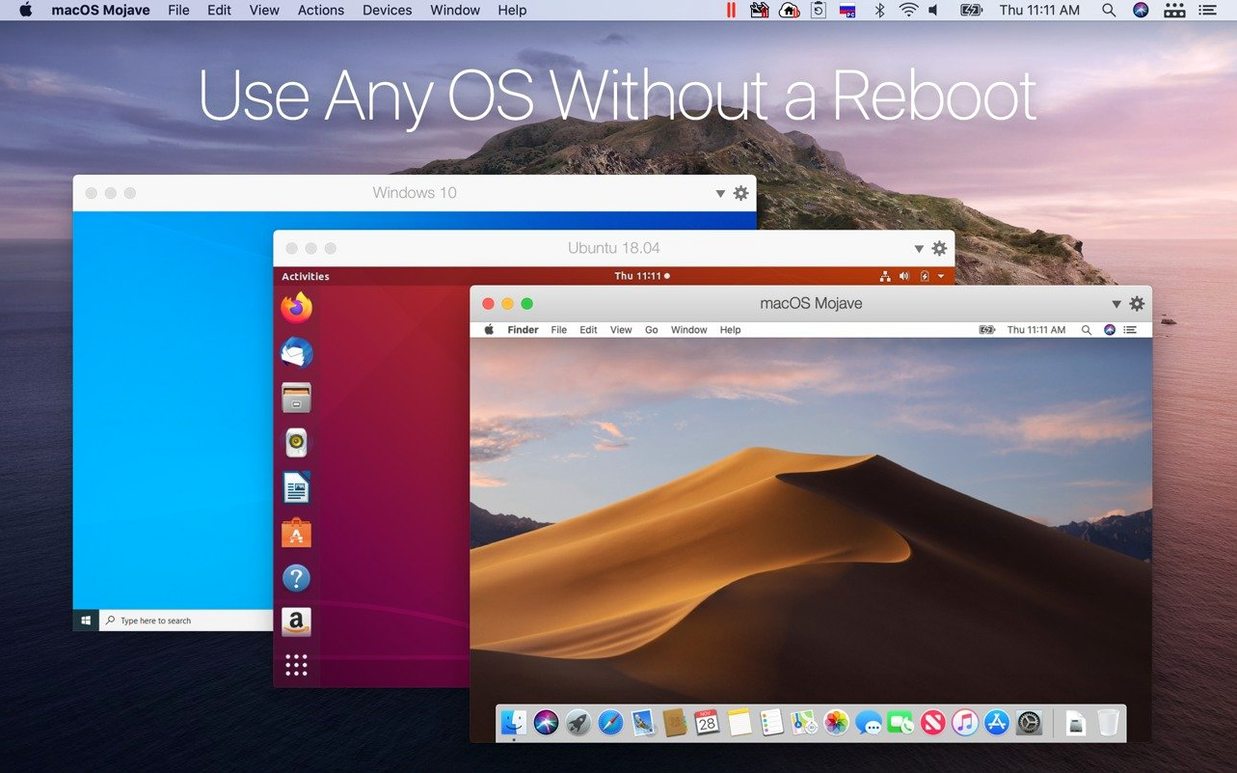
A practical scenario: testing a Linux server build on Apple Silicon. Open Parallels Desktop and choose Ubuntu 26.04 LTS. The installer pulls the ARM image automatically. In about three minutes, a login prompt appears. Install build tools. Pull a repository. Run a compile job. While it runs, open a Windows 11 VM in a separate window — no lag, no beachball. The two guests stay cleanly separated, each with its own assigned RAM and cores. When the build finishes, suspend the Ubuntu VM. It freezes in place and returns in seconds next time, right where you left it.
This kind of rapid context switching becomes ordinary. You stop thinking about virtualization overhead; the machine feels like it simply runs three operating systems.
Quiet fans
Memory pressure stays low with 16 GB on the host. Idle Windows 11 consumes roughly 3 GB. Launch a few Office apps and it settles around 5 GB. The Mac side remains responsive. Fans are quiet on an M4 MacBook Pro. No kernel panics across a week of heavy use, suspend/resume cycles included.
Stability in version 27.0.2 is uneventful in the best way. The release notes mention security fixes and stability improvements — nothing visible breaks. Ubuntu 26.04 LTS runs as smoothly as the LTS before it. Fedora 44 boots cleanly. Debian 13.6 installs without driver fiddling. The ARM SystemReady SR 3.1 certification is a quiet assurance for anyone running alternative ARM guests.
No coherence
VMware Fusion works on Apple Silicon and handles Windows 11. The interface is sparser. Coherence mode has no direct equivalent; Windows apps live inside a single window. File sharing is functional but less fluid — no drag-and-drop between guest and host desktops.
UTM offers a free, open-source path. It runs Windows 11 and Linux, but 3D acceleration is absent. Windows feels slow, visually rough. Good for headless Linux servers, less so for daily GUI apps.
VirtualBox still lacks a polished Apple Silicon build. The developer preview exists, but it is not a daily driver.
Parallels Desktop sits alone in the combination of Coherence, drag-and-drop, and graphics performance. The trade-off is clear: more resource use than UTM, more interface than VMware Fusion. For people who need Windows to feel invisible, it remains the only choice.
Intel dropped
Version 27 removed Intel Mac support. Boot Camp is gone with it. The product is now purely Apple Silicon. That simplifies the codebase and the interface — fewer branching paths, fewer legacy options in the setup wizard. Users on older Intel hardware stay on version 26 or switch tools.
The new guest support in 27.0.2 is practical. Ubuntu 26.04 LTS x86_64 emulation means you can run Intel-compiled binaries inside an ARM VM when needed. Kali Linux 2026.2 is ready out of the box for security testing. These additions arrive without ceremony: they appear in the OS list, you select one, it works.
It is for people who need one or two Windows programs and do not want a second machine on the desk.