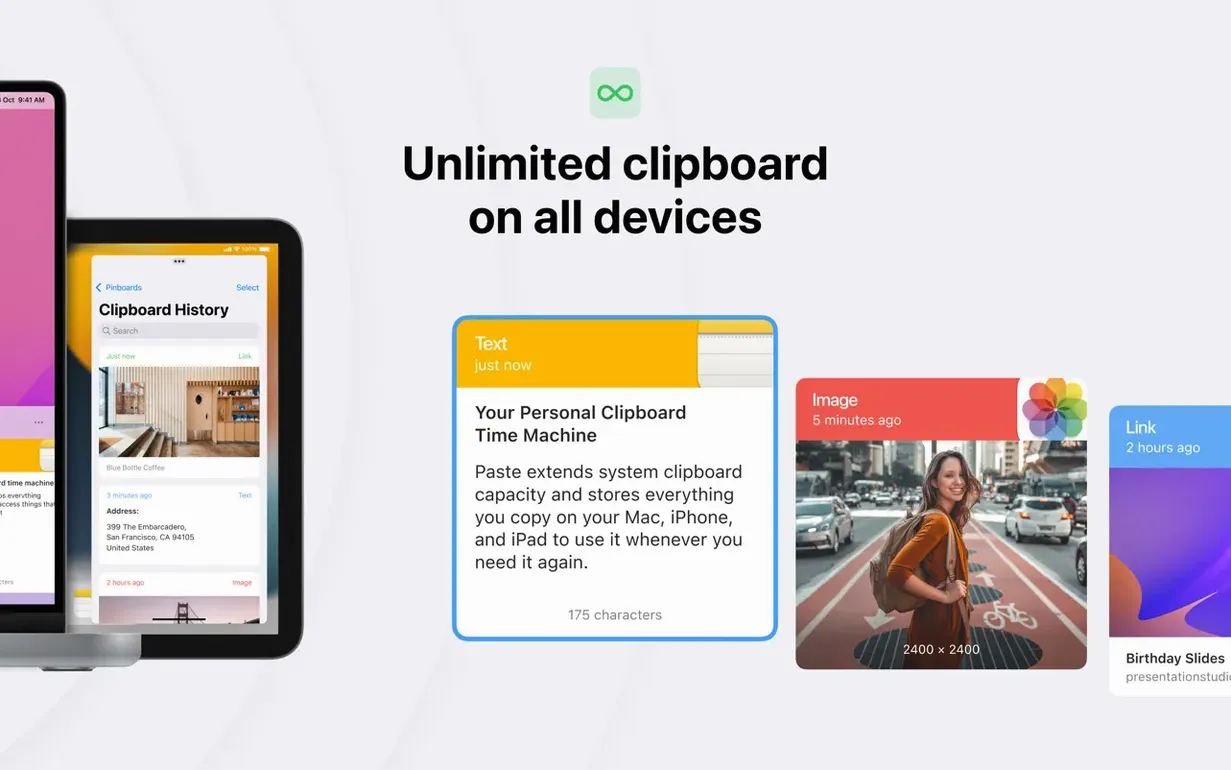
An unlimited number of lists. That is the first thing.
macOS 13 floor
Paste asks for macOS 13. It runs natively on Apple Silicon and Intel 64-bit machines.
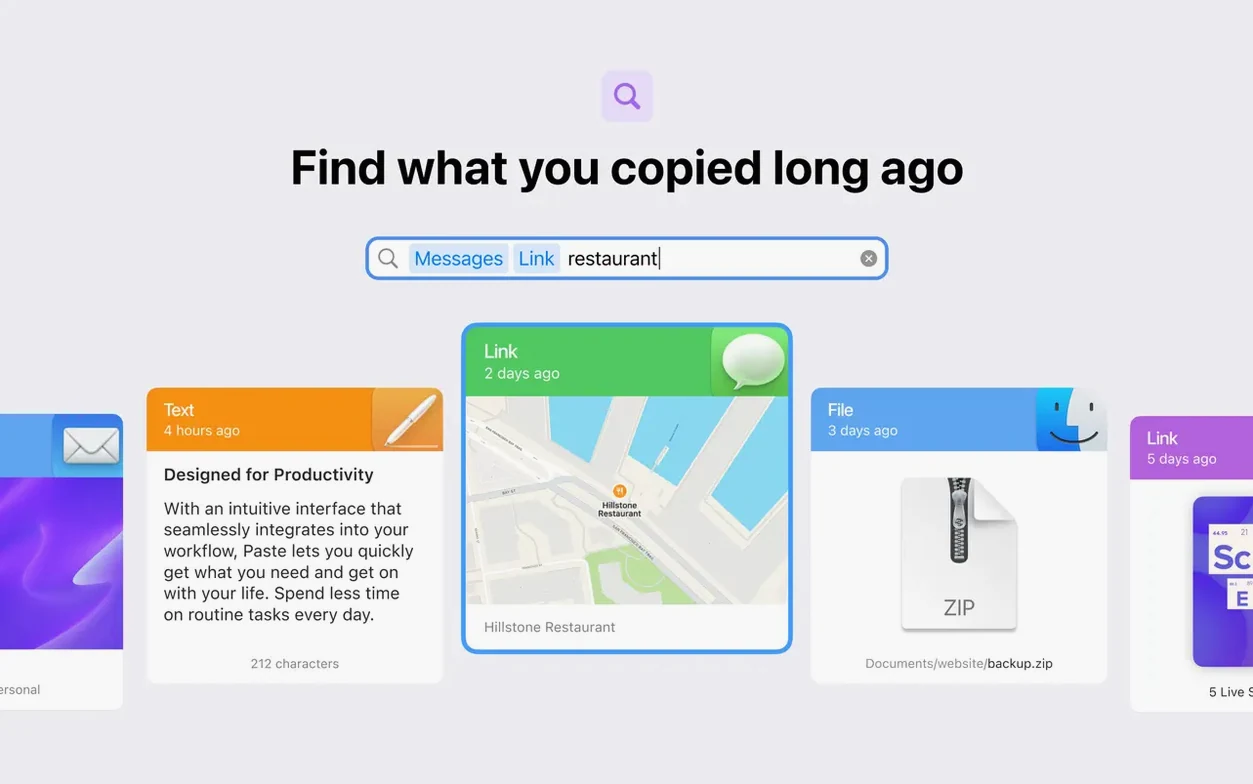
Clear the clutter
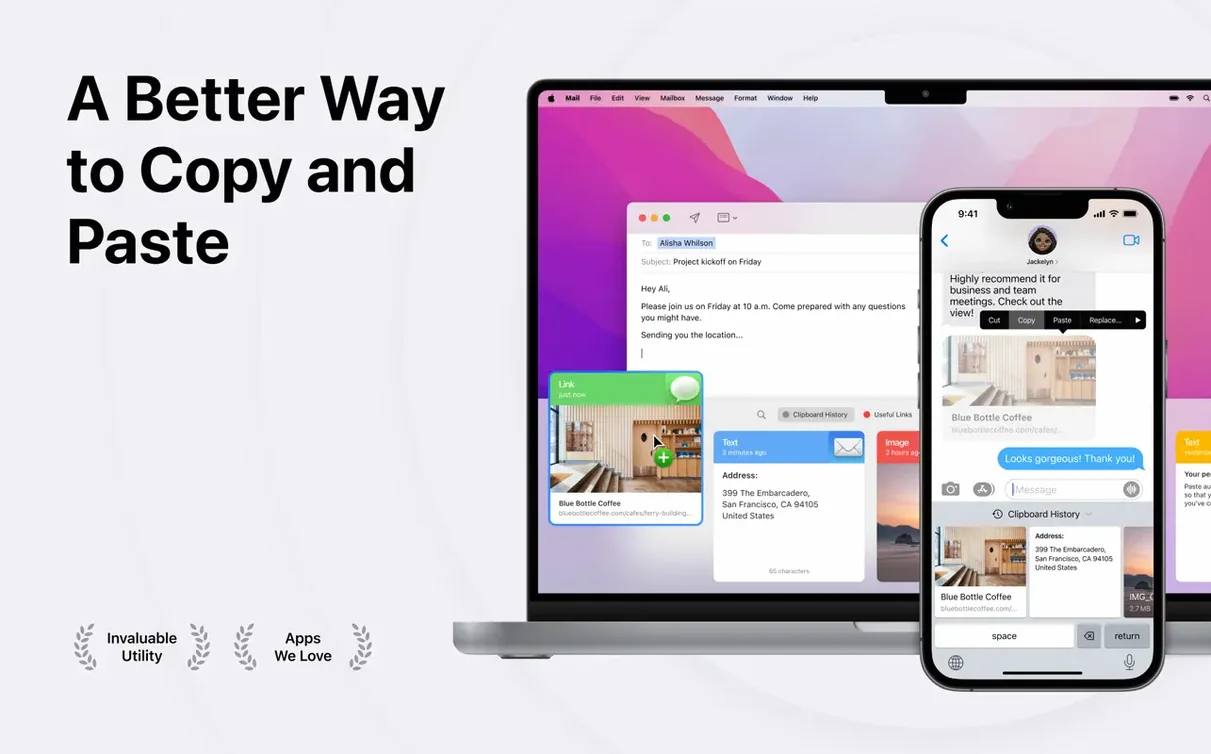
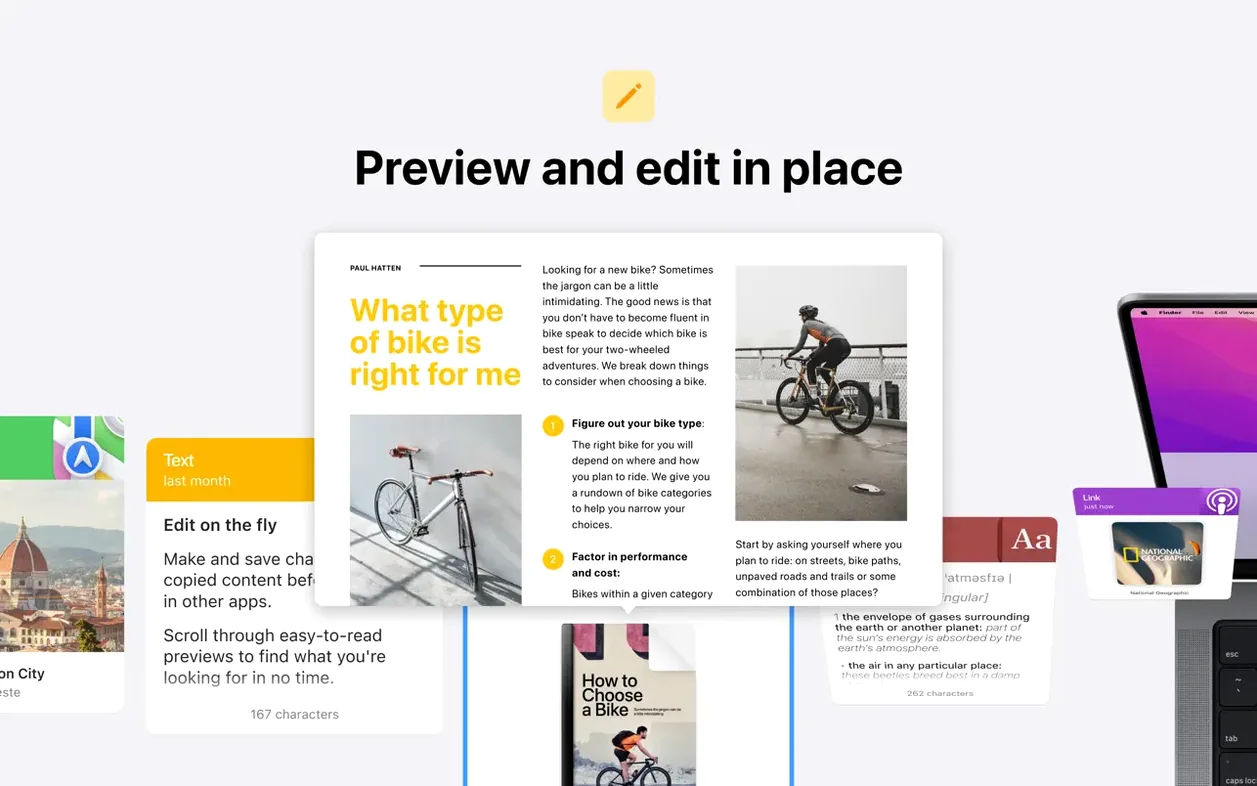
Smart search cuts through weeks of copied fragments. Show any item as plain text with one command.
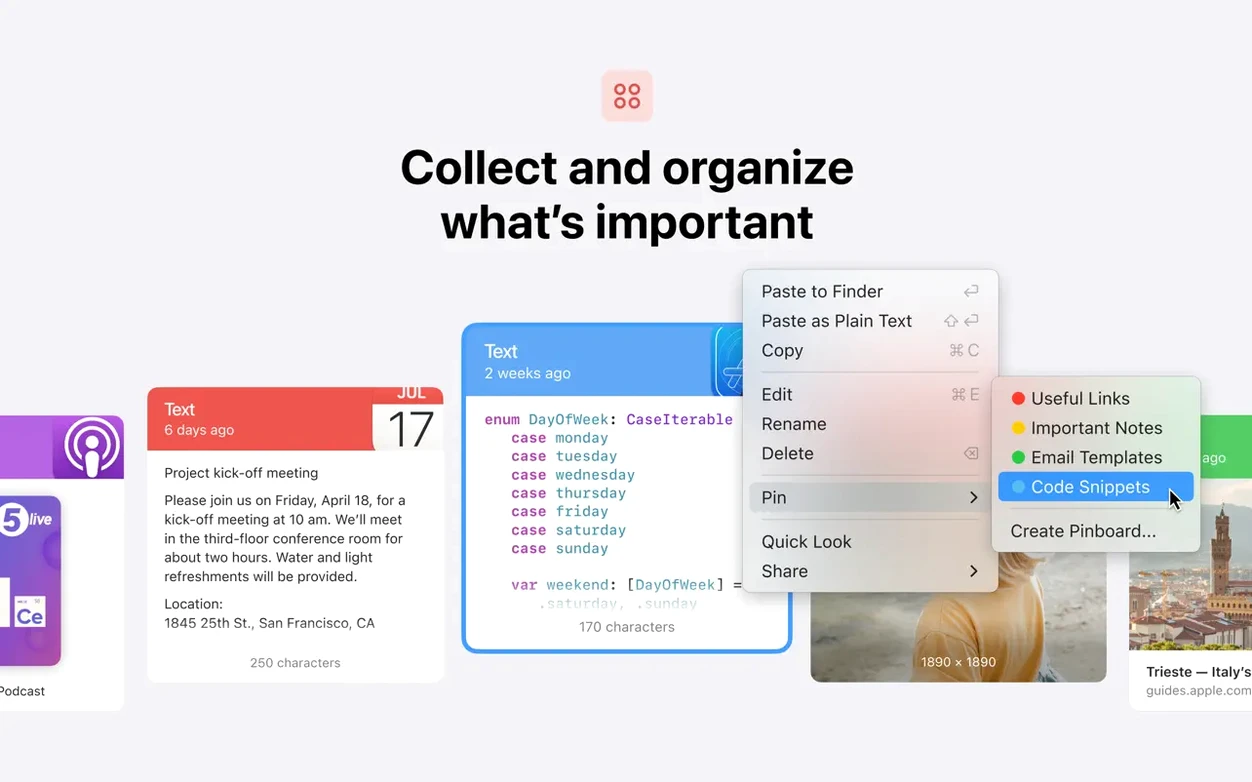
Move things around
Instant history
Paste stays out of the way until you call it. On an M-series Mac, opening the history feels instant even with hundreds of items saved. Intel machines show the same behavior, though the first launch after a reboot takes a beat longer.
Memory use stays modest. It sits in the background, holds a small footprint, and does not fight other menu bar apps for attention. After a few weeks, you stop noticing it is running — only that your copied fragments are still there.
Stability has been uneventful in the best way. No freezes when pasting large screenshots. No lost items during iCloud sync. If you work across two Macs, changes appear on the other machine without a manual refresh.
Muscle memory
Start with the default shortcut. Use it a dozen times on the first day, even when you do not need the history. The muscle memory forms fast.
Pin the three or four fragments you copy most — an email address, a boilerplate reply, a path you type often. Pinning keeps them above the stream of ordinary clips.
Turn on plain text mode for one day. It reveals how often formatting sneaks into copied text without asking.
If you share a clipboard between a Mac and an iPhone, sign in to iCloud on both before you rely on it. The first sync takes a few minutes, then settles down.
And set one custom list for a project you are currently working on. Dragging a clip into it takes less time than searching later.
Separate downloads
People often ask whether the paste mac download includes the Mac, iPhone, and iPad versions in one file. It does not — each platform has its own app. The Mac version is what you get on this page.
Another common question is whether the history survives a restart. It does. Items stay in Paste until you remove them or change the retention settings.
Some people worry that a clipboard manager will slow down copy and paste itself. It does not. Copying still works instantly; Paste records the item in the background.
Others ask about privacy when syncing through iCloud. The history moves through your own Apple account, not through a third-party server.
Version 6.6.2 installs like any normal Mac app. Drag it to Applications, open it, grant the permissions it asks for. No terminal commands, no extra components.
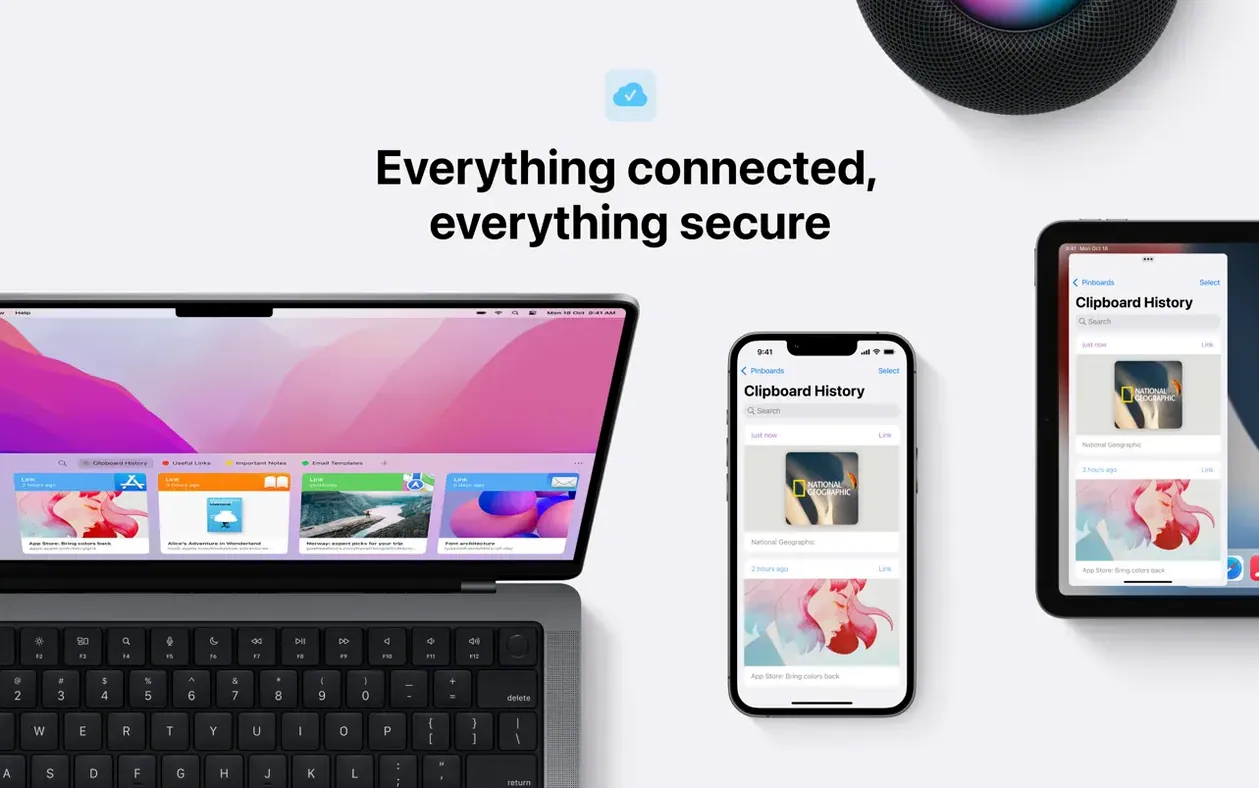
iCloud keeps your history and pinboards on every Mac. AirDrop sends clips to nearby Apple devices.