
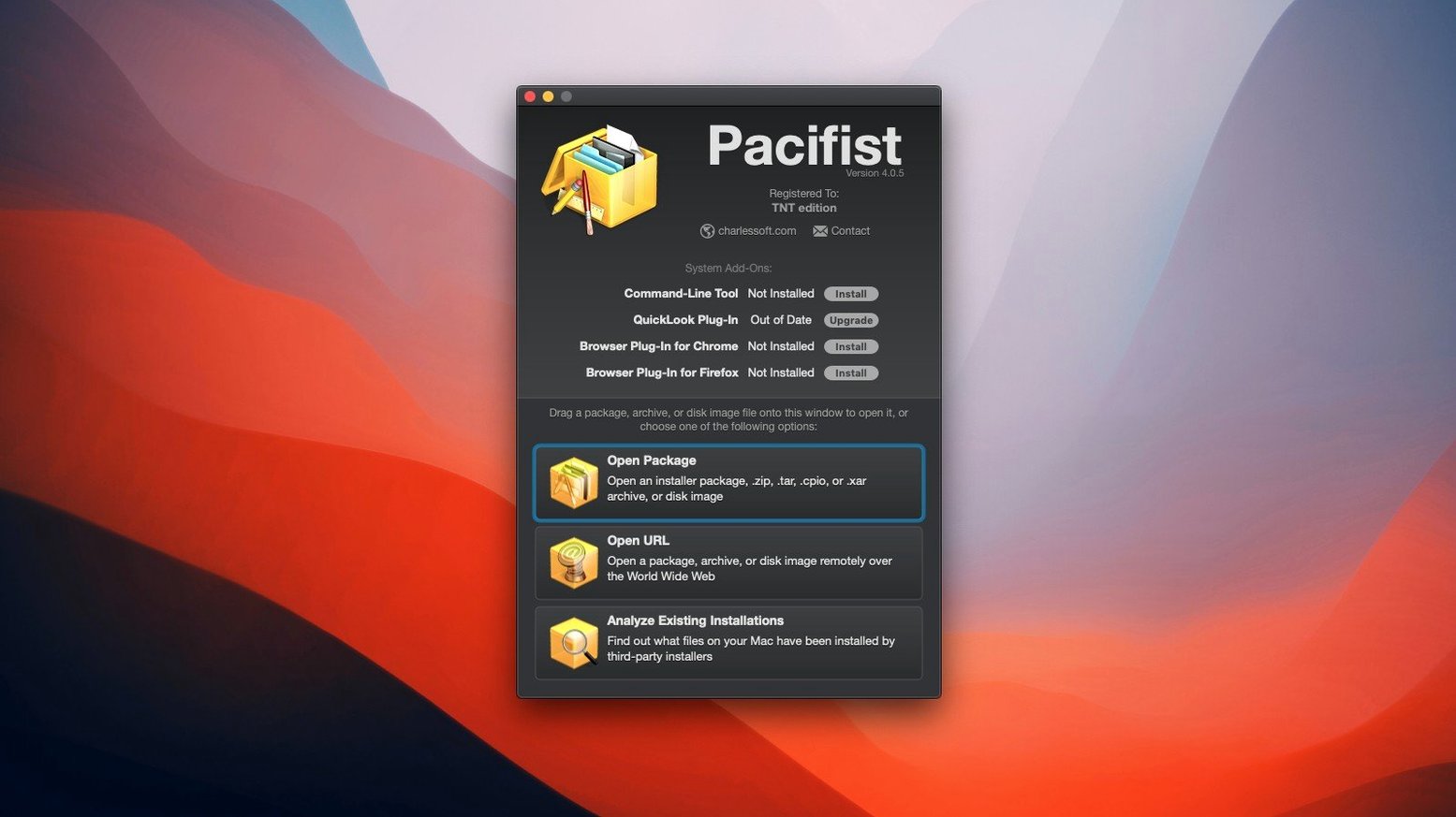
For Macs running macOS 10.14.6 through 11.x, Pacifist 4.1.4 gives you direct access to what's inside software packages.
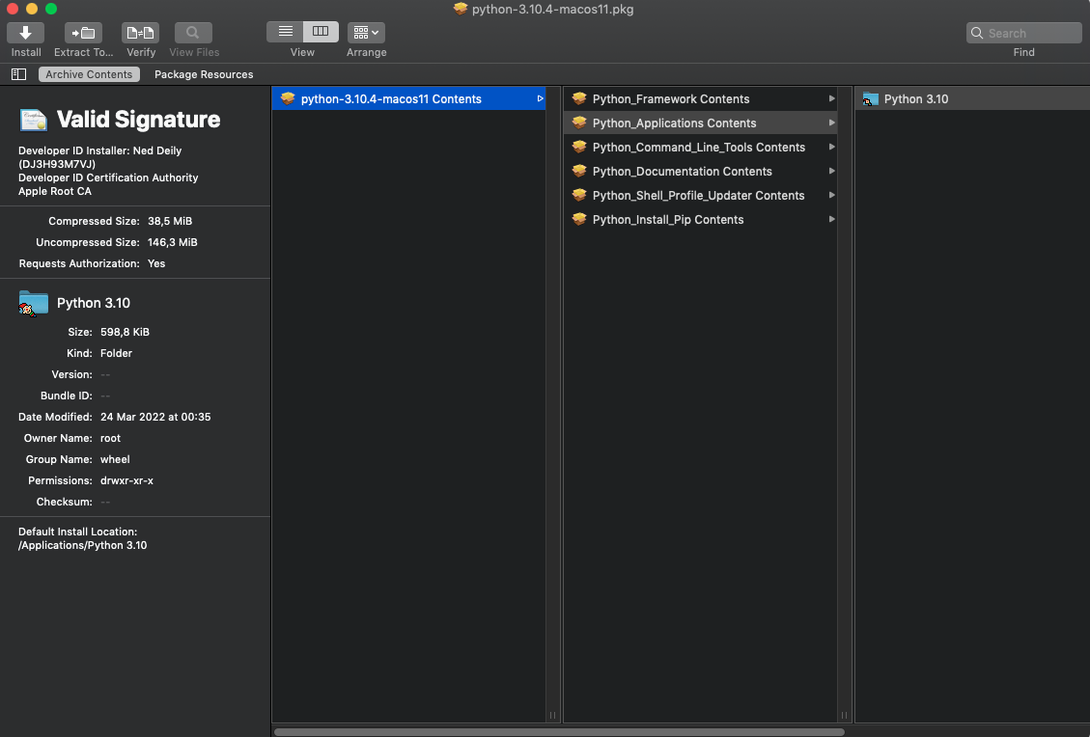
Package inspector — opens .pkg installer files and lets you pull out a single file without running the whole installer.
Disk image reader — browses .dmg files like regular folders and extracts individual items.
Archive tool — unpacks .zip, .tar, .tar.gz, .tar.bz2, and .xar archives partially or in full.
Vintage pkg support
People usually ask three things: can it open old Apple installers, does it work on Intel Macs still, and will it touch anything on its own.
Yes to the first. Pacifist opens .pkg files from older macOS releases as well as current ones. It runs on Intel Macs with macOS 10.14.6 or later. And no — nothing gets installed or modified unless you explicitly extract a file. Browsing is passive.
Another common question is whether it replaces the Finder. It does not. Think of it as a viewer for containers the Finder treats as opaque. When you double-click a .pkg, macOS wants to run an installer. Pacifist lets you look inside instead.
Missing pane recovery
System administrators get the most day-to-day value. Recovering a single missing preference pane or kernel extension from a package saves a full reinstall. Checking whether a kernel extension came from Apple or a third party helps when diagnosing boot problems.
Developers benefit too. Inspecting an asset catalog inside an archive, or pulling one resource from a large .dmg without mounting everything, fits the way they already work.
Ordinary users who keep older Macs running also find it useful. A .pkg that refuses to install on a newer system can still give up the file you need. The pacifist mac download route suits people who prefer a direct tool over scripts.
Partial extraction
Say a system update leaves a preference pane missing. You have the installer package but do not want to run it again from scratch.
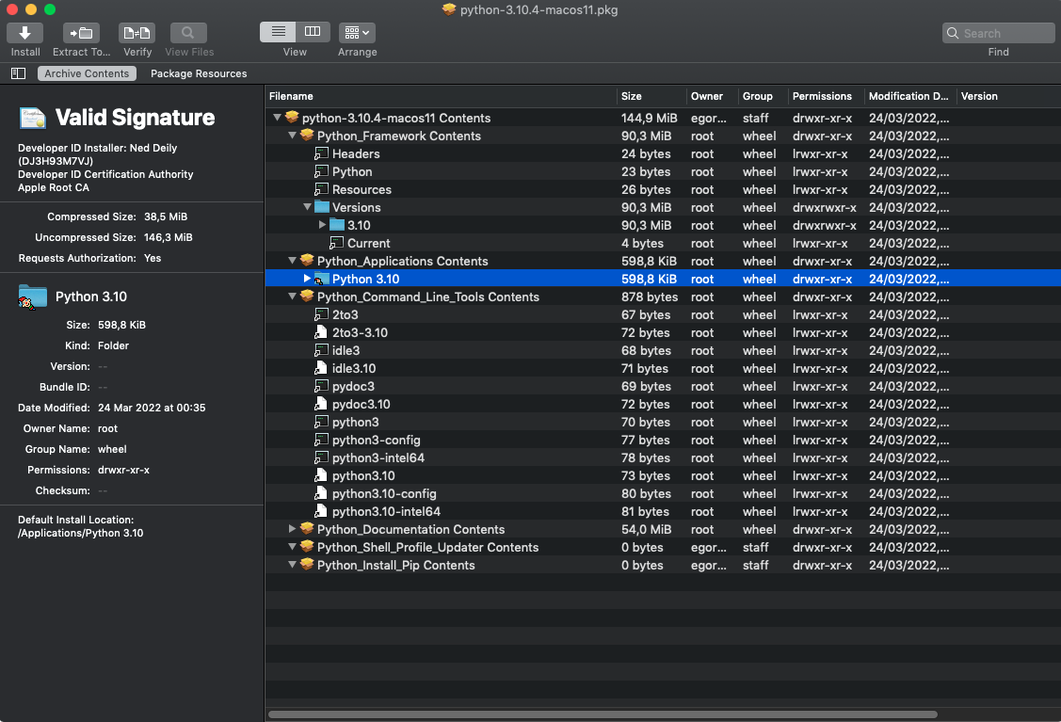
Drag the .pkg onto Pacifist. The package contents appear as a file tree. You expand the folders until you find the missing .prefPane. Select it, choose Extract, and point it at the right Library folder. Done in under a minute.
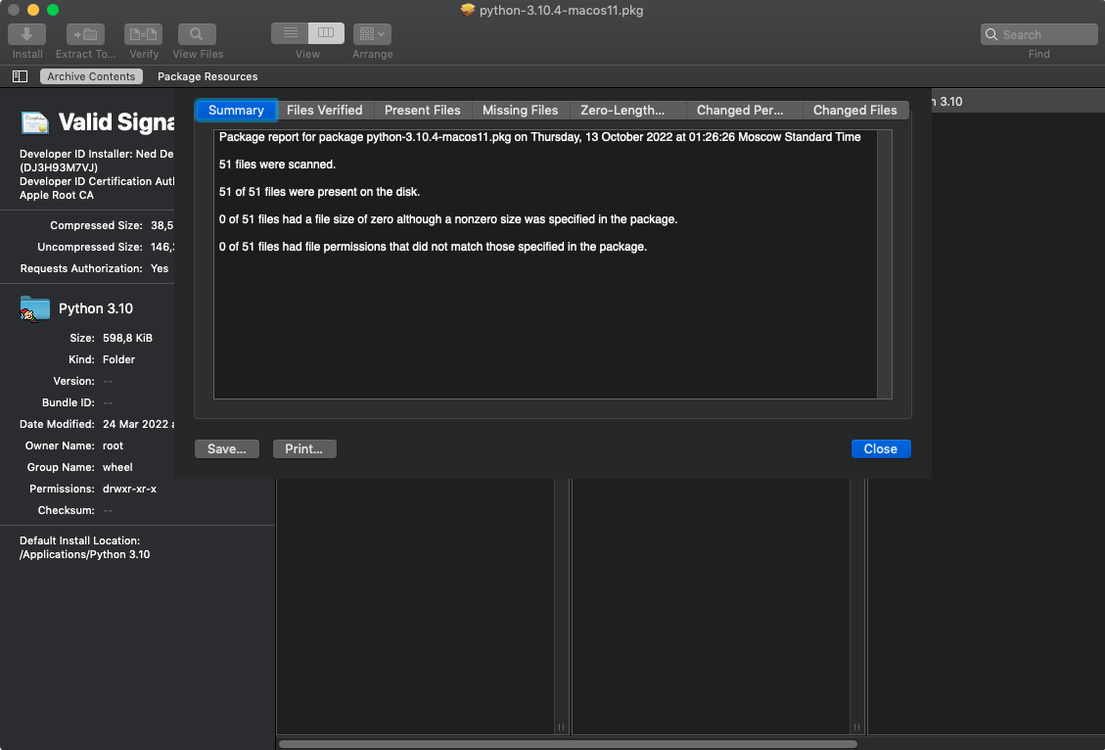
Another time, you notice an application misbehaving. Open Pacifist, load the app's original installer, and ask it to compare against what is installed. It lists missing or outdated files. You extract only the ones that changed.
That is the rhythm of the tool: open, inspect, extract, close. No installer wizards, no system changes unless you ask for them.
A quiet multi-tool for when you need something from inside a container.