
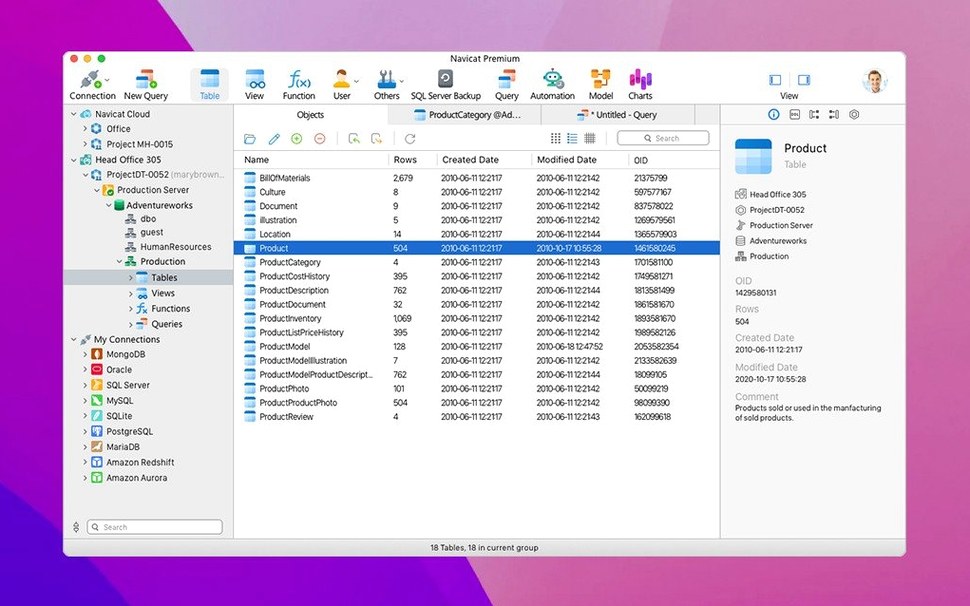
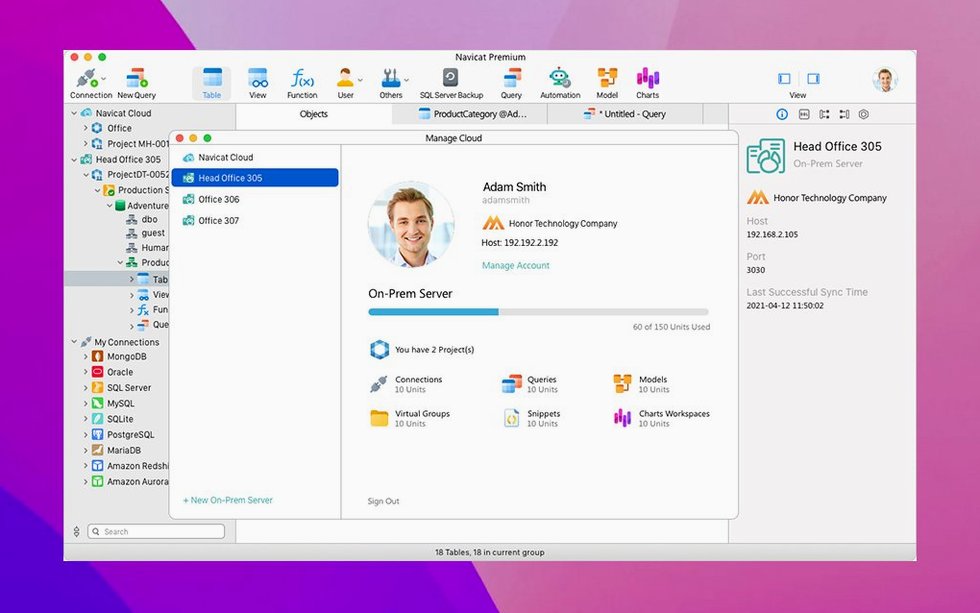
You have five database clients open and no clear view of anything. Navicat Premium puts them in one place.
One tool for multiple engines — Connect to MySQL, Oracle, PostgreSQL, SQLite, and others through a single interface. Design databases, manage users, and schedule batch jobs without switching apps.
Data transfer — Move data directly between MySQL, Oracle, and PostgreSQL. A built-in search tool finds objects across your connections.
Programmability — Work with stored procedures, events, triggers, functions, and views in MySQL, SQLite, Oracle, and PostgreSQL. Backup tools cover MySQL InnoDB databases. SSH Tunnel and access-right security come standard.
SSH tunnel oversight
Connecting to everything at once, days one. Don't. Pick one database you know well and build a single connection. Get the layout right first.
Another mis-step: ignoring the SSH tunnel settings. If your database is remote, set the tunnel before you save the connection. Retracing steps later is friction you do not need.
Many newcomers overlook the backup scheduler entirely. They run manual dumps for weeks before discovering the job scheduler can handle it while they sleep. Check the scheduler tab on day two.
Visual schema shift
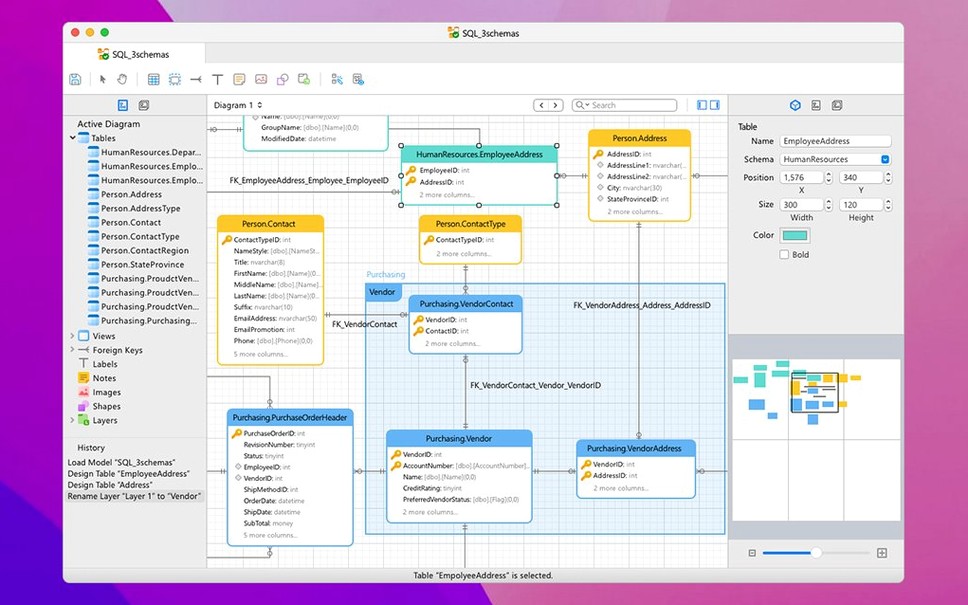
Start with the Object Designer. Open a table you use daily in MySQL or PostgreSQL, then switch to the Design tab. Seeing the schema in a visual editor changes how you think about the structure.
Next, run a data transfer between two local test databases. Choose a small table first. Watch how the wizard maps the fields — you will need this muscle memory later.
Pin your primary connection. Right-click it and choose to pin. One less click every time you open the app adds up.
A small habit: type SELECT in the SQL console, then press Command-R. Feel the response time. Knowing what fast feels like helps you spot slow queries sooner.
Multi-backend focus
Developers who touch multiple backends — PostgreSQL for one project, MySQL for another, MongoDB for logs. Switching between pgAdmin, MySQL Workbench, and Compass drains attention. One navicat premium macos window keeps the mental model intact.
Database engineers running migrations — The data transfer between Oracle and PostgreSQL alone saves hours of script-writing. You see column mappings, preview the result, and execute — no CLI guesswork.
Freelancers with diverse client stacks — Yesterday a SQL Server legacy box, today a Snowflake warehouse. The mac navicat premium setup means you carry one tool, not five.
If you maintain staging environments alongside production, the connection list lets you color-code servers. Red for production, blue for staging. A small visual cue that prevents large mistakes.
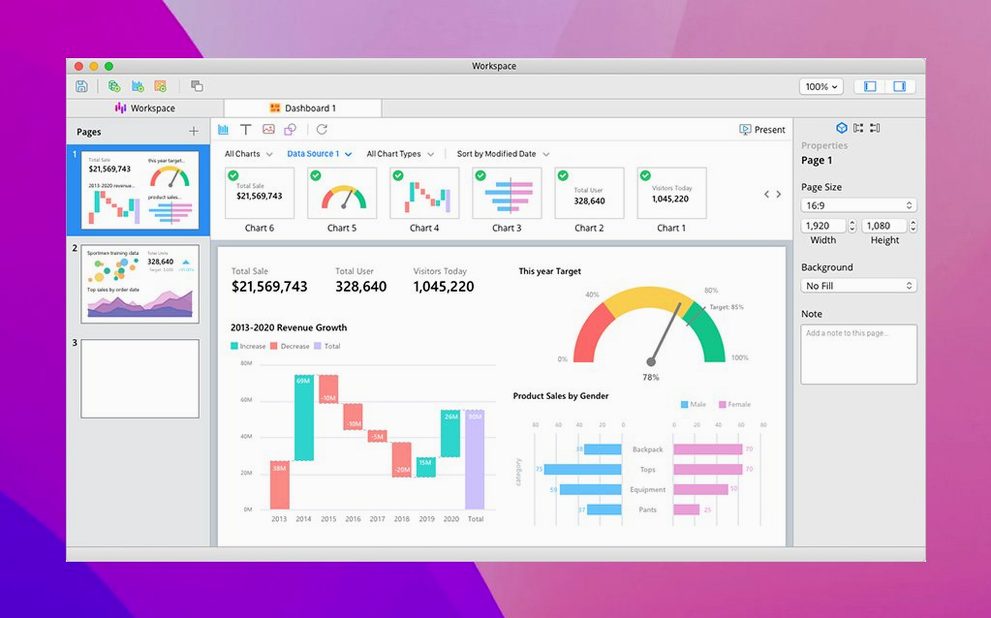
The business intelligence tools let you explore data visually. Everything you would reach for in separate Navicat apps lives here.