
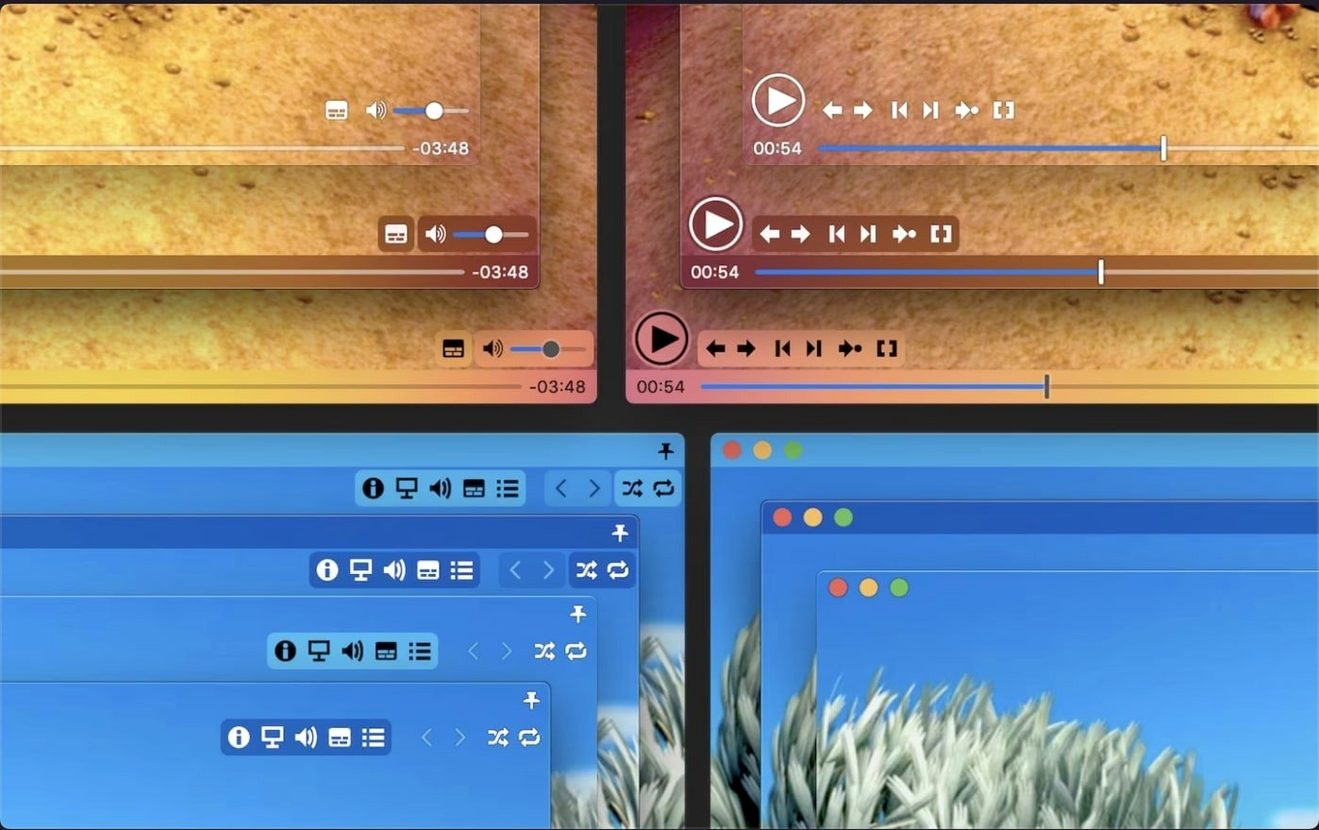
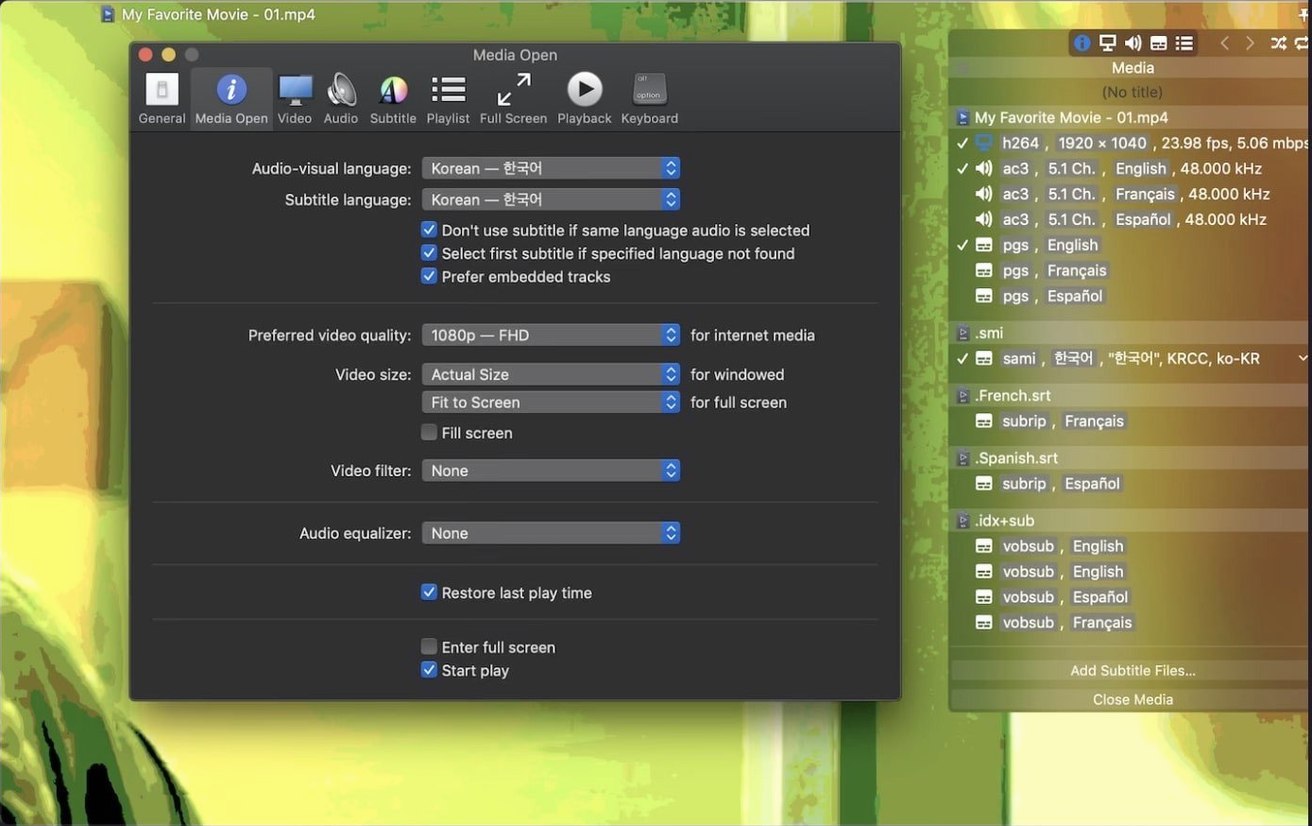
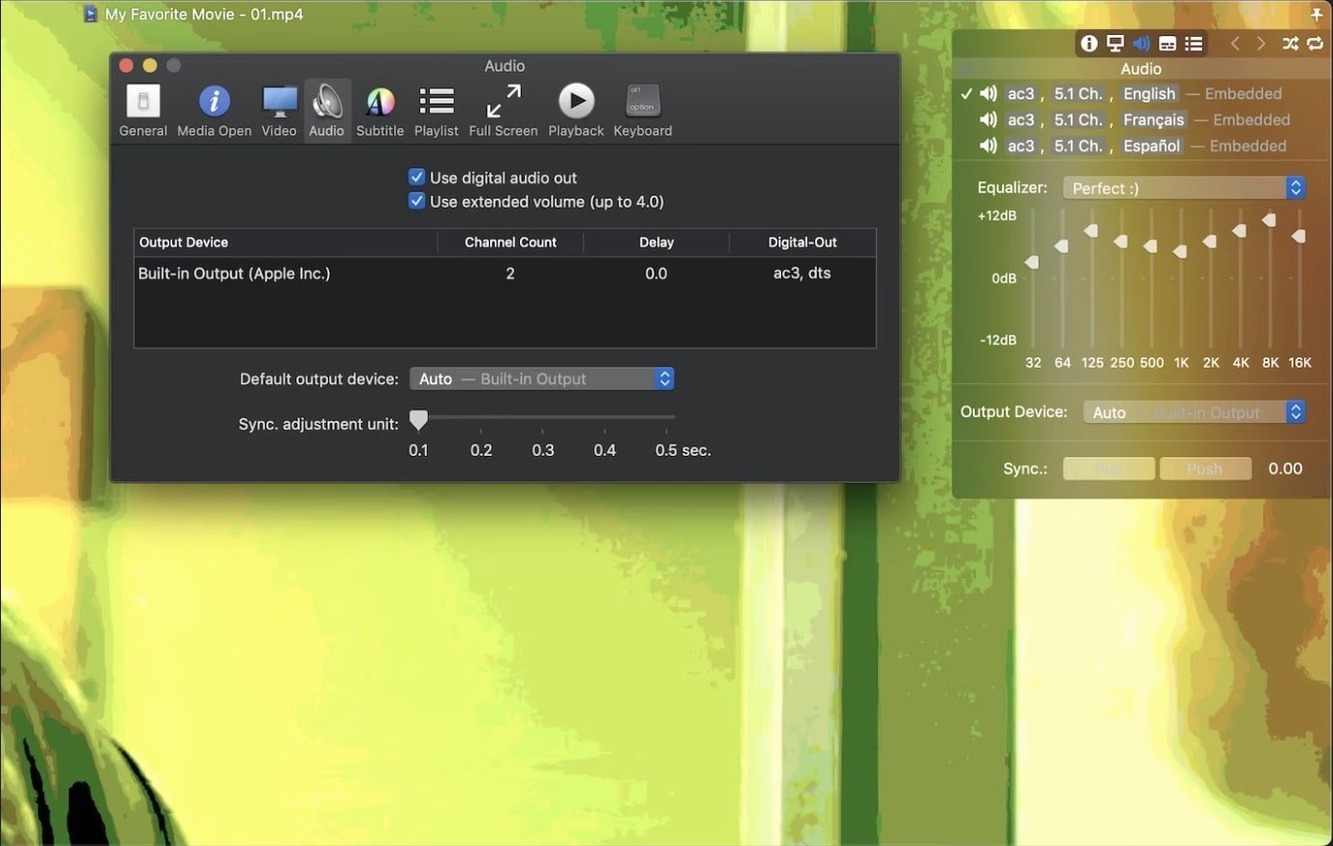
A 4K HDR file arrives on the desktop. It opens in another player with washed-out colors and subtitles lagging by half a second. Movist Pro handles both without a detour through settings menus.
- Open the video. Movist Pro picks QuickTime or FFmpeg per codec and applies HDR tone mapping automatically.
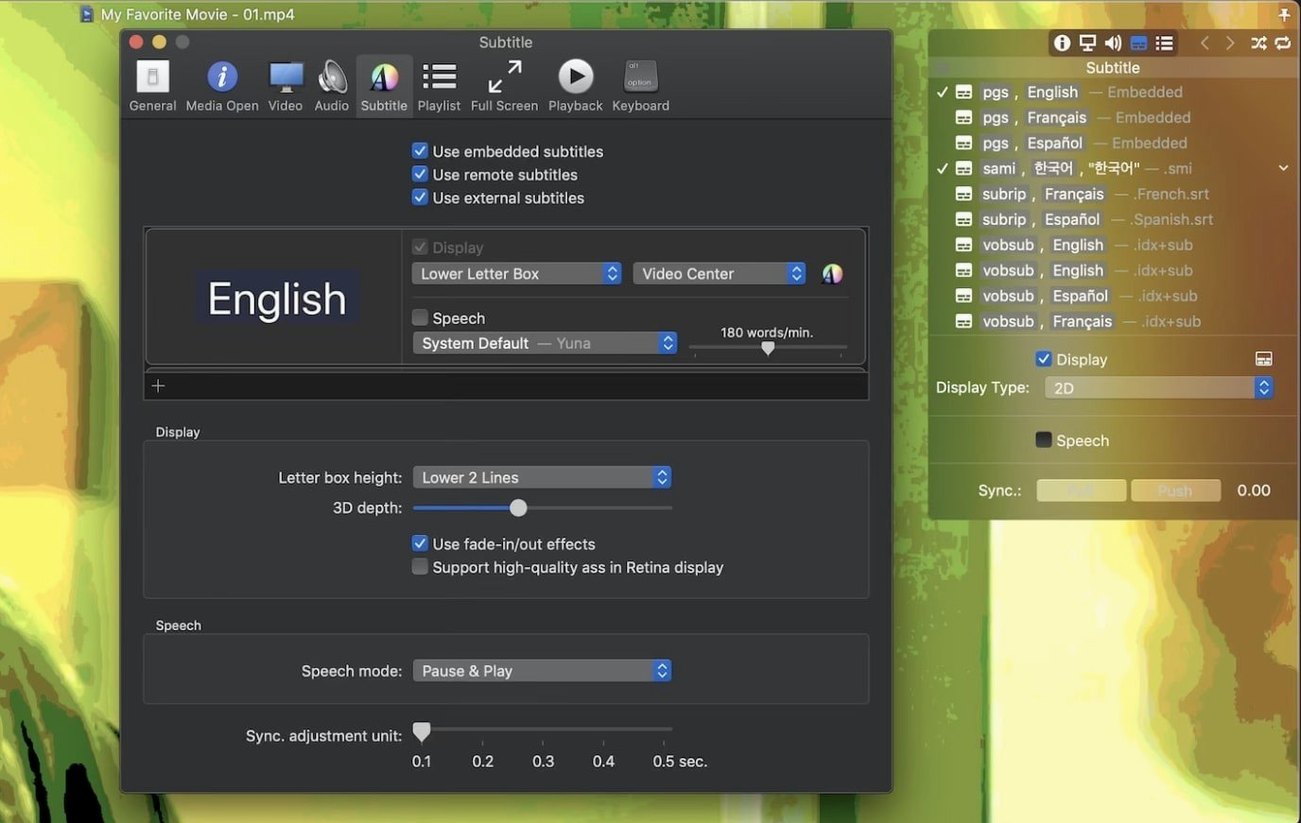
- Subtitles appear in the correct encoding without guessing. For the lag, open the subtitle sync control and nudge timing by 0.5 seconds.
- Playback speed needs a slight bump for a long talk. Adjust it from the on-screen controls while the audio stays clear.
- Capture a frame as a still for reference. The screenshot lands on the desktop.
One common friction point: compressed subtitles inside a .rar file. Movist Pro reads them directly. No unpacking step. Drop the archive next to the video, and the subtitle list populates. If the subtitle track still does not appear, check that the archive name matches the video filename. A mismatched name can prevent auto-detection. Renaming the file is usually enough.
Playlist autocompletion trips up a few people. The feature scans for episode numbering and nearby subtitle files when you add a single video. If your folder mixes seasons or languages, the scanner may grab the wrong subtitles. Keep one series per folder. That single change keeps the playlist clean.
FFmpeg default
Open preferences and switch the default playback engine to FFmpeg. The app still uses QuickTime for formats that benefit from it, but this setting covers more edge-case codecs without manual switching. Next, turn on single-window mode if you prefer one viewer instead of multiple document windows. The interface stays calmer.
Subtitle appearance rewards a few minutes of attention. Set the outline thickness to 0.5 and pick a dark gray shadow. Text stays readable on bright and dark scenes alike. Enable automatic encoding detection. Leave it on. Manual encoding selection is there when you need it, but the automatic path is rarely wrong.
Silicon scrubbing
On Apple Silicon, H.265 10-bit files play with negligible CPU use. The hardware decoder carries the load. Scrubbing through a 60 GB remux feels light. On Intel machines with a discrete GPU, the same file stays smooth. Integrated graphics handle 1080p content without frame drops.
Memory sits around 150 MB for a 4K video. That number stays flat for hours. No leaks observed across long sessions. The 2.17.2 fix for TS playback removes the last real crash trigger on recent macOS builds.
Those searching for movist pro or movist pro mac will find a player that loads fast and quits faster. No splash screen, no library scanning. Just the file you opened. Stability matches the lightweight design. One crash in months of daily use, traced to a corrupted MKV header, not the app. For anyone who previously explored a movist pro crack or movist pro torrent, the current version runs smoothly once you grant full disk access in System Settings. It runs without background processes when no video is open.
That is the whole session. No plugin hunting, no color correction, no restarts.