

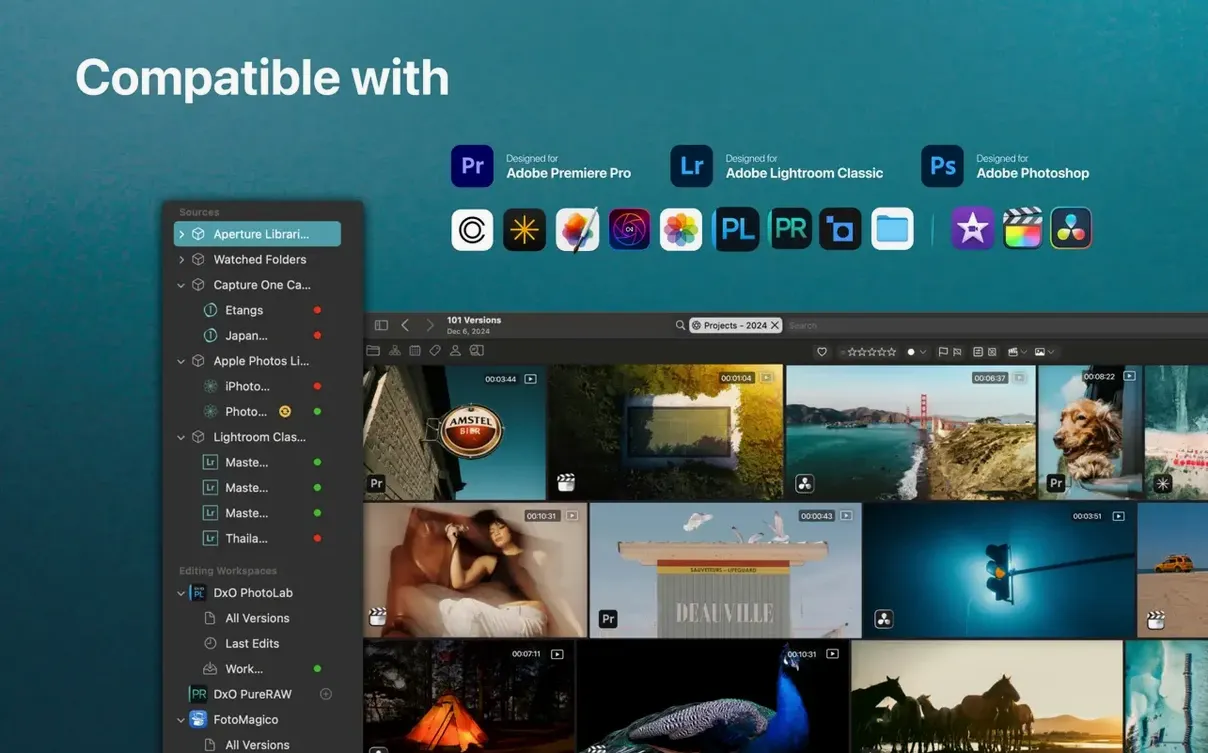

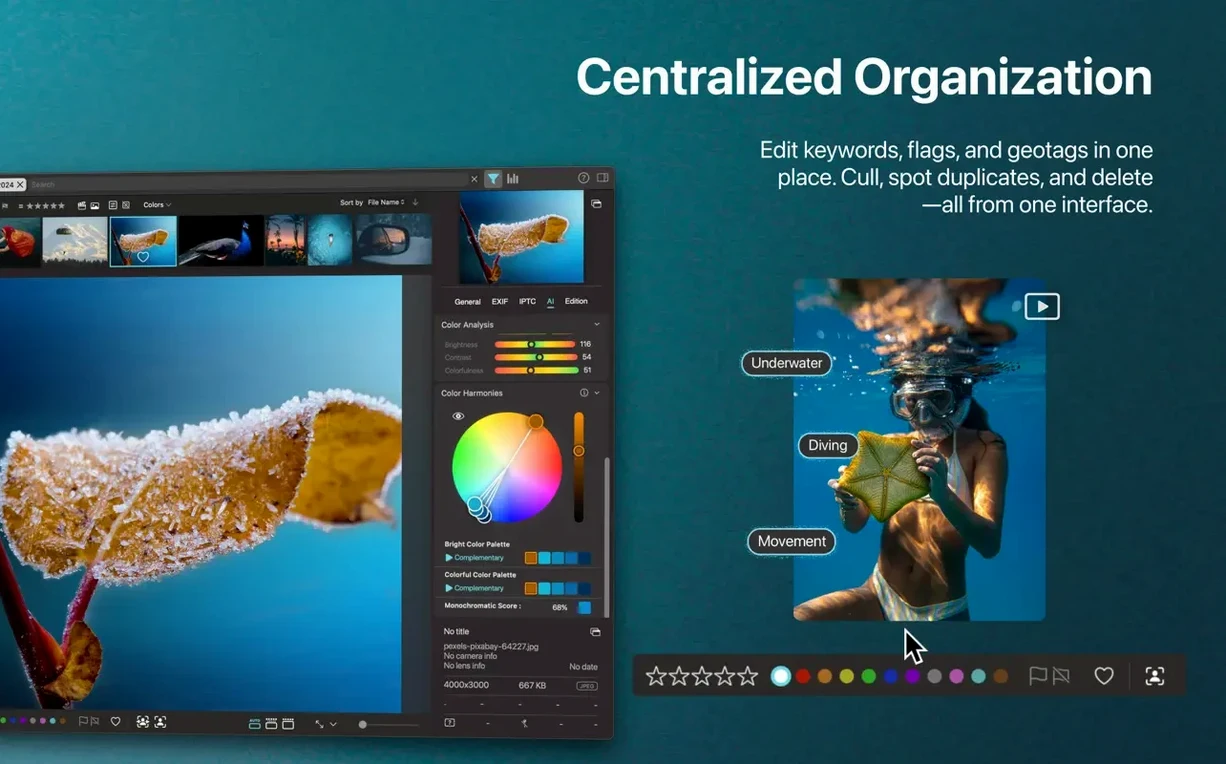



You have photos in Apple Photos. A few folders on an external drive. Maybe a Lightroom catalog you haven’t opened in months. Opening each app just to find one image eats the afternoon. Peakto pulls all of it into a single searchable view—without moving a file.
- Search by describing what’s in the frame, not by filename
- Find people across Photos, Lightroom, and folders in one place
- Spot duplicates and near-matches with similar-image search
- Search inside video content without scrubbing
- Export full-resolution batches from mixed sources
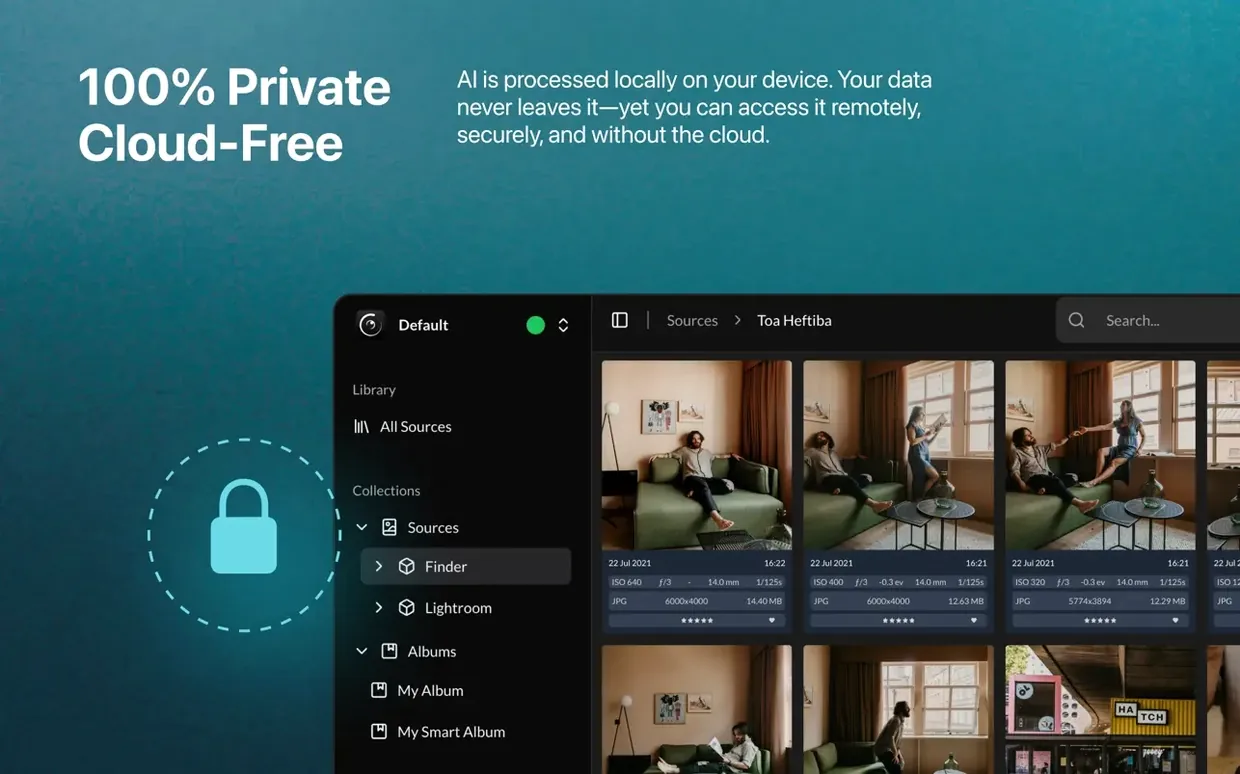
Version 2.7.10 tidied two things that used to trip people up. Peakto Connect, the interface for browsing catalogs on another Mac, got simpler. Fewer steps. The layout stopped trying to explain itself and just works. Several workflows that stalled on edge cases now finish quietly instead of asking what went wrong. And Relay Mode arrived: you can reach your main library from a laptop across the room without syncing media to the cloud. The files stay put.
Slow indexing trap
One common slip is pointing Peakto at every folder at once on day one. It tries to index all of it, and the machine feels slow. Better to add one source, let it finish, then add the next. Think of it as unpacking boxes, not flipping a switch.
Another: expecting it to edit. It doesn’t. It catalogs. You can search, group, and export, but double-clicking an image opens your usual editor—Lightroom, Photoshop, whatever you use. Peakto stays out of the way.
The last one is ignoring the timeline view. New users often jump straight to AI search and miss it. When you just need to find the shoot from last March, dragging along a clean timeline beats describing anything.
It doesn’t replace your photo editor or your camera roll. It sits above them—quietly—and lets you reach across the gaps.