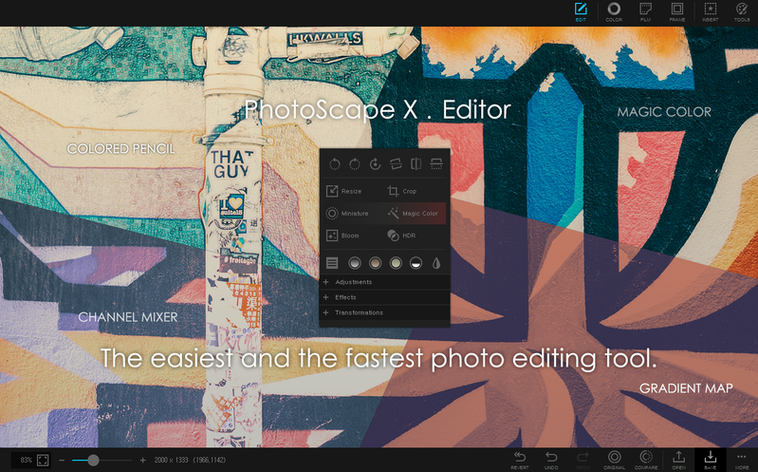
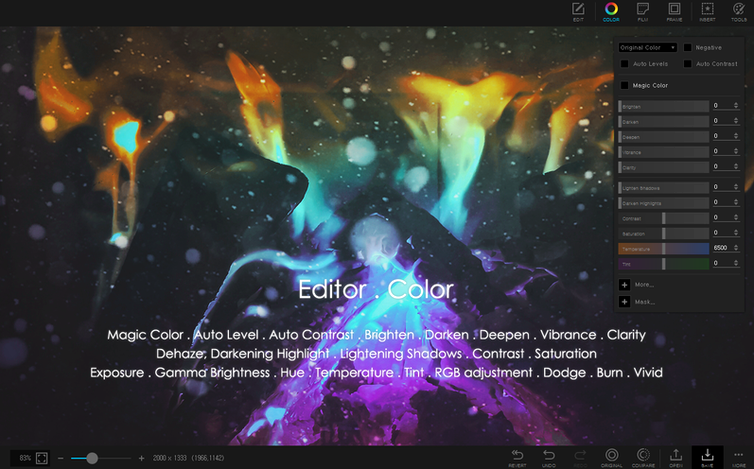
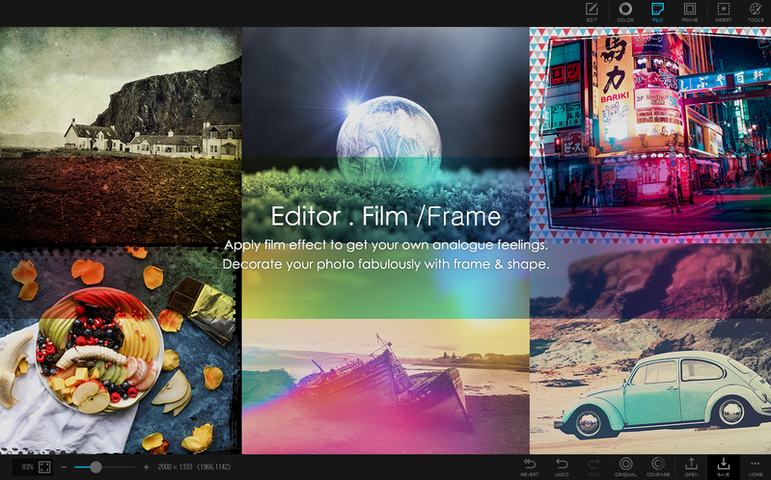
PhotoScape X runs on any Mac with macOS Ventura or later and Apple Silicon. The current version is a maintenance fix, so the tool remains exactly what it has been: a single workspace for browsing, editing, and batch output.
- An editor with over 1000 filters and effects, plus red eye, liquify, clone stamp, and healing brush.
- Collage maker that pulls in multiple photos without a separate layout app.
- Animated GIF creator from stills or screen captures.
- Batch processing that applies the same adjustments across entire folders.
- Focus stacking and HDR merging for shots that need more than a single exposure.
Blank sequence field
The batch rename tool trips people up. They type a new name, hit apply, and wonder why every file became the same thing. The number sequence is in a separate field—leave it blank and the app won't differentiate. Always check that Sequence field before committing.
Another one: the magic eraser looks simple but bites back. New users click once, see a patchy result, and give up. The tolerance slider is small and easy to ignore. Drag it gently while you work; the difference between a clean cut and a halo around your subject lives there.
Collages confuse people who treat the layout grid as a suggestion. The app uses fixed proportions per cell. If you drop a portrait into a square slot, it crops hard. Resize cells first, then place images. It saves the back-and-forth.
Quiet touches
The loupe in browse mode is more than a magnifier. Press and hold on a thumbnail, and the full image pops to the front. Drag while holding to inspect different areas without opening the editor. It's faster than double-clicking through a folder of near-identical shots.
Color picker works outside the app window. Open it, then click anywhere on screen. It grabs hex values from Finder previews, web pages, other apps. A small thing, but it saves a screenshot step.
The batch resize dialog remembers its last settings across sessions—even after quitting. When you process the same export format daily, you never re-enter dimensions.
Complements managers
PhotoScape X doesn't replace a library manager, but it complements one. Export a set from Photos or Lightroom, batch-process them here, then drag results back. The app stays out of your catalog and just handles the transformations.
For GIF work, the screencapture tool feeds directly into the animation timeline. Capture a short sequence, trim it, set frame delay, and export. No intermediate video file needed. It pairs well with QuickTime for longer recordings that need editing before becoming GIFs.
Focus stacking and HDR merging slot into a raw workflow. Do your color corrections here after merging, or use the batch tool to resize merged outputs for delivery. The app doesn't need to own the whole pipeline to be useful inside it.
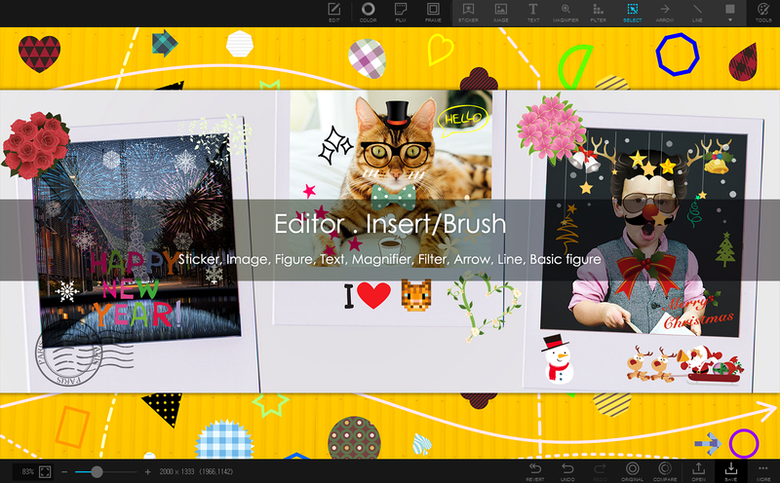
It prints, it screenshots, it adds frames and objects. Most of your session stays inside one window.