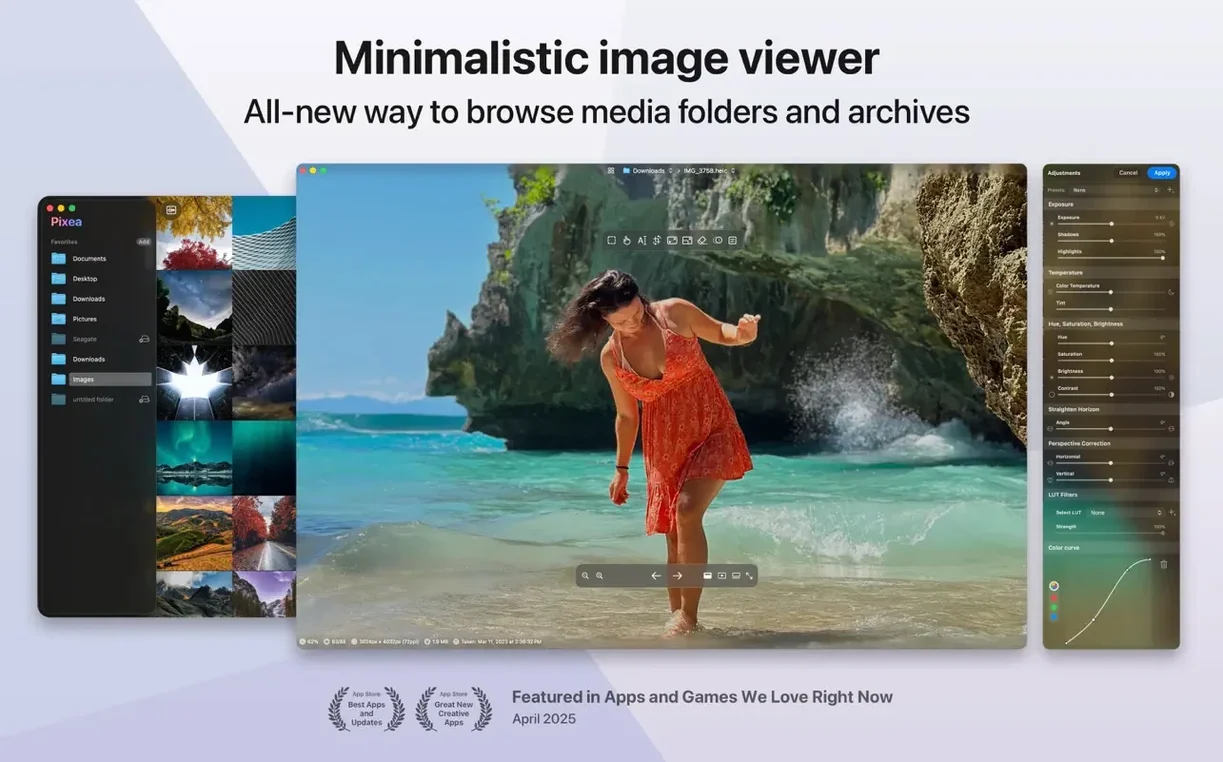
Pixea is the image viewer that sits between your files and your heavy editor.
No import — Opens folders and ZIP archives directly, without extracting first.
No waiting — JPEG, HEIC, RAW, PSD, WEBP, PNG, GIF, TIFF, BMP and Radiance appear instantly.
No clutter — A single clean window with the image, a color histogram and EXIF data on demand.
No extra apps — Flip, rotate and basic mask operations live in the same window. Undo works as you expect.
Local masks
Version 8.3.0 added two things that shift how you work day to day.
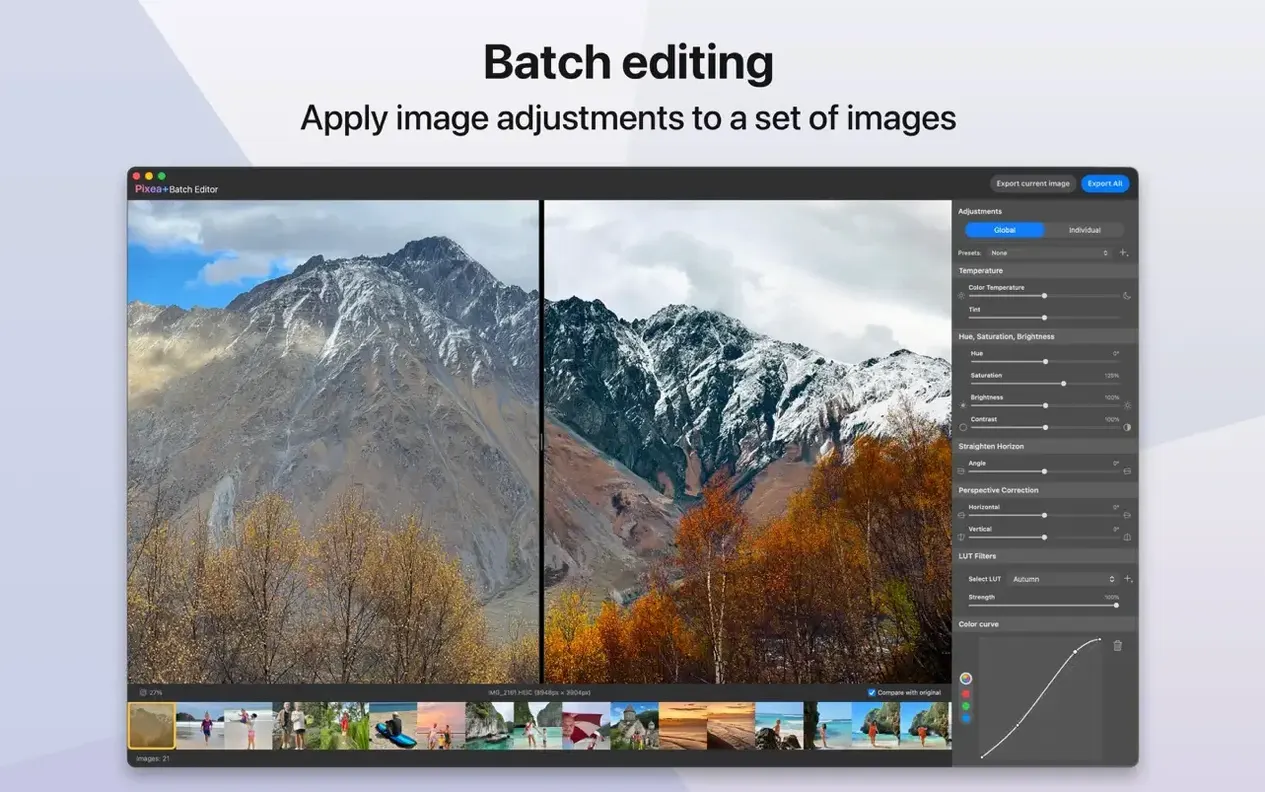
Masks arrived. You can now select a region and adjust its exposure, hue, or saturation independently. The rest of the image stays untouched. It is local correction, not a global slider—useful when a sky is blown out but the foreground is fine.
The Pixea Image format came with it. Save a file as a .pxi and your masks, non-destructive adjustments, and metadata stay editable next time you open it. You are no longer forced to export a finished JPEG just to keep a mask intact.
Undo and redo also landed in the same release. A small thing, but it means you experiment without reaching for Cmd-Option-Z and hoping.
Behind the scenes, thumbnail generation and image loading got faster. Scrolling through a folder of RAW files feels closer to browsing JPEGs now.
Nested archives
Some people launch the app and see nothing. Usually the folder is a ZIP archive that contains other ZIPs. Pixea opens one level deep—archive inside an archive stays invisible until you extract it manually.
RAW support is broad but not universal. Recent Hasselblad and Fuji models load without issue. A few older Minolta .mrw files render with a slight magenta cast. Converting to DNG beforehand solves it.
The Pixea Image format is new and self-contained. No other app opens .pxi files yet. Keep your original RAW or JPEG alongside it if you plan to move between tools.
If gestures stop responding after sleep, toggle the window focus once. It is a rare macOS quirk, not specific to Pixea, but it trips people up.
In practice
A landscape photographer comes back from a morning shoot with eighty RAW files from a Nikon. They mount the SD card, drag the folder into Pixea, and scroll with the right arrow key. Bad frames get deleted with the backspace key. Three keepers get a quick mask on the sky to drop exposure half a stop. Each one is saved as a .pxi next to the original .nef. The edits are still adjustable when they open the files again tomorrow. No Lightroom catalog, no import dialog, no "please wait while we build previews."
That is the kind of flow a Pixea download rewards.
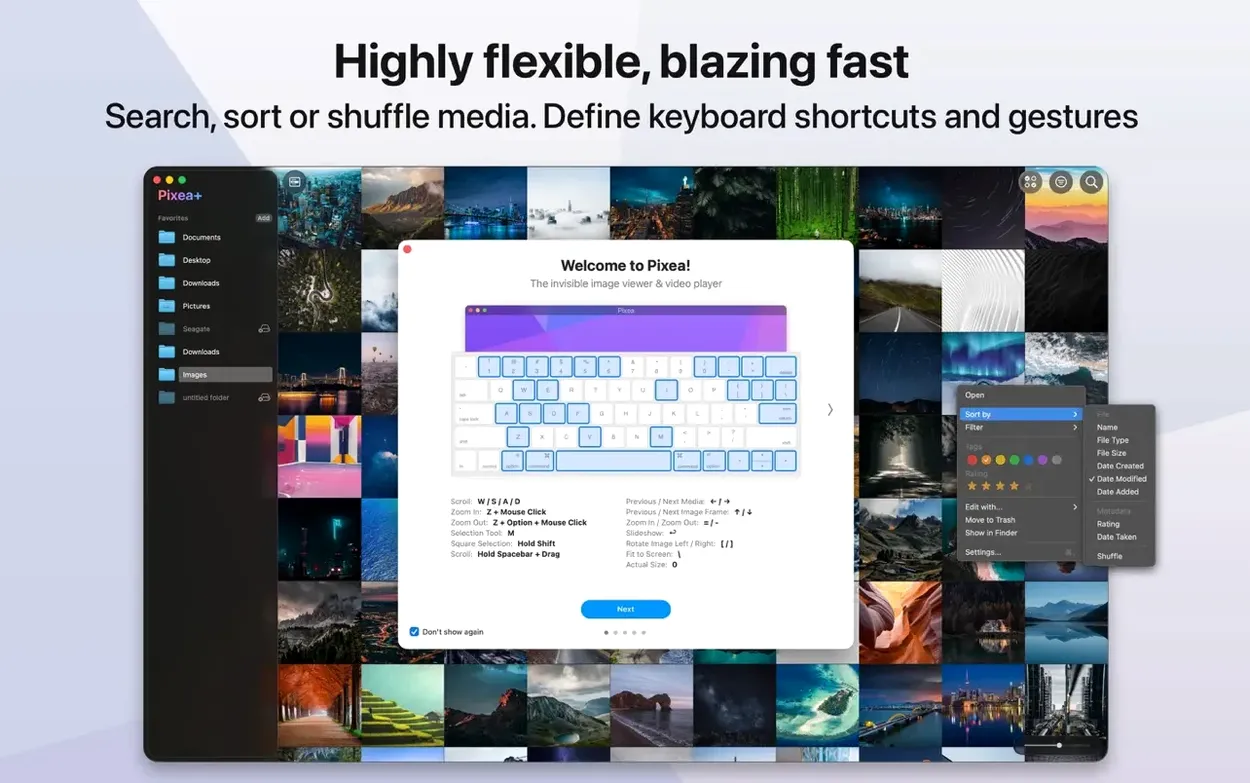
Keyboard shortcuts and trackpad gestures move you through images. That is the whole idea.