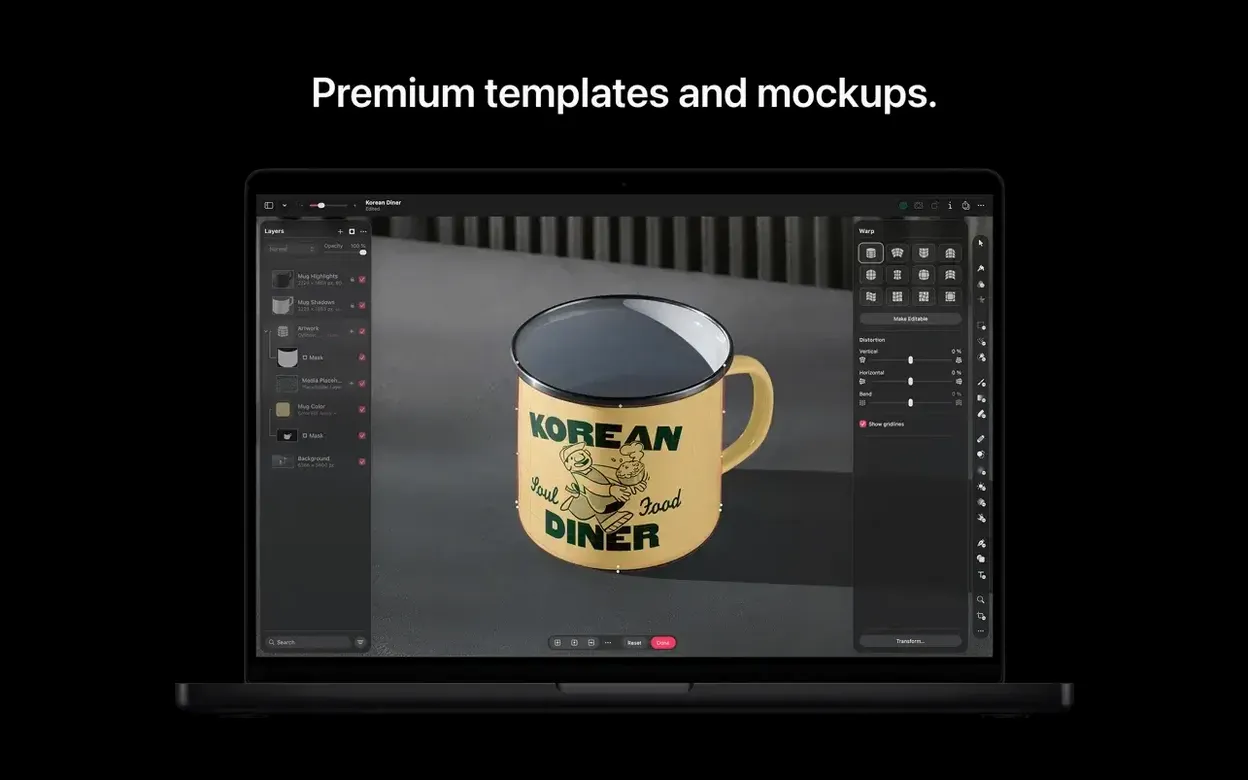
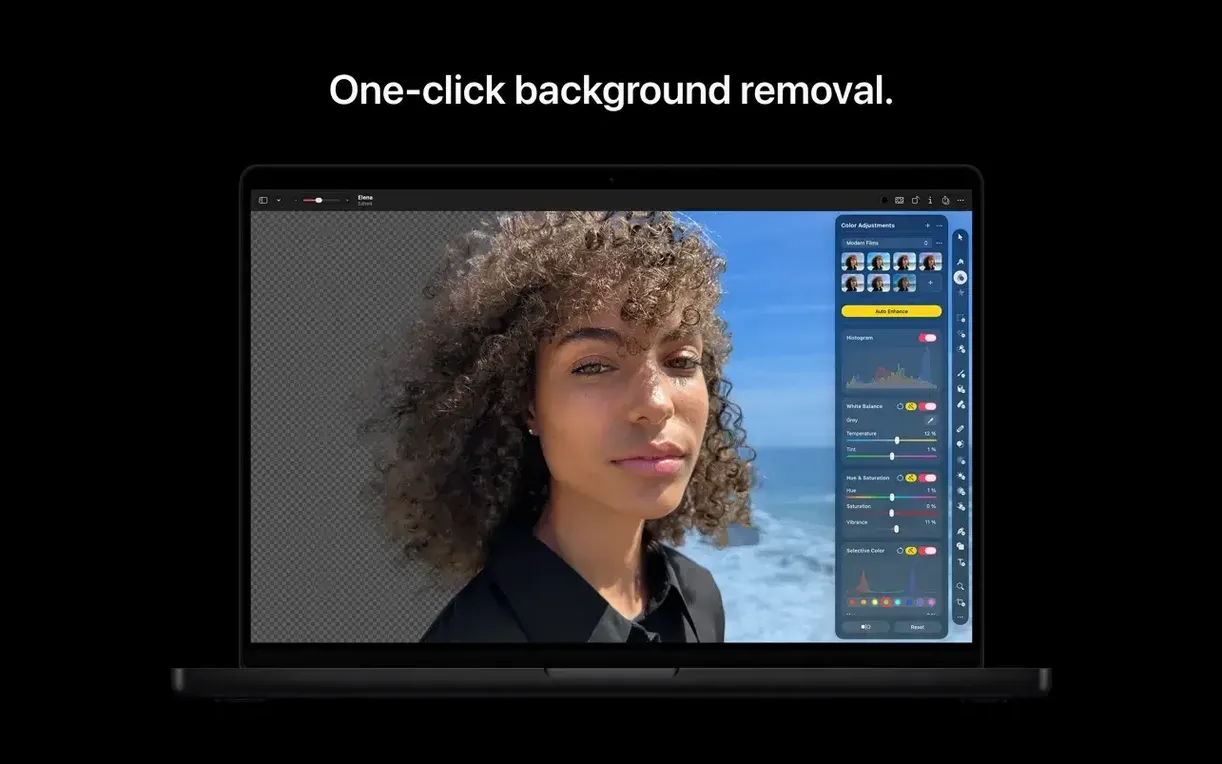
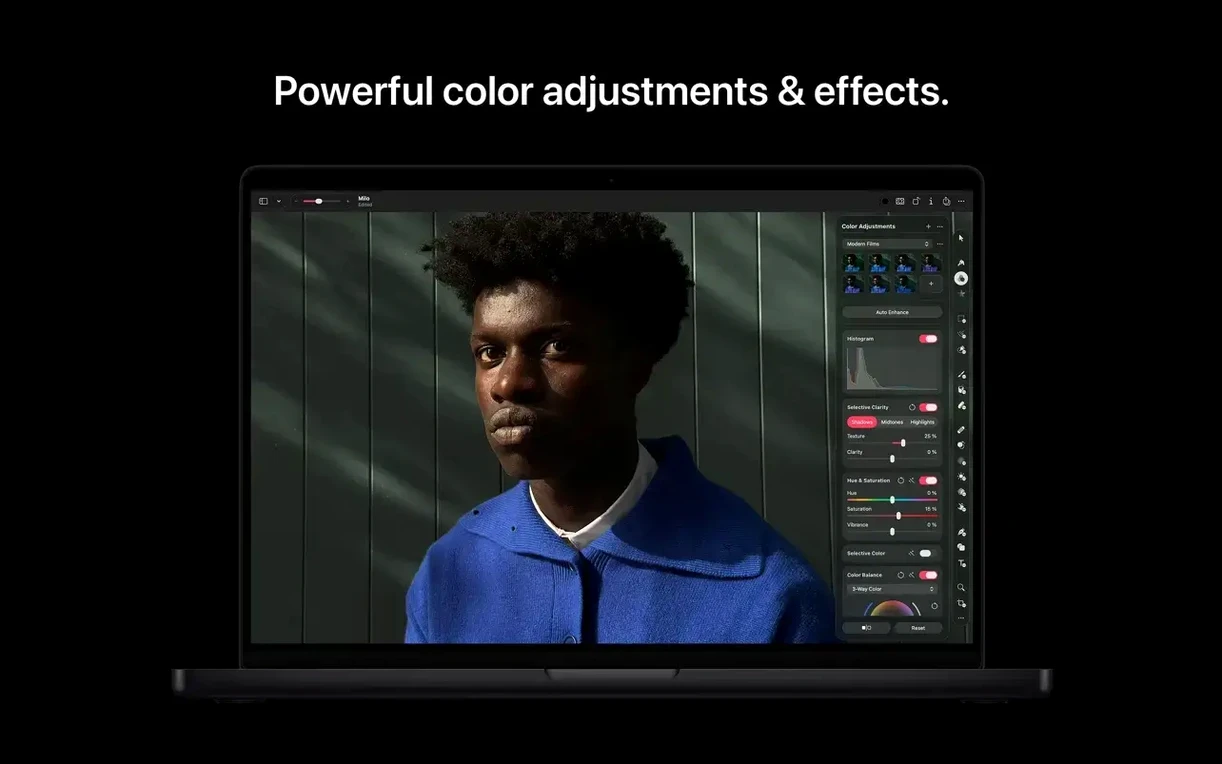
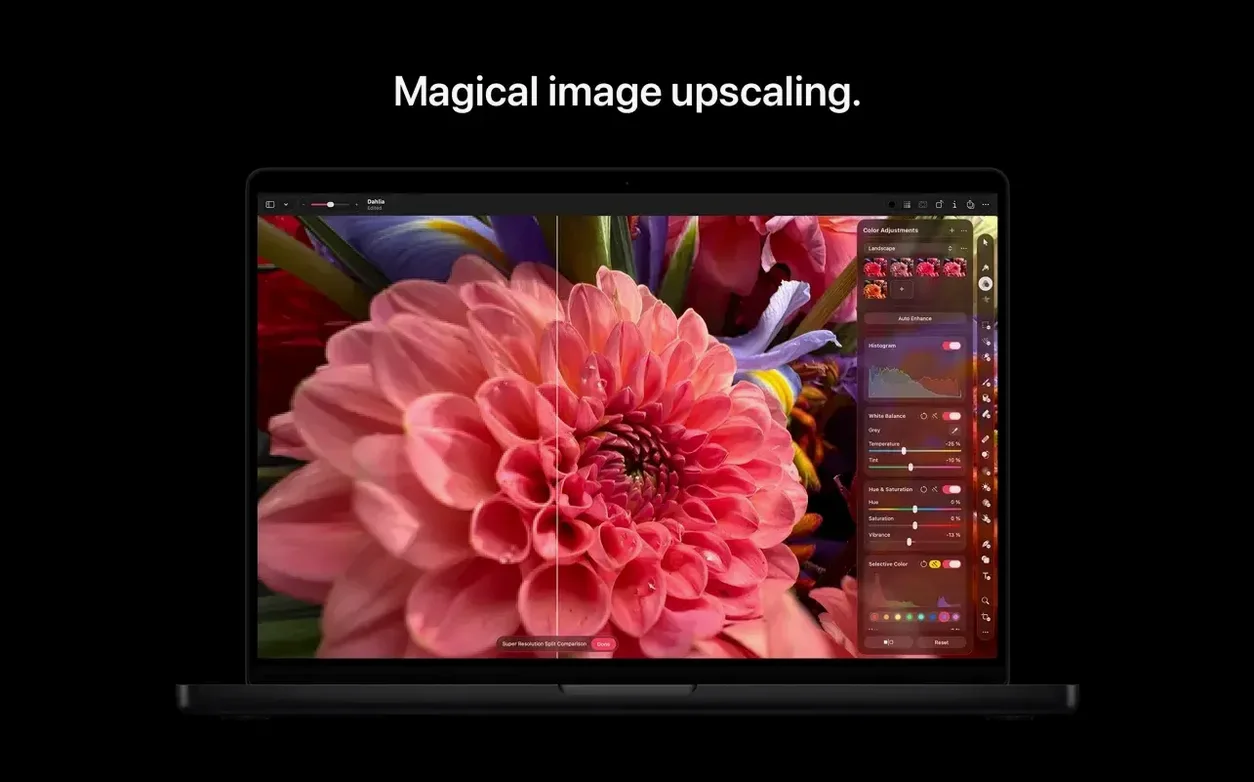
Photographers, illustrators, and anyone who layers text over images.
Apple silicon Mac — runs natively, no translation layer.
macOS 26 — the minimum version Apple lists now.
RAW editing — open and adjust camera files directly.
Layered PSD — work with Photoshop files without conversion.
SVG vector — open, edit, and export scalable graphics.
Nondestructive — filters, adjustments, and effects stay editable.
Layer fidelity
Open a layered PSD on day one. Confirm it reads your layer names and blend modes.
Then try a RAW file. Set the RAW engine to Apple or Core Image — the switch lives in the Develop pane. Adjust exposure and black point. Save back a 16-bit TIFF.
Pin the Layers panel open. Drag it to the left. Leave it visible. Most edits feel slower when layers hide.
Check the Automator actions. A single Apply Color Adjustment to Images block processes a folder in seconds. Build a quick workflow and save it as a Finder Quick Action.
Switch the interface language once. The app restarts and the full interface — menus, tooltips, palettes — follows. If you work in two languages, this matters.
Single-window flow
A product shot lands on the desktop. JPEG, flat light, dust on the surface.
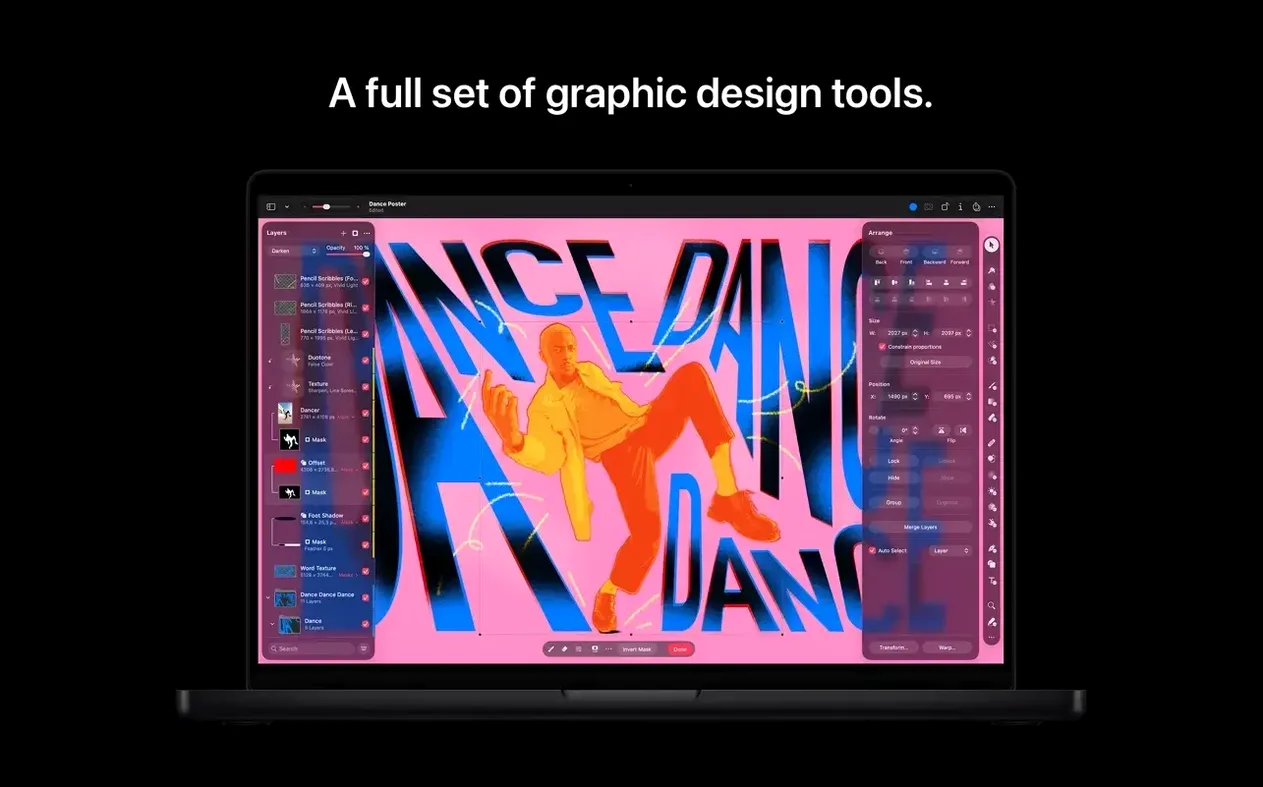
Open it. The single-window layout fills the screen — no floating palettes to chase. The photo sits center, tools on the right, layers on the left.
First pass: ML Enhance. One click. It lifts shadows, tightens midtones, shifts white balance. Often enough. Not today — the metal trim looks yellow.
Add a Color Adjustment layer. Pull the temperature slider toward blue. Mask the adjustment with a soft brush so it only touches the trim.
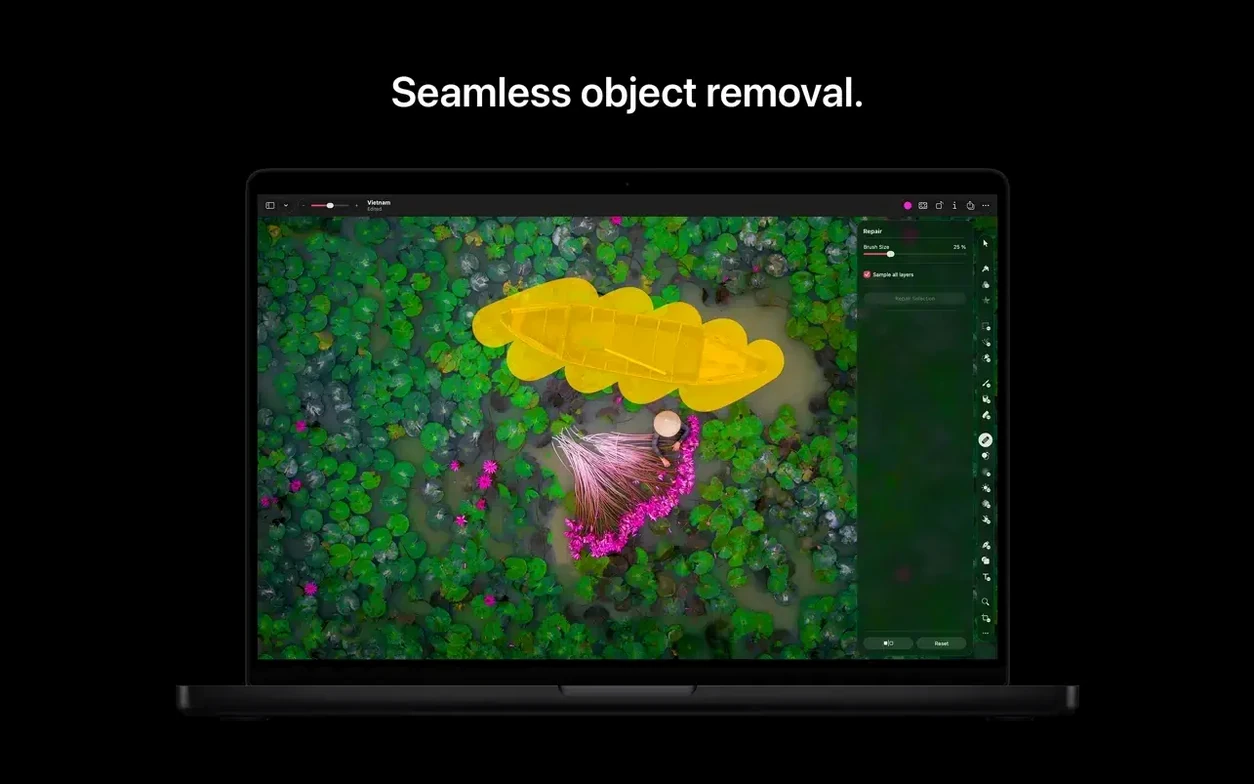
Zoom in. The Retouch tool. Two short strokes remove dust spots. The Repair brush references surrounding texture — no clone source to set.
The label text needs straightening. Select the layer. Arrange tool. Drag a corner. The pixels reposition without a separate transform step.
Save a layered Pixelmator Pro file. Export a JPEG for the client. Share via AirDrop directly from the File menu. The whole thing takes four minutes.
Photos roundtrip
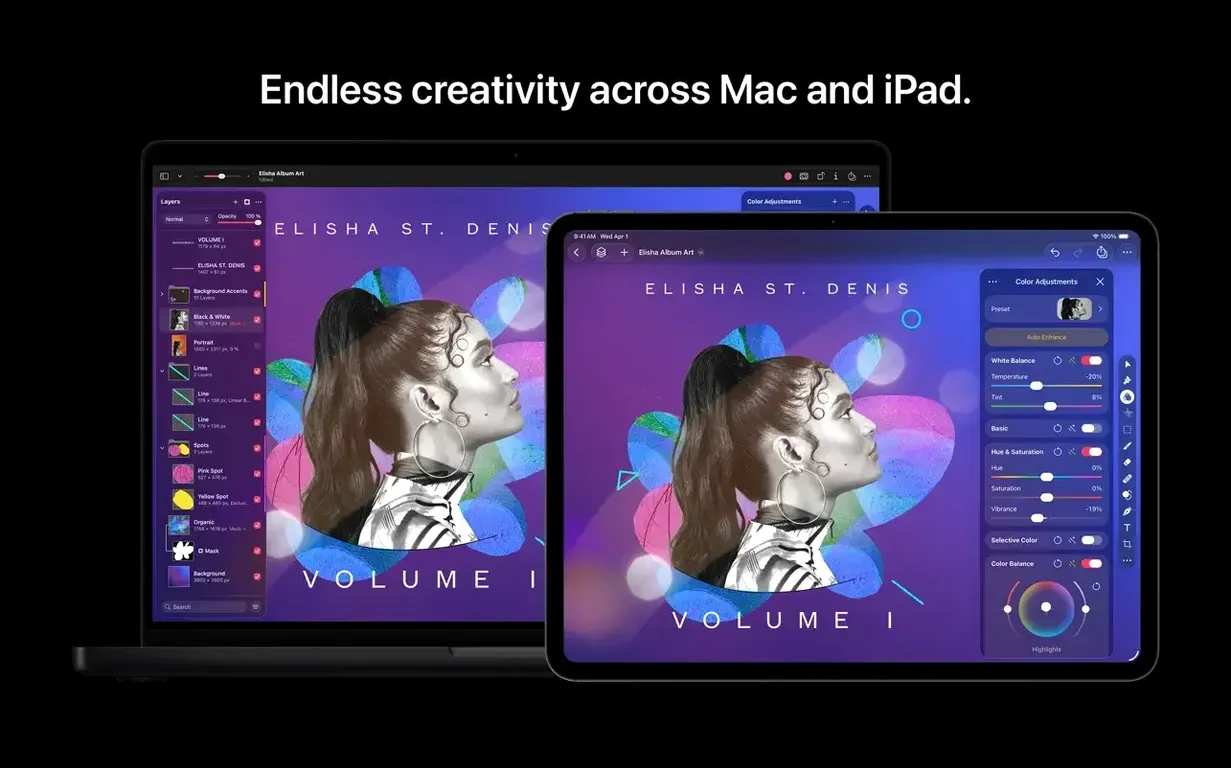
Pixelmator Pro sits inside a Mac workflow, not apart from it.
From Photos: right-click an image, choose Edit in Pixelmator Pro. Make your changes. Save. The edited version appears in the Photos library — nondestructive, with a Revert to Original option preserved.
Export a layered file and drop it into Keynote. Transparency and masks survive the trip.
SVG from a designer opens editable. Every shape, every path, every gradient. Tweak the vector in Pixelmator Pro and hand it back. No rasterizing step, no Illustrator round-trip.
Automator connects it to the filesystem. A folder action watches a shared drive. New images trigger a resize and watermark workflow. Zero clicks after setup.
Mail and Messages pick up images from the Share menu. For quick proofs, the app respects the "Small" size option — no need to export separately.
With Shortcuts, a single action applies a saved color adjustment preset. Combine it with a Rename step and a Move step. You build a publishing pipeline without scripting.
Interface speed
Affinity Photo. Deeper print and CMYK support. Panorama stitching and focus merging built in. But the interface spreads across multiple floating panels. Pixelmator Pro keeps one window. For screen recording compositing or quick editorial work, the single-window approach feels faster. Affinity rewards precision workflows. Pixelmator Pro rewards speed.
Acorn. Lighter. Less RAW depth. Acorn excels at quick crops, simple composites, and web graphics. Its filter chain interface is clever. Pixelmator Pro goes further: vector editing, ML-driven adjustments, full PSD round-tripping. If you need a fast editor sometimes, Acorn fits. If you need one image app for most days, Pixelmator Pro covers more ground.
Adobe Photoshop. The reference. Heavier, broader plugin ecosystem, deeper typography control. Pixelmator Pro matches it on core compositing and retouching for many users. It opens and writes layered PSDs without subscription friction. For batch processing, Automator replaces droplets. For quick edits, the Mac-native launch speed wins. Photoshop remains the standard for collaborative agency work. Pixelmator Pro replaces it for solo work on a Mac.
Each of these apps has a place. Pixelmator Pro occupies the center: fast, Mac-only, deep enough for professional output without the weight of legacy Windows code or subscription services.
You can find a pixelmator pro mac crack if you search. Many users also grab the Pixelmator download from Apple's site and pair it with a patch. The pixelmator pro free availability through Apple Creator Studio changes the equation for anyone already in that ecosystem. A straight pixelmator mac download puts version 4.3 on your machine in minutes. The app is pixelmator pro in name and nature — a professional tool that stays out of your way.