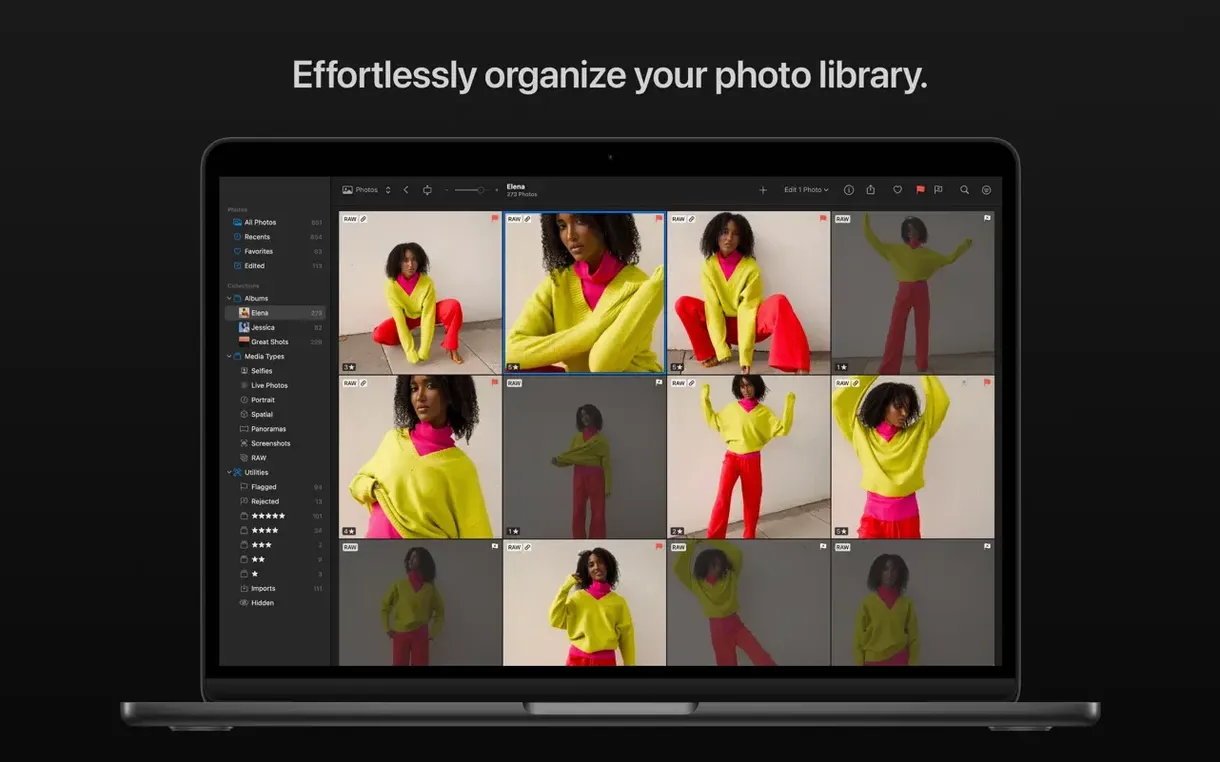
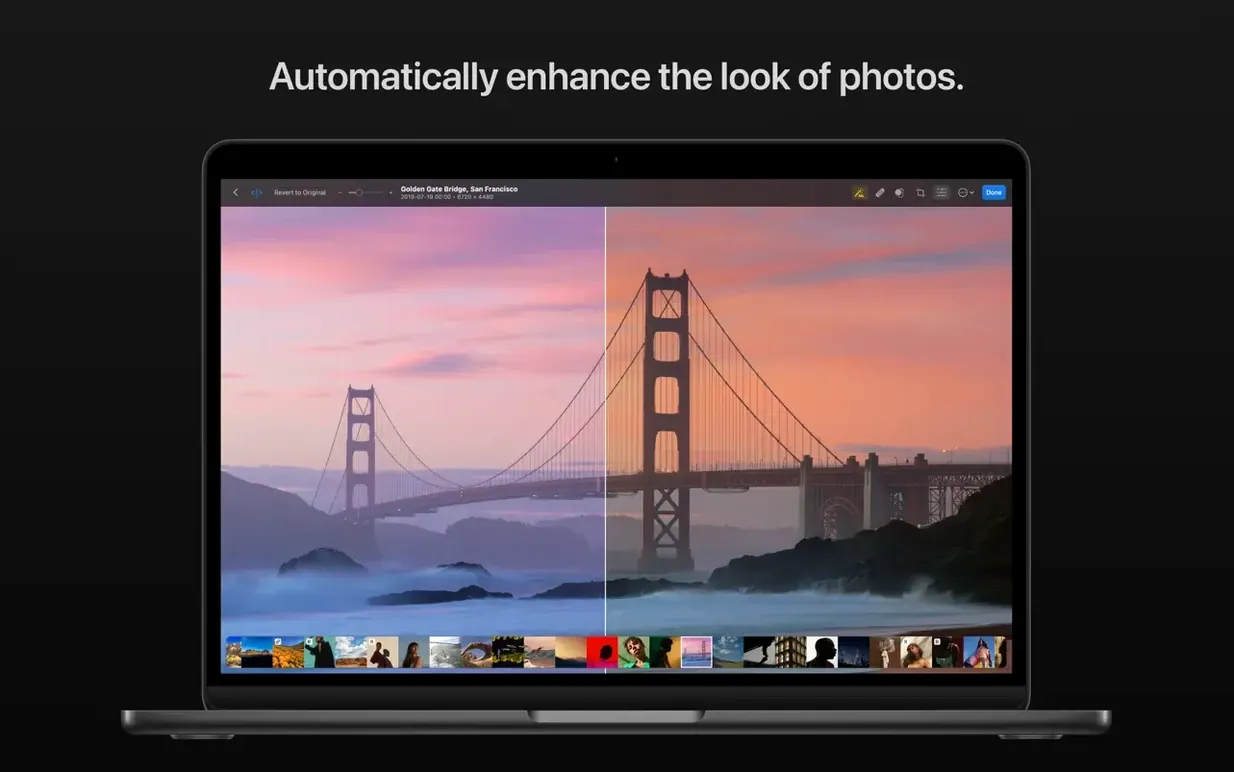
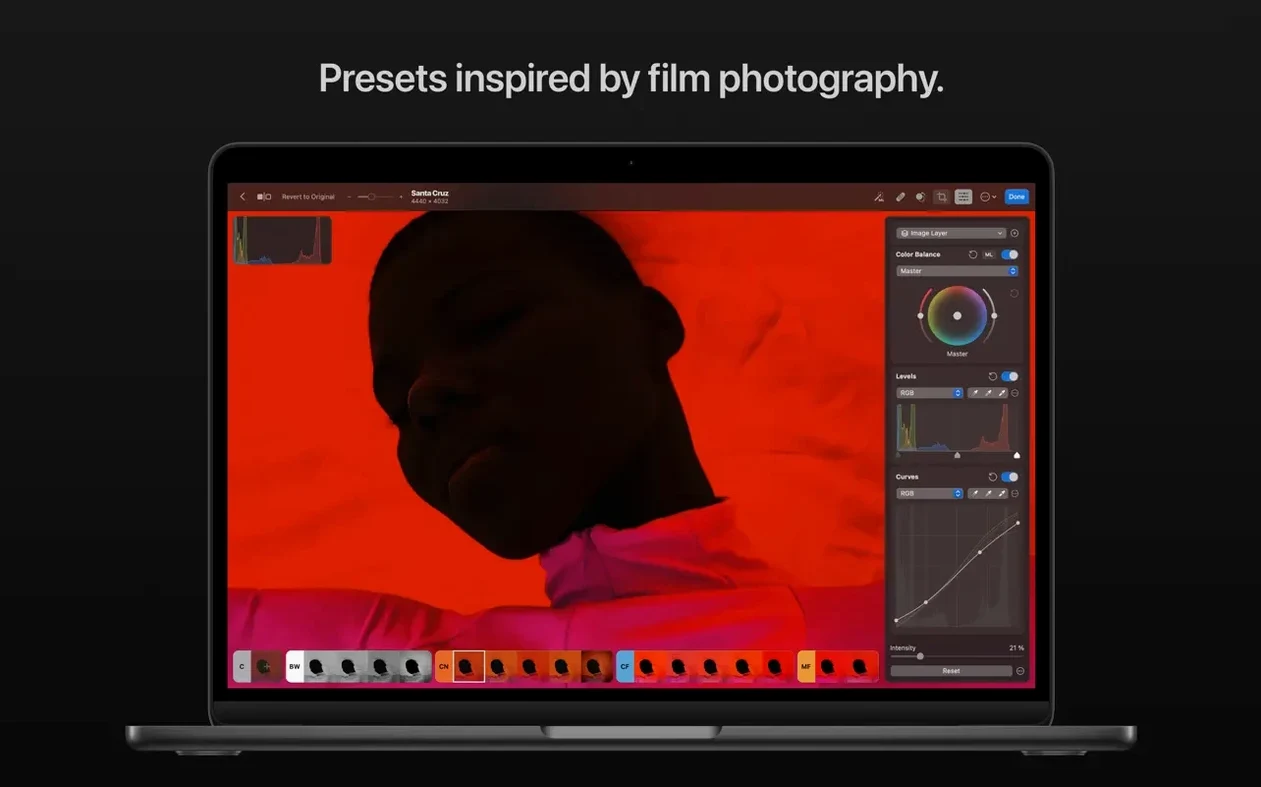
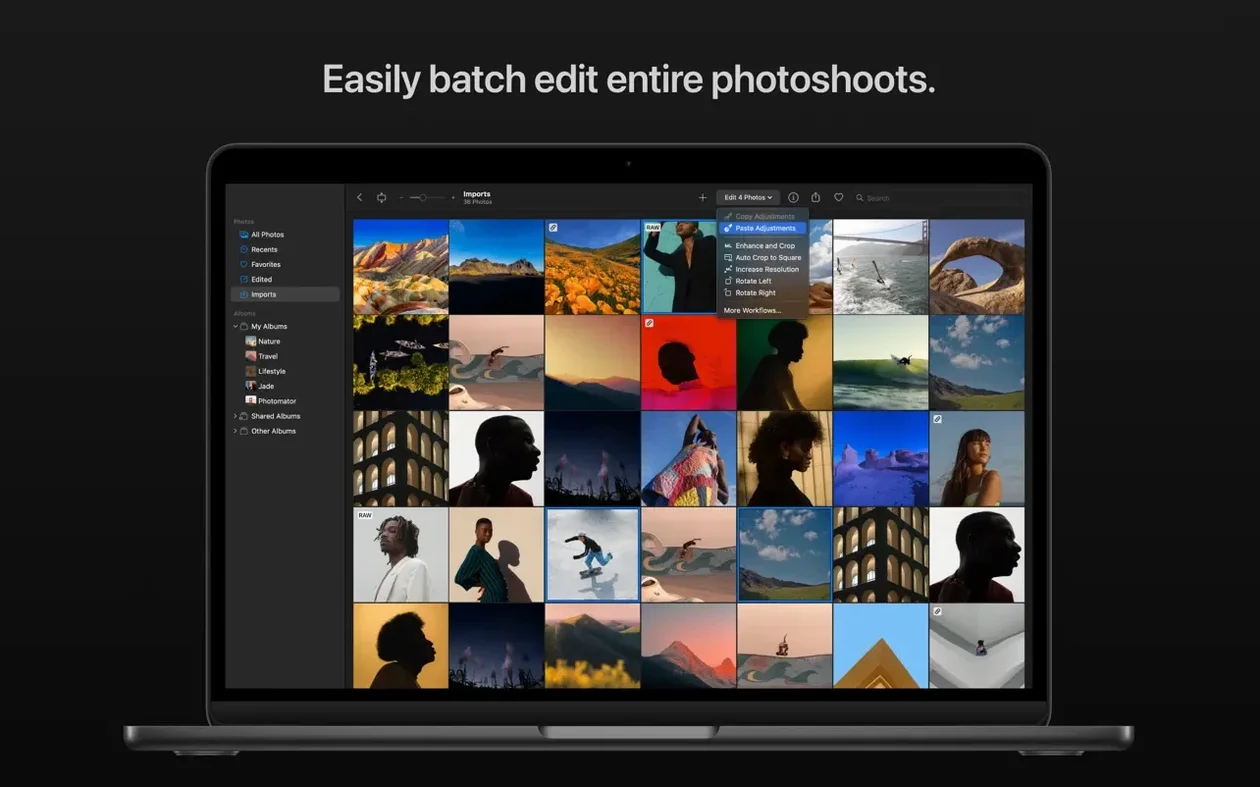
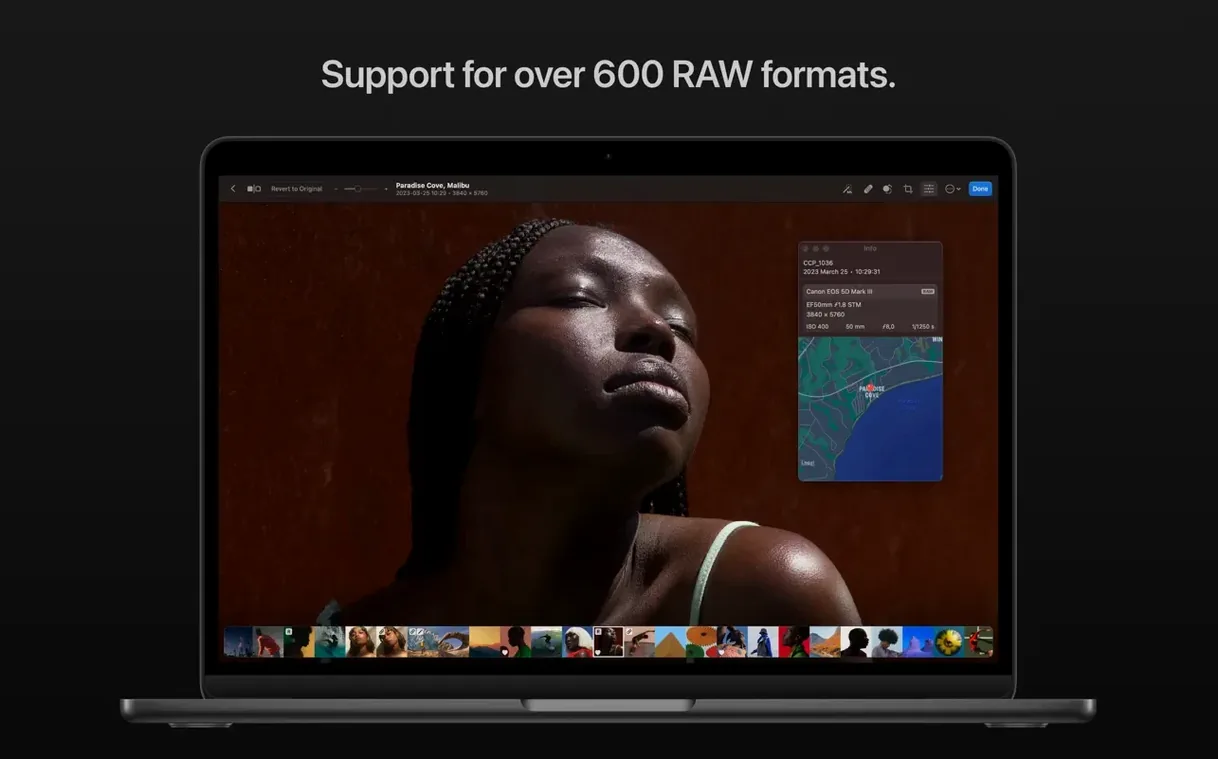
Photographers who live in the Photos app and need more than sliders. That’s who Photomator fits. The editor slides into your library, adds AI masking and batch tools, and gets out of the way.
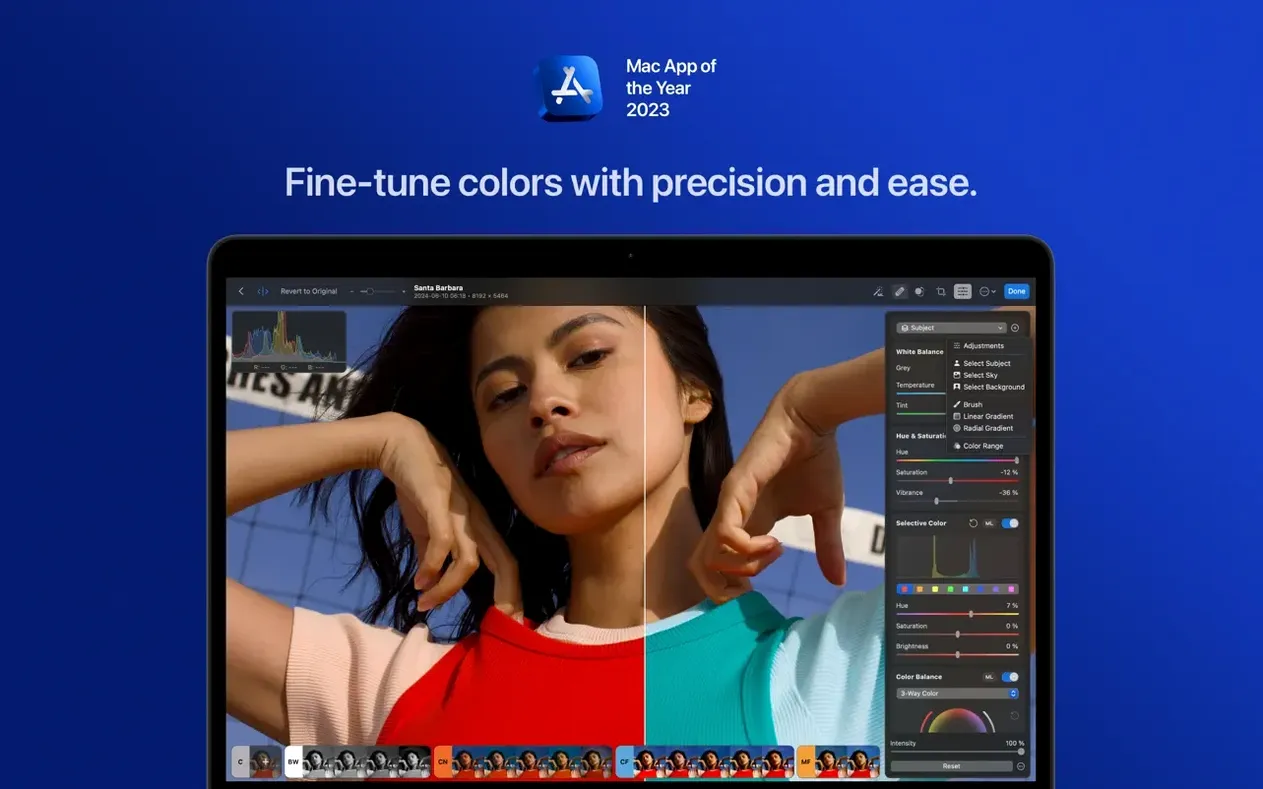
- AI selects subjects, skies, and backgrounds with a click
- Smart Deband smooths out color banding in gradients
- Denoise runs on Core ML, no cloud required
- Batch editing works across RAW and standard formats together
- Presets for landscape, black-and-white, and other starting points
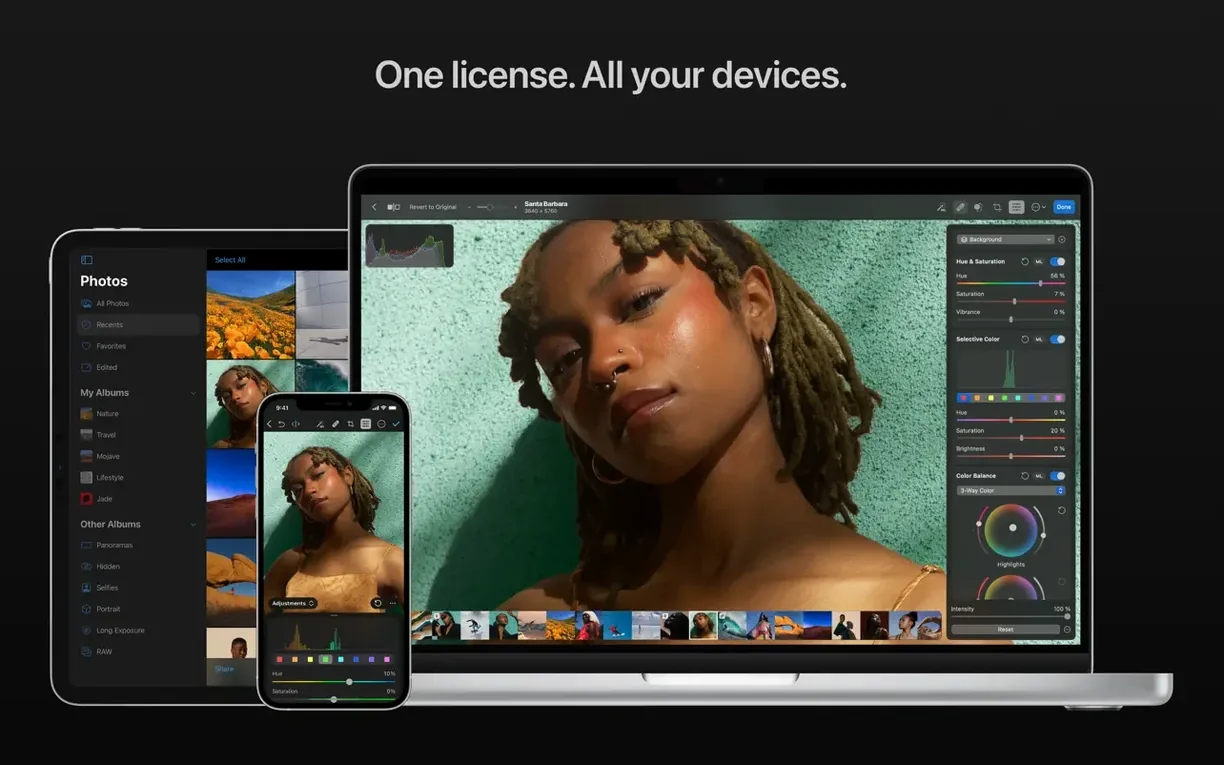
- Edits sync with Photos and iCloud Drive
Underexposed rescue
You open a folder of RAW files from a morning walk. Thirty frames, all slightly underexposed. You pick one and let the auto-adjust land. It pushes the shadows just enough. You tighten the crop, drag a linear gradient across the sky, and pull the highlights down.
Then you click Match Edits. Select all. Apply. Thirty frames adjust in seconds. You open two or three to fine-tune, but the batch work is done.
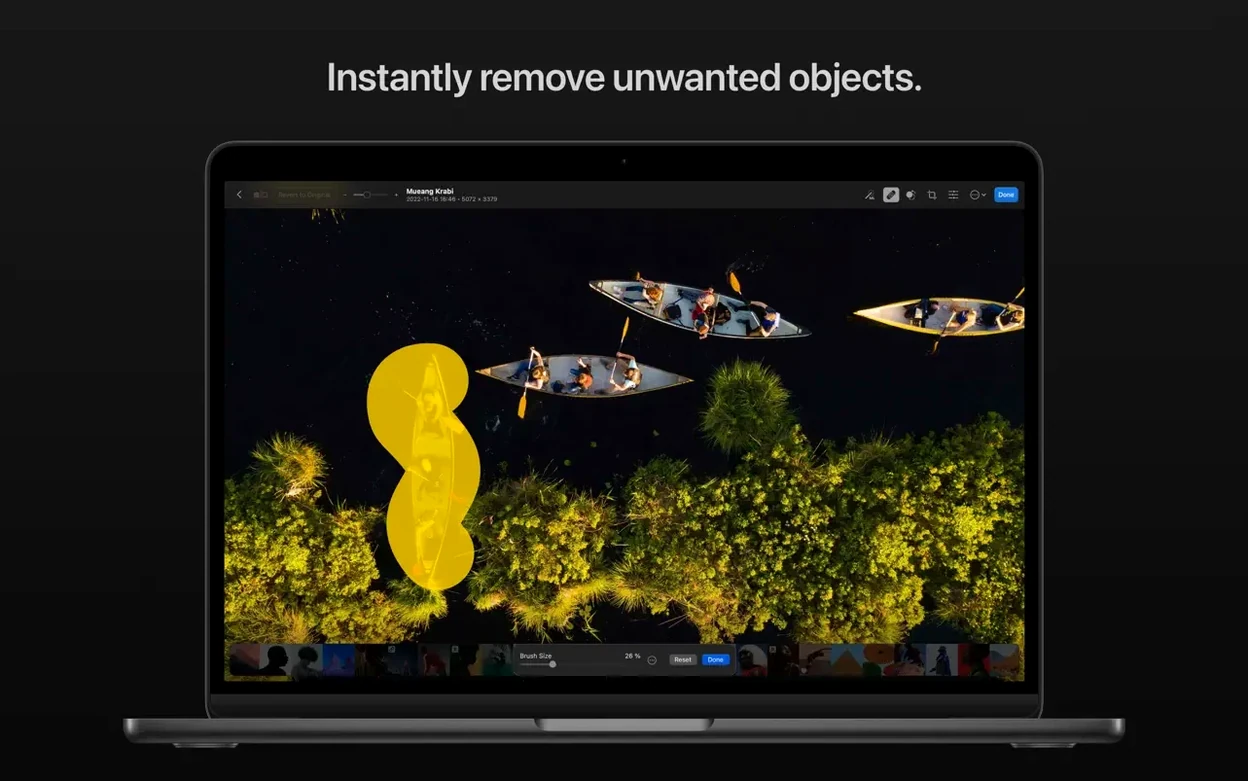
One photo has a stray power line. You switch to the Repair tool, brush over the line, and it vanishes. The algorithm fills with sky texture, not a smudge. You zoom in. Clean.
Another frame needs a subject lift. You click Select Subject. The outline snaps around a person mid-stride. No painting, no refining. You raise exposure just on them. The background stays untouched. You export to Photos. The edited versions appear in your library, synced to your phone within moments.
RAW engine choice
Open preferences before you edit. Two things matter early.
Set the default RAW engine. Photomator uses Apple's engine by default, but you can switch. If you shoot Fujifilm compressed RAW, confirm the setting matches your workflow.
Turn off "Automatically enhance photos on import" if you want a flat starting point. The auto-enhance is gentle, but starting from zero gives you more control when you batch-apply a preset later.
Also decide where edits live. You can store them in the Photos library or as sidecar files. Sidecars travel better if you move folders between machines.
Finder editing flow
Photomator sits next to the Photos app, not on top of it. You browse and organize in Photos. You edit in Photomator. The edits sync back, so your library never forks.
When you need more precision, it works with Finder folders too. Open a folder of RAW files directly. Edit. The app writes adjustments to sidecars. No catalog, no import step. You can move the folder later and the edits follow.
Shortcuts support lets you chain actions. Resize and apply a preset to a watched folder, triggered by a keyboard shortcut or a folder action. No scripting needed.
And because it leans on Core ML and Metal, the fan rarely spins. On an Apple Silicon Mac, Denoise finishes before you lift your finger from the trackpad.
alongside others
Next to Adobe Lightroom, Photomator feels intentional. Lightroom wraps editing in a catalog system. Photomator skips the catalog. Your files stay where they are. Lightroom has more color-grading depth and tethered shooting. Photomator has AI masking built in, not as an add-on.
Compared to Darkroom, the two share a Photos-integrated approach. Darkroom feels faster for quick edits on a phone. Photomator goes deeper on Mac: the Repair tool, Smart Deband, and batch engine put it a step ahead for desktop work. Both handle RAW well, but Photomator's batch editing across mixed formats gives it an edge for volume.
Next to Affinity Photo, the difference is scope. Affinity Photo is a layer-based editor with compositing and full retouching. Photomator is a photo finisher. If you need frequency separation and channel mixing, you open Affinity. If you need to adjust color, denoise, and move on, Photomator fits.
A quiet detail: Photomator's Repair tool handles distractions with less fuss than Affinity Photo's inpainting for quick removals. For skin work or complex cloning, Affinity still wins. For power lines and dust spots, Photomator is faster.
Some users look for a Photomator crack or a Photomator torrent when they first try it. The app itself is lean enough that the real download, once you find it, feels like a relief. No installer scripts, no cloud login. Just drag it from the disk image and open a photo.
The engine runs quiet. Metal for snappy rendering, Core ML for machine-learning features, Core Image for filters.