Conditional styles. They apply layout rules the moment text meets your criteria, so a product sheet falls into place without manual tweaking.
Equation support
Version 22.0 brought native math equations. No more placing equations as separate images or switching to another tool mid-layout. It stays in one file, one workflow.
Story Editor
A full text editor for article copy. You work on the words without the visual noise of the layout. Callouts move frames and object groups inline with the text, so side notes travel with the paragraph they belong to. Import Illustrator and Photoshop files directly. Over thirty languages for dictionaries and hyphenation. A single file format opens projects across regions with no conversion step.
Compared to InDesign, QuarkXPress feels more direct. Where Adobe layers panels and property inspectors, Quark often gives you a single dialog with everything visible. InDesign wins on collaborative cloud features, but for a solo designer or a small prepress team, Quark gets out of the way faster.
Affinity Publisher is lighter, snappier on Apple Silicon, and its StudioLink integration with Photo and Designer is genuinely clever. But it lacks deep long-document features: no conditional styles, no built-in equation editor, and its ePub export is simpler. If your work stops at a 24-page brochure, Publisher is enough. For a 300-page technical manual with cross-references and multiple indices, QuarkXPress still handles the weight better.
Auto save on
Open Preferences and turn on Auto Save. It is off by default. Set the interval to five minutes.
Under the Display pane, switch Greeking below 5 pt. The default is too high and hides small text you likely need to see.
In the Default Print Layout section, set your usual measurement unit. Points are the factory choice; millimeters or picas depend on your market.
If you work with Japanese or Chinese text, enable the CJK options immediately. They remain hidden until you activate them, and the vertical text tools are among the best on macOS.
Mac fit
QuarkXPress plays well with macOS text replacement. Set up shortcuts in System Settings → Keyboard → Text Replacements, and they expand inside Story Editor. No plugin needed.
AppleScript is still there. Repetitive prepress tasks—renaming pages, relinking a folder of images after a server move—can be scripted. It is not a modern automation story, but it works quietly in the background.
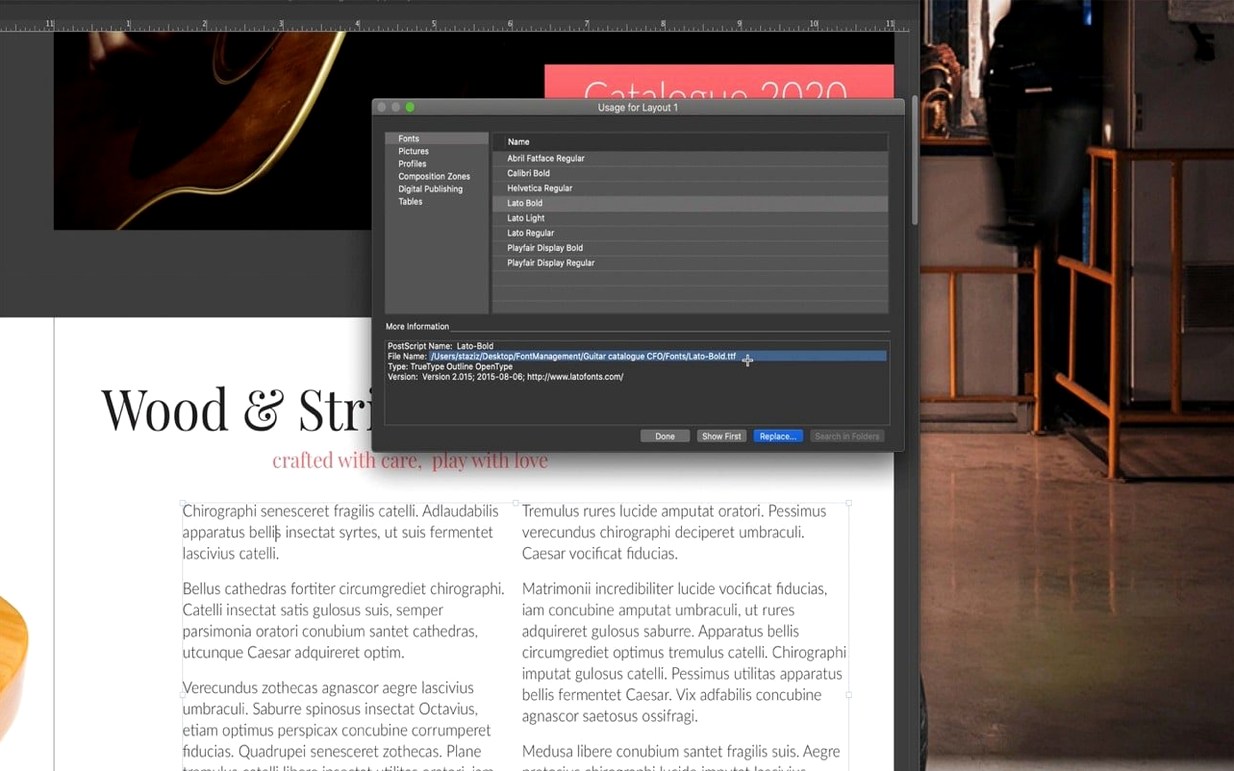
Font Book collections appear in Quark’s font menu. If you organize your activated fonts there, Quark respects them. No font manager required.
The software sits comfortably alongside a Markdown editor. Draft text in something plain, bring it into Quark via the Story Editor, and apply conditional styles to transform raw copy into formatted pages. The two tools handle what the other cannot.