
Twenty-three apps running, half of them invisible. That was my menu bar before lunch.
What does it see?
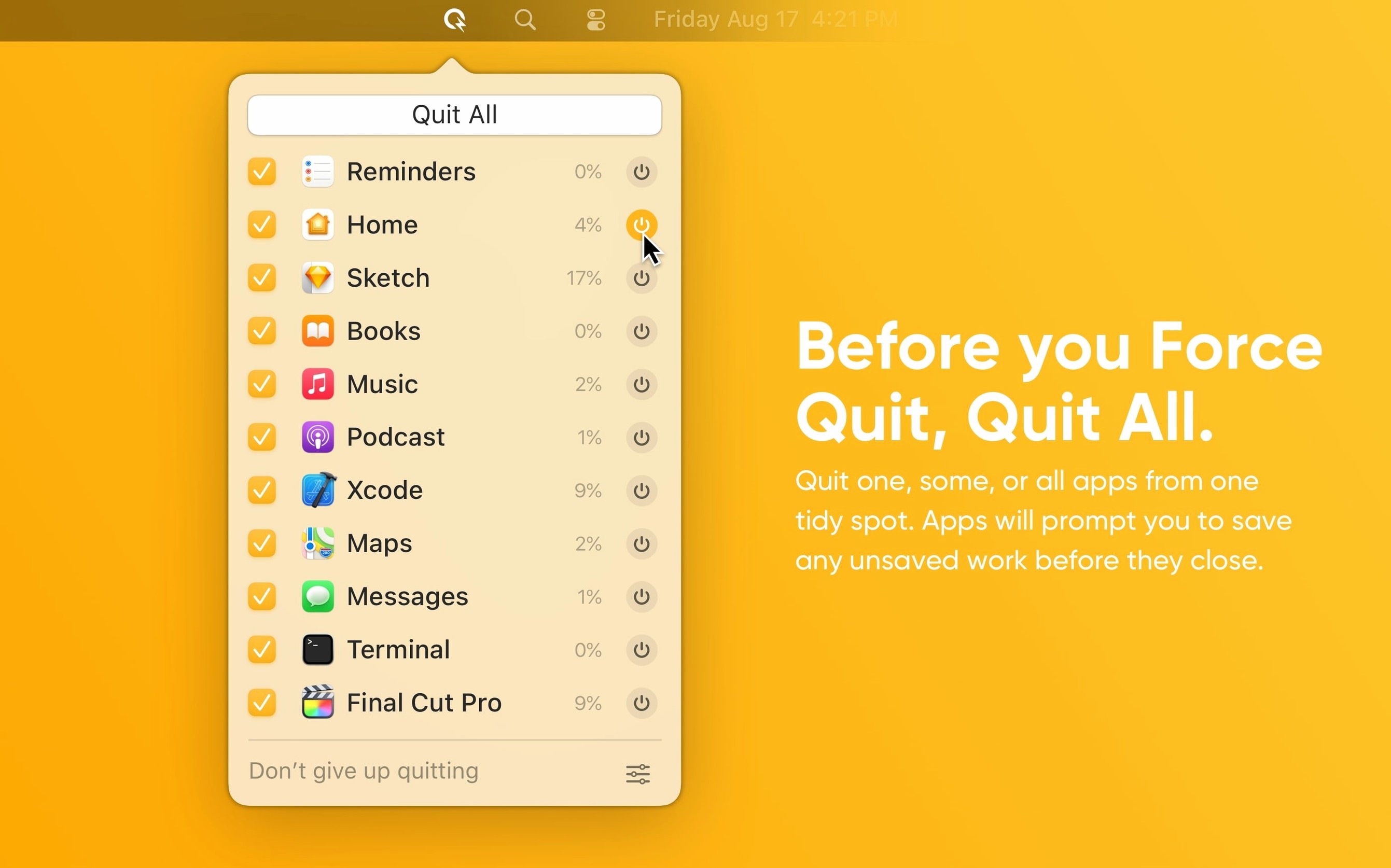
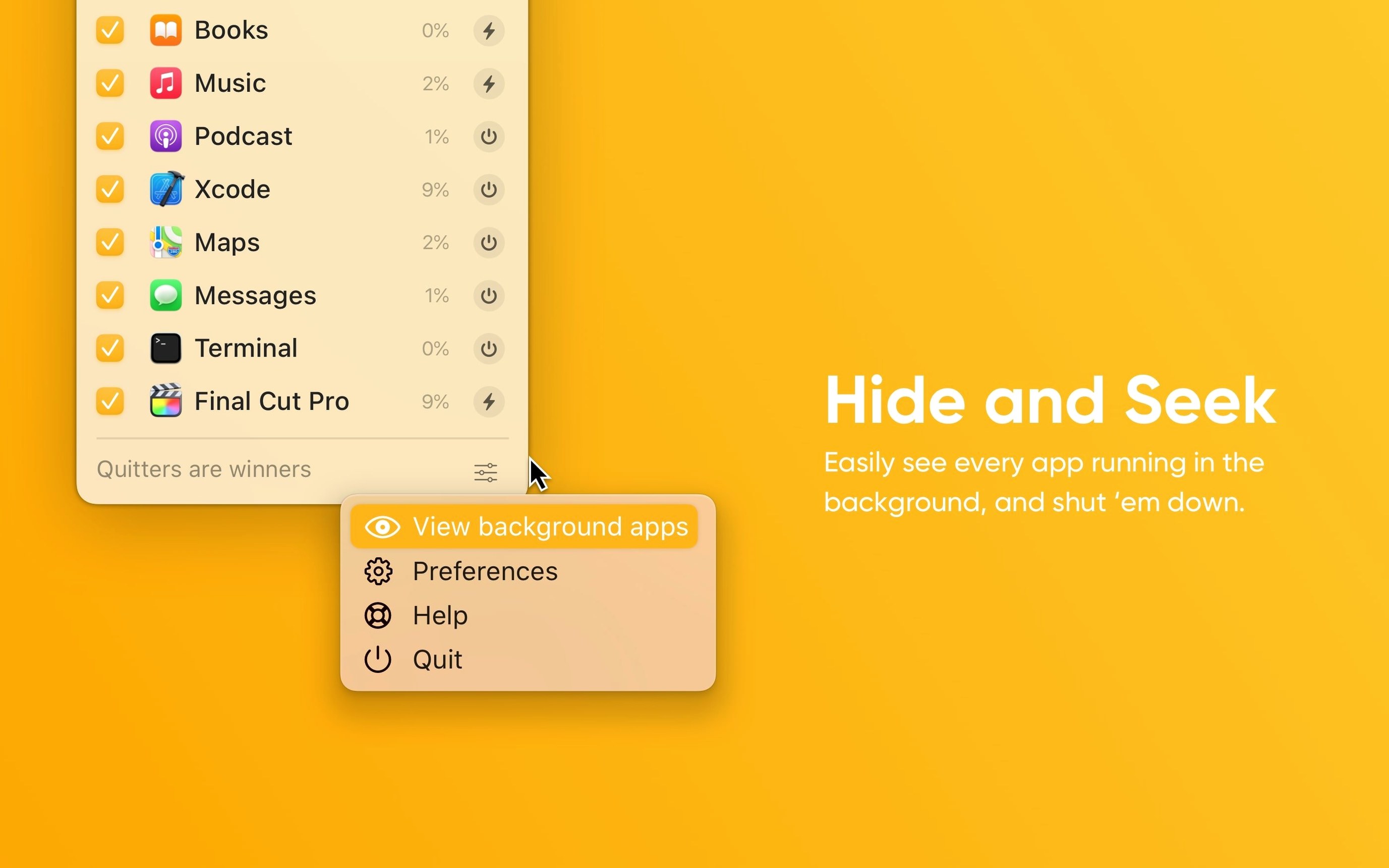
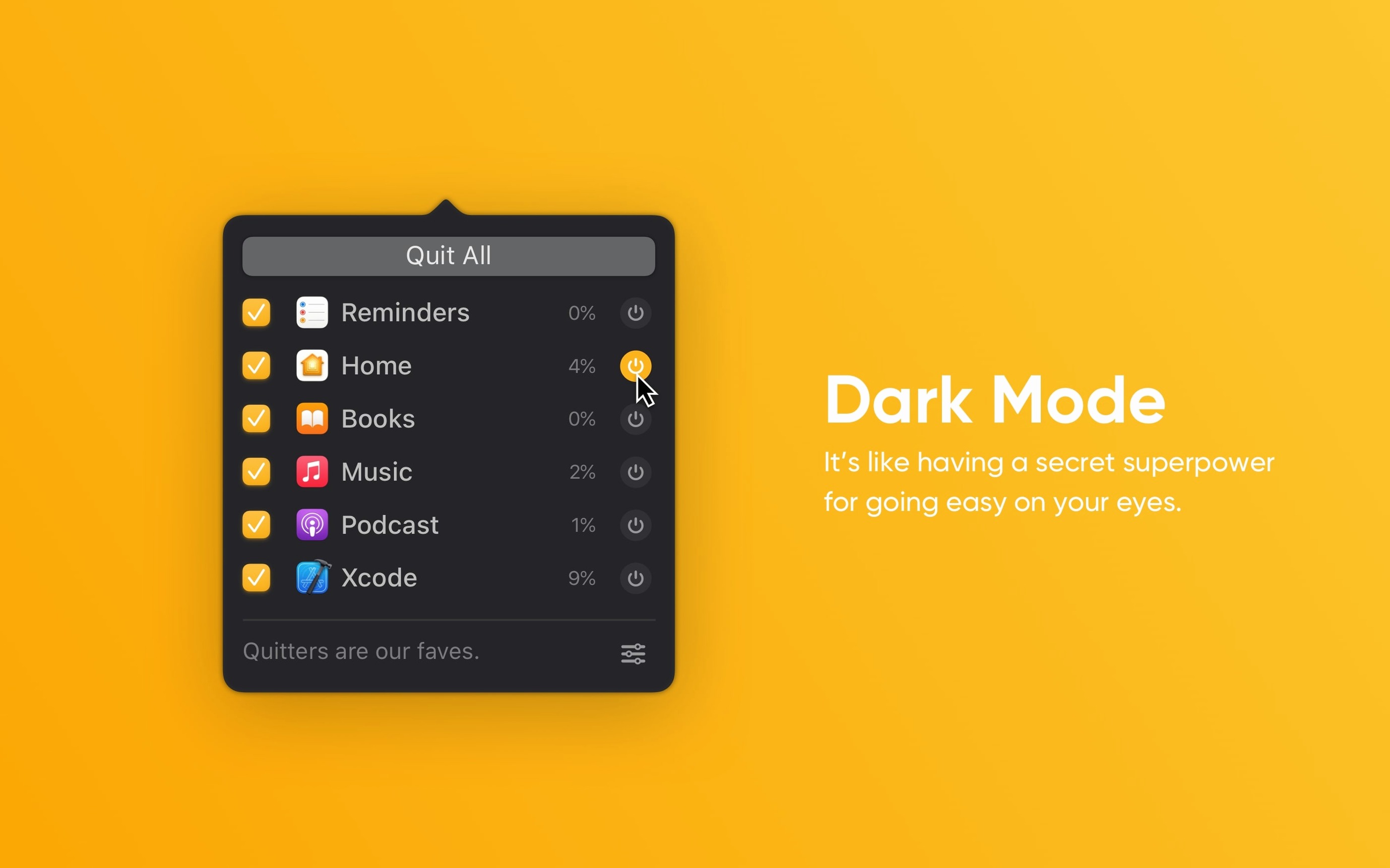
Quit All lists every running app, including the background ones Activity Monitor hides from the Dock. No hunting through windows.
How do I clear the slate?
Check the ones you want gone. Hit Quit. It asks about unsaved work before closing anything—no lost paragraphs.
What about stubborn apps?
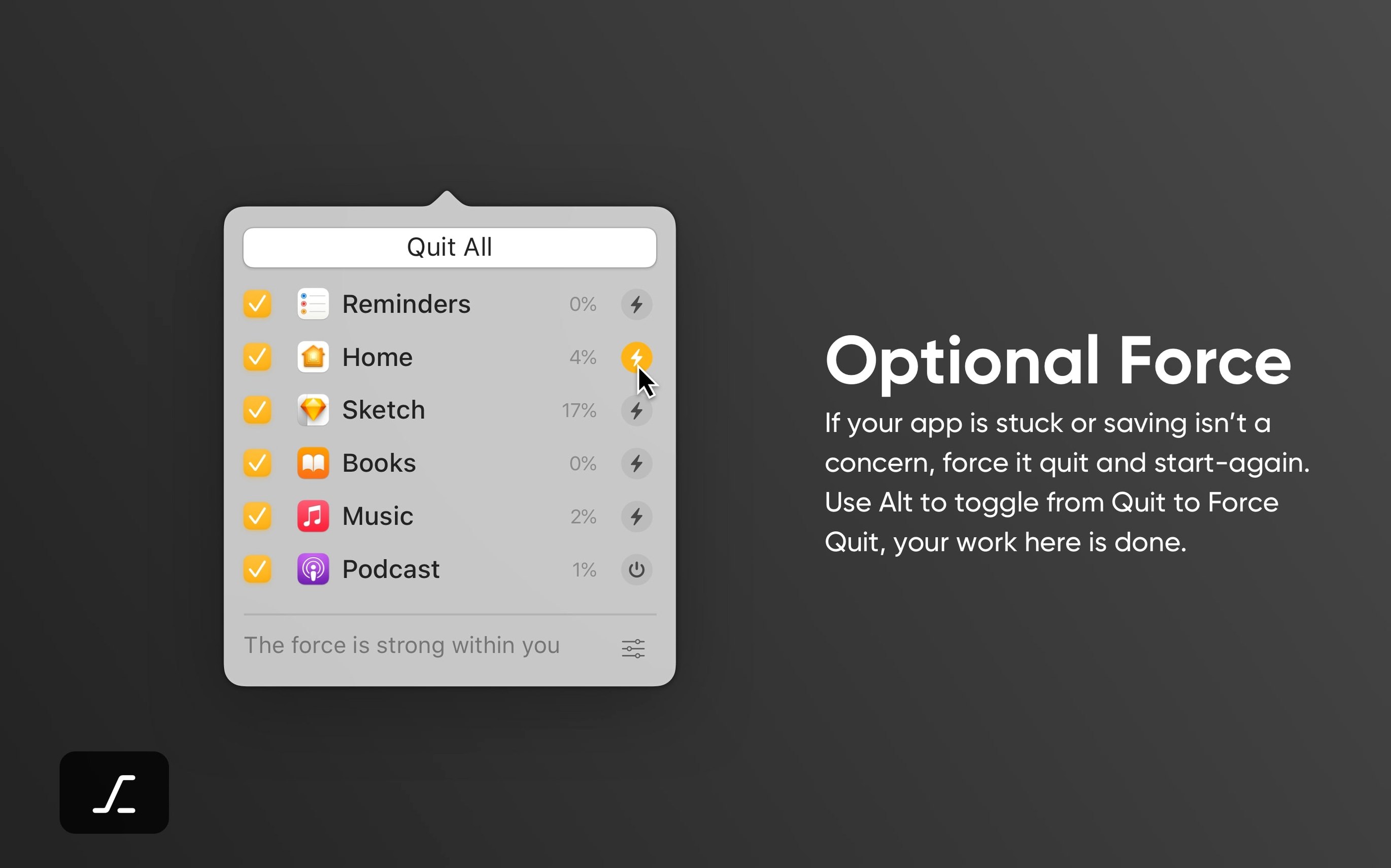
Hold Option and the button turns red. That triggers a forced quit for the ones that froze mid-thought.
Option-click quitting
Option-click any app in the list to quit it instantly—no confirmation, no second step. Good when you already saved and just want it gone.
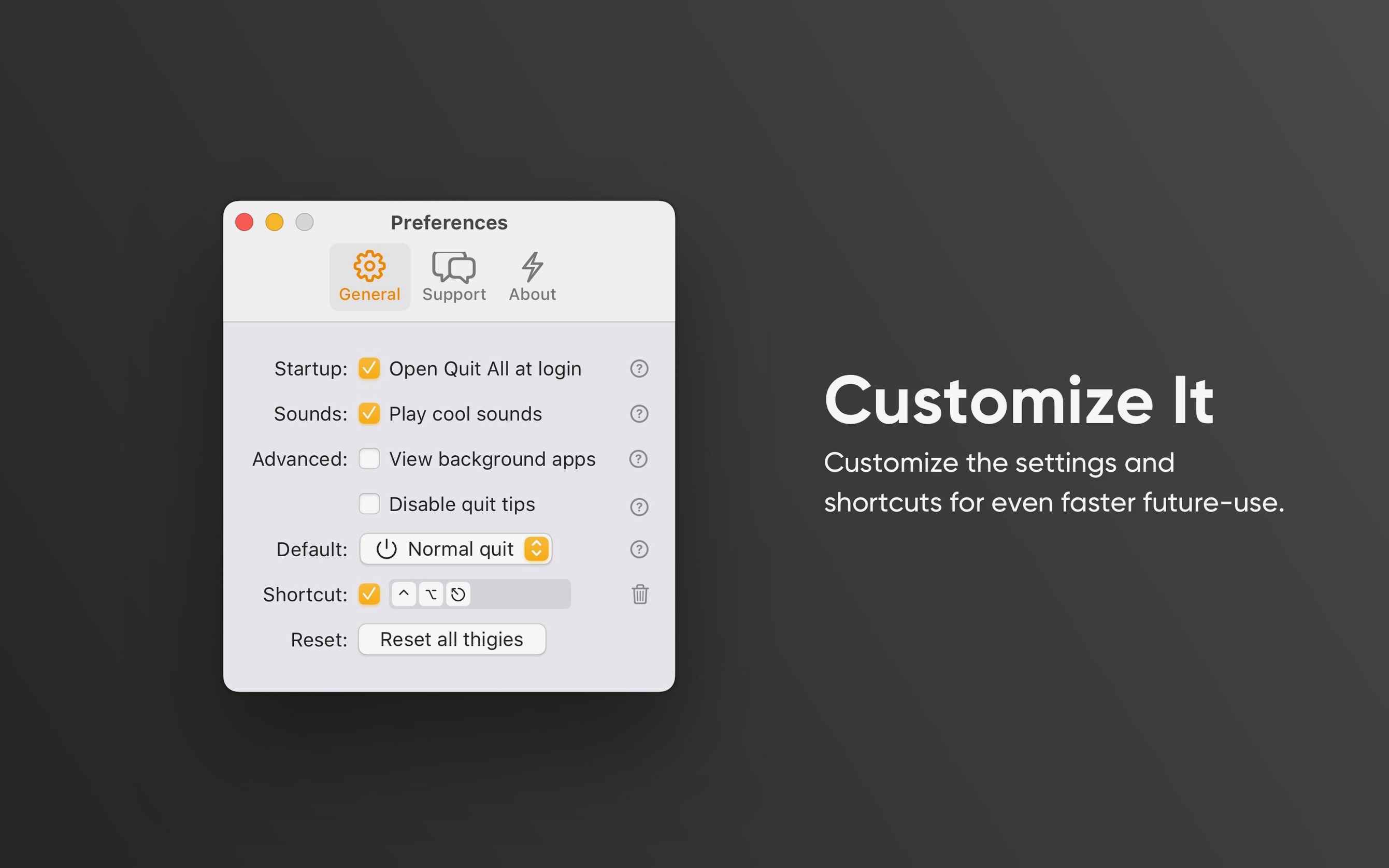
⌃⌥⌘Q quits all checked apps from anywhere on the Mac. Once you learn it, you stop opening the panel at all. ⌃⌥⌘M quits all but the frontmost app. ⌃⌥⌘B hides or shows background processes. ⌃⌥⌘S toggles the startup sound.
If the list feels crowded, type a couple of letters. Quit All filters as you type. Narrowing forty apps to the two you want takes a second.
Kill background helpers
Sometimes an app refuses to close even with a forced quit. Check whether it has a background helper that restarts it. Quit All can show those helpers—hit ⌃⌥⌘B to reveal them and quit the helper first.
Sound effects not playing? Look for the quiet bell icon in the panel footer. It toggles audio cues globally. If it’s off, every quit is silent.
When Quit All itself won’t quit, it’s usually holding a permission alert behind another window. Check Mission Control, then approve the dialog. After that, closing it works normally.
a writer’s afternoon
A freelancer finishes two pieces. Slack, Spark, Zoom, Preview, and seven browser windows are still running. Background daemons for a VPN and a sync tool sit idle. She opens Quit All, types “slack” to isolate the first few, checks them, then presses ⌃⌥⌘Q. The noisy apps vanish. She leaves Scrivener and a music player. The menu bar thins out. A quit all macos free moment that took under ten seconds.
A tool that respects the work, then makes space.