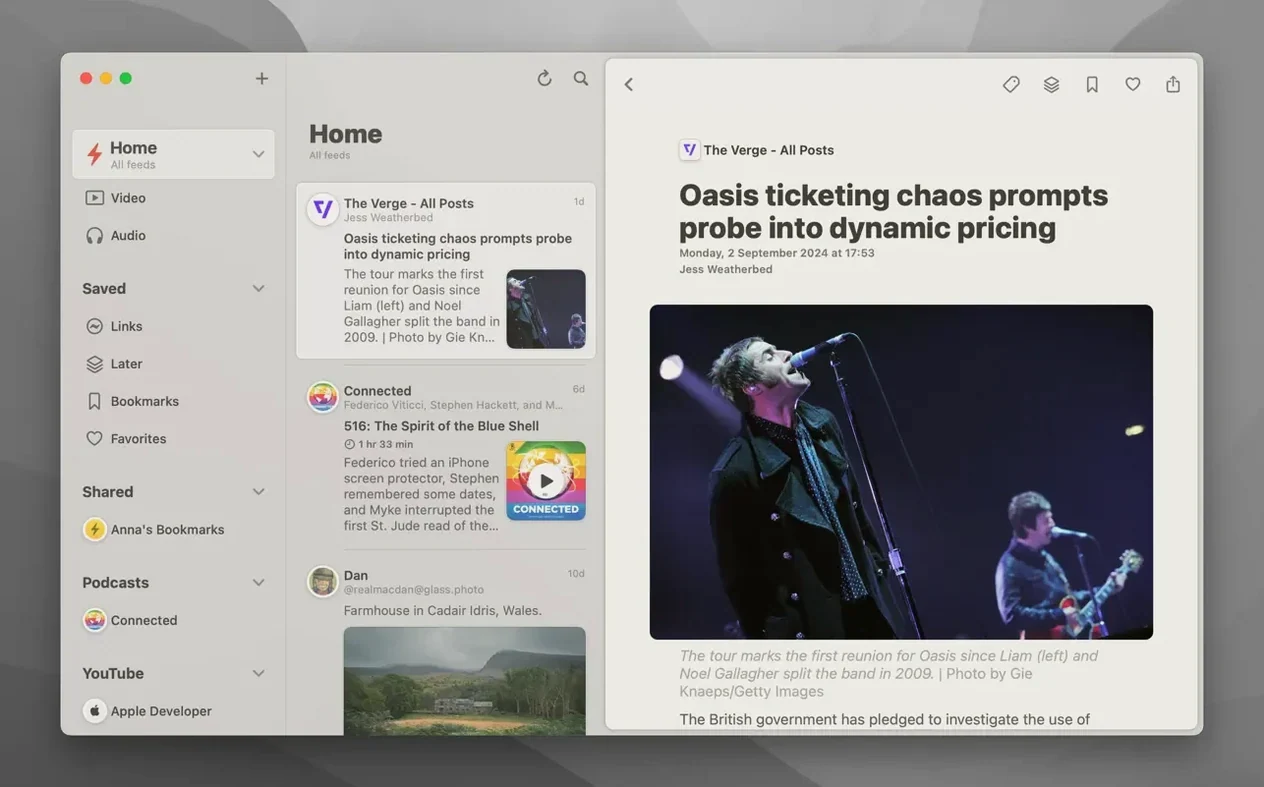
Morning coffee. You open one app and see everything: your RSS feeds, YouTube channels, podcast episodes. No tabs, no inbox noise.
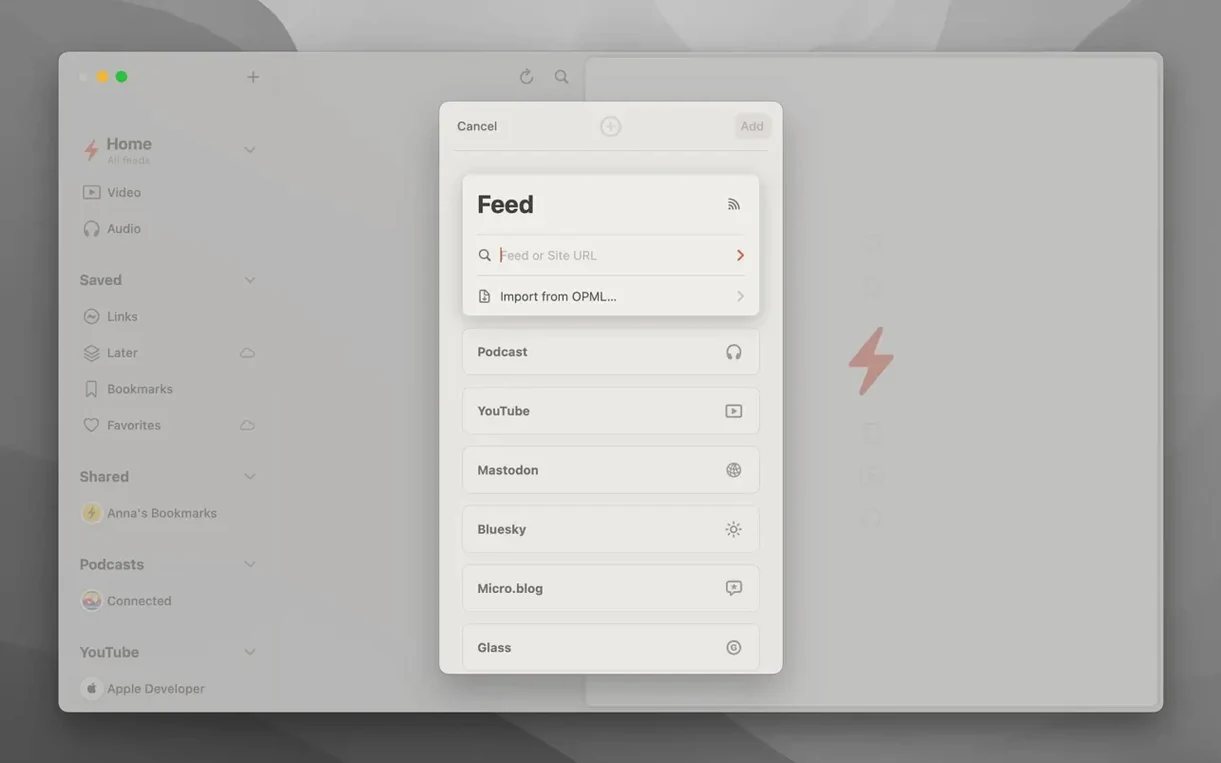
Add accounts
Reeder connects to your existing services. It syncs what you already follow.
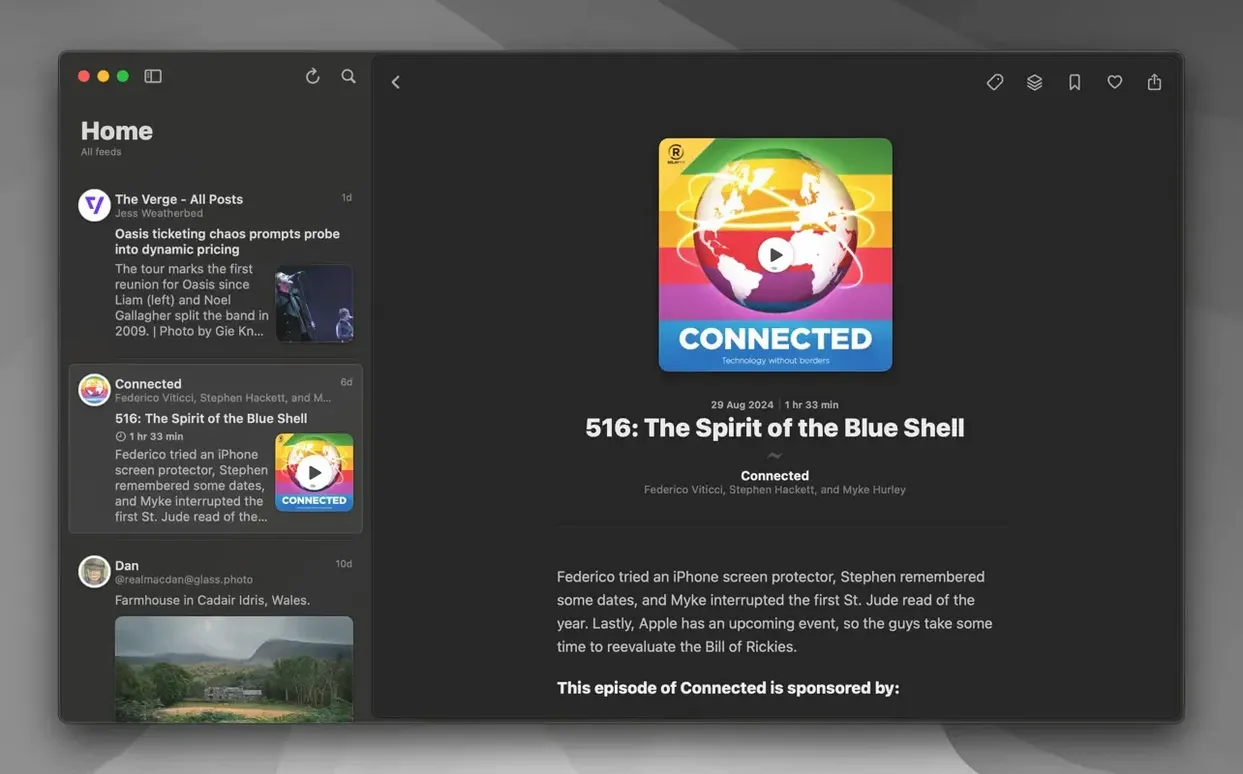
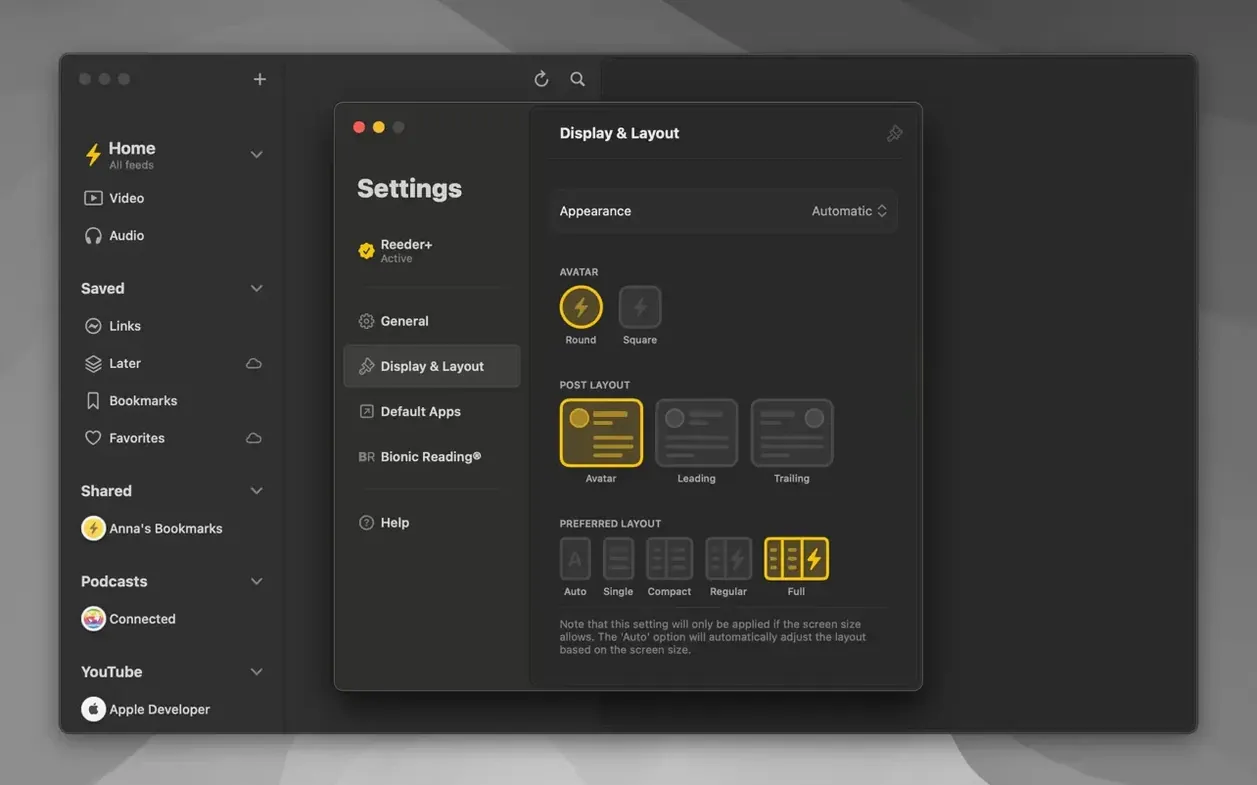
Pick a layout
The window size can set the layout automatically. You can also assign your own shortcuts and gestures.
Read comfortably
Offline cache
People usually ask two things. Does it work offline? Yes — it caches articles when the connection is active. The second: will it slow down a large account? The 2026.6 update specifically addressed list loading performance for filters, so heavy feeds stay responsive now.
Another common worry is service lock-in. Reeder keeps its own iCloud-synced Read Later list separate from third-party services. You can switch feed providers later and your saved articles stay with you.
Flicker scroll
You launch Reeder. The sidebar lists your Feedly account and a few local folders. You swipe down on the trackpad — the articles list scrolls, image previews flickering past. A YouTube thumbnail appears in the list; the latest update made that detection sharper.
You tap a piece about old cameras. Reader view strips the page down to text and photos. Halfway through, you switch to Bionic Reading mode — the bolded first syllables pull your eye forward. You save it to Read Later with a gesture you reassigned last month.
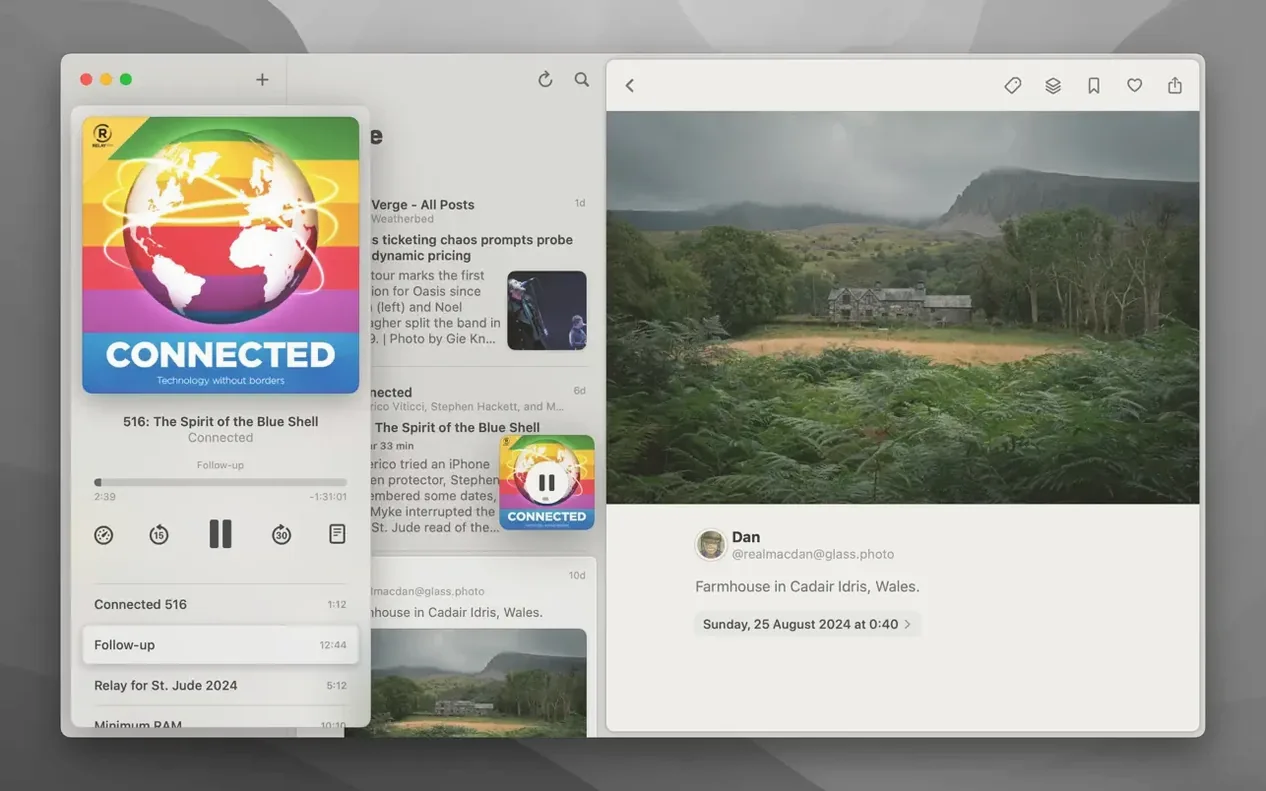
Next, a podcast episode. You hit play. The controls, fixed in this version, stay responsive as you scrub back thirty seconds. You close the app. Everything syncs. No cleanup required.
Switch to reader view for a clean, distraction-free page. Bionic Reading mode is there if you want it, and images open in the built-in viewer.