
An app phones home. A helper tool leaks data. The menu bar icon you forgot about keeps chattering to a server you don't recognize. Radio Silence removes that noise.
It works on any Mac running macOS 10.15 or newer, on both Intel and Apple Silicon machines. No special configuration required.
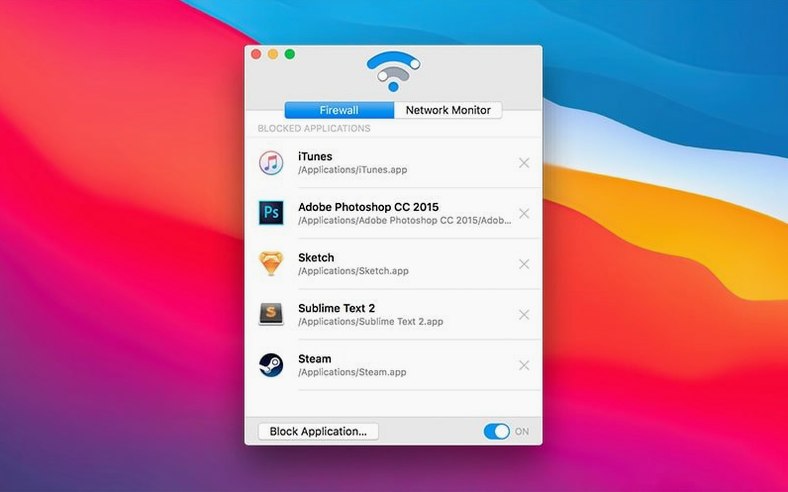
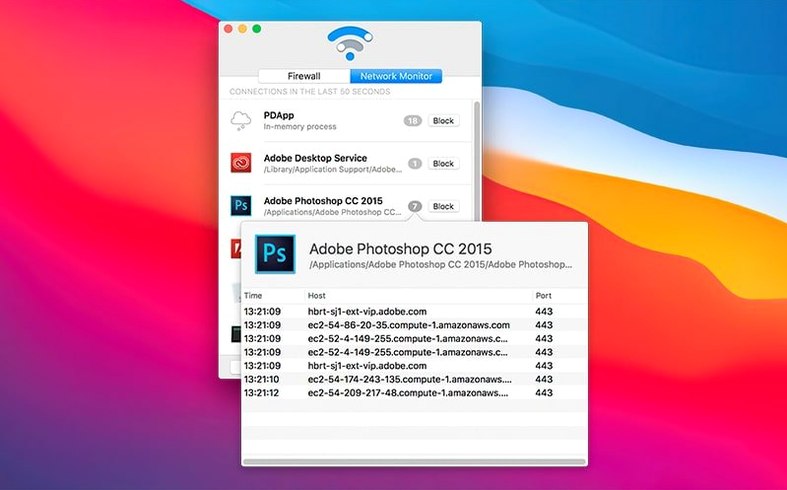
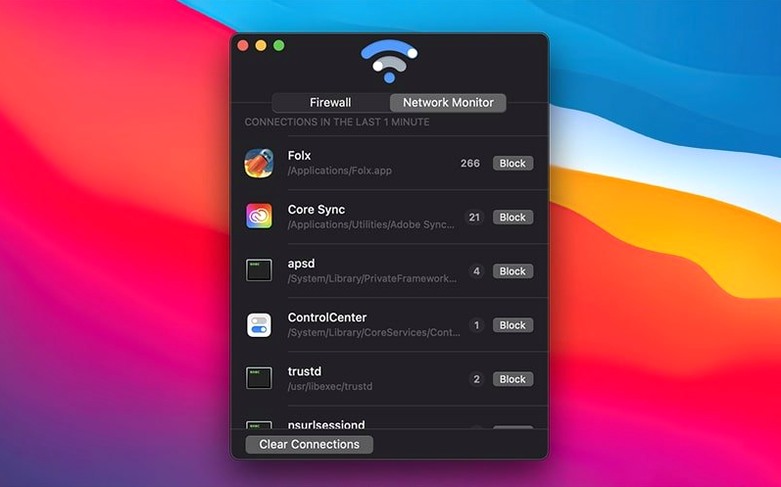
Once it's in place, you see a live list of connections initiated by your applications. Pick the ones you don't trust, press the Block Application button, and the traffic stops. The monitor keeps watching, but the unwanted app goes quiet. You can pause the firewall at any time, then restore it when you're ready.
It runs light. On an M1 machine with a dozen apps open, Radio Silence sits at around 30 MB of memory and barely touches the CPU. The connection list updates in real time without any lag in the interface. Even during a large file transfer or a backup, scrolling through the monitor stays smooth.
Stability is equally quiet. It has never beachballed here, never crashed on wake from sleep, and never left a broken firewall state after a system update. The helper tool loads once and stays out of the way.
Next to everything else
Radio Silence doesn't fight other apps. It works alongside Little Snitch, TripMode, or the built-in macOS firewall without conflicts. The blocking happens at a different level—simple, per-application rules that don't touch system-wide packet filtering.
It also plays well with VPNs. When you switch servers or reconnect, blocked apps stay blocked. No reconfiguration needed. If you use a tool like Proxyman or Charles for debugging, Radio Silence won't interfere with local proxy traffic either.
macOS notifications integrate naturally. When a newly installed app tries to connect, the monitor shows it immediately. You can block it before it sends a second packet. The absence of a menu bar icon means one less thing competing for attention in an already crowded bar.
List cleanup
Radio Silence works right after installation, but two adjustments make it better.
First, open the Firewall tab and glance at the list. If an app you blocked months ago is no longer installed, remove it. The list stays clean, and the firewall rules stay fast.
Second, get comfortable with the pause toggle. When you temporarily need an app to connect—say, for a one-time license check or a quick sync—pausing the firewall is faster than removing and re-adding the block. Just remember to unpause.
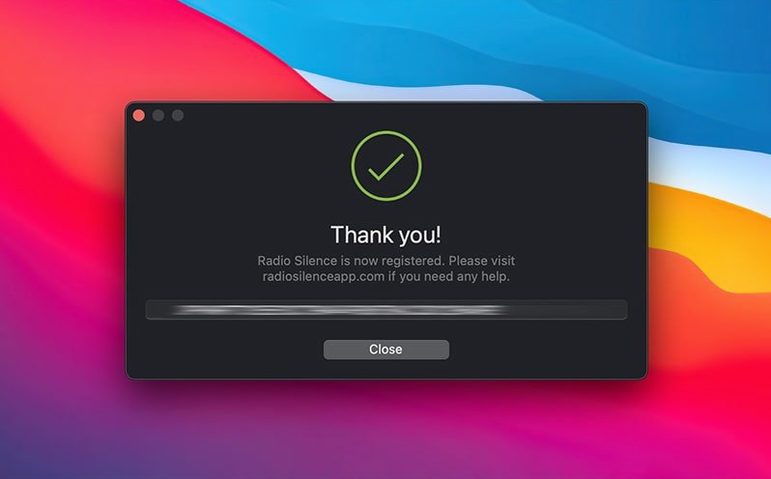
Some users looking for a radio silence for mac solution also want a radio silence mac torrent, and once you have the file the real thing installs in seconds and leaves no mystery background processes behind. Others search for a radio silence mac crack and can get the full feature set unlocked right away. The official build weighs only a few megabytes. A clean radio silence download takes less time than reading this sentence.
It's a small, direct tool. No cloud accounts, no subscription, no distraction.