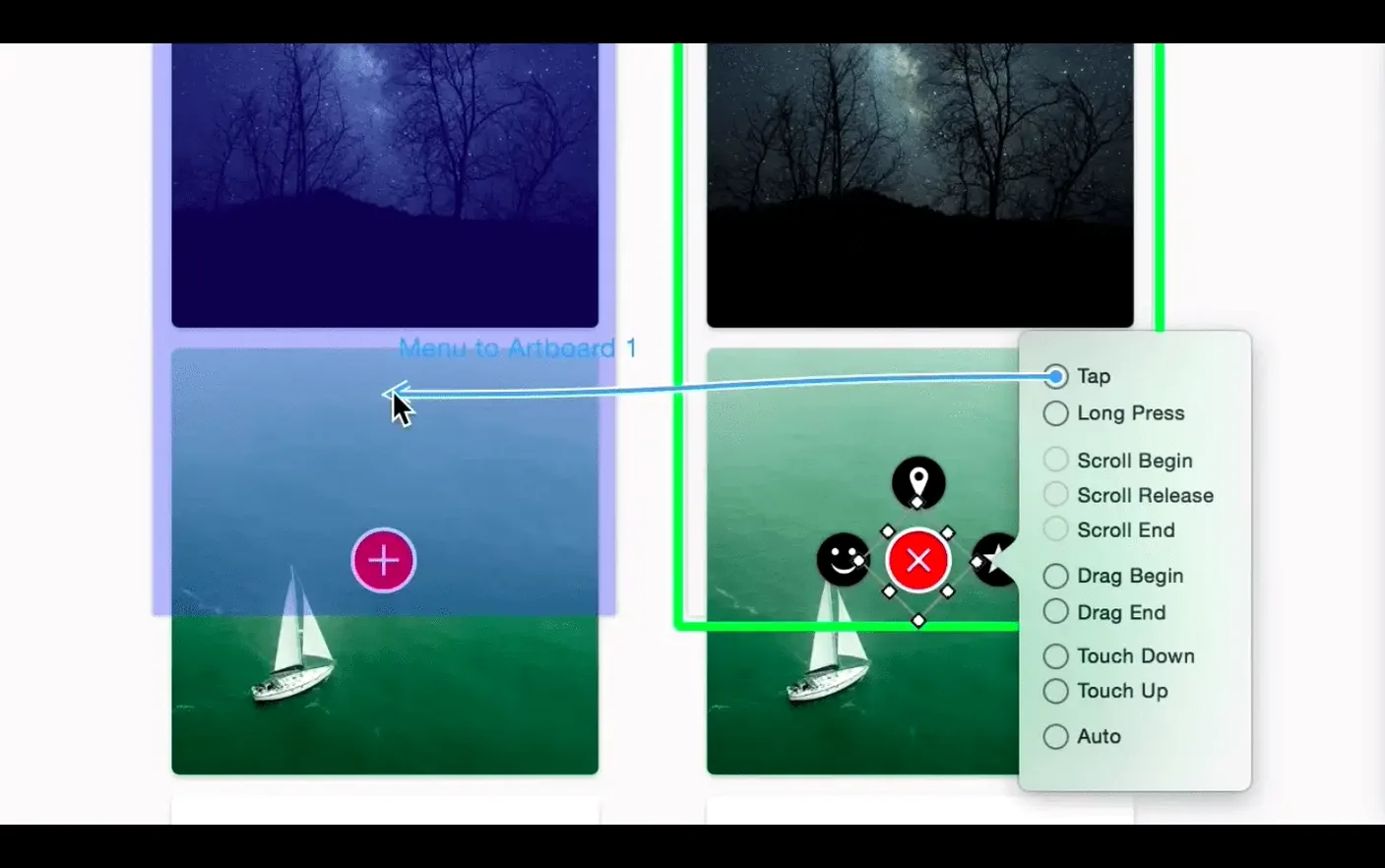
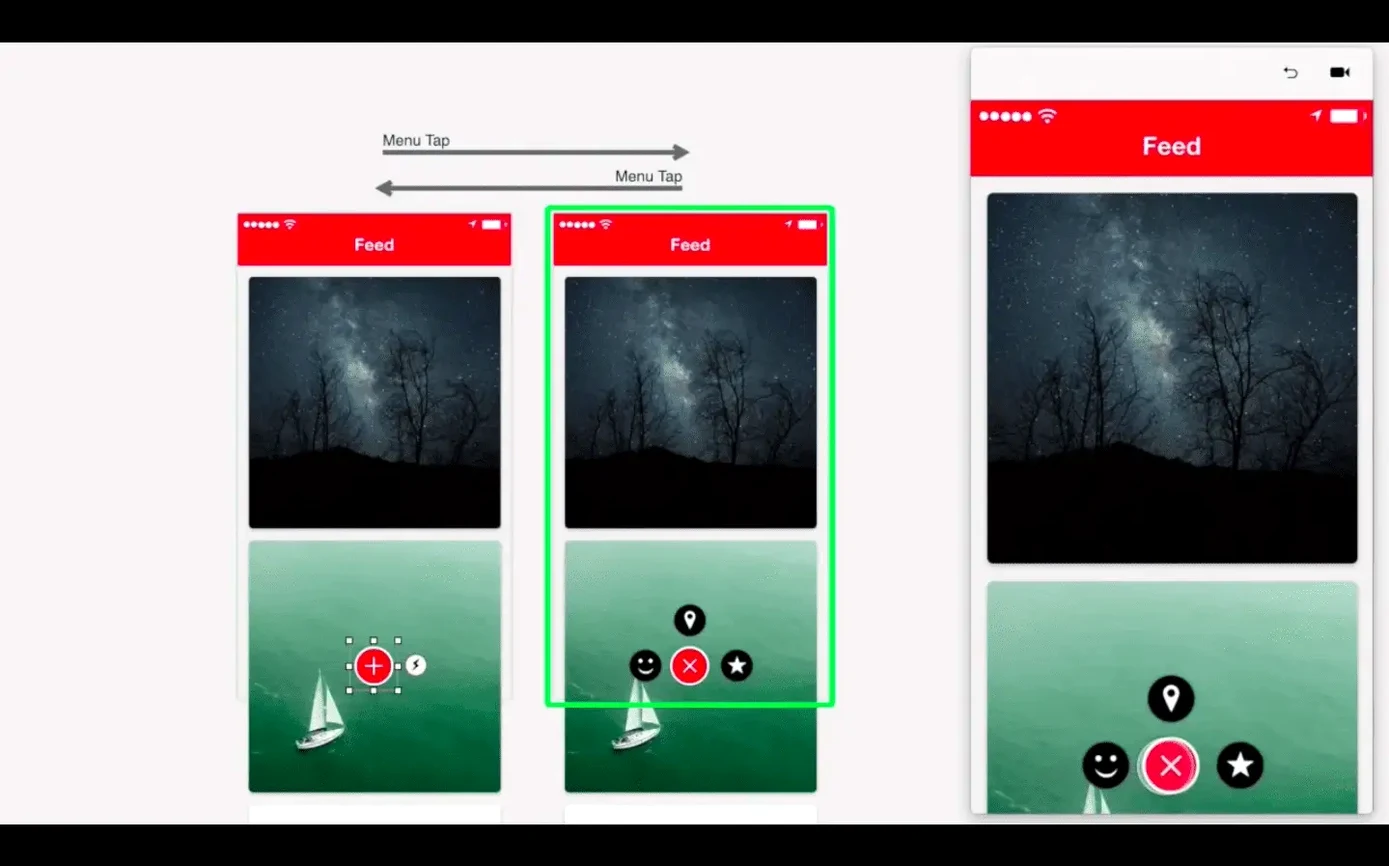
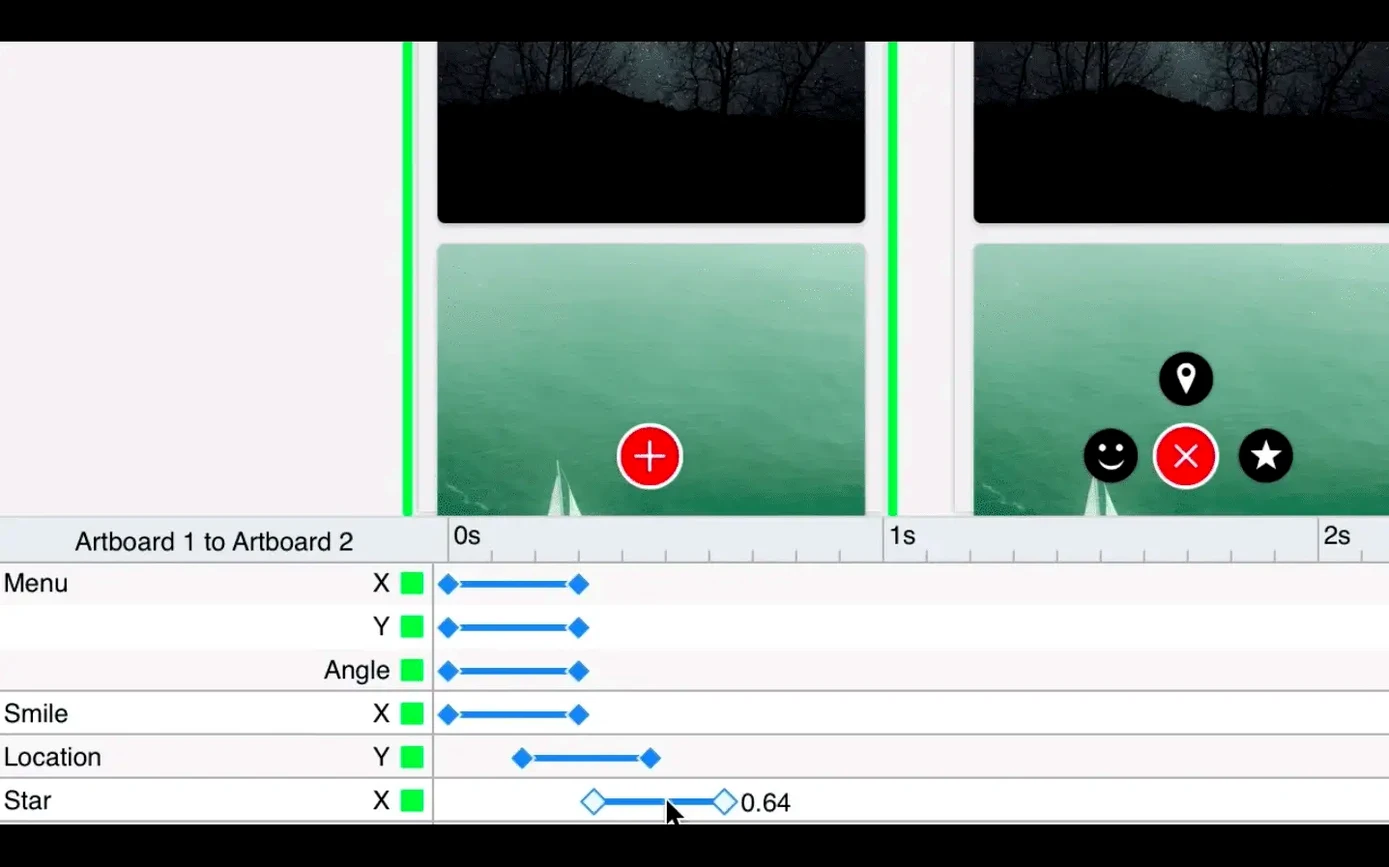
Version 6.43 arrived without release notes—a quiet update to a deliberately quiet app. Principle still draws its own path: a native Mac prototyping tool that cares about motion and response, not feature sprawl.
- Artboards keep layouts self-contained and easy to scan
- Auto Save runs in the background, out of the way
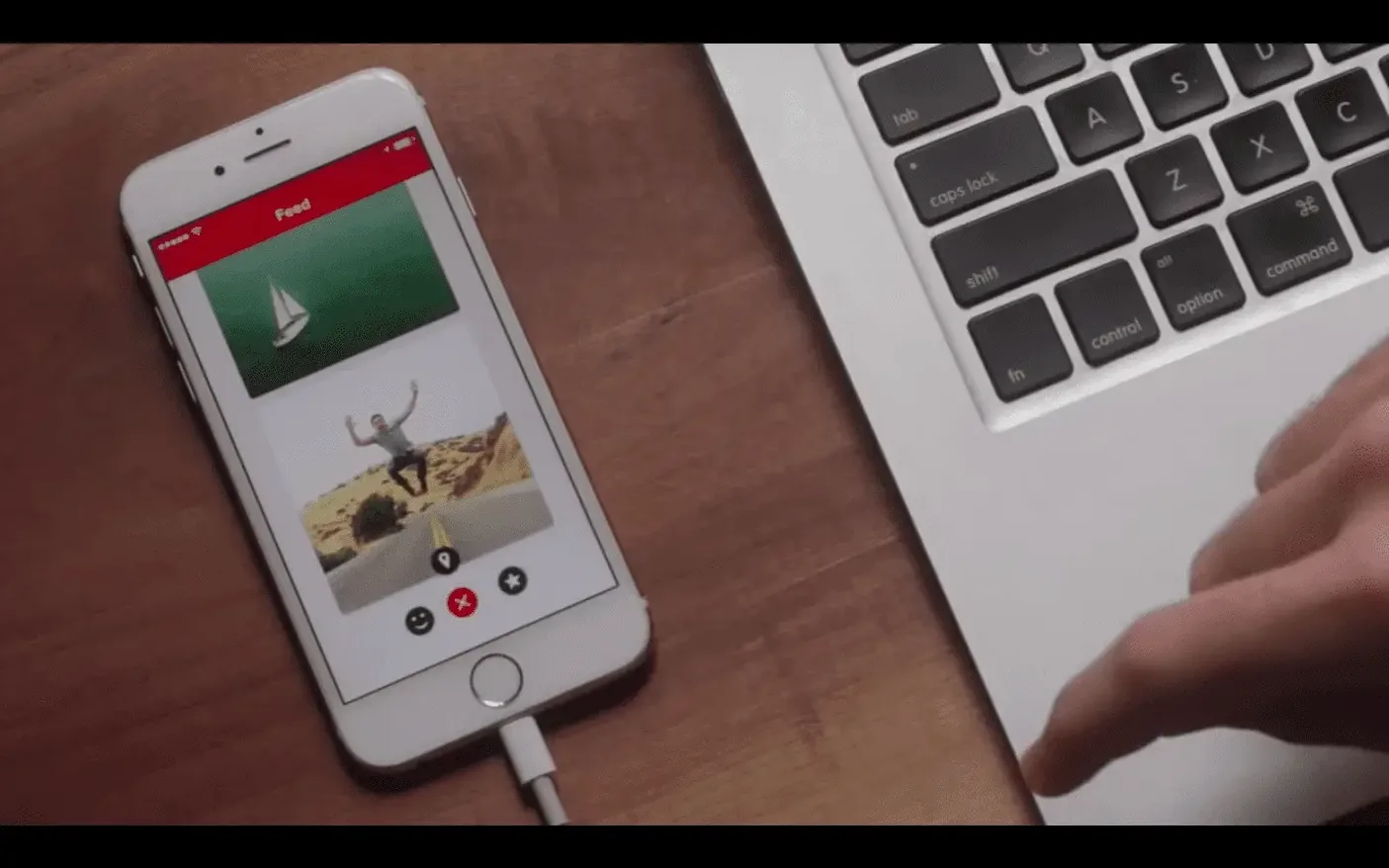
- The iOS Mirror app previews work on a device, live
- Export a standalone Mac app to share a prototype without the editor
- Intel-native, English-only, macOS 10.14 minimum—unchanged
The core promise holds. Animate a screen transition, wire up a scroll, test the feel. Principle stays small enough to learn in an afternoon and deep enough to return to.
Vanished timeline
The timeline panel sometimes vanishes. Right-click the toolbar and select Customize Toolbar—drag it back from the palette. It hasn't gone anywhere.
Mirror won't connect when your Mac and iPhone sit on different Wi-Fi bands. A single SSID with band steering off usually fixes it. USB mirroring works every time.
Scrolling feels wrong in your exported Mac app. Principle reads the scroll wheel directly, which trips up third-party mouse drivers. Switch to the built-in macOS driver for testing.
Artboards multiply and you lose track. Name them as you go—Principle sorts by name in the navigator, and a clear label saves more time than you'd think.
Imported Sketch or Figma files land with odd layer grouping. Ungroup once, group again. Principle flattens what it doesn't understand, so keep your source files simple before importing.
Quick Look
Principle fits into a workflow rather than replacing any part of it. Design in Sketch or Figma, animate in Principle, hand off to Xcode or WebStorm.
Drag a Principle file into a macOS folder and press spacebar. Quick Look shows the first artboard without opening the app—handy for scanning a folder of prototypes.
The standalone Mac export creates a tiny .app bundle you can zip and send. No install, no permissions prompt. The recipient just opens it.
Principle doesn't read or write Lottie. For that, you export a video and convert it elsewhere. The timeline exports a clean MP4, which After Effects and similar tools pick up without fuss.
Keyboard shortcuts mirror what you already know from Sketch—Return to rename, arrows to nudge, spacebar-drag to pan. The muscle memory carries over.