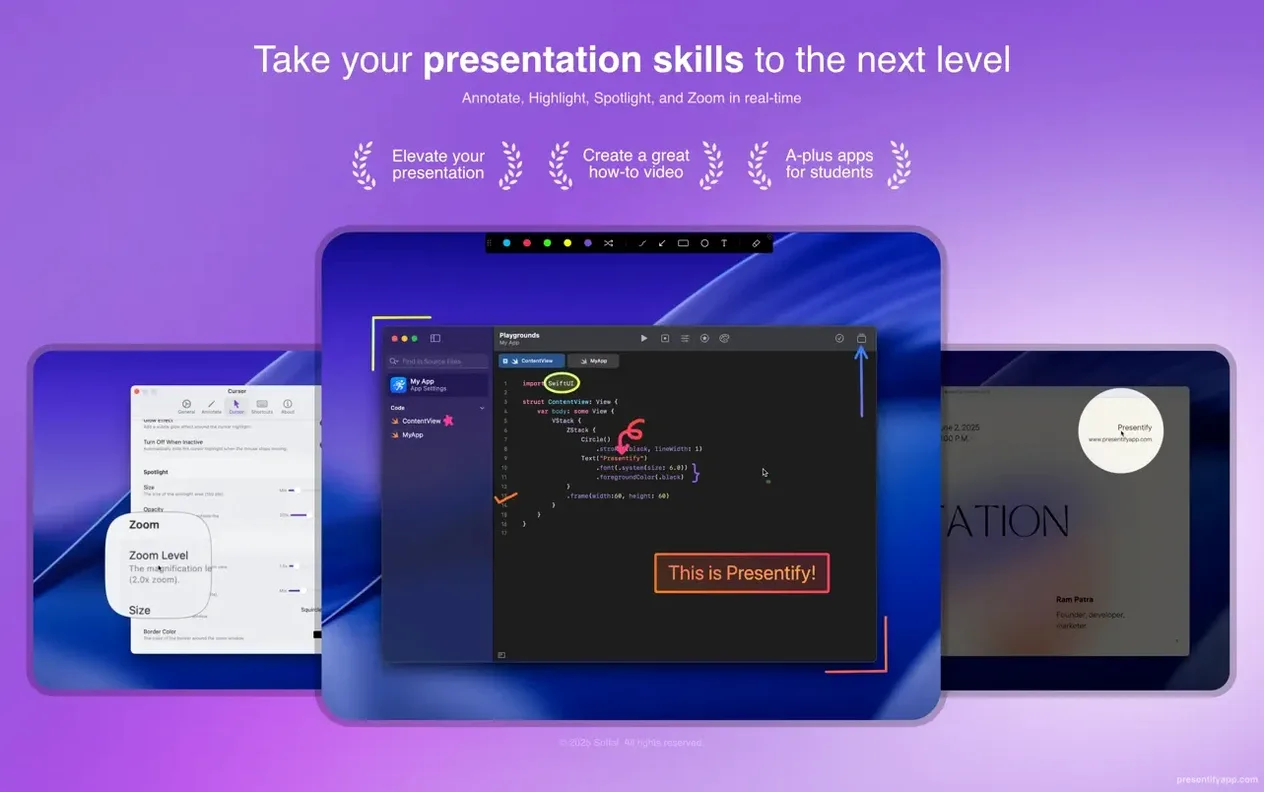
Presentify is a menu bar app that lets you draw, highlight, and zoom over any part of your screen in real time.
Tools you grow into
- Annotate anything — code, PDFs, video frames, or slides — without leaving your current app.
- Random gradient colors keep the markup fresh; no palette hunting mid-flow.
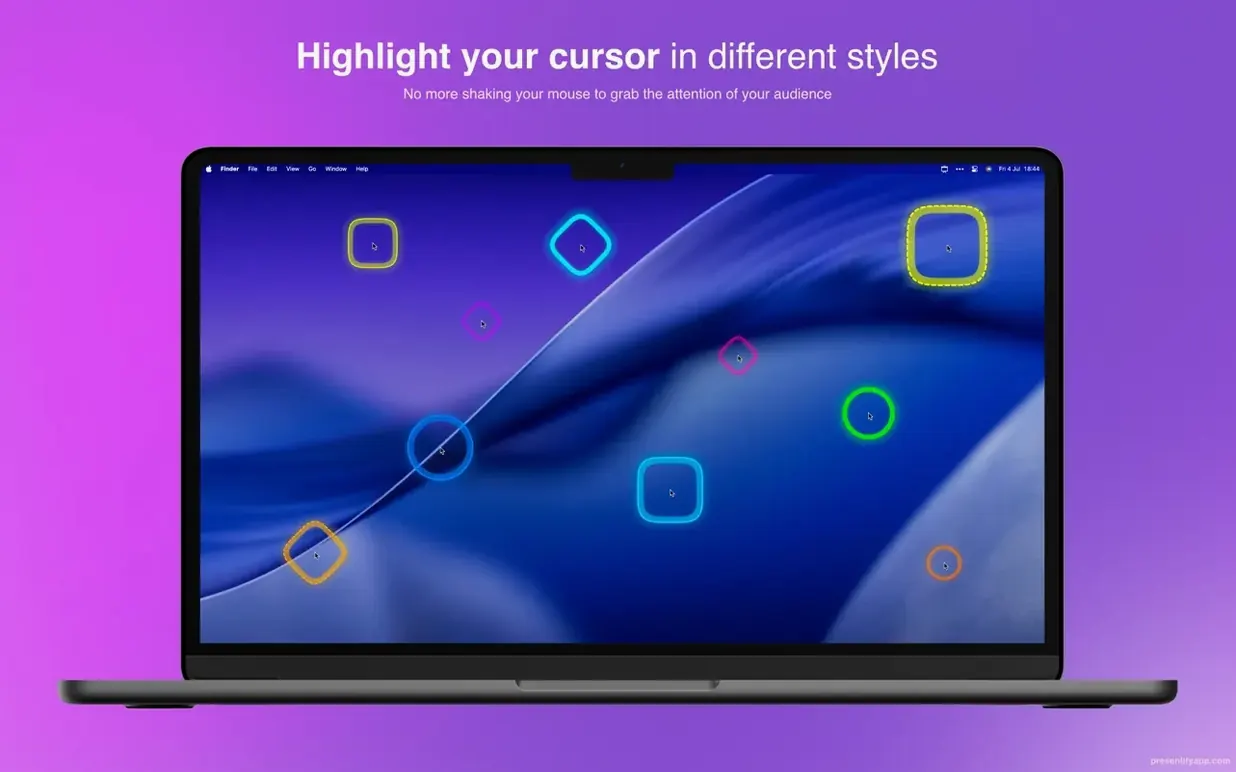
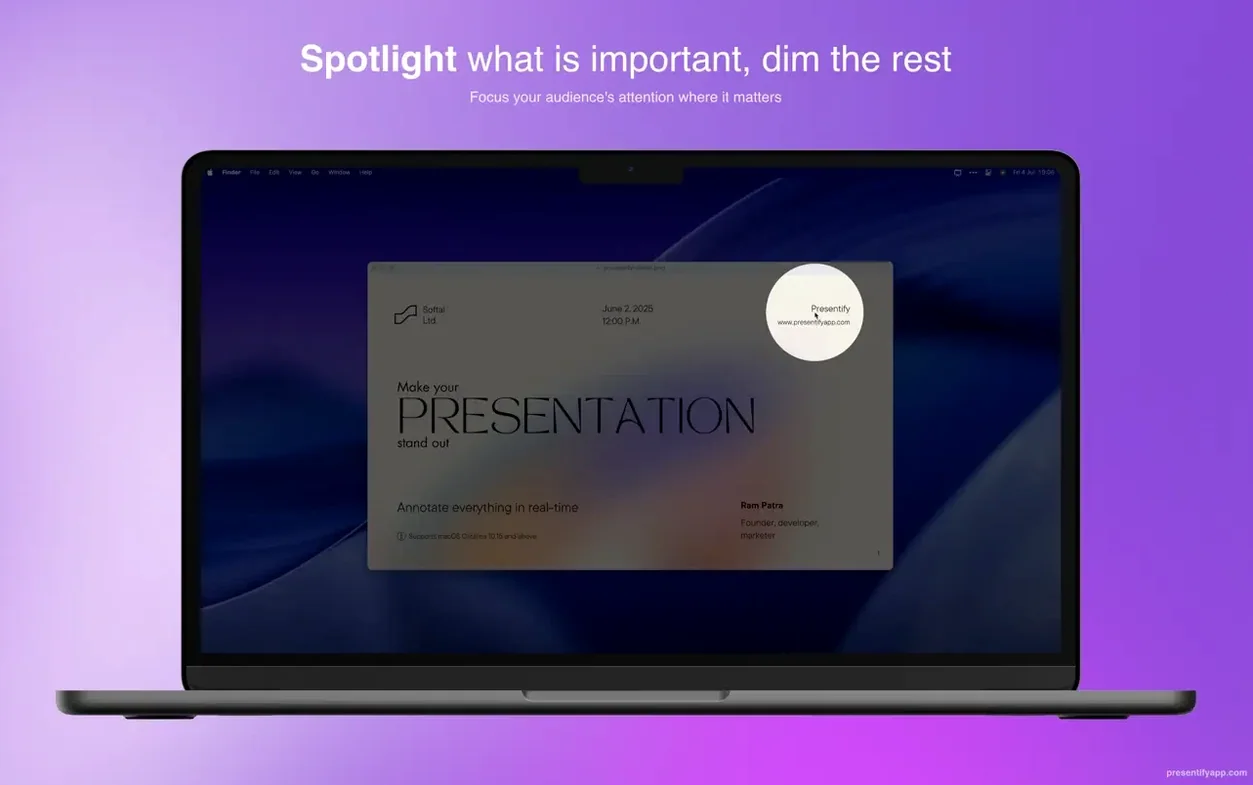
- Cursor highlighting and spotlight effects guide the viewer's eye before you speak a word.
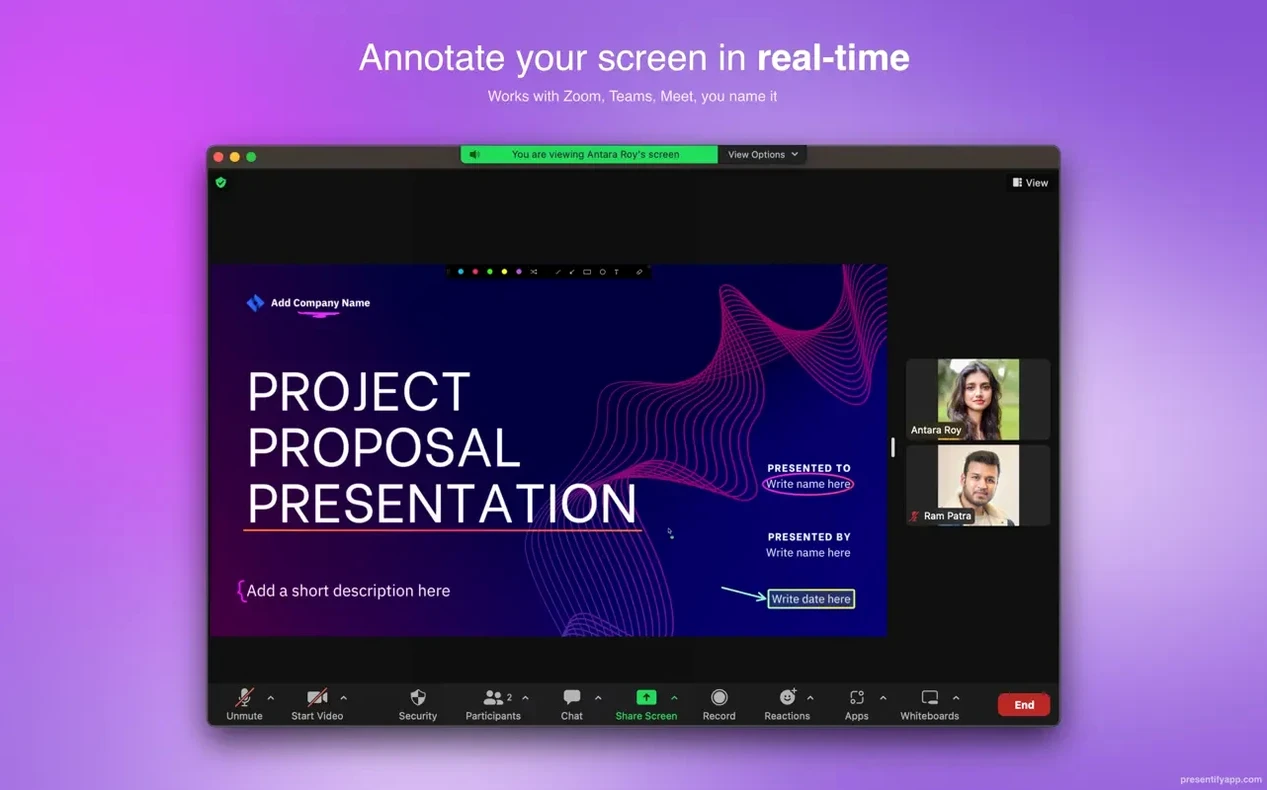
- Works cleanly with Keynote, Zoom, Google Meet, and Skype.
Transparent layer
It sits in the menu bar and acts as a transparent layer. When you need it, the tools appear. When you don't, it stays out of the way. Text annotation and multiple shape options are there, but nothing pushes you toward complexity. It removes the need to prep slides just to show an idea, and it fades the moment you stop drawing.
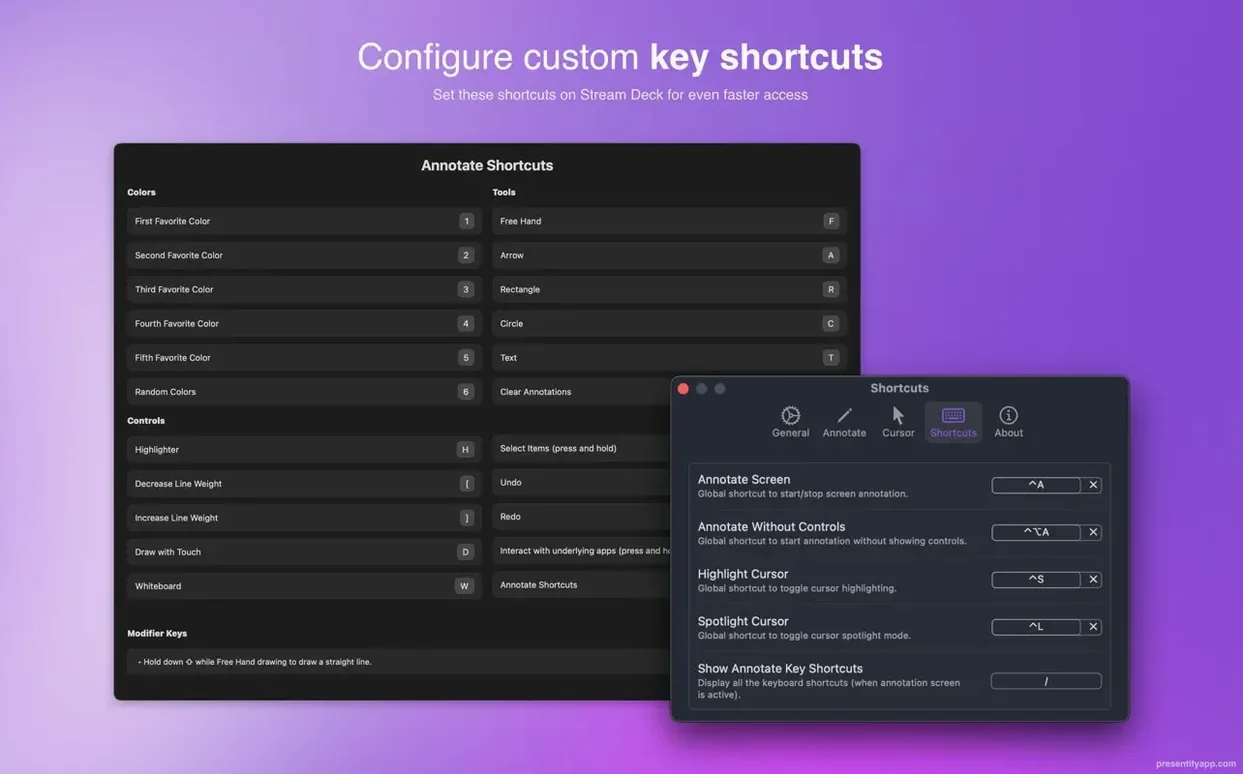
One of the most common beginner mistakes is leaving annotations on screen too long. The app can erase them automatically after a set interval. Not using this feature leads to a cluttered screen and a distracted audience. Another misstep is forgetting that holding Fn lets you interact with apps underneath while the annotation layer is active. Without that trick, people switch modes repeatedly and break their own flow.
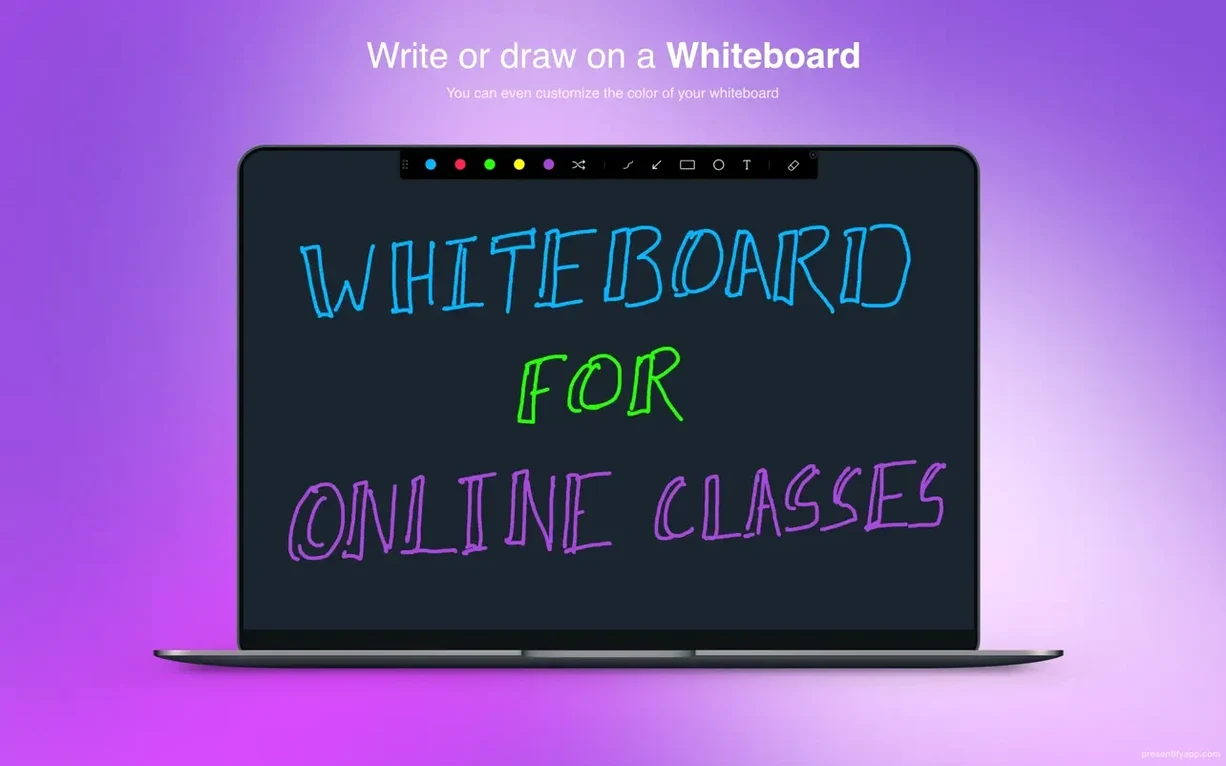
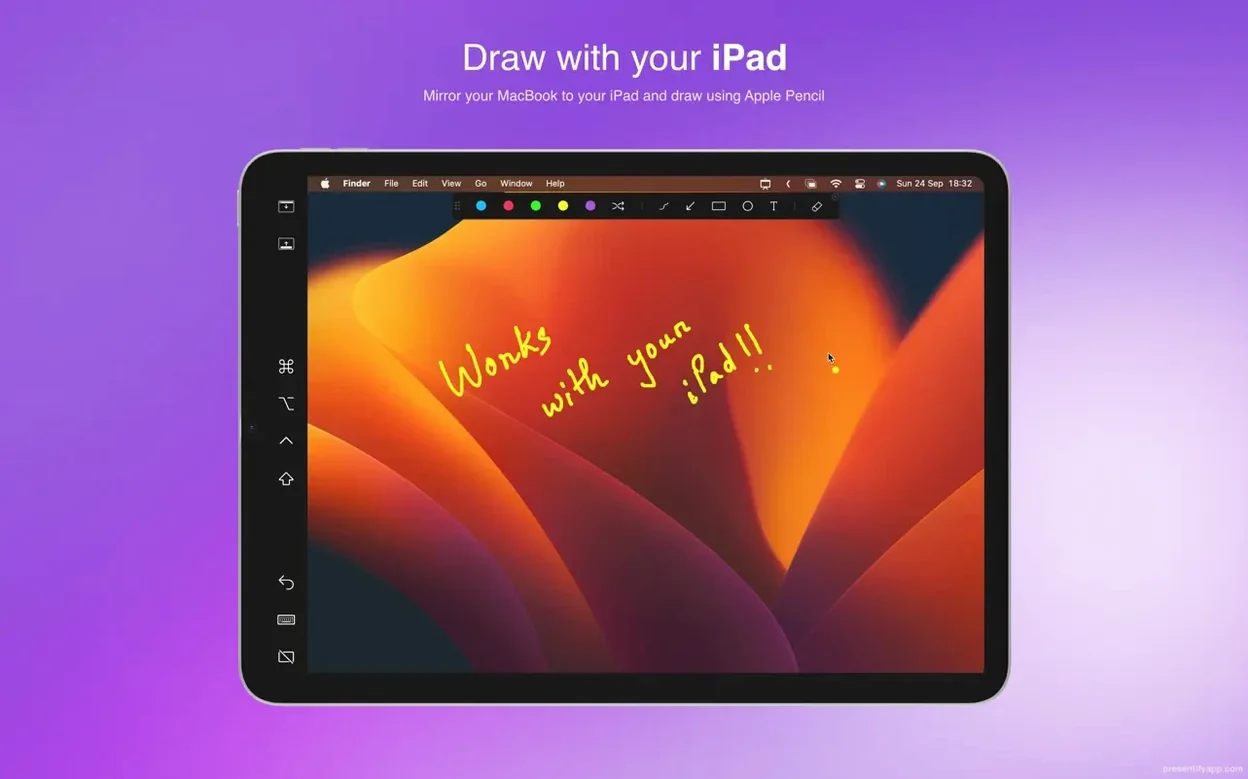
Beginners also tend to draw with a trackpad when a simple graphics tablet would give them much cleaner lines. Presentify works with Wacom and XP-Pen tablets out of the box. The difference in legibility is immediate.
A teacher's morning
An online language instructor starts her day with a dense PDF of irregular verbs. She opens the file, activates Presentify from the menu bar, and circles the stem changes in three different colors while her students watch over Zoom. A quick spotlight isolates one row of the table. She types a short note directly onto the screen, then continues. No slide deck was built for this. The annotations vanish a few seconds after she moves on.
She switches to a browser tab showing a news article. A highlight stroke runs under two phrases without covering the text. Students read aloud. The entire lesson moves through live documents, not prepared screenshots. That speed of setup is what keeps her using it daily.
Live code annotators
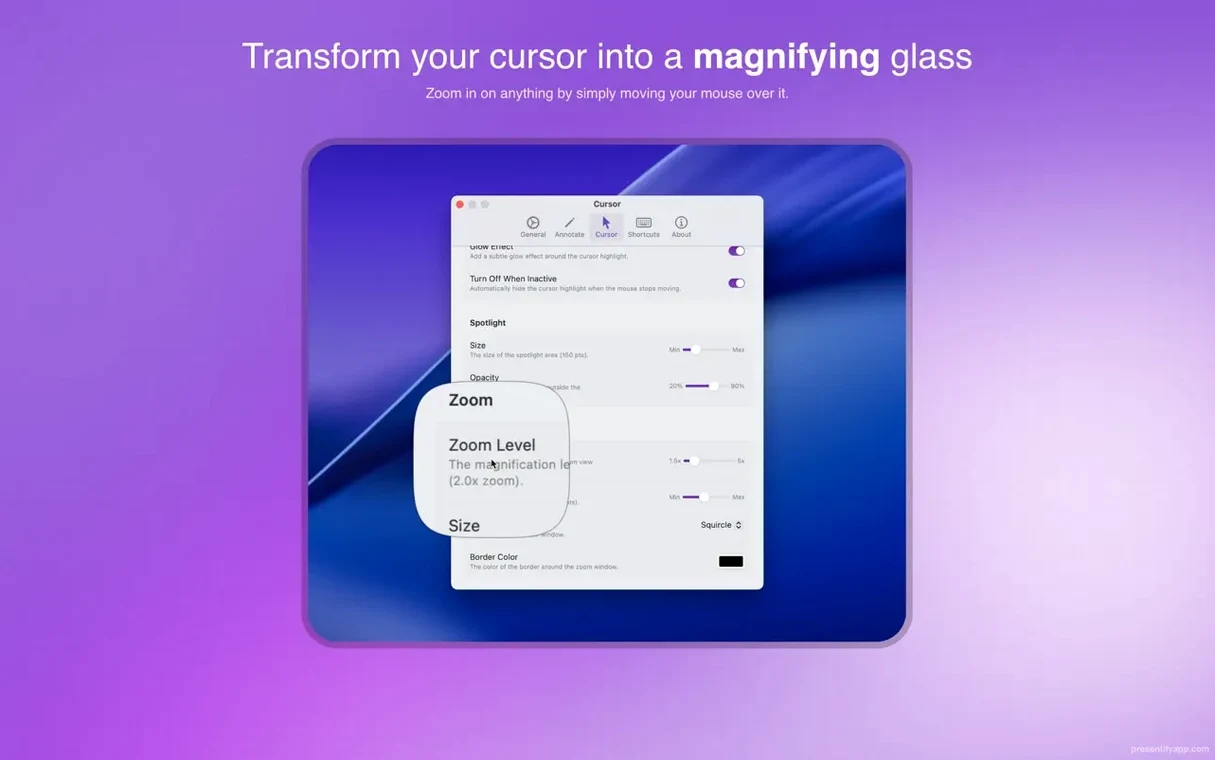
People who present live code get the most out of Presentify. Developers running code reviews or pair programming sessions annotate directly over their IDE. They circle a variable, draw an arrow to a function call, and keep talking. The zoom tool pulls focus to a single line without changing the editor's font size.
Video creators who record tutorials also benefit heavily. They can mark up a timeline, highlight a button, or scribble a quick reminder during a screen recording. Because the annotations fade automatically, they don't need to edit them out later. Presentify shortens the distance between thinking and showing, which is exactly what these users need.