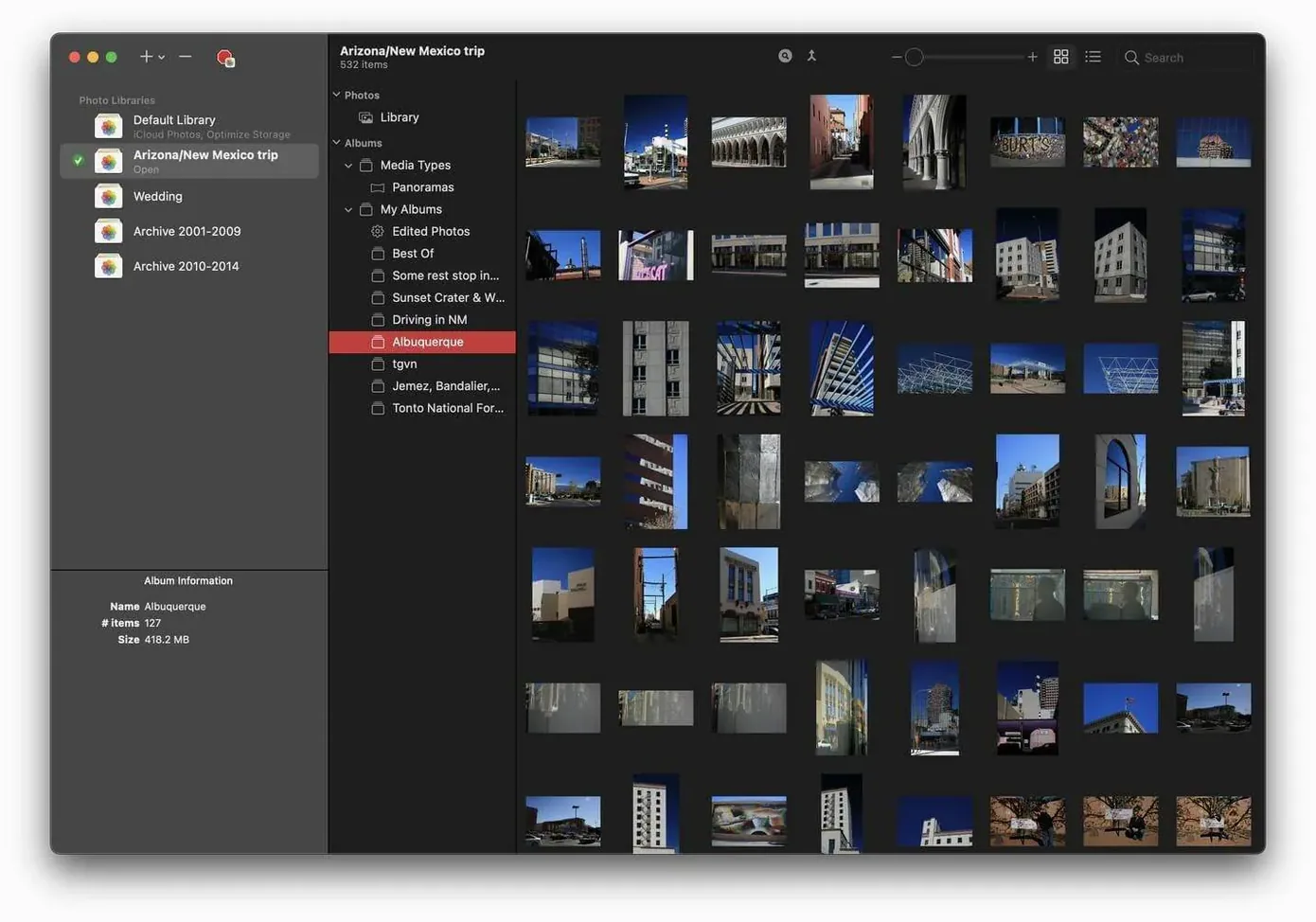
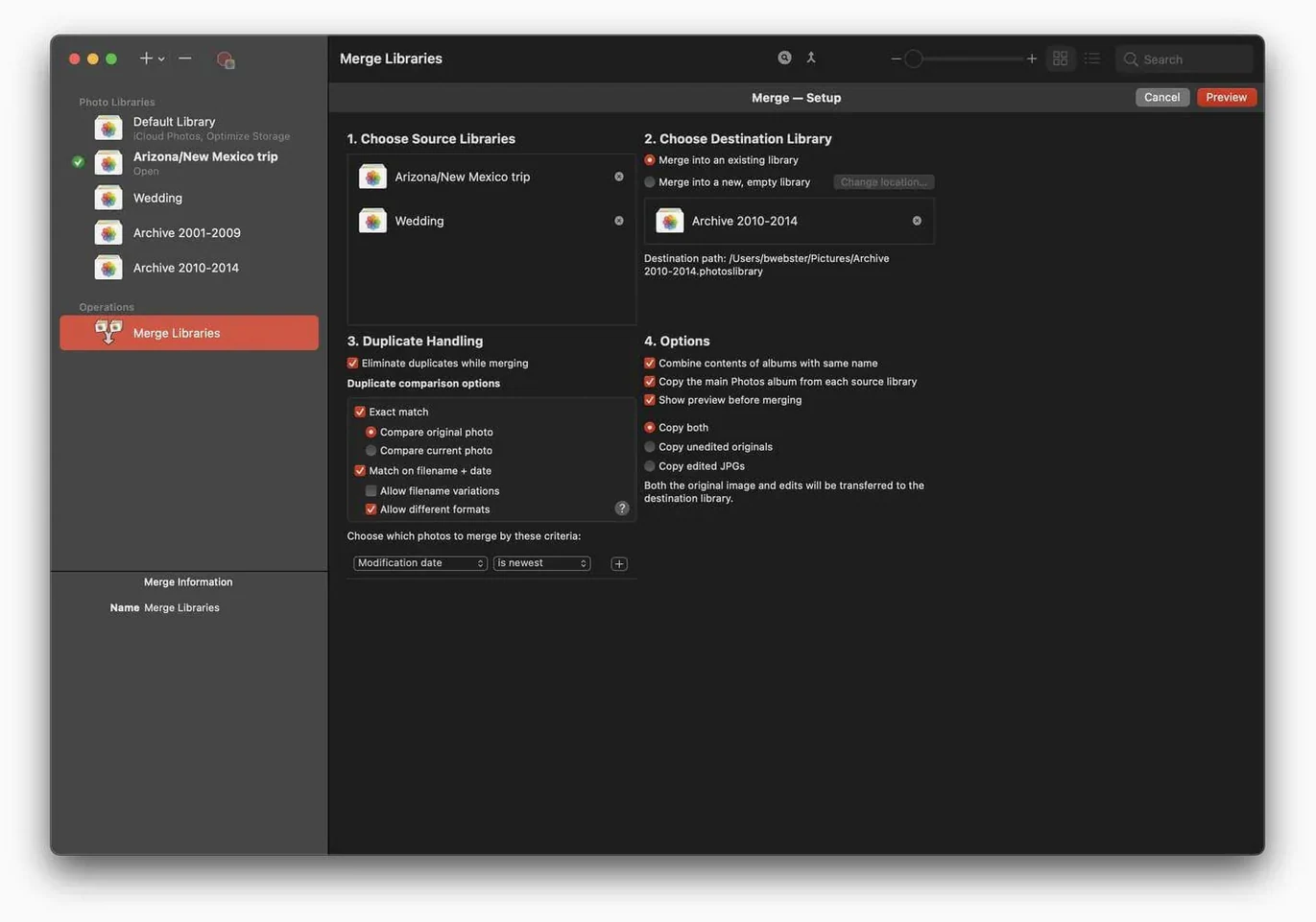
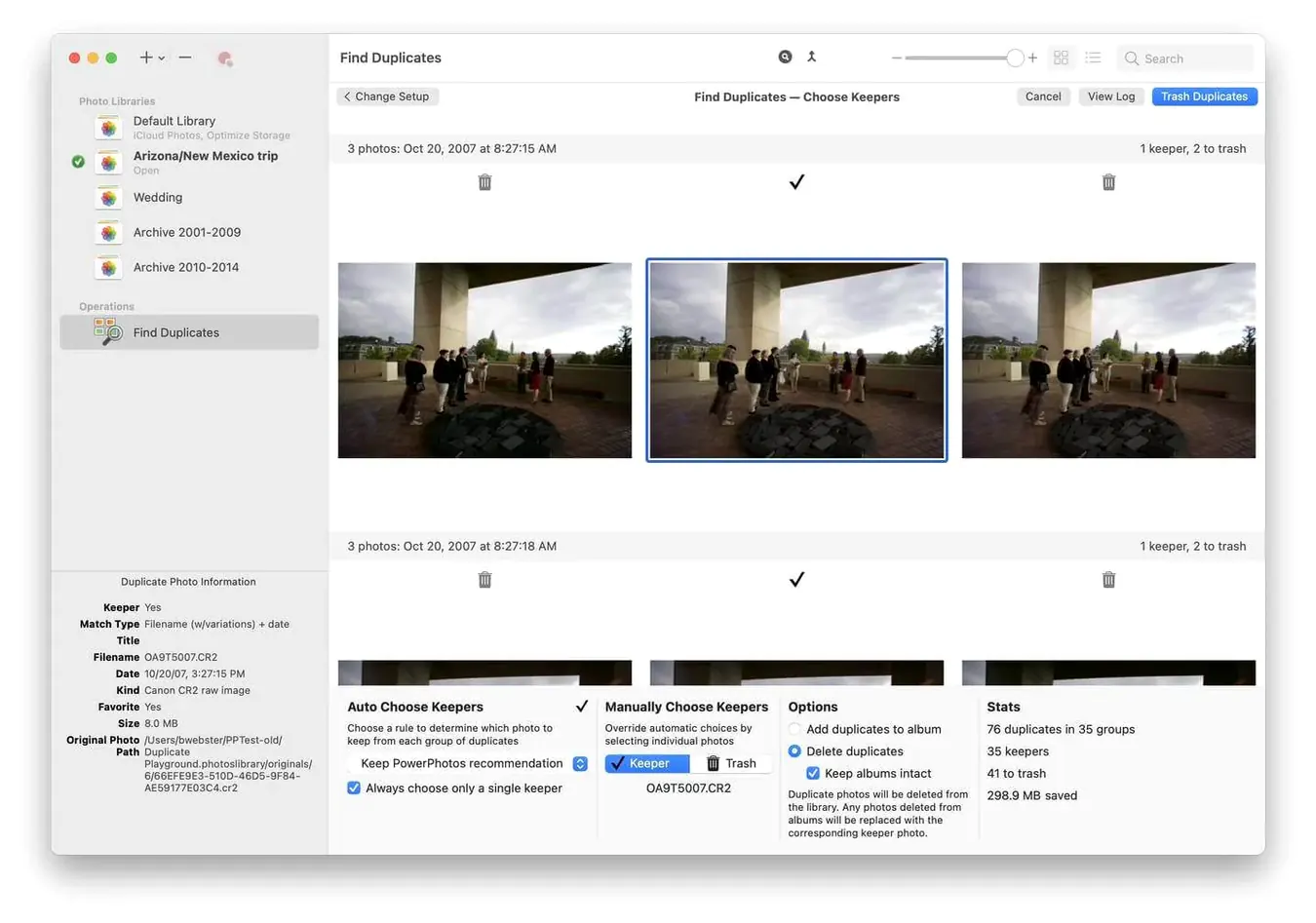
Duplicate Browser. That's the feature you open first. It finds copies across libraries so you can reclaim space.
- Split one enormous library into smaller, focused ones
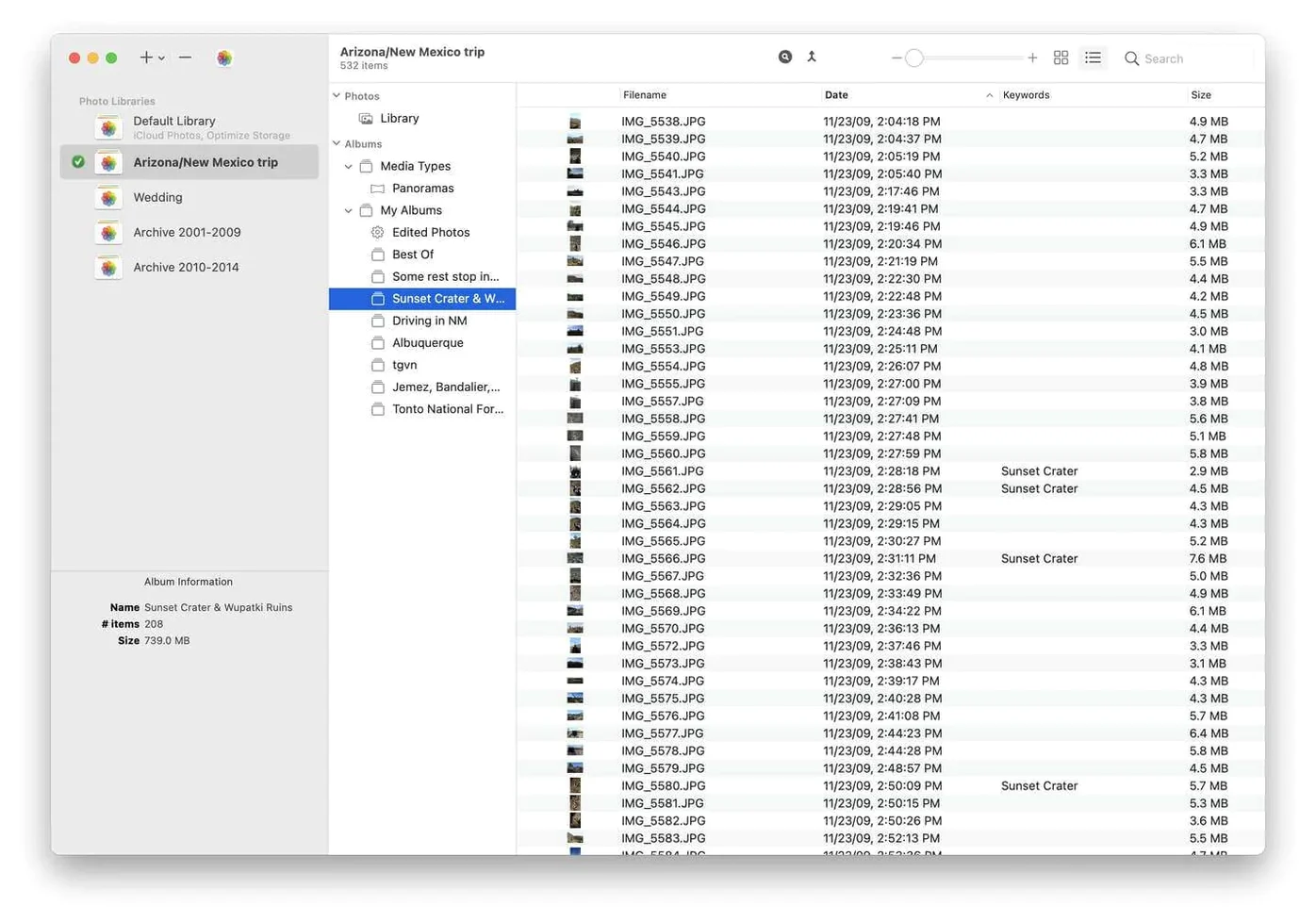
- Search every library simultaneously
- Remove duplicates with a side-by-side comparison view
- Switch libraries without holding the Option key
- Works directly with Apple's Photos app
You don't need extra cloud storage or a new photo organizer. You just need a way to stop one massive library from slowing everything down. PowerPhotos puts you back in control.
Alongside Photos
PowerPhotos doesn't replace Photos. It sits alongside it, reading the same library format. Drag a library onto the Dock icon and it opens in Photos right where you left off.
The app respects iCloud rules. A library set as the System Photo Library syncs as usual. Others stay local, untouched by iCloud. That separation is deliberate — you might keep a clean, synced library for family and a separate archive for old work.
Spotlight sees all your libraries once you've opened them once in PowerPhotos. Searching powerphotos mac in Finder won't surface library internals, but photo filenames and metadata become findable. The app also plays well with Time Machine: each library is a self-contained package, so incremental backups only touch what changed.
First launch scan
Large libraries take time to scan. On first launch, PowerPhotos reads every album, face, and keyword. A 500 GB library might sit at "Loading" for a few minutes. This is normal. Let it finish.
Duplicate detection relies on metadata and visual similarity, not byte-for-byte file checks. Two edits of the same photo — one cropped, one not — may not flag as duplicates. Use the side-by-side view to confirm before deleting anything.
If an external drive disconnects during a merge, the library may show as damaged. Fix it by holding Option-Command while opening Photos and running First Aid. PowerPhotos won't touch the library during repairs.
Split then clean
The biggest one: merging everything into one library before cleaning duplicates. That defeats the purpose. Split first, then deduplicate each library separately. The results are faster and the deletions safer.
New users often leave the "Move to Trash" option checked when removing duplicates from the System Photo Library. Those deletions sync to iCloud immediately. Uncheck it if you want a safety net.
Another slip: using powerphotos download from a third-party site that bundles an outdated build. The latest version handles libraries created by Photos 9 and later without conversion errors. If a library won't open, check that you're on 3.4.8.
Don't rename a library in Finder while PowerPhotos is running. The app tracks libraries by path. A renamed library simply disappears from the list until you point to it again.