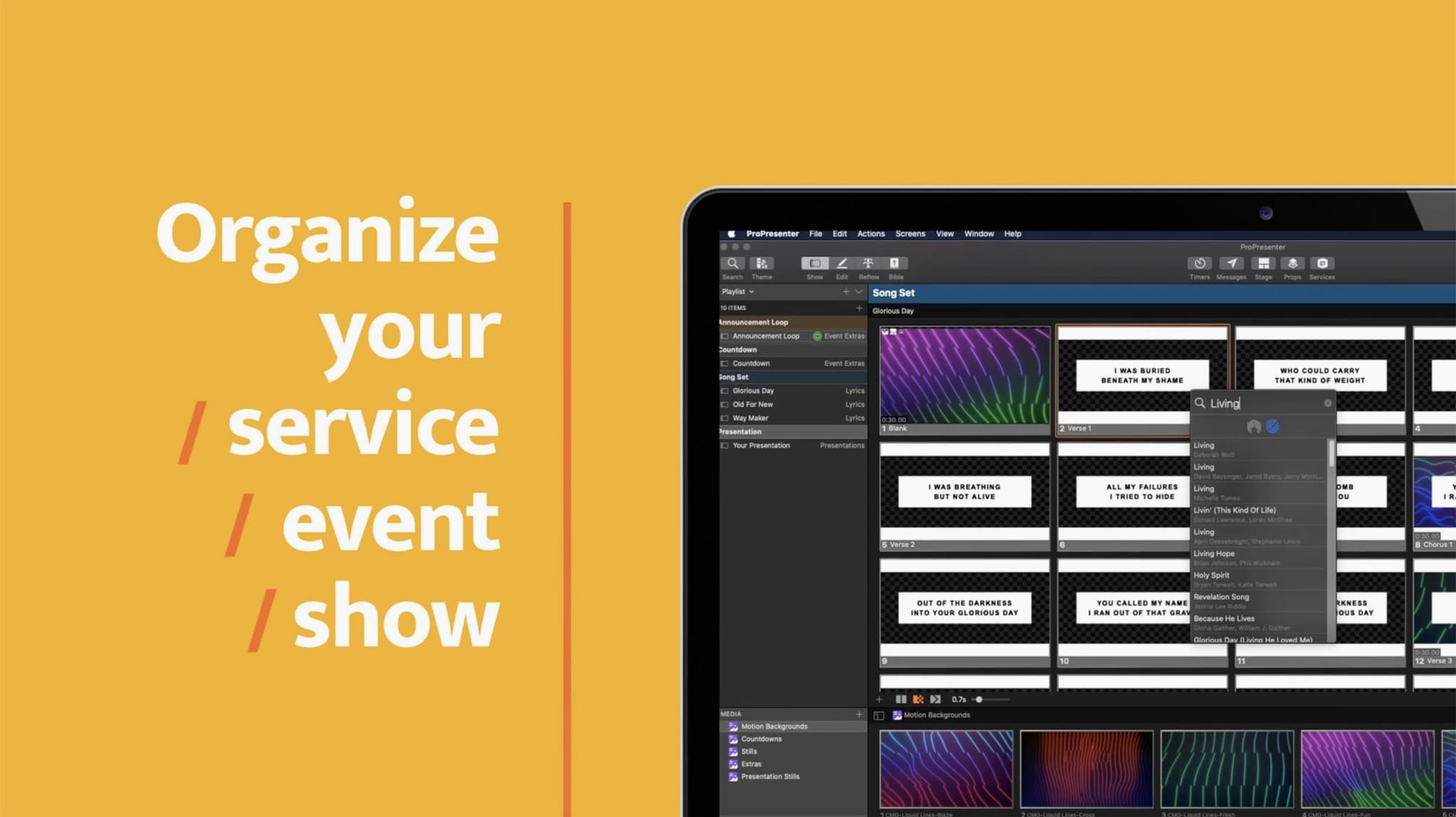
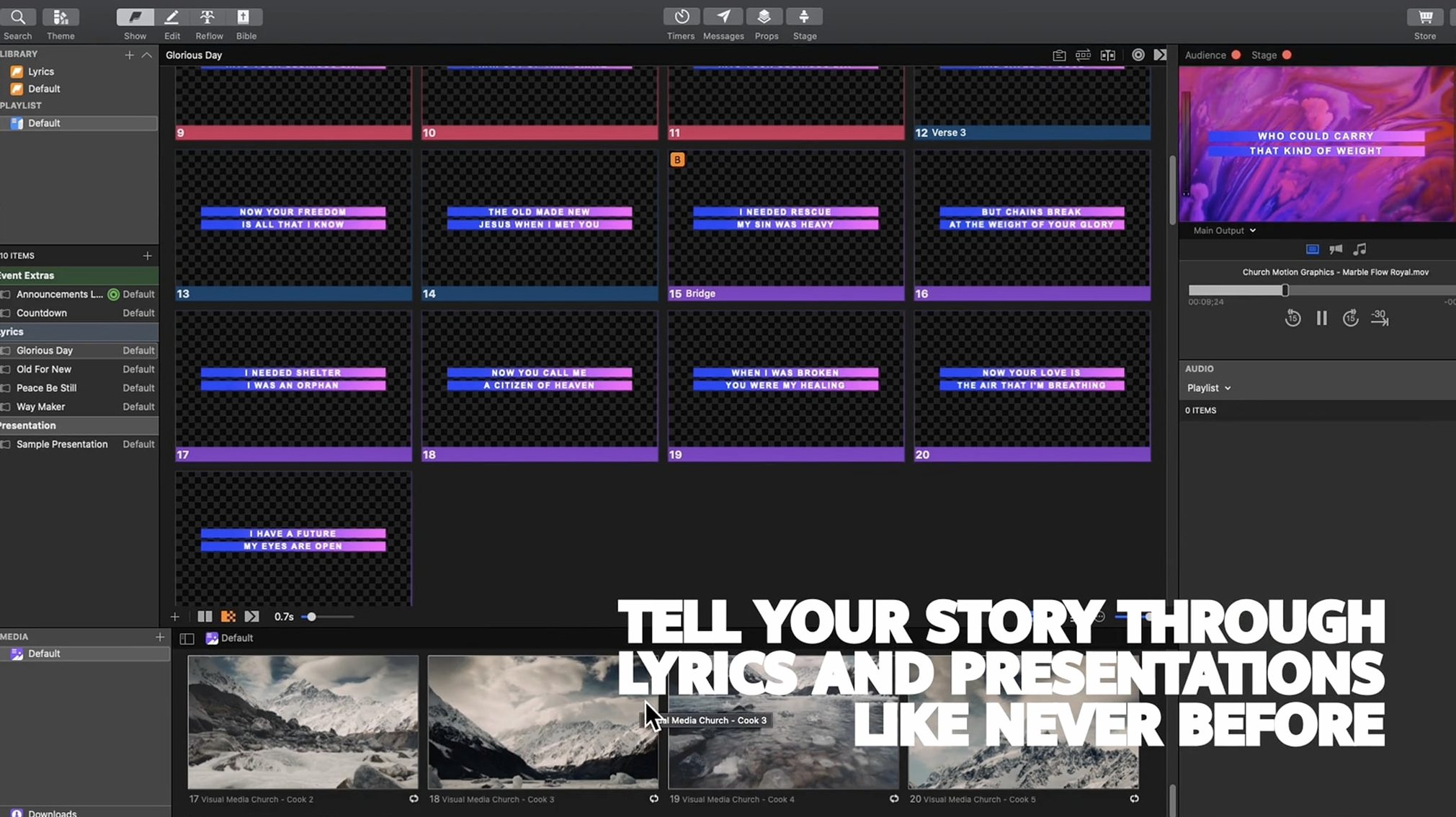
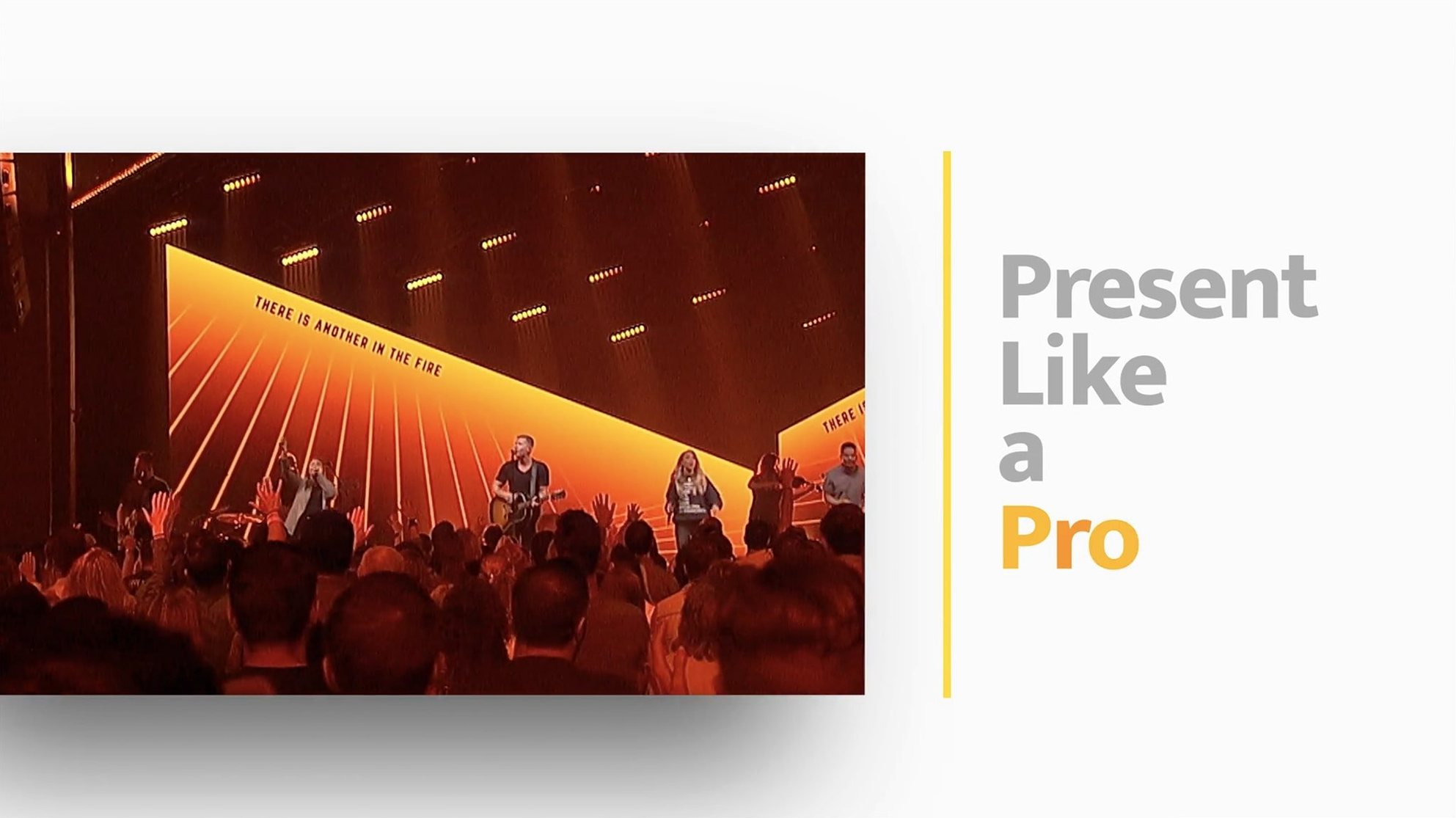
Confidence monitors with timers. That's the feature that tells you this is built for stage work, not boardrooms. ProPresenter handles the pressure of live production — multi-screen output, HD video playback running inside slides, and audio tools that let you prearrange entire soundtrack sequences before the service starts.
System landscape
Most questions circle around system compatibility and setup complexity. It runs on macOS 10.15 or newer, on both Intel and Apple Silicon machines. The interface comes in eight languages including Russian, Korean, and Portuguese.
Broadcast toolkit
Beyond basic slides, you get broadcast-grade output tying, a remote app for controlling presentations from an iPhone, and tools for transforming quotations on the fly. It's a multi-purpose tool that grew up in churches and concert halls, where things can't crash mid-show.
Visible edits
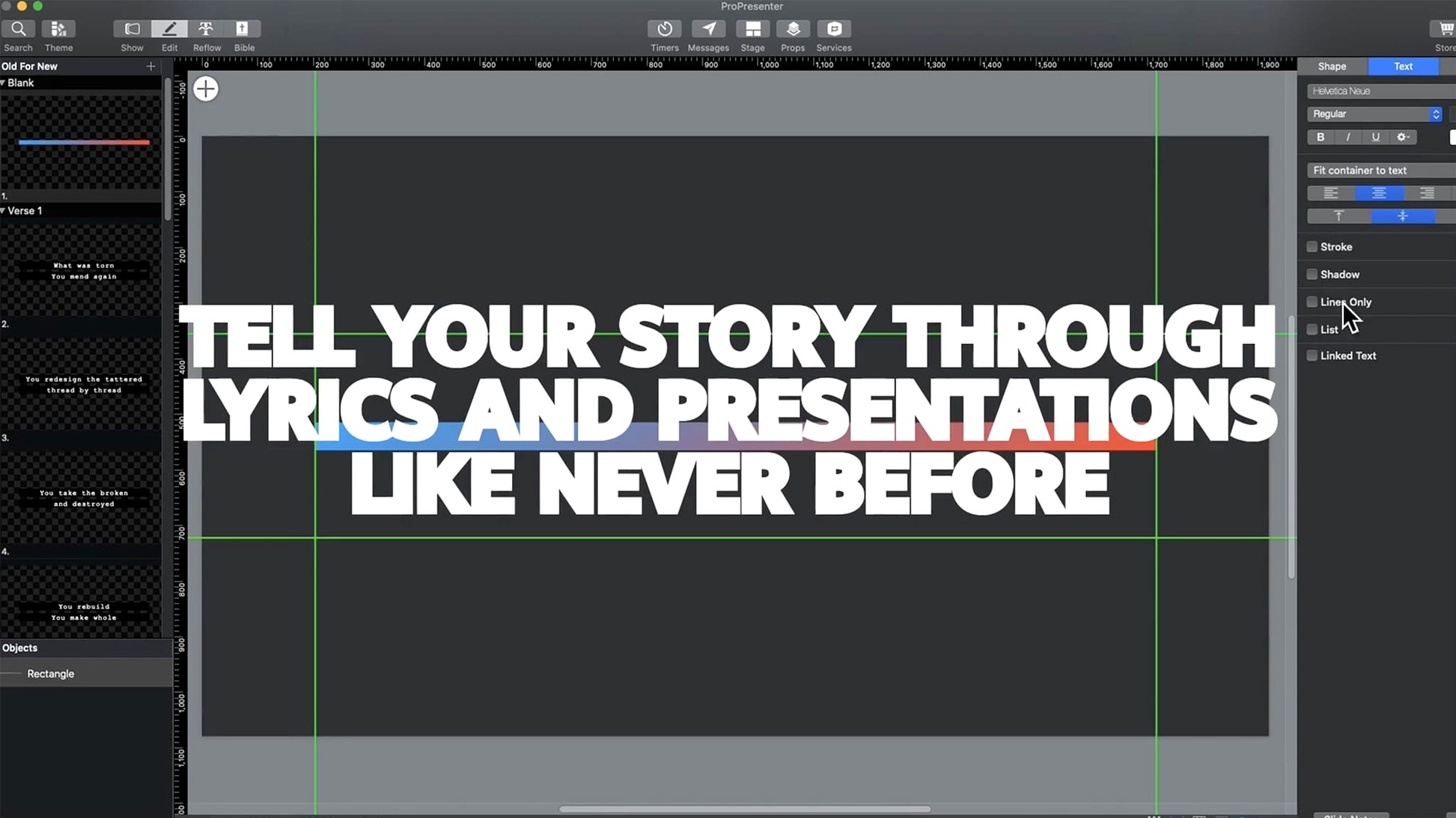
Building slides on the output screen instead of the editor. The audience sees every drag, every resize. Always work in the edit view with the output window closed or hidden.
Forgetting that layers stack in order. Beginners drop a lower-third graphic onto layer 1, then wonder why a video on layer 2 covers it. Check the layer panel before adding elements.
Leaving the stage display unconfigured. The confidence monitor shows the same view as the main screen by default — lyrics, notes, everything. Set it up once, save it as a template, move on.
Not testing video codecs ahead of time. ProRes plays clean. Highly compressed H.264 files from a random converter can stutter under the playback engine. Test every file on the actual machine before doors open.
Volunteer backbone
Volunteer-run production teams. ProPresenter's library system and pre-built arrangements mean a Sunday morning crew can run a full service without touching the slide editor mid-flow. One person manages lyrics, scripture, and video cues from a single window.
Venue technical directors running multiple screens. If your room has a main projector, two confidence monitors, a lobby feed and an online stream, this app maps each output independently. No workarounds, no extra hardware for screen splitting.
Musicians and worship leaders who build setlists with backing tracks and click. The audio bin links tracks to specific slides. Cue the next song, and the stem plays automatically — synced, not triggered manually.
Faster engine
The move to 7 brought a rewritten playback engine. Video starts faster now, and switching between slides with embedded media feels tighter — fewer dropped frames when layers overlap.
Multi-camera streaming and recording moved inside the app. You can switch cameras, add lower-thirds, and send a program feed to an online event without routing through a separate encoder. For small productions, that removes a whole piece of gear.
Stage display configuration got more granular. You can now send different layouts to separate stage screens — lyrics-only to the vocalist's monitor, clock and next-slide preview to the speaker's confidence display. This was possible in older versions with workarounds, but it's now direct and template-based.