
Version 10.2.1 tightens the parts people notice most: import progress is clearer now, with a finalization stage and a count of unsupported files. Tag management also got simpler — subtags can be dragged back to the main Tags section.
Most questions before installing come down to system fit. RightFont requires macOS 11 or newer. It runs on both Intel and Apple Silicon Macs.
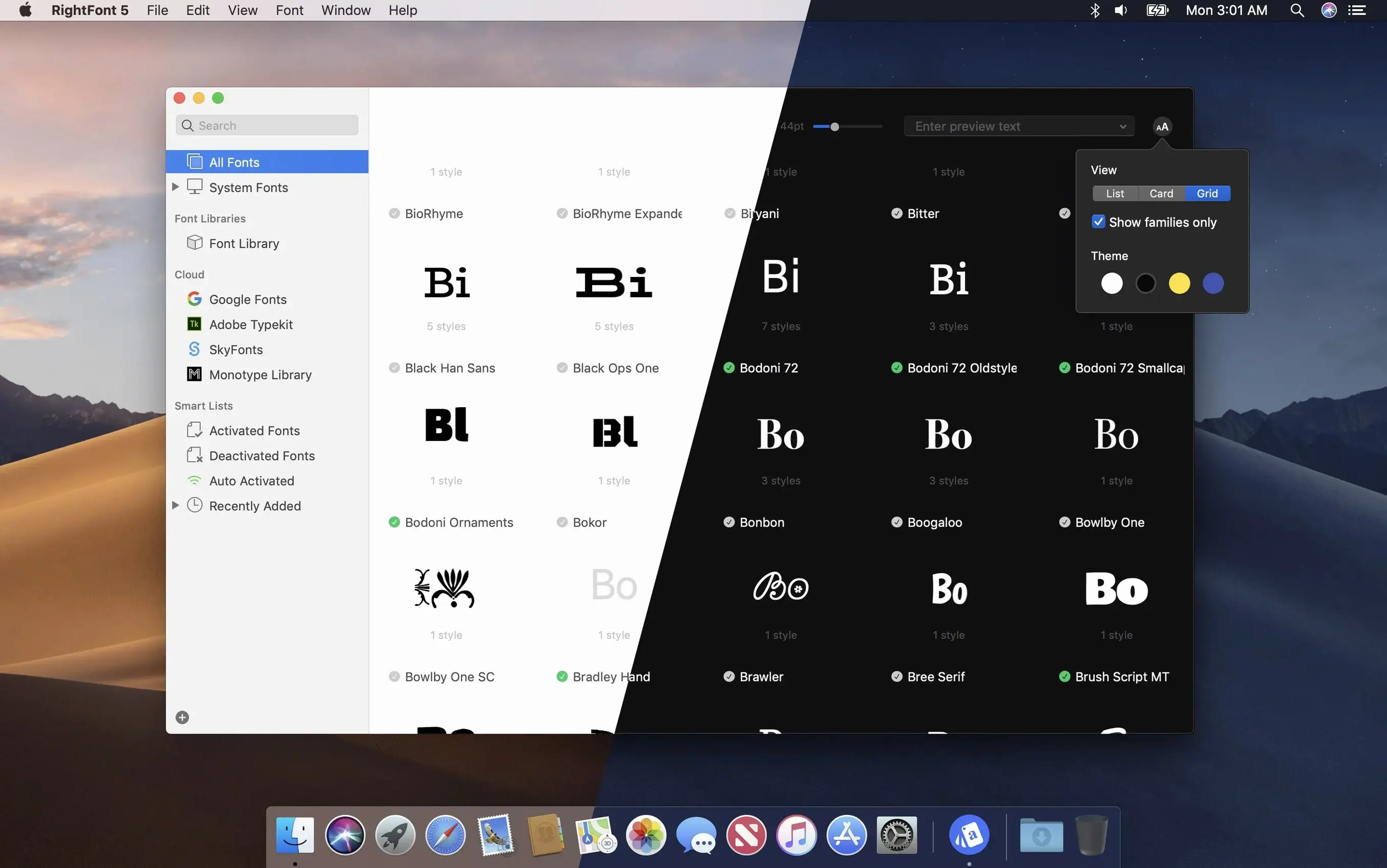
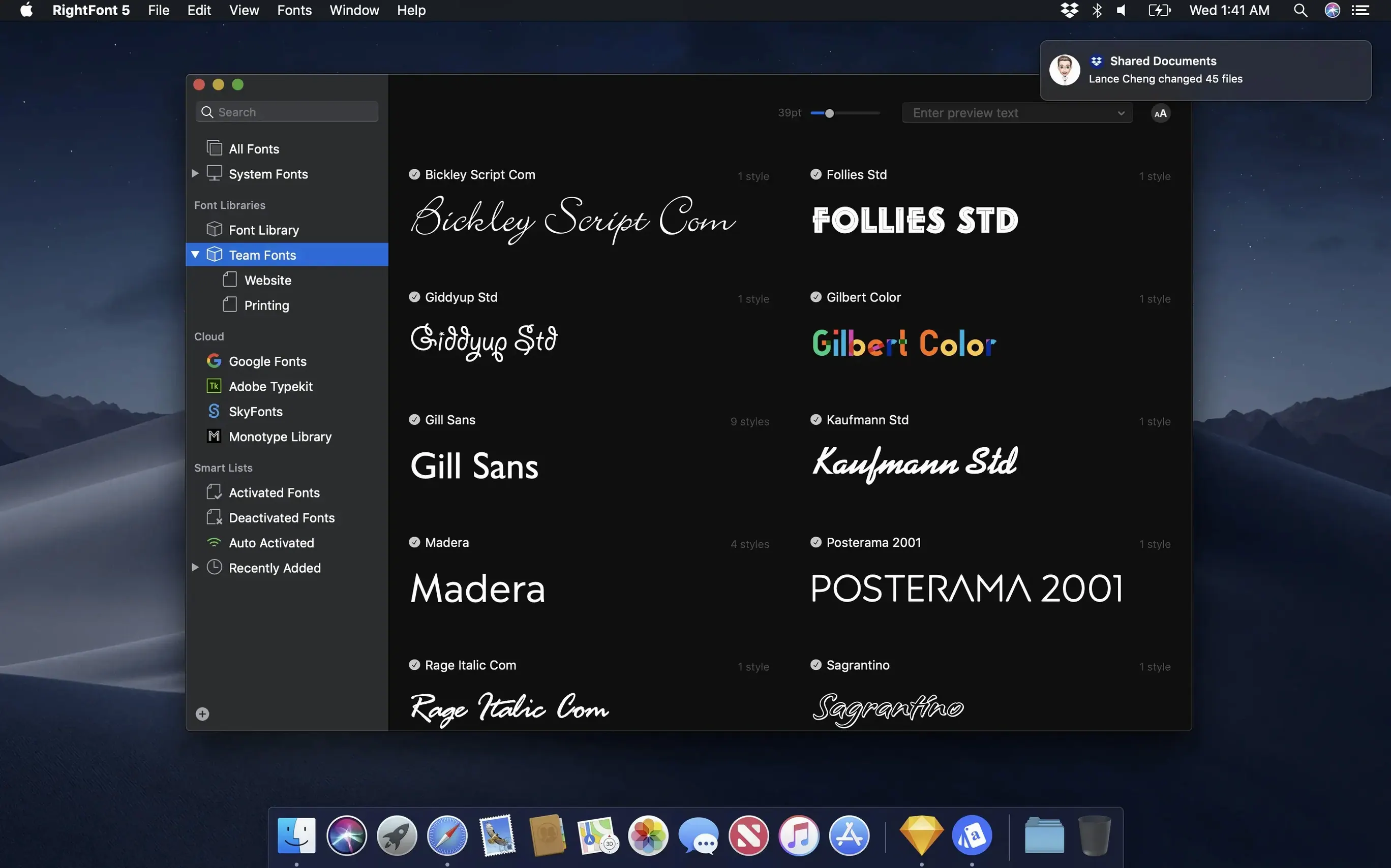
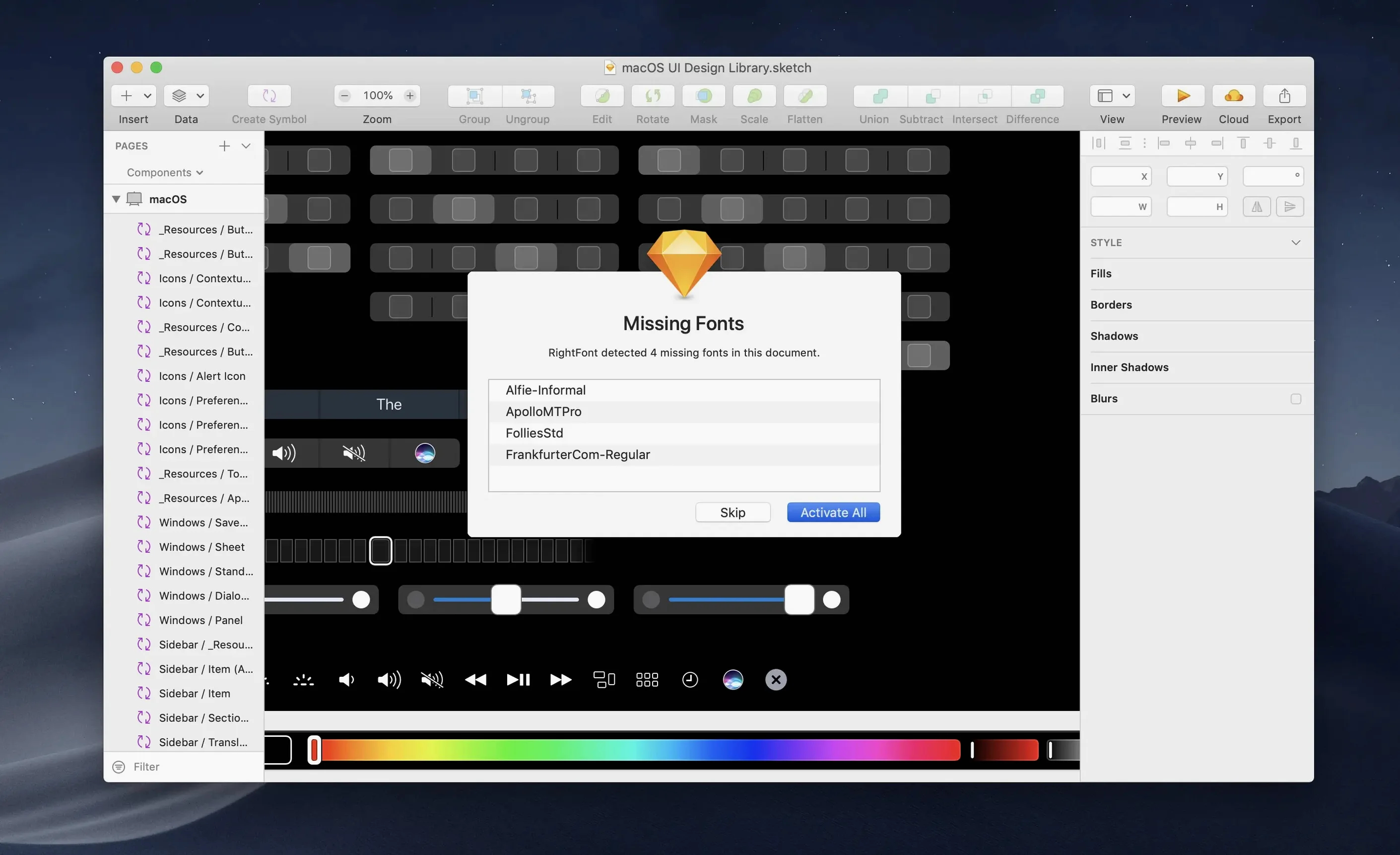
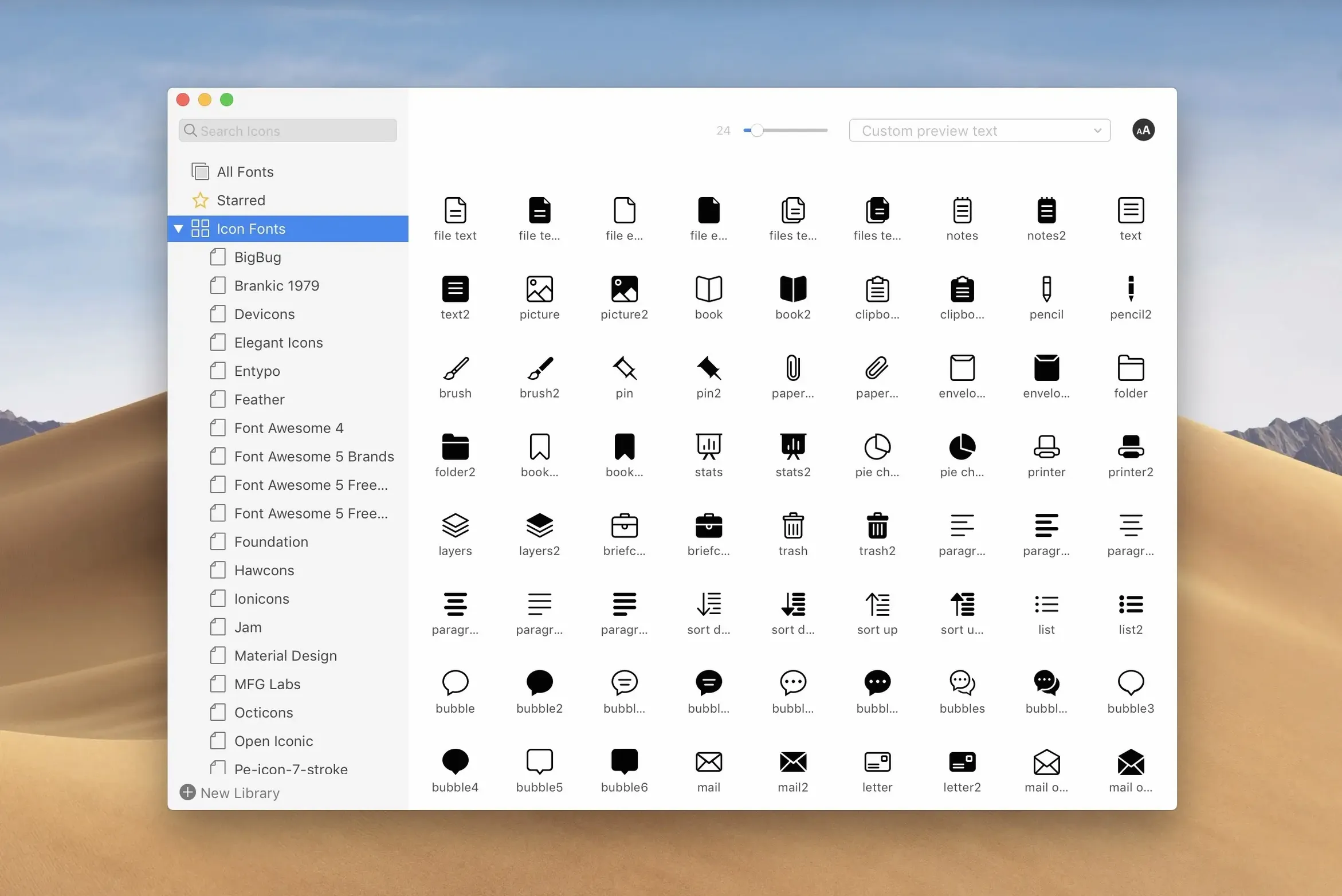
Once installed, it keeps fonts out of the way until you need them. You can build font lists, preview without installing, and filter by classification, width, or weight. A menu bar workflow handles quick font tasks. For design work, fonts appear directly in Adobe Creative Cloud apps, Sketch, and similar tools.
Auto-activation off
Open preferences before adding your first large folder. Two options change how the app behaves day to day.
Turn off auto-activation if you work across many Adobe files. RightFont otherwise enables fonts as documents request them, which is useful but can clutter your active set. The second setting worth changing is the preview text. The default shows the alphabet. Replace it with strings you actually set — a client name, a nav label, or the pangram you trust.
Both are small changes. Together they make the library feel like yours.
Adobe list sync
RightFont fits into macOS without taking over. Fonts you activate appear in the standard Fonts panel, so TextEdit and Pages behave as usual. For Adobe apps, the connection is more direct: the font list in Illustrator or InDesign updates as you activate in RightFont.
A practical pattern is to keep the menu bar app running and the main window closed. Most quick lookups — checking a weight, activating a family for a single edit — need nothing more. Sketch benefits from the same approach.
For backup, export a font list as a folder. It creates a clean package you can move to a NAS or an archive drive.
One working session
A designer sits down with a half-finished layout in InDesign. The file complains about a missing font.
She opens the menu bar icon, types the first four letters. Results appear as she types. The family is inactive. One click activates it. She switches back to InDesign — the text has already reflowed.
Later she gathers fonts for a handoff. She drags the project list into a new folder, renames it by client and date, and exports. Import progress shows each step now, including unsupported files at the end.
She quits the app. It does not quit; it stays in the menu bar, which is what she wants.
The font library makes moving fonts for sharing or backup straightforward.