ScreenFlow is a macOS app for recording your screen and editing the footage in the same place. A single task shows how it fits together.
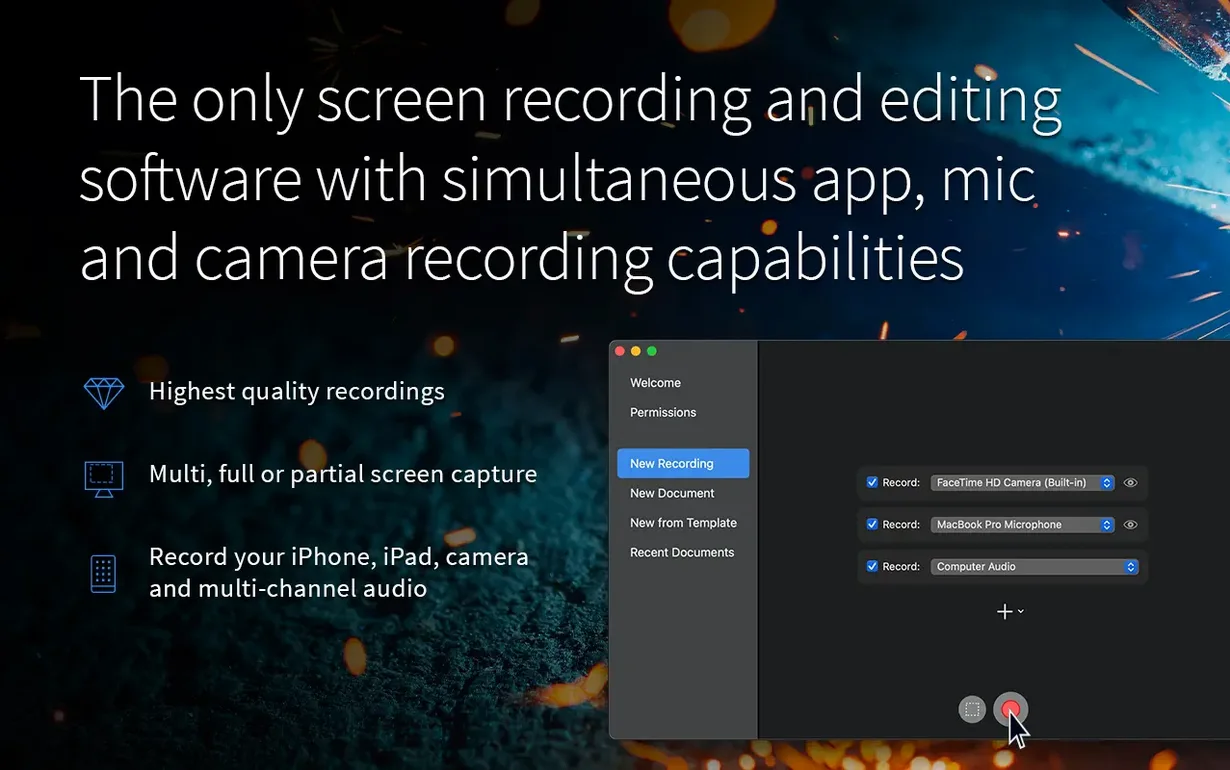
Say you need a short video of a browser tab, cropped and captioned. You open ScreenFlow, choose partial screen recording, and drag a frame over the tab. Hit record. Do the clicks. Stop.
One pass
- Trim the dead air at both ends.
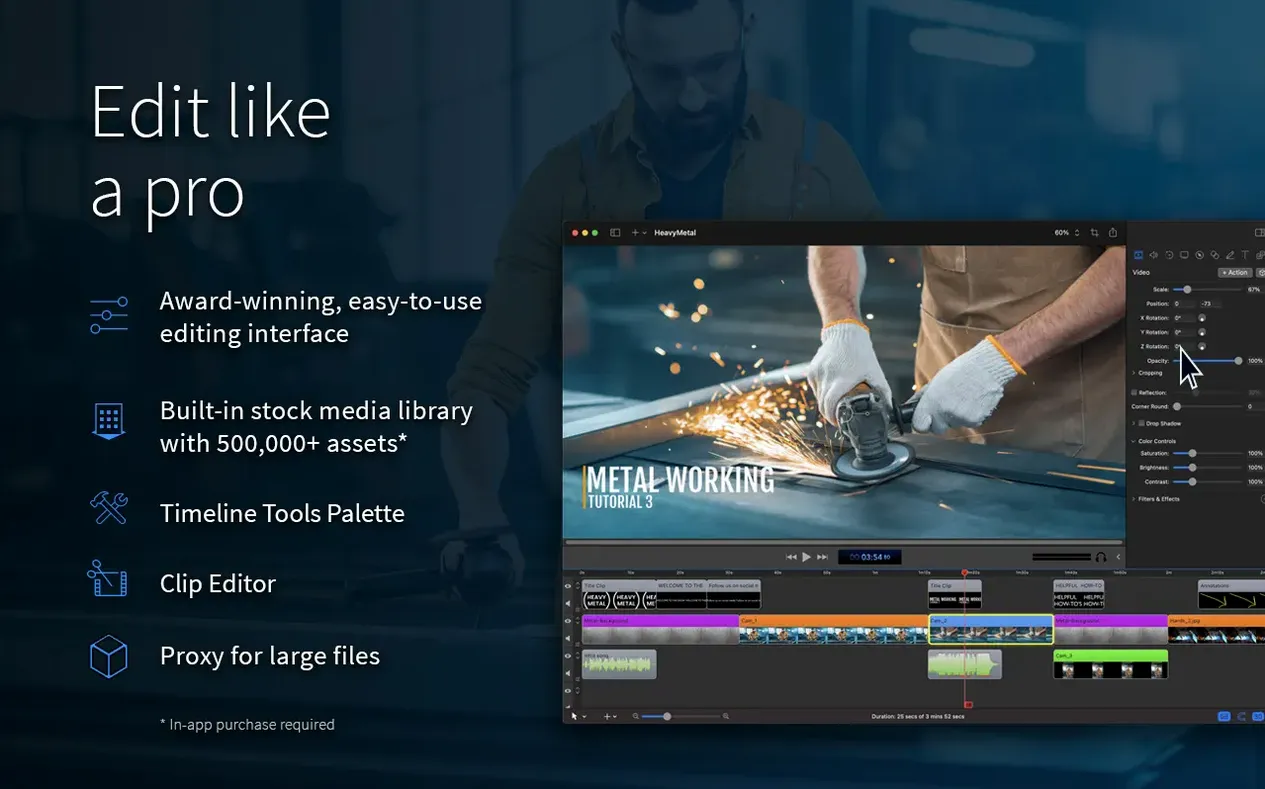
- Add a text overlay for the step number.
- Zoom in on the menu command.
- Export as MP4.
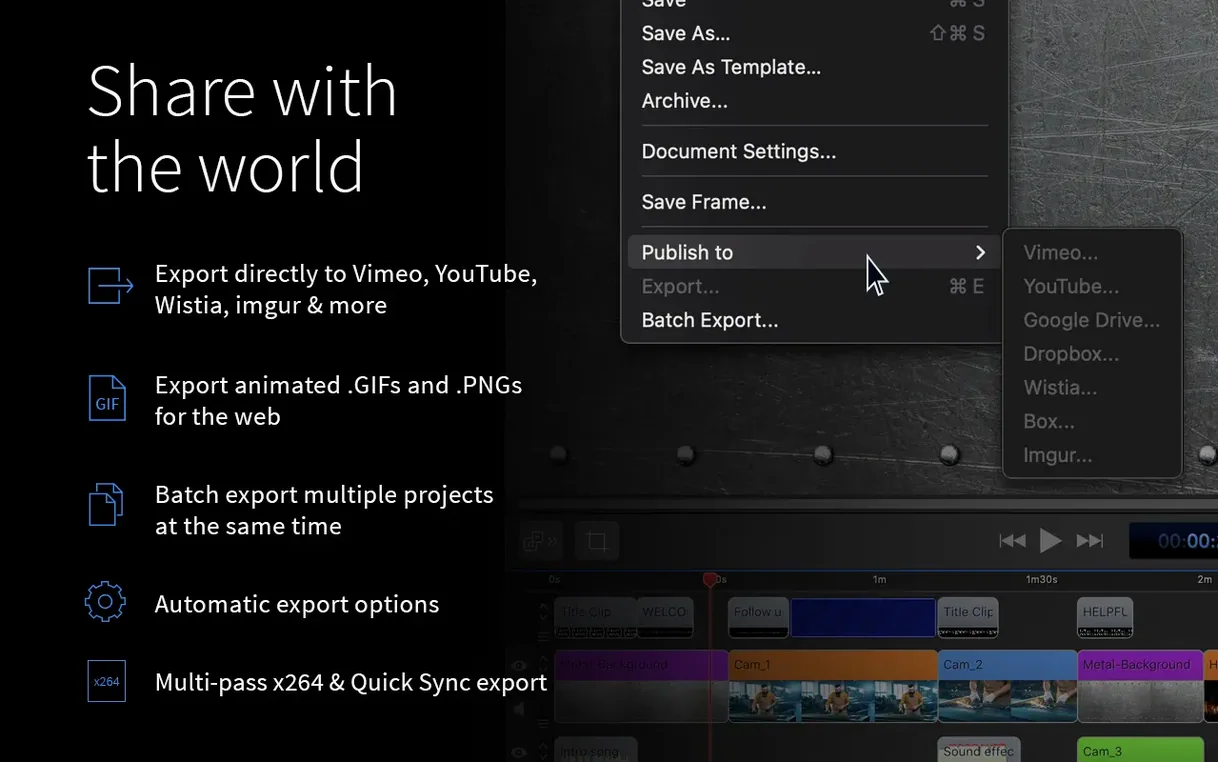
Nothing leaves the app until the file is ready. If the clip should go somewhere specific, ScreenFlow can send it straight to YouTube, Vimeo, Dropbox, or a few other places.
After the export
A full walkthrough
Recording a software demo with a talking-head inset. Open ScreenFlow, set the canvas to 1920×1080. Check that your microphone and camera appear in the recording setup. Check "Record Computer Audio" if the demo has sound.
Hit the red button. Do your walkthrough. Click stop.
The timeline now holds three tracks: screen capture, camera, and system audio. Drag the camera track onto a smaller corner using the video preview handles. Move it to the top-right. Add a slight shadow in the video properties.
Trim the front and back. Where the mouse hesitates, apply a small speed ramp. Insert a title card from the built-in library. Export as ProRes for further finishing, or H.264 for direct sharing.
Hiccups
Camera feed frozen on the timeline but fine during recording. The fix is usually a mismatch between the project frame rate and the camera input. Set both to 30 fps before you record next time.
Computer audio missing. Check that Telestream Audio Capture is installed — ScreenFlow asks once, but after a macOS update it can disappear. Reinstall it from the app’s preferences.
Exports stalling on M-series Macs. Switch the encoder from hardware to software, or vice versa, in the export settings. One usually works smoother for the kind of timeline you have.
QuickTime trims
ScreenFlow plays simply with other tools when you don’t need its full timeline. Drag a raw recording into QuickTime Player to run a fast trim before editing. Use the Share menu to hand off exports to Apple Compressor for batch encoding.
Clipboard integration is understated. You can copy a text box from ScreenFlow and paste it into Keynote, or copy a shape from Keynote and paste it straight onto the canvas. Same coordinates, same scale.
Folks searching for screenflow mac free or a ScreenFlow torrent often overlook the companion app Telestream Switch, which plays back exported ProRes files with full audio track selection — useful when checking a complex export before upload.
The app also handles images, audio, and other video files on the timeline, but for this task it stayed simple: capture, trim, caption, export.