
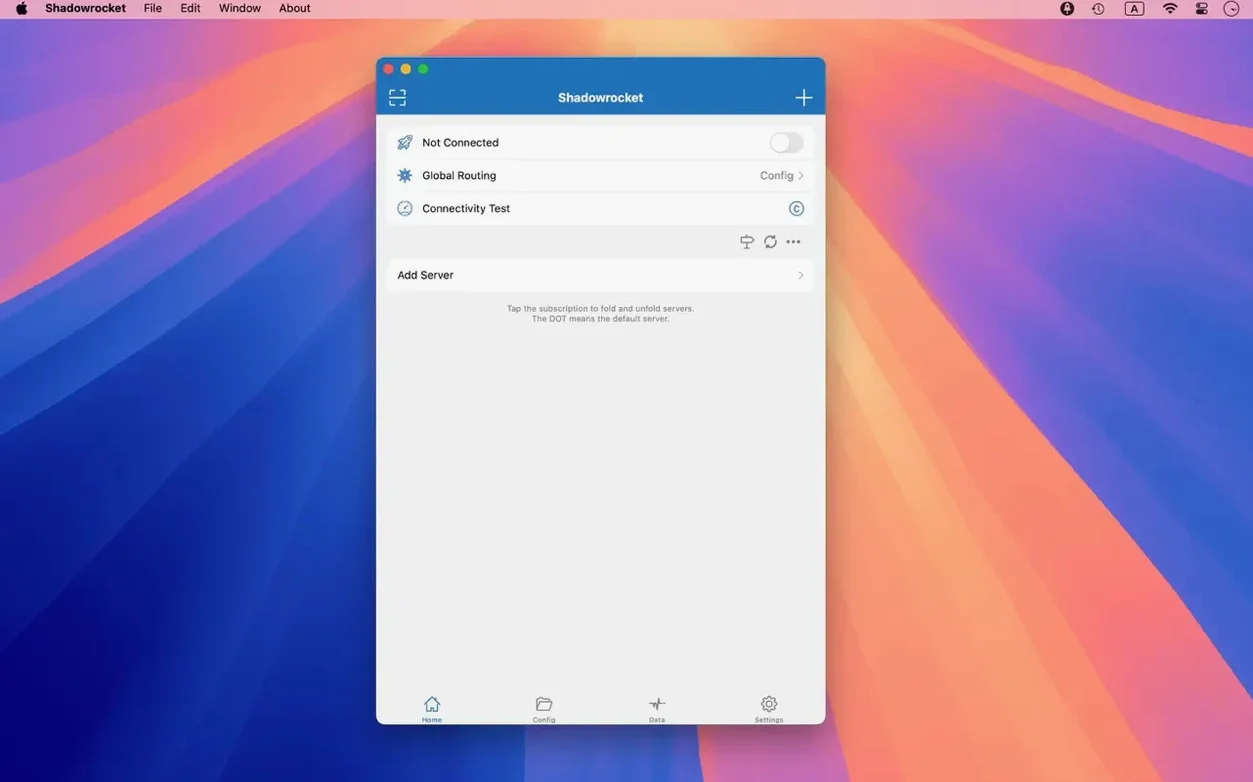
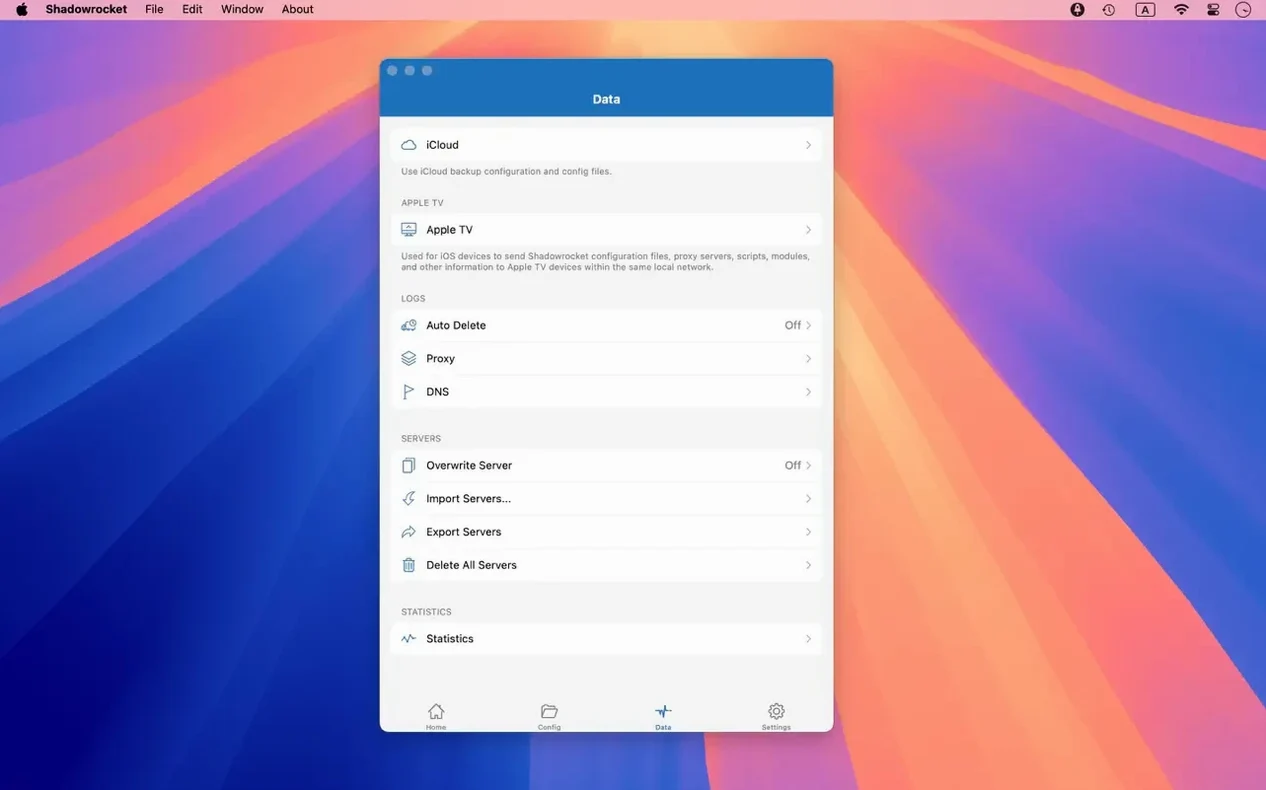
Shadowrocket runs on any Mac with macOS 10.15 or later, Apple Silicon or Intel.
It intercepts HTTP, HTTPS, and TCP traffic and forwards it through a proxy. The experience is shaped by rules—not just on/off.
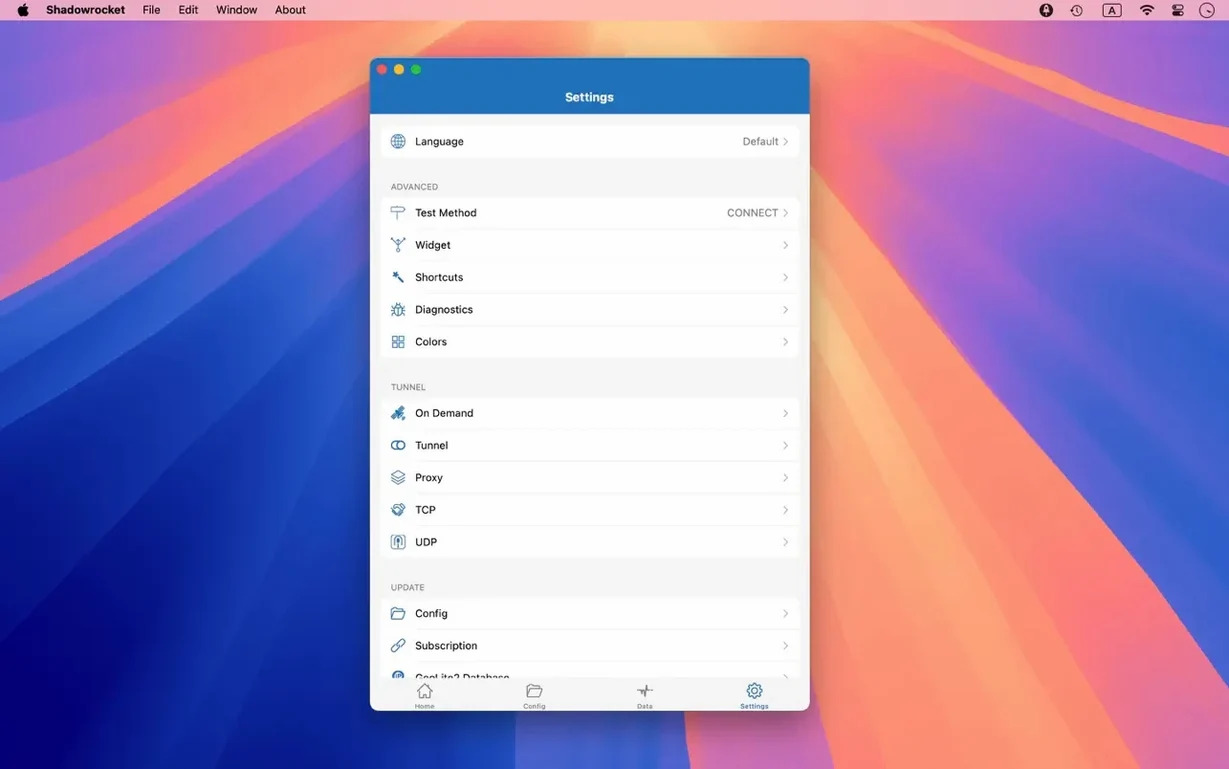
DNS over HTTPS, TLS, and QUIC — encrypts name lookups so your ISP sees less.
Local DNS mapping — override public records for specific domains, right on the machine.
URL rewriting — alter requests before they leave the device.
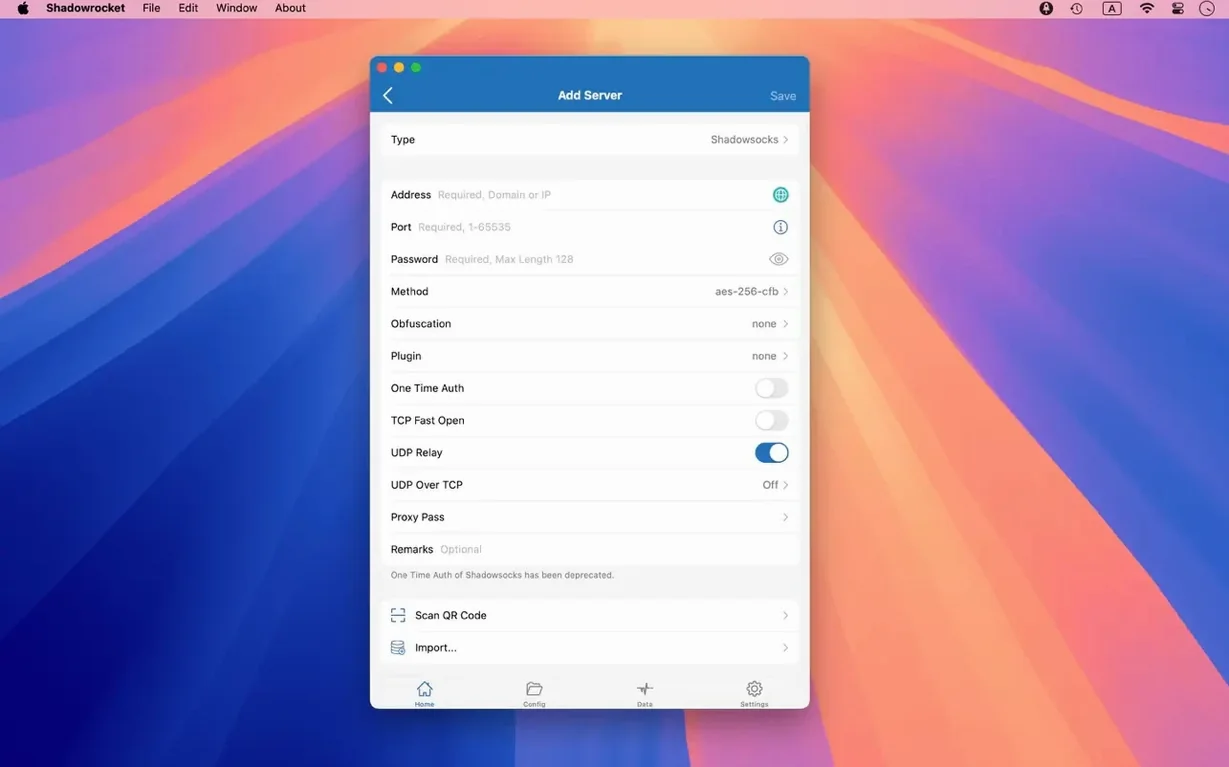
Plugins — kcptun, cloak, gost, v2ray. For when a bare proxy isn't enough.
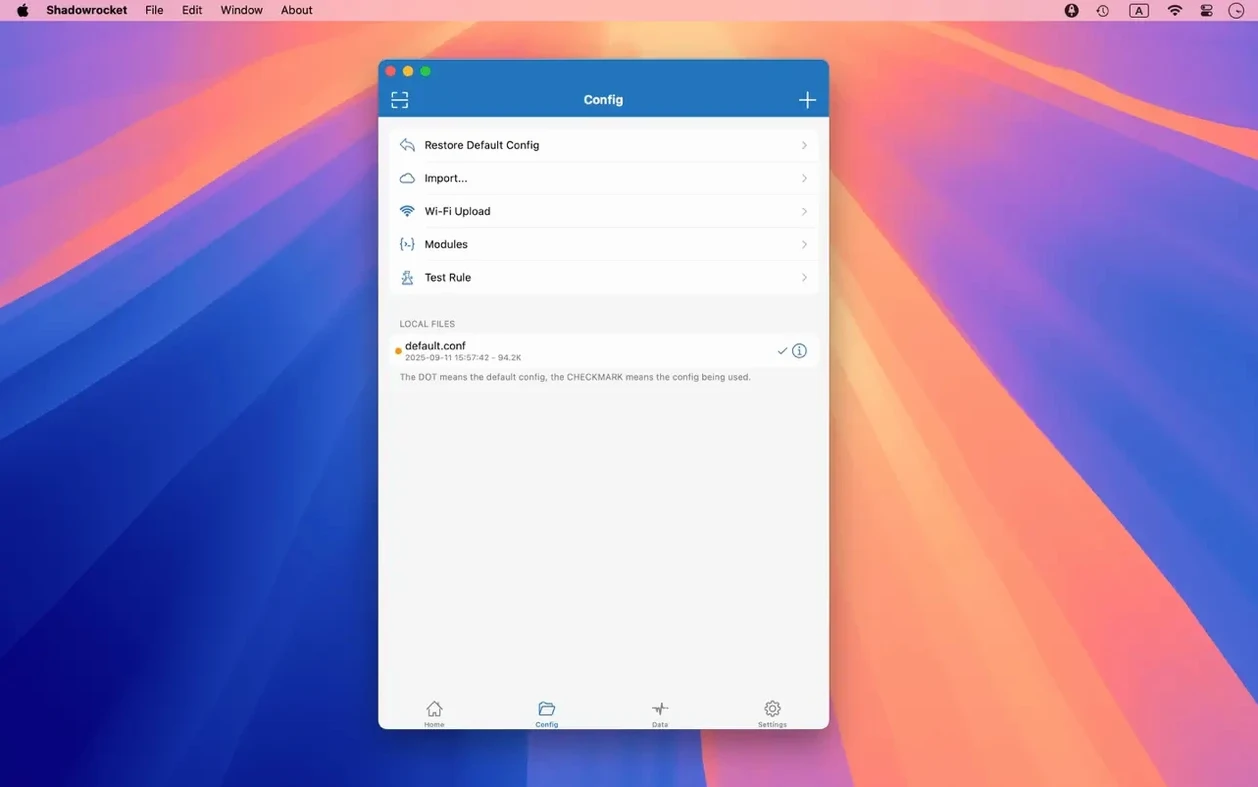
Rule import — pull lists from a URL or iCloud Drive. Ad blocking runs on domain and user-agent patterns.
Routing by app
Set up a rule set that sends Safari traffic through a Tokyo proxy while Slack stays direct.
Open the rules tab. Add a domain-suffix rule for slack.com and set it to DIRECT. Then add a rule for *.google.com pointed at your SOCKS5 proxy. Drag them into order—specific rules above catch-alls.
Test it. Visit a site in Safari; the connection log shows the Tokyo hop. Slack messages arrive without proxy overhead.
Now import a blocklist from a URL. Paste it into the remote rule field. Shadowrocket fetches it, parses the domain patterns, and ads vanish across every app on the machine—no browser extension needed.
Save the configuration. Name it. Switch between setups with two clicks from the menu bar.
Heavier panels
ClashX Pro offers a similar rule engine and menu-bar toggle. Its interface feels heavier—more panels, more toggles. Shadowrocket stays flatter. Fewer places to look.
Surge Mac does everything Shadowrocket does, plus bandwidth shaping and a deeper dashboard. It also demands more screen space and a steeper learning curve. For rule-based proxy work without the extras, Shadowrocket feels faster to configure.
V2RayX handles V2Ray well but lacks the polished rule UI. You edit JSON by hand. Shadowrocket wraps the same protocols in a native Mac interface.
80 MB idle
The app stays quiet. On an Apple Silicon Mac, it uses under 80 MB of memory with a dozen rules active and a Shadowsocks connection open. CPU sits near zero when idle.
Connections come up fast. Toggling proxies from the menu bar responds without the half-second pause some clients show. The connection log updates in real time; scrolling through hundreds of entries stays smooth.
Crashes are rare. The 2.2.92 release fixed menu-bar and Dock quirks, and that shows—no flickering, no stale icons. Over weeks of uptime, it holds its configuration and reconnects after sleep without intervention.
If you've been looking for a shadowrocket mac build that feels native rather than ported, this one does. A shadowrocket dmg download from a trusted source gets you a single, self-contained app. Drag it to Applications once, and it works.
Full IPv6 support. No gaps.