
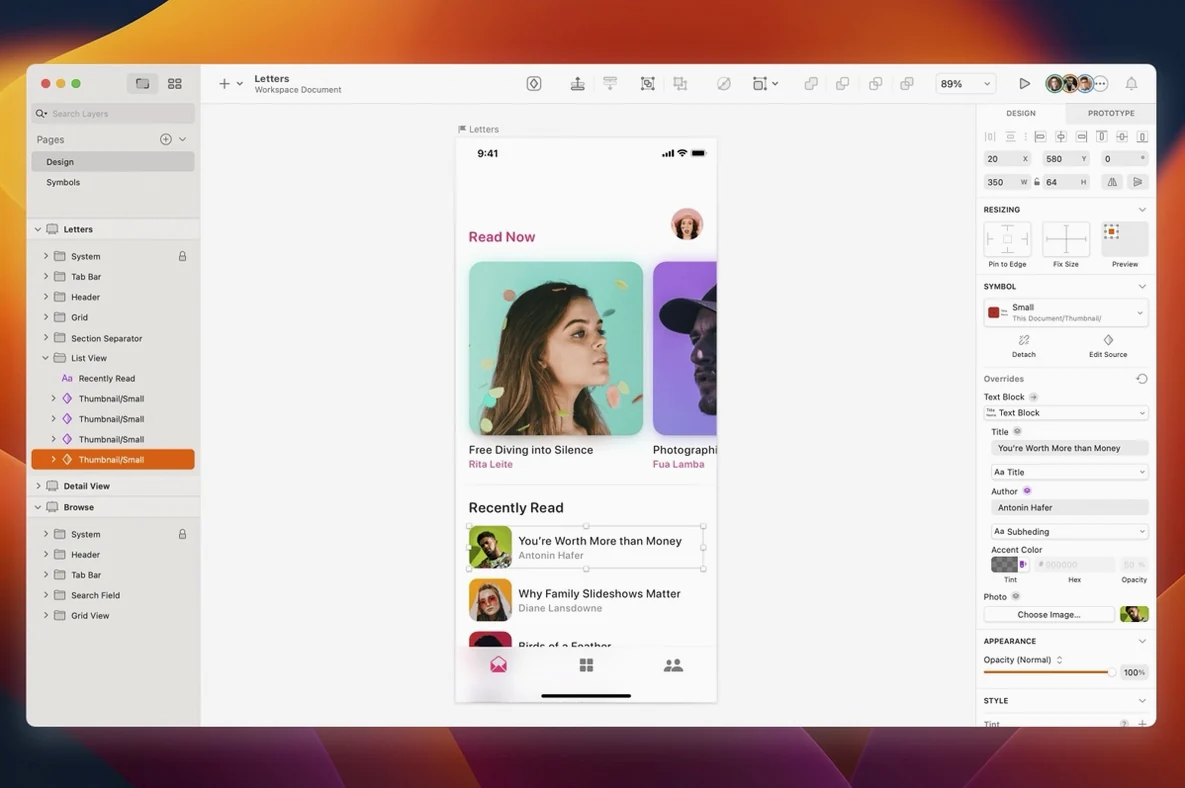
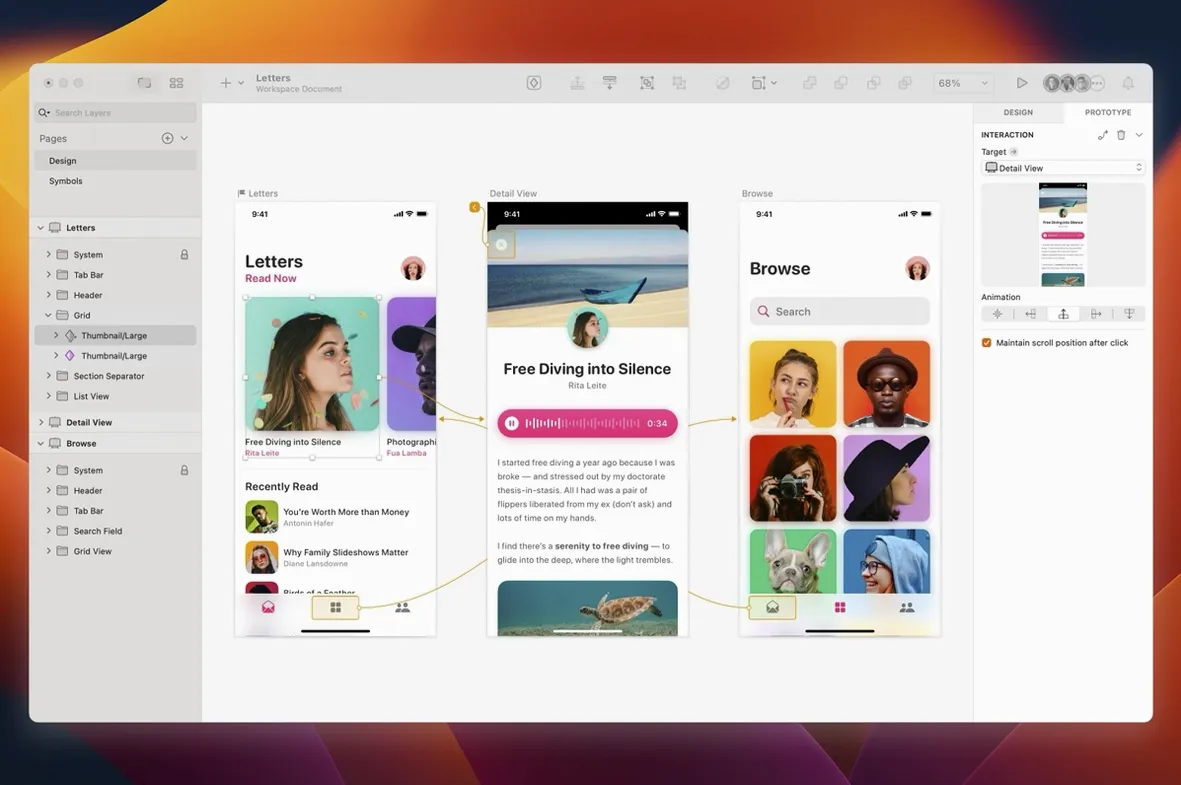
Version 2026.3.1 brings the Florence release features, macOS 27 Golden Gate refinements, and small bug fixes. The update also gives document windows the system corner radius and repairs a text alignment issue in the Rename Selected Layers sheet.
Websites
Vector tools for layout, type, and symbols keep page design local and fast.
Icons
Precise paths and reusable styles suit icon sets at any size. Tooltip clipping near the screen edge is fixed.
Interfaces
Quick moves
Hold Option while dragging a layer to duplicate it in place. Hold Command while rotating to snap in 15‑degree steps. A fast double‑click on the ruler sets a new zero point.
The Control+C picker copies a color from anywhere on screen, not just the canvas. Press D to nudge a layer one pixel. Add Shift for ten. Hold Command and hover over an overlapping shape to highlight the layer beneath without digging through the list.
Most people miss the quick‑export footer. Drag a layer onto the desktop and it saves as a PNG at the size it appears. No dialog, no settings.
An icon, start to finish
Start with a 24×24 artboard. Set the grid to 1 px and activate snap. Rough the shape with the vector tool; hold Command to pull tangents into Bezier curves as you place points. Switch to the pencil in the Inspector for a stroke‑centered preview while you work.
Once the silhouette reads, convert to outlines. Use the Union boolean from the toolbar to merge overlapping paths. Name the layer. Drop an opacity mask on top and paint soft highlights in white. Select the mask and the base shape, group them, and pin the group as a symbol. Now paste it into a 48×48 artboard; it scales clean, no blur.
Export both sizes at once with the “Export” button in the bottom corner of the sidebar. Mark them as 1×. Add a 2× preset for the larger board. Two clicks, four files.
Text glitch gone
A product designer opens a wireframe from the evening before. The sketch is loose, mostly rectangles and lorem ipsum. She selects the header group and taps Return to rename it. The text alignment glitch from the previous version is gone.
She pulls in a photo from Finder, masks it into a circle, and adjusts the corner radius on an adjacent card with the new system‑rounded window edge matching the device bezel. A stack layout bug that used to squash the minimum text width is fixed, so the status bar stays legible.
Before lunch, she sends a prototype link to the developer. No export. No annotation file. The design lives in the canvas she already knows.
Desktop and mobile UI work stays focused, with prototype and collaboration app integration when needed.