
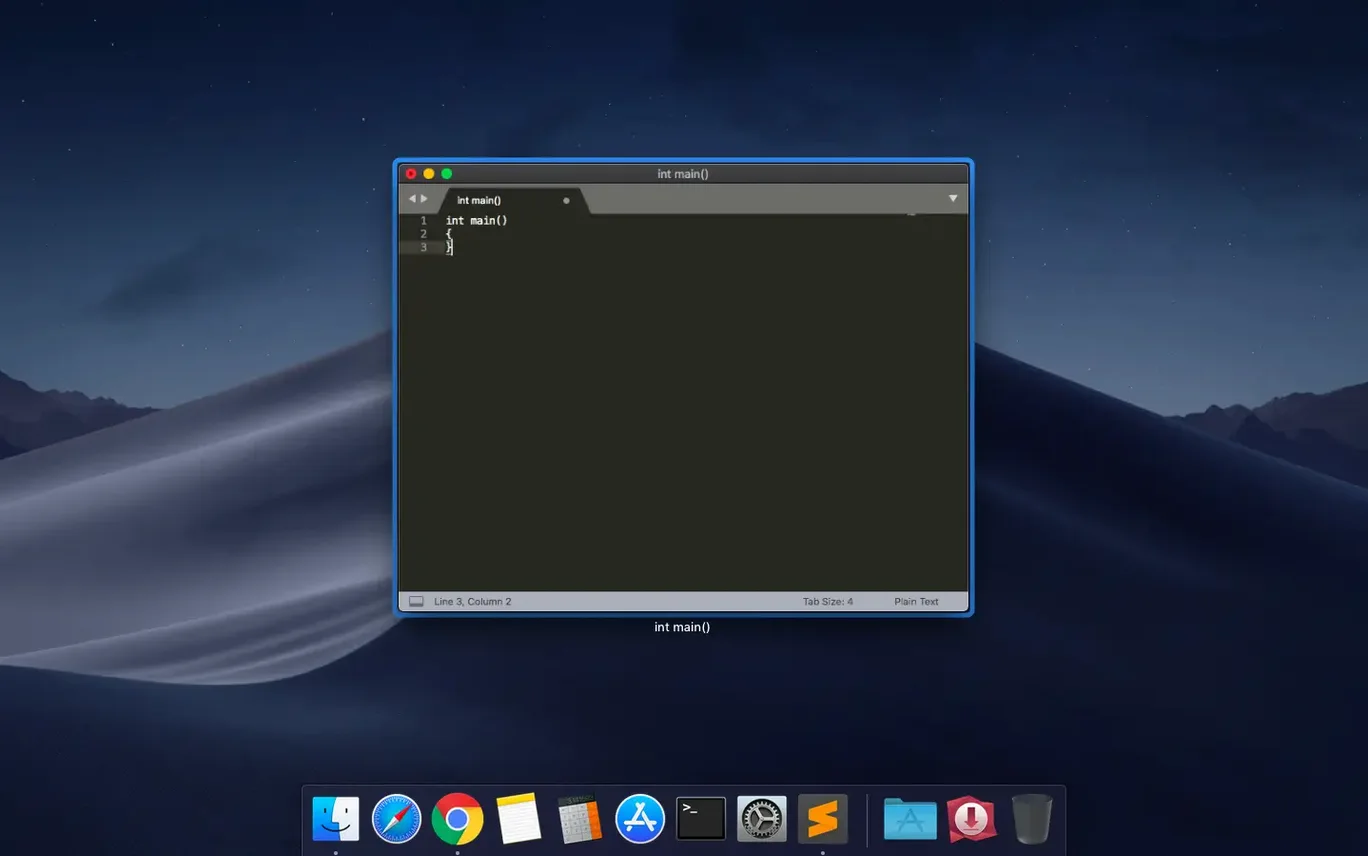
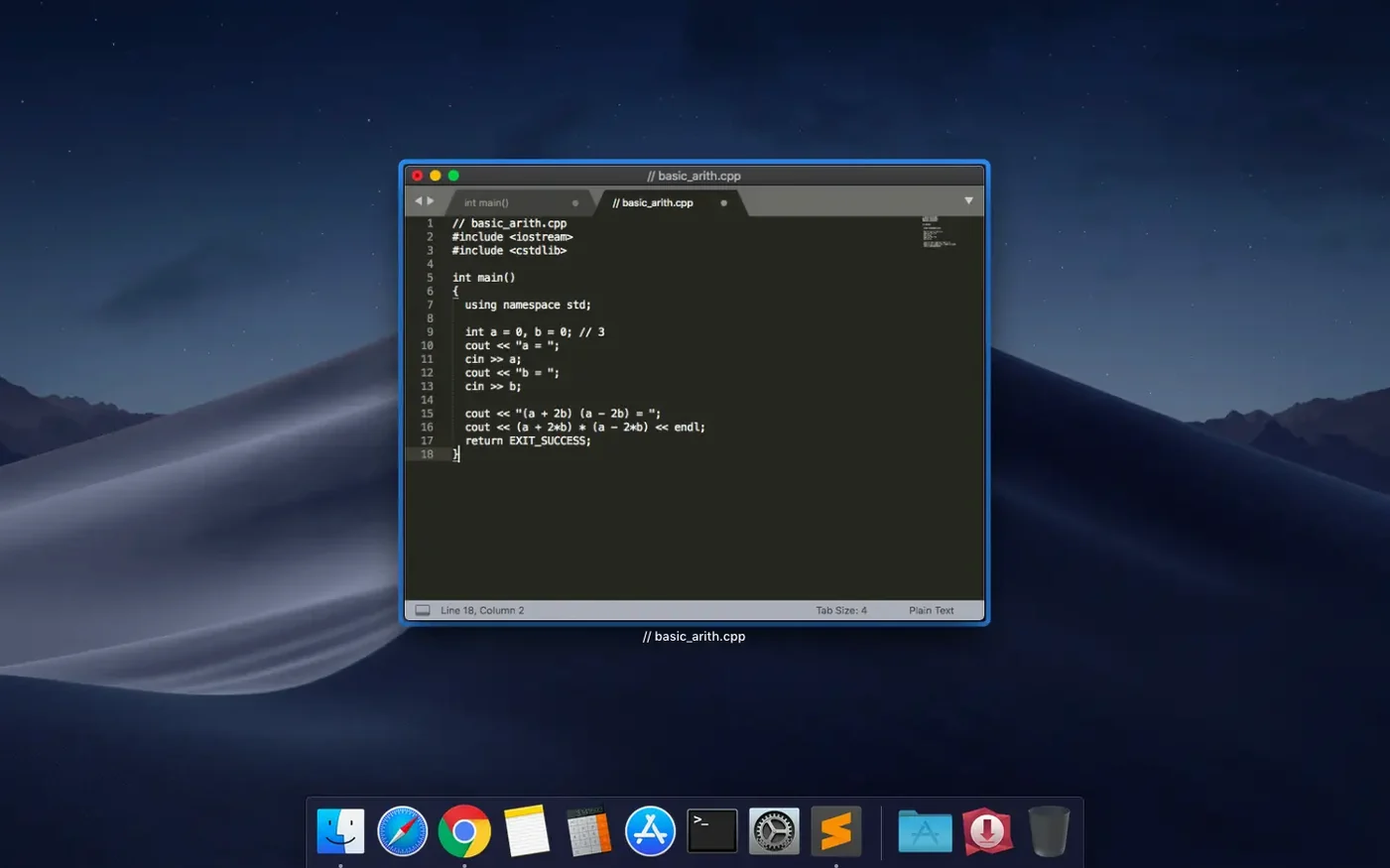
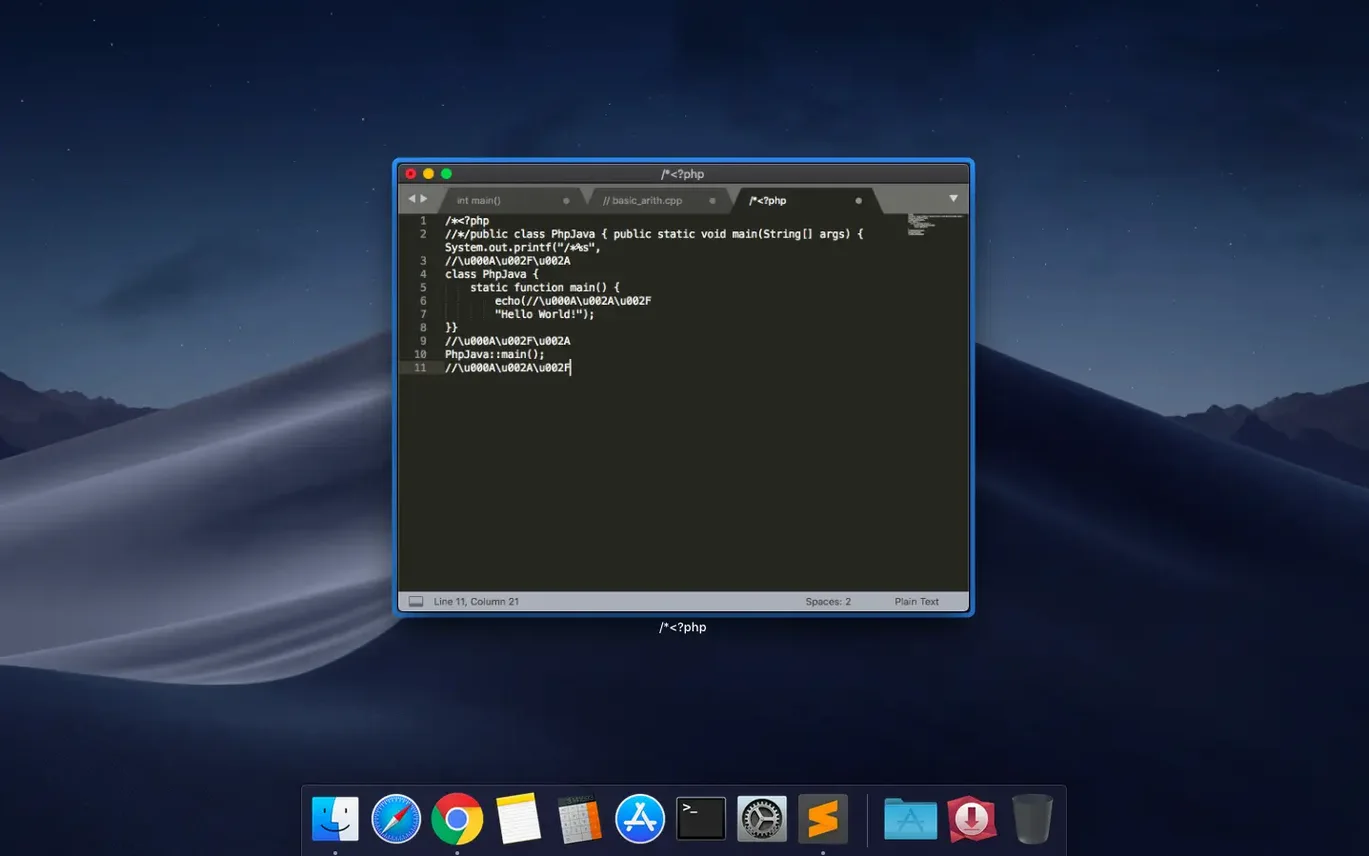
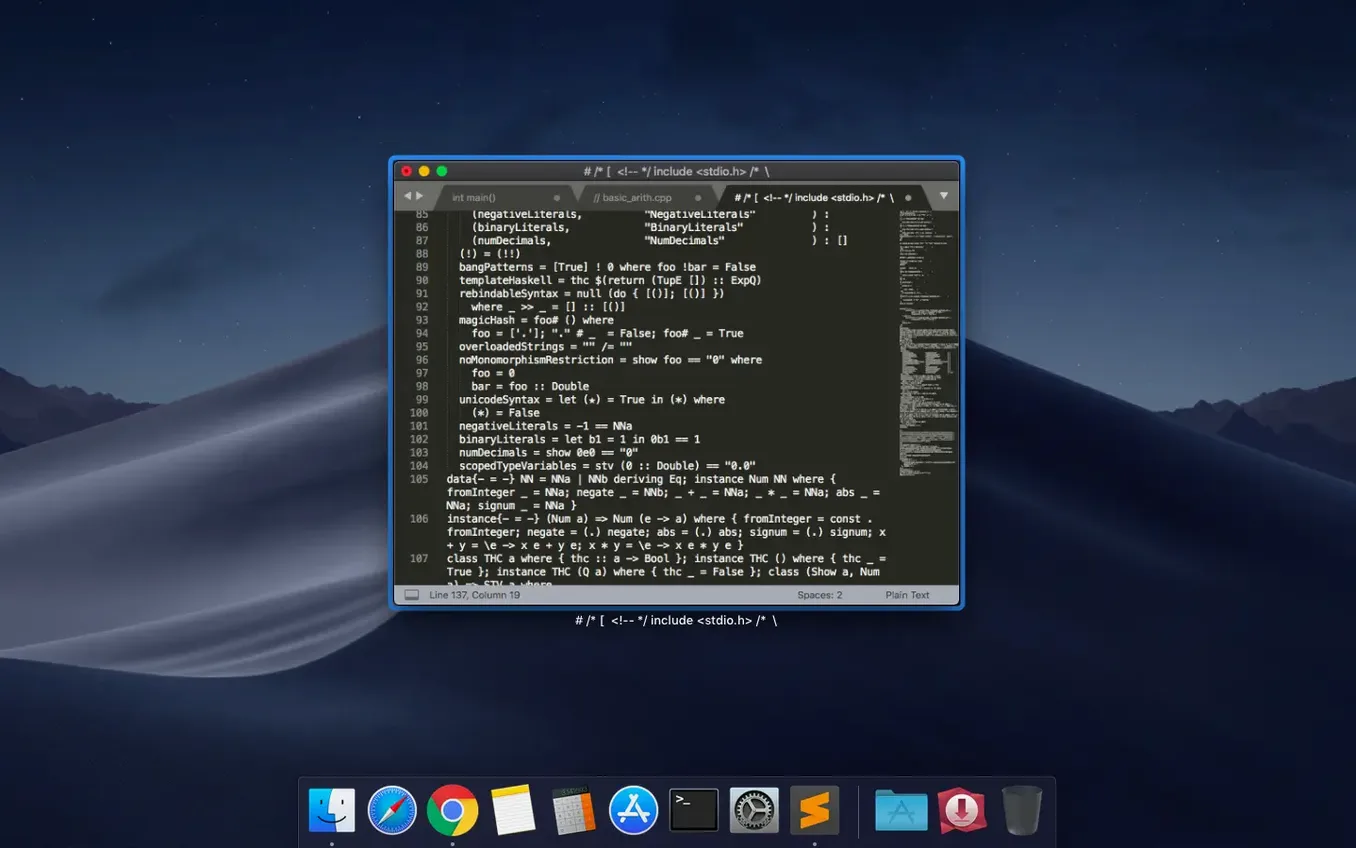
People who live in text use Sublime Text. Not because it's famous, but because it stays out of the way and then, when needed, reveals real depth.
- Multiple cursors let you edit a variable in ten places at once. No find-and-replace dance.
- Column selection works vertically. Fix indentation down a block without touching the rest.
- Fuzzy file navigation. Type a few letters of a filename; the right buffer opens.
- Build systems run your code from inside the editor. No command-line switch.
- The package manager adds linters, themes, and language support without restarts.
- Syntax highlighting covers the usual suspects and the rare ones — Erlang, Dylan, LaTeX.
Small shifts
Build 4215 keeps the rhythm. The vintage M command works again — a small fix for a small group, but for those who use modal editing, a broken motion breaks the hour. The other quiet fix is for older Macs. Compatibility with macOS 10.13 and 10.14 is restored. No new features, no interface changes. Just two patches that remove friction from the edges.
A project morning
Say you're updating a small Python tool. You open the folder, not the file. Cmd+P, three letters, and utils.py is in front of you. A function name needs changing across four files.
Cmd+Shift+F opens search across the project. You type the old name, then the new name in the replace field. Before hitting Enter, you pause — one file has a comment with the same word. You skip it manually, file by file. Done in under a minute.
You run the script from inside the editor. Cmd+B triggers the build system. The output pane shows a traceback. You click the file path in the traceback; the cursor lands on the offending line. No mouse, no window switching.
Before committing, you spot a block of JSON that needs reformatting. You select it, hit Ctrl+Shift+R, and a package you added months ago handles the rest.
Things you forget until they're gone
Auto-save on focus loss. You switch to Terminal or browser, and the file is saved. No thought required.
The minimap gives you a compressed view of the file structure. It's not decoration — you scroll by dragging the shaded region, and the shape of the code tells you where you are before you read a line.
Macros record a sequence of edits and play it back. For repetitive JSON reshaping or log cleanup, record once, repeat with a single key. The "repeat last action" shortcut handles the simpler cases without recording anything at all.
Multiple panes — up to four — let you keep a test file, a reference file, and your working file visible. Each pane holds its own cursor position, its own undo history. You move between them with Ctrl+1 through Ctrl+4.
For those who grabbed a maclife sublime text mention years ago and stayed, these details become muscle memory. The editor doesn't announce them. You find them or you don't.
It's the layer beneath the surface that makes it stick. The editor gets quiet. Your work gets loud.