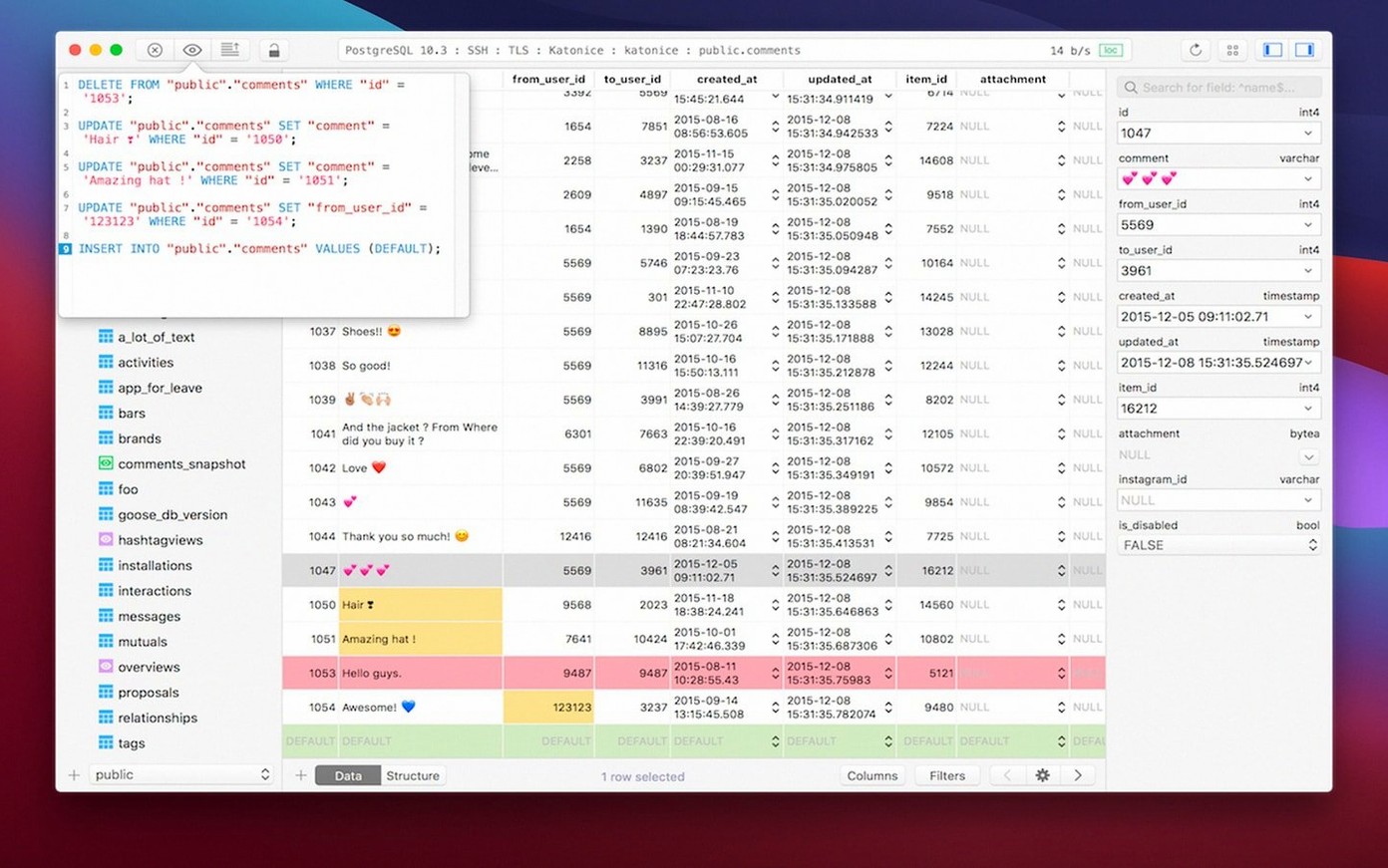
TablePlus 6.8.0 arrived with a build dated 2026-03-05.
Tabbed browsing
- Open a connection in a new tab. The native window draws fast.
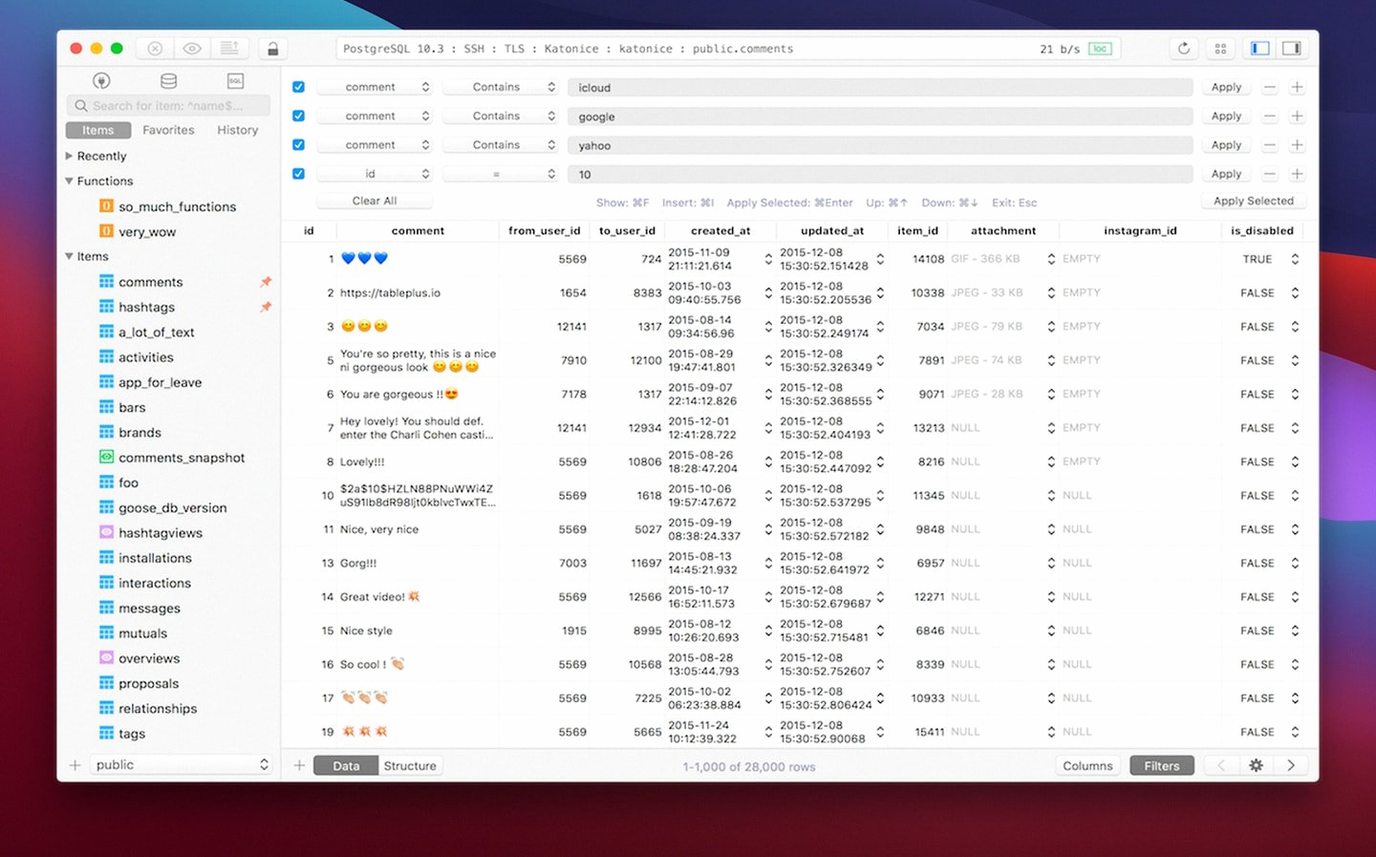
- Browse or edit rows directly. Filters stay out of your way until you need them.
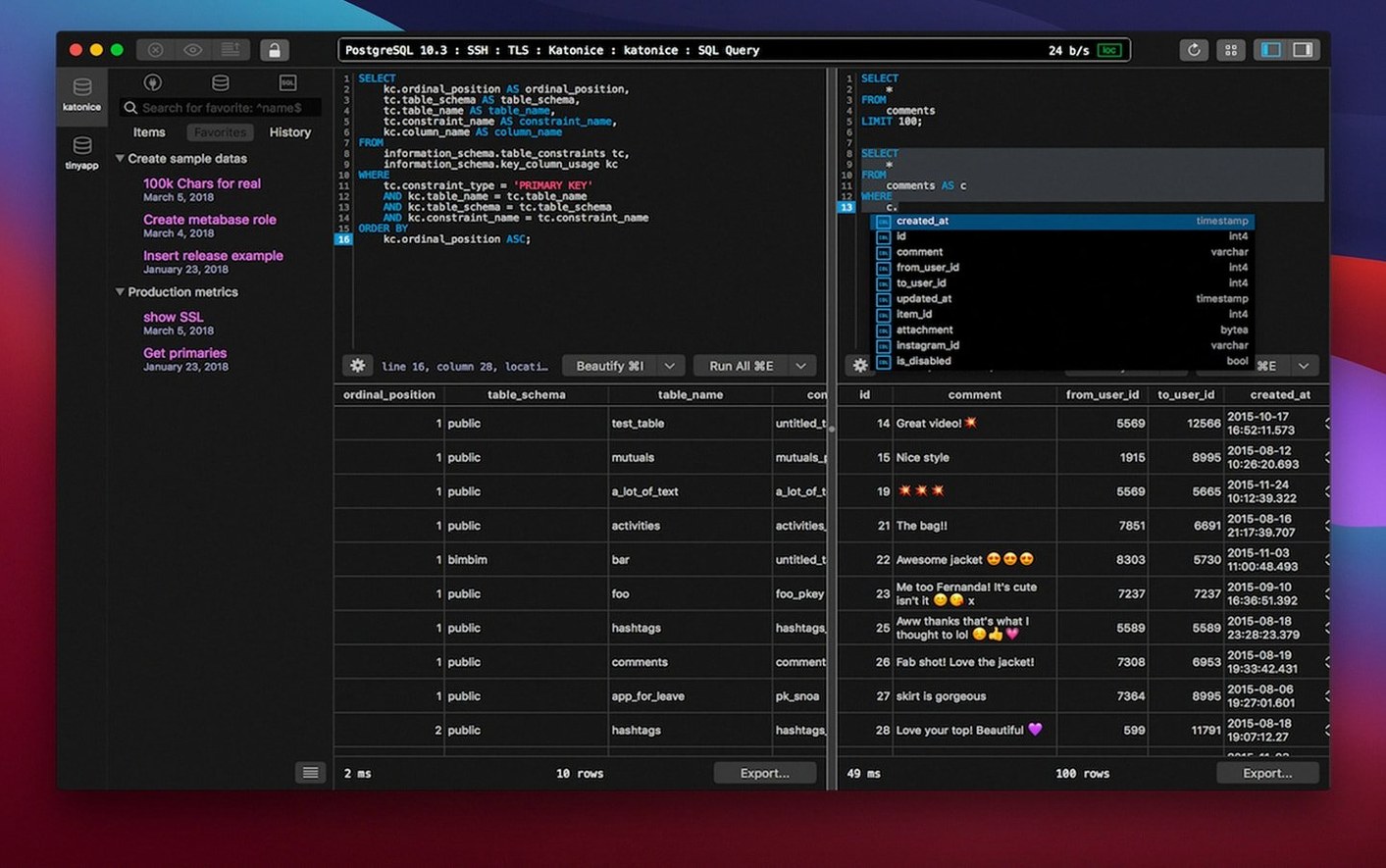
- Write a query in the script editor. Syntax highlighting keeps PostgreSQL, MySQL, and SQLite readable.
- Open another connection in a second tab or window. No interface lag when you switch contexts.
- Toggle dark mode when the room dims. The palette shifts without reloading your sessions.
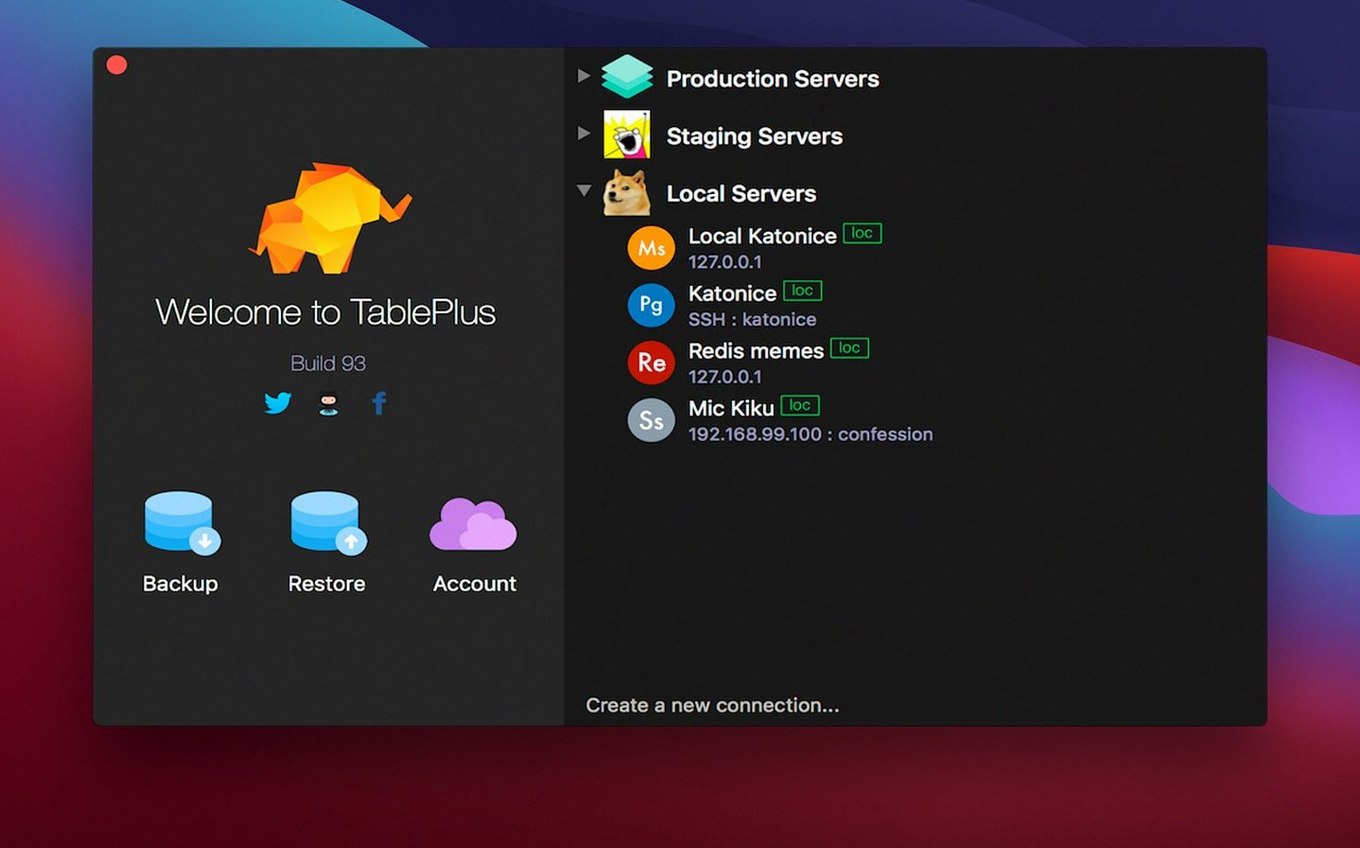
A few habits make the first days smoother. Pin three connections you open daily — right-click a connection in the sidebar and choose Pin. They stay at the top. Set the default double-click action to Open in New Tab in preferences; it spares you the extra step of right-clicking every time.
Learn one shortcut early. ⌘ + P opens the quick-open panel for any database, table, or saved query. Typing three letters usually gets you there. ⌘ + Enter runs the current statement without selecting it first. Safe mode, on by default, catches destructive queries before they hit production — leave it on for the first week.
If you work with large tables, resist scrolling. Use the filter bar instead. Type a partial value and press Enter. The result set shrinks instantly. Right-click any cell and choose Copy as SQL Insert when you need to move a row between environments. Small gestures, repeated often.
Snappier jumps
Version 6.8.0, built 2026-03-05, tightened the SSH engine. Connections over jump hosts feel snappier. The query editor now highlights matching parentheses and quotes in real time — a small change that reduces the small errors.
Earlier 6.x builds reworked the driver layer. Native TLS and libssl encryption became the default for new connections. Multiple tabs share a connection pool more efficiently now; switching between a PostgreSQL window and a MySQL window no longer causes a brief freeze. The dark mode palette also received a contrast pass. Comment text in the editor is easier to read against dark backgrounds than it was a year ago.
Not a terminal
People ask whether TablePlus replaces their terminal client. It does not. It handles the browsing, editing, and query-writing parts of a database workflow. For migrations or complex server admin, you still open a terminal. The two tools sit next to each other.
Another common question is about plugin management. The app ships with drivers for PostgreSQL, MySQL, SQLite, and Microsoft SQL Server. Other databases — Redis, Cassandra, CockroachDB — require a driver from the plugin menu. Installation is a single click. No restart needed.
People also ask about resource use. On Apple Silicon, the native binary stays quiet when idle. Multiple open connections raise memory use modestly but predictably. If you keep twenty tabs open with active result sets, expect the footprint to grow. For most users with five or six connections, it stays under 200 MB.
A relational database client that loads quickly on macOS 12.6 and later, supports multiple tabs, and steps aside so you can work.