
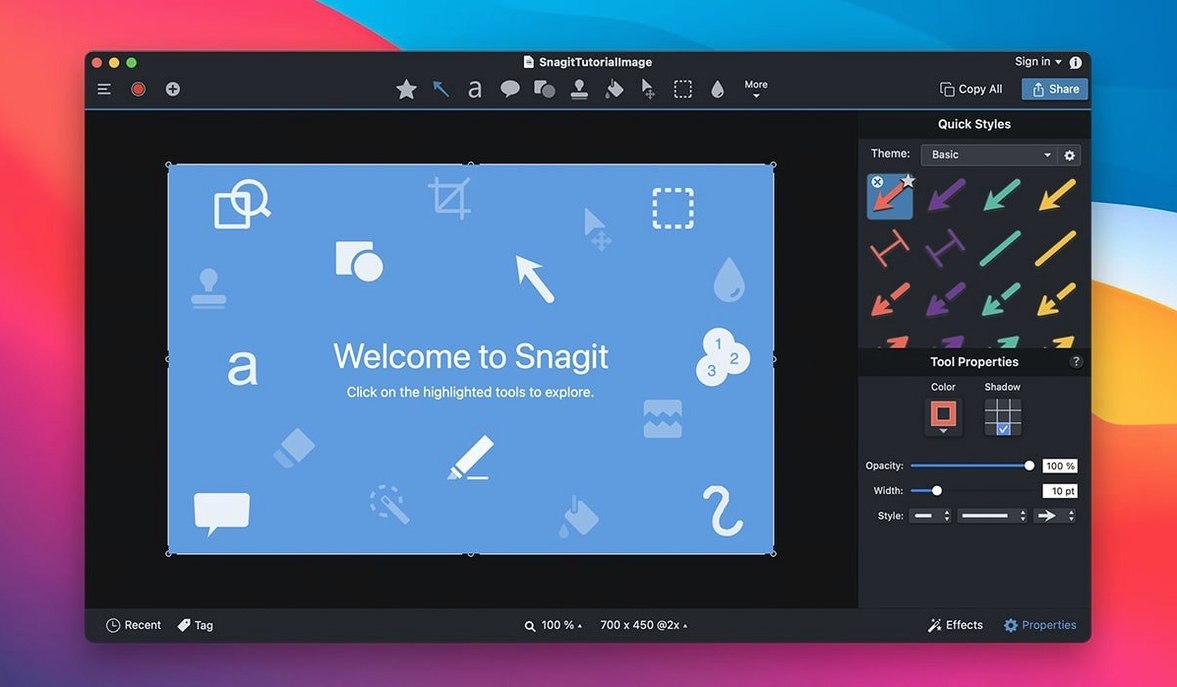
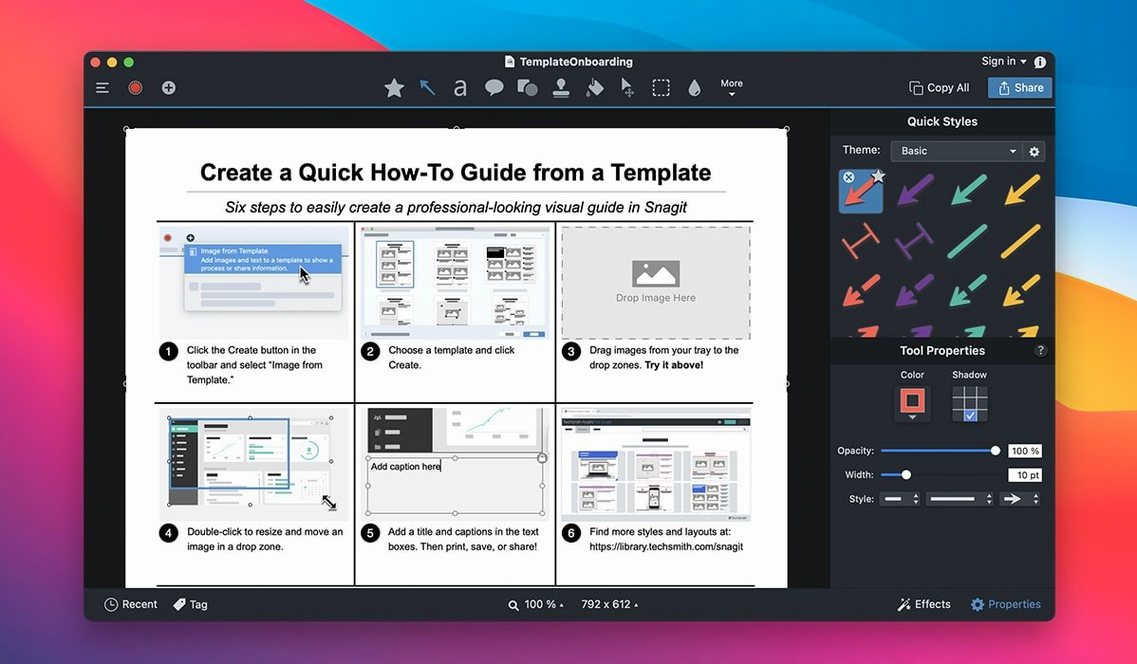
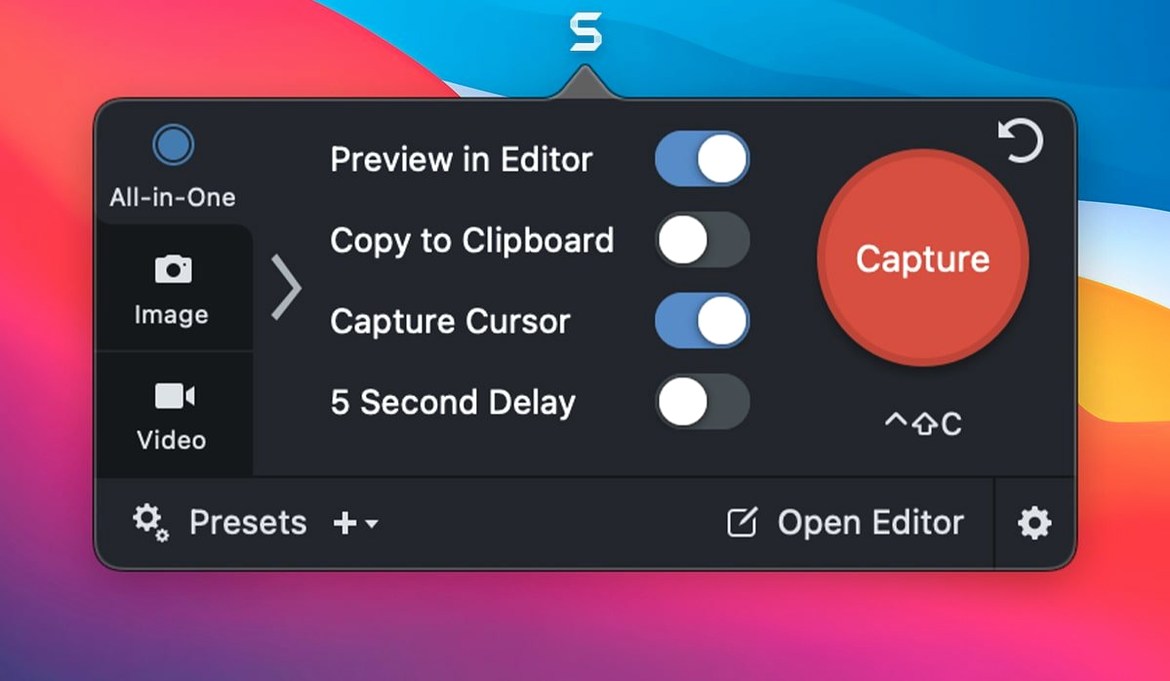
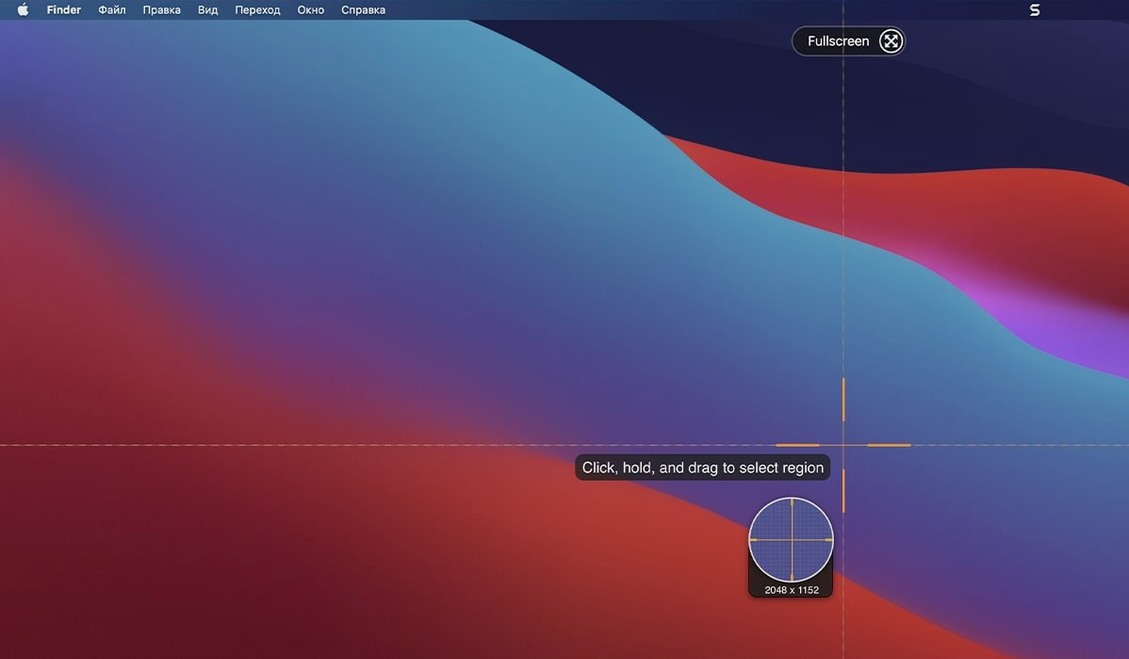
The 2026.3.3 release tidies things up. Capture toolbars move where you want them now, and video playback controls behave on macOS 27.
One capture
- Set a custom preset for a scrolling window
- Capture a long webpage in one pass
- Trim the result in the editor
- Add a page-curl effect and a changed background
After the shot
The image lands in a Snagit library, sorted by date. You search by source, find it fast, then send it straight to a blog. The editor stays out of the way until you need it. Fewer steps, same result.
Speed is unremarkable in the best way. On an M-series Mac, a full-screen capture lands in the library before your finger leaves the shortcut key. Scrolling captures render quickly, even on tall pages. Memory use hovers around 200 MB during normal work — modest for a tool that keeps an editor and library running. The only pause I notice is when QuickLook activates on a folder of large screen recordings; the 2026.3.3 release smoothed that out.
Combine captures
Right-click any capture in the library and choose Combine in Template. It stacks images into a clean collage without opening the editor first.
The rounded-corner toggle is buried in the effects panel. Apply it once, and Snagit remembers the radius for every image until you change it. Small thing. Less time nudging sliders.
Text capture from web pages works on most sites. Select a region, and Snagit pulls clean copy into the editor — no source formatting dragged along.
Preset shortcuts
Set two presets on day one. One for a region capture with a 2-second delay, one for a scrolling window. Assign each to a keyboard shortcut. You will use them more than the default all-in-one capture.
Turn off library auto-tagging until you build a system. Snagit tags by source automatically, and the tags pile up fast. Spend ten minutes tagging the first batch manually, then re-enable auto-tags once you know what you actually search for.
If you work with video, set the recording quality to High once. The default is conservative, and the file-size difference is small on modern Macs. The fixed playback controls in this release make reviewing clips less of a chore.
One more: the page-curl and dimming effects stack. Apply dimming to the background first, then add a curl to the foreground element. The result looks deliberate, not decorative.