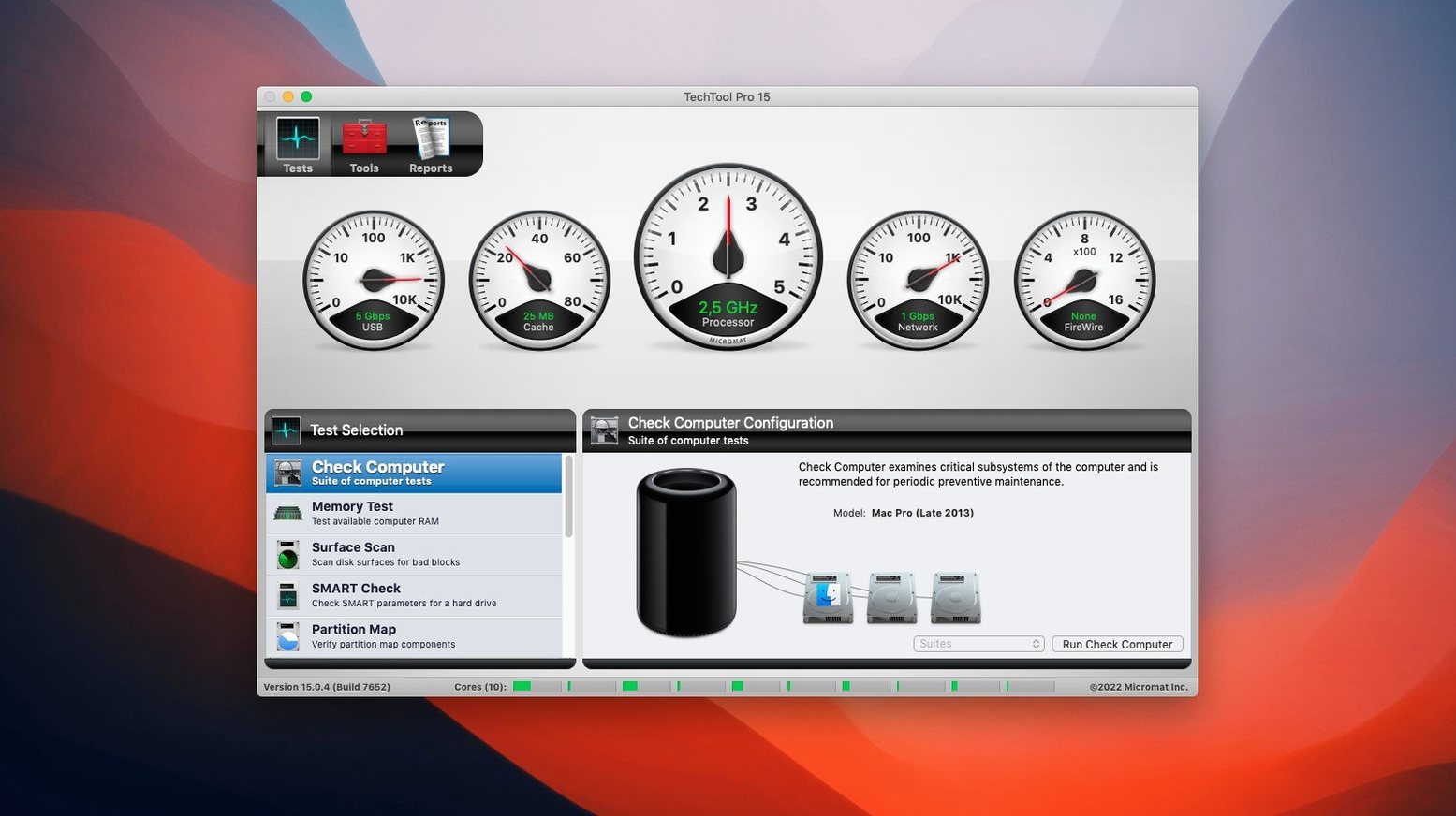
25,000 hours on a spinning drive. That is roughly when SMART tests start to matter. Techtool Pro reads those diagnostics before a failure takes your files with it.
It runs on anything from High Sierra forward, Intel or Apple Silicon. No separate build to hunt down.
You get volume repair that handles SSDs correctly, a bad-block scanner that can pull files out of damaged sectors, and a quick way to reset permissions on a partition that has gone quiet. Deleted file recovery and volume cloning are there when you need them.
Deep scan limit
Disk Drill leans toward recovery. It scans deep, rebuilds directories, and finds files you thought were gone. But it does not test hardware. If your drive is failing silently, Disk Drill waits until you notice missing data.
DriveDx reads SMART data and presents it beautifully. You get a clean dashboard of drive health. What you do not get is a repair toolkit. A bad block remains a bad block.
Onyx runs maintenance scripts and clears caches. Free, capable, and narrow in scope. It will not clone a volume or recover a file from a damaged sector.
Techtool Pro spans the gap. One interface for testing, repair, and recovery. You trade a little depth in any single area for breadth that keeps a second or third utility off your dock.
Build a baseline
Let Techtool Protection settle in before you run anything manually. Open its settings and enable free-space monitoring plus SMART tracking. Leave the defaults for the first week. You want a baseline, not a flood of alerts.
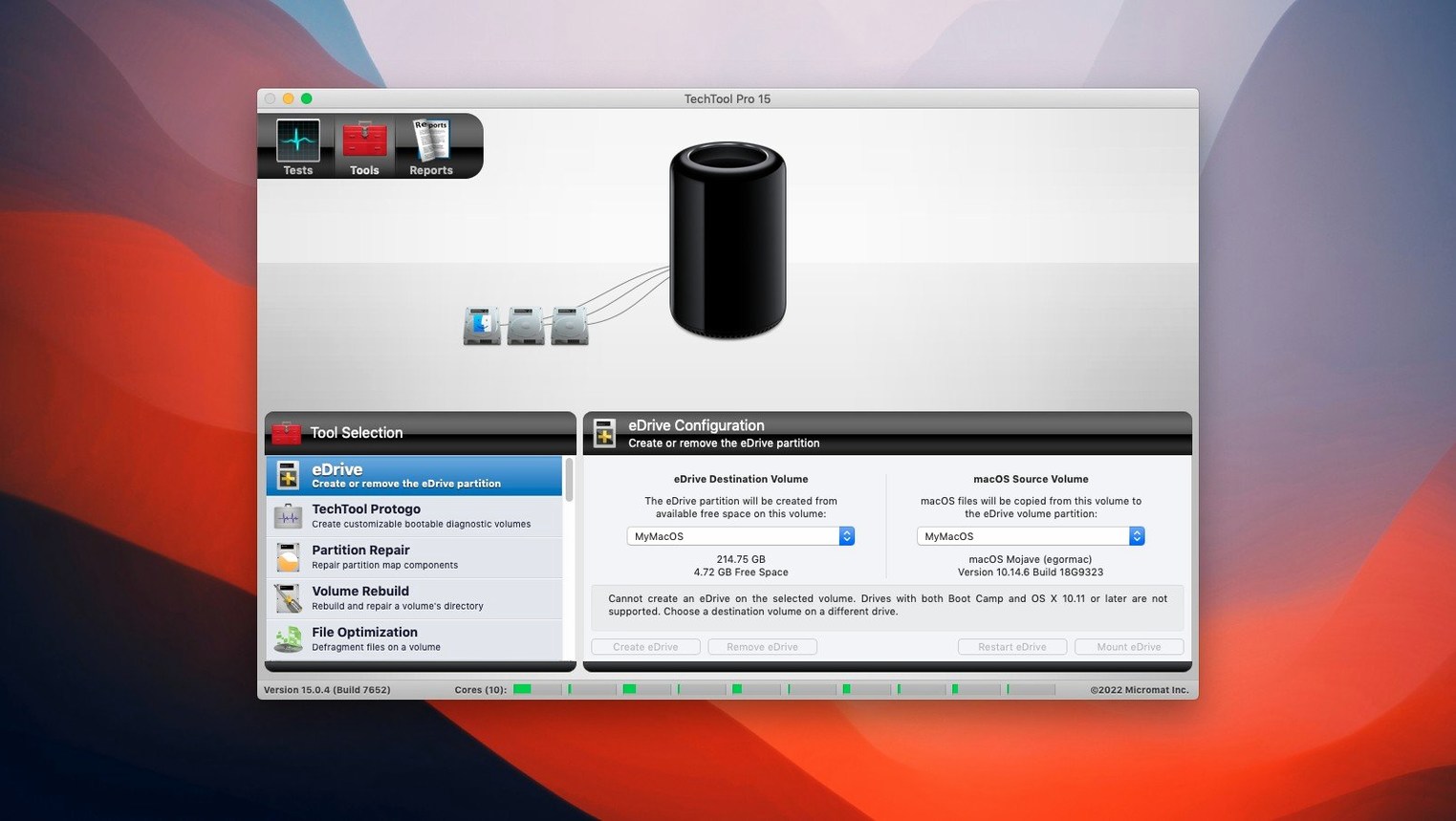
Build a Protogo drive on a spare USB stick the first afternoon. It takes ten minutes. If your startup volume ever refuses to mount, you will be glad the tool is already sitting in a drawer.
Run a single surface scan on your oldest external drive overnight. Choose the option to recover files from bad blocks. Morning will tell you whether that drive deserves another year of service or a quiet retirement.
Scheduling scans
Does it slow down the Mac? Techtool Protection uses almost nothing when idle. The surface scan is intensive by design — schedule it when the machine is not in use.
Will it conflict with Time Machine? No. Volume cloning and Time Machine target different needs. Keep both.
Is it safe on an SSD? Yes. Volume repair and cloning recognize solid-state storage. The bad-block scanner works differently on flash; it reads rather than stressing cells with unnecessary writes. Some people search for a TechTool Pro torrent or a TechTool Pro 20 serial number, and the build here is version 20.1.7, ready to activate with the included file.
Protogo builds a bootable diagnostic drive. Techtool Protection watches in the background and can send an email if a drive starts slipping.