
System administrators and developers who bounce between servers all day. Termius strips away the friction of managing remote connections.
Keys and forwarding
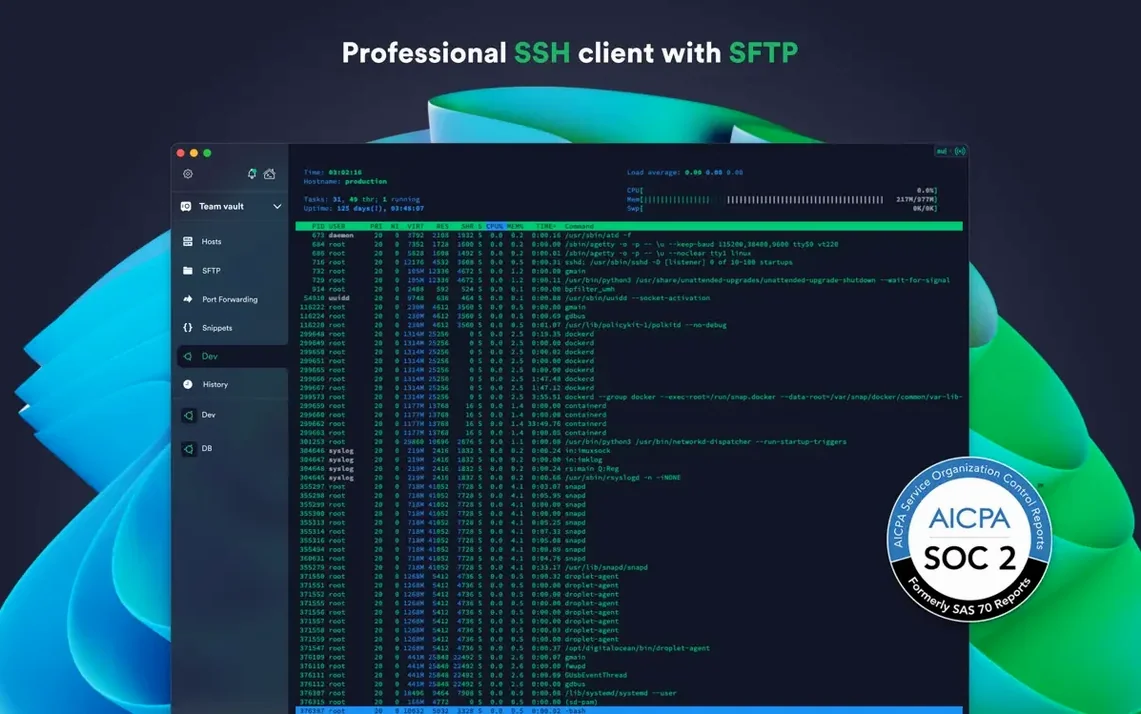
Start with the local agent. Termius forwards SSH keys from your Mac instead of storing them on remote hosts. It handles ECDSA and ed25519 keys out of the box, plus the chacha20-poly1305 cipher. If you use a hardware key, FIDO2 authentication just works. Touch ID locks the credential store on your local machine, so you never type a passphrase twice.
Session muscle memory
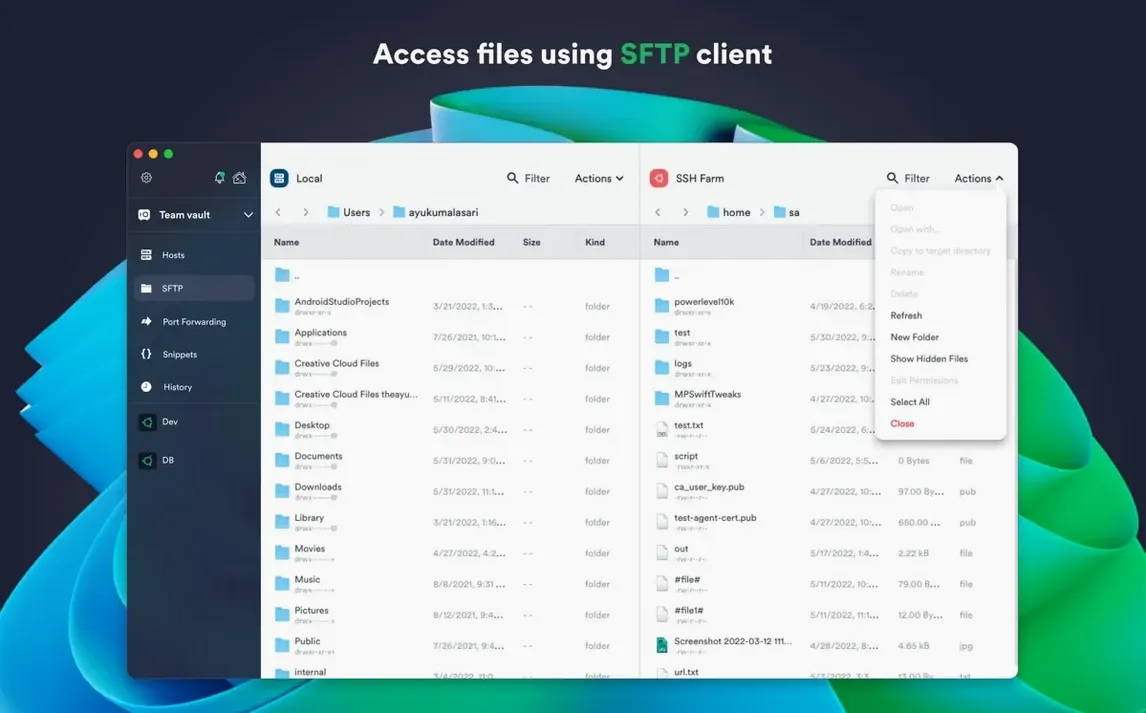
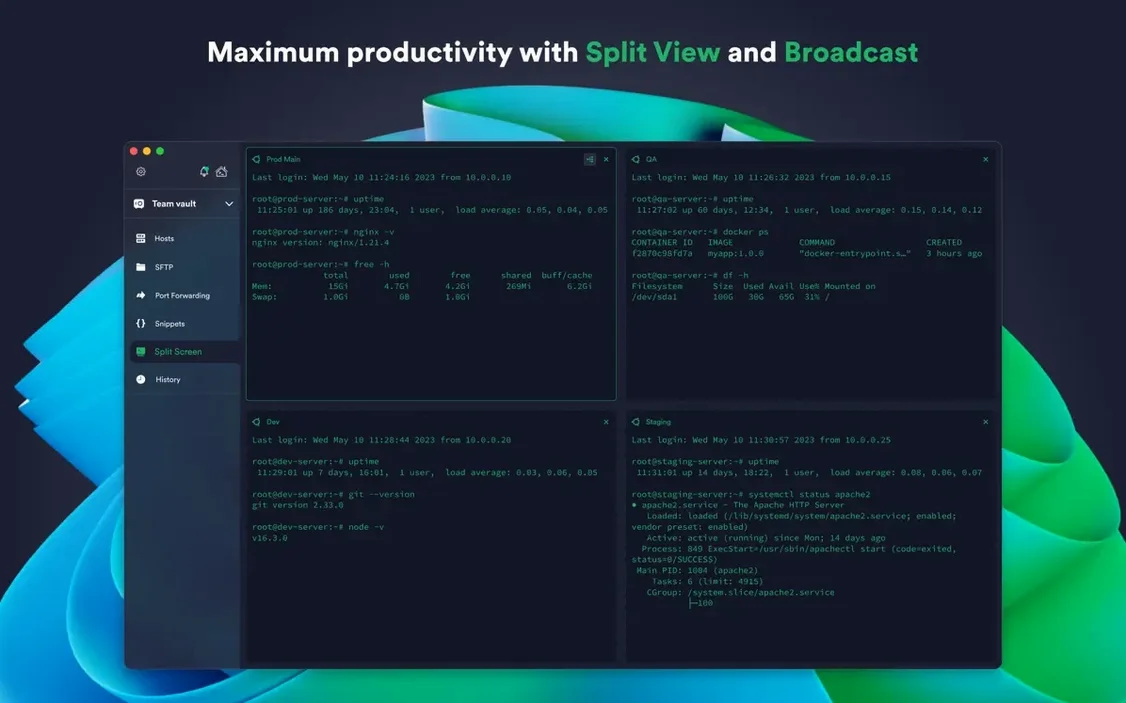
Open a few tabs. Then split the view sideways. One session watches logs, another edits a config, a third waits for a long transfer over SFTP. Mosh and Telnet sit in the same interface. The tabbed layout becomes second nature faster than you think. Sync the setup through encrypted cloud storage and every machine sees the same connections.
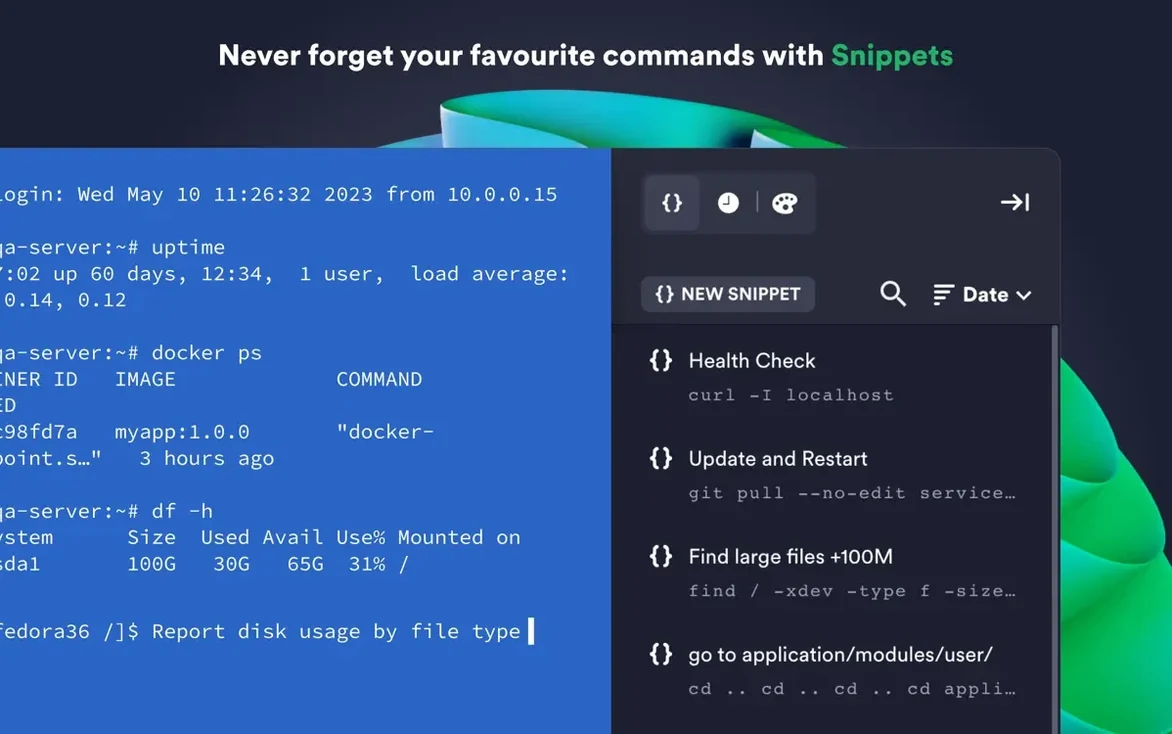
Most people never try the right-click on a host in the sidebar. From there, you go straight to an SFTP session or copy the connection string without opening a full terminal. The snippet library also hides a subtle trick: label a command with a short code like dblog, then type it in any session to summon the full command. No mouse. No break in flow.
Drag a key file directly onto a host entry and Termius imports it. No dialogs. The app also respects your custom environment variables per host, which matters if your shell scripts depend on $APP_ENV or similar flags. Proxy and jump servers chain through a simple dropdown, not a maze of config files.
Touch ID unlock
You sit down with coffee. Unlock the credential store with Touch ID. Three hosts light up in the sidebar: a web server, a database box, and a staging machine.
You open the web server first. A saved snippet runs tail -f /var/log/nginx/error.log and pins the output to a tab. Then you split the view vertically. On the right, an SFTP session drops you into /etc/nginx/sites-enabled. You edit a config, save, and run another snippet to reload the service.
The database host opens in a new tab. You forward a local port through a jump server—two clicks in the host settings—and connect your local GUI tool. Meanwhile, the staging machine finishes a long script you triggered earlier. Its tab still shows the output, waiting. You close nothing. The state persists.