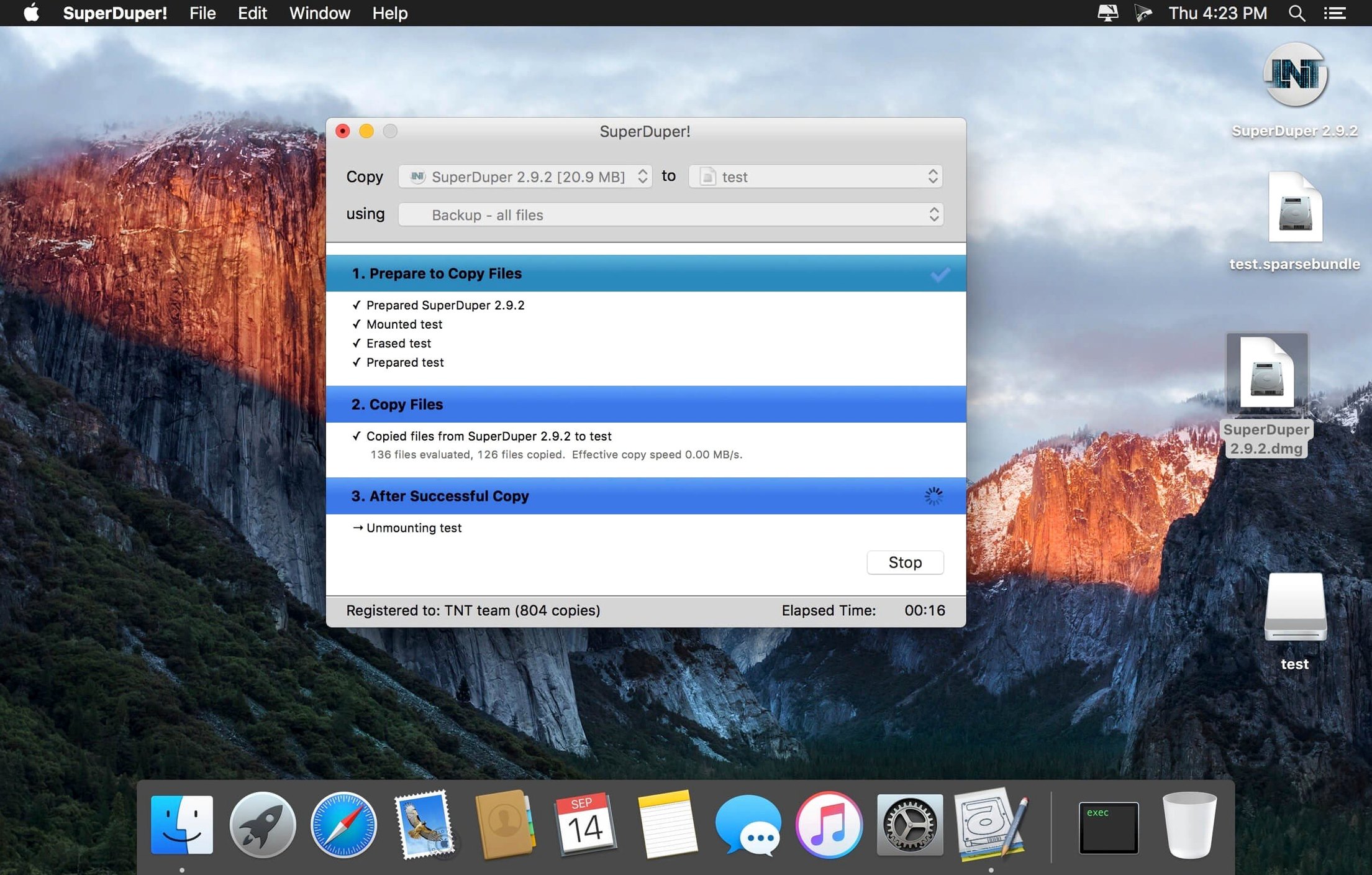
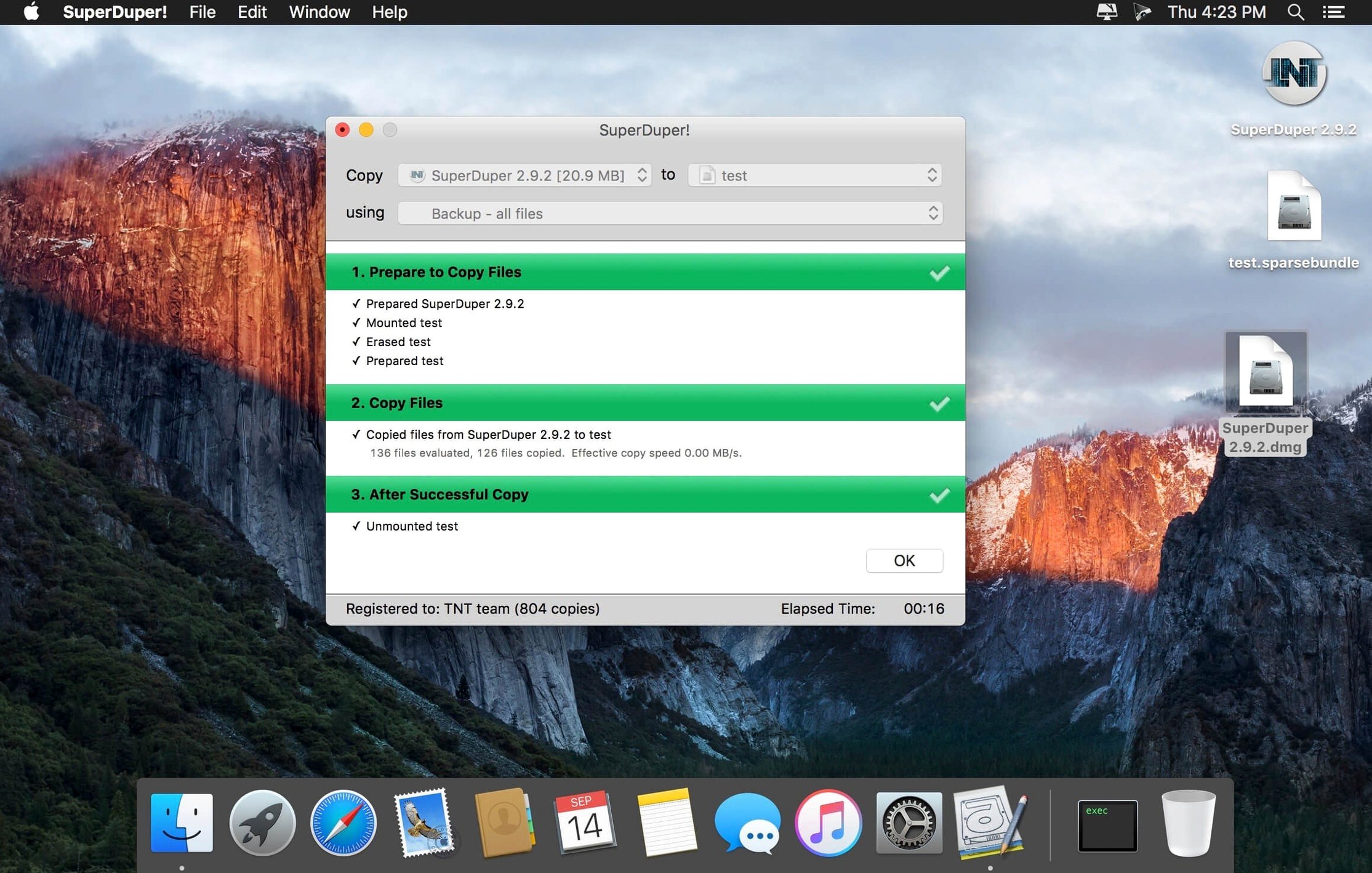
SuperDuper! is a disk cloning utility that makes an exact, bootable copy of your Mac's drive. Before anything else, check if it runs on your machine. It needs macOS 10.13 or later, and it works on both Apple Silicon and 64-bit Intel processors.
Once it's on your system, you get a small set of concrete tools:
- Full disk, volume, or image file cloning
- Bootable backups you can start up from
- Checkpoints for returning to an earlier system state
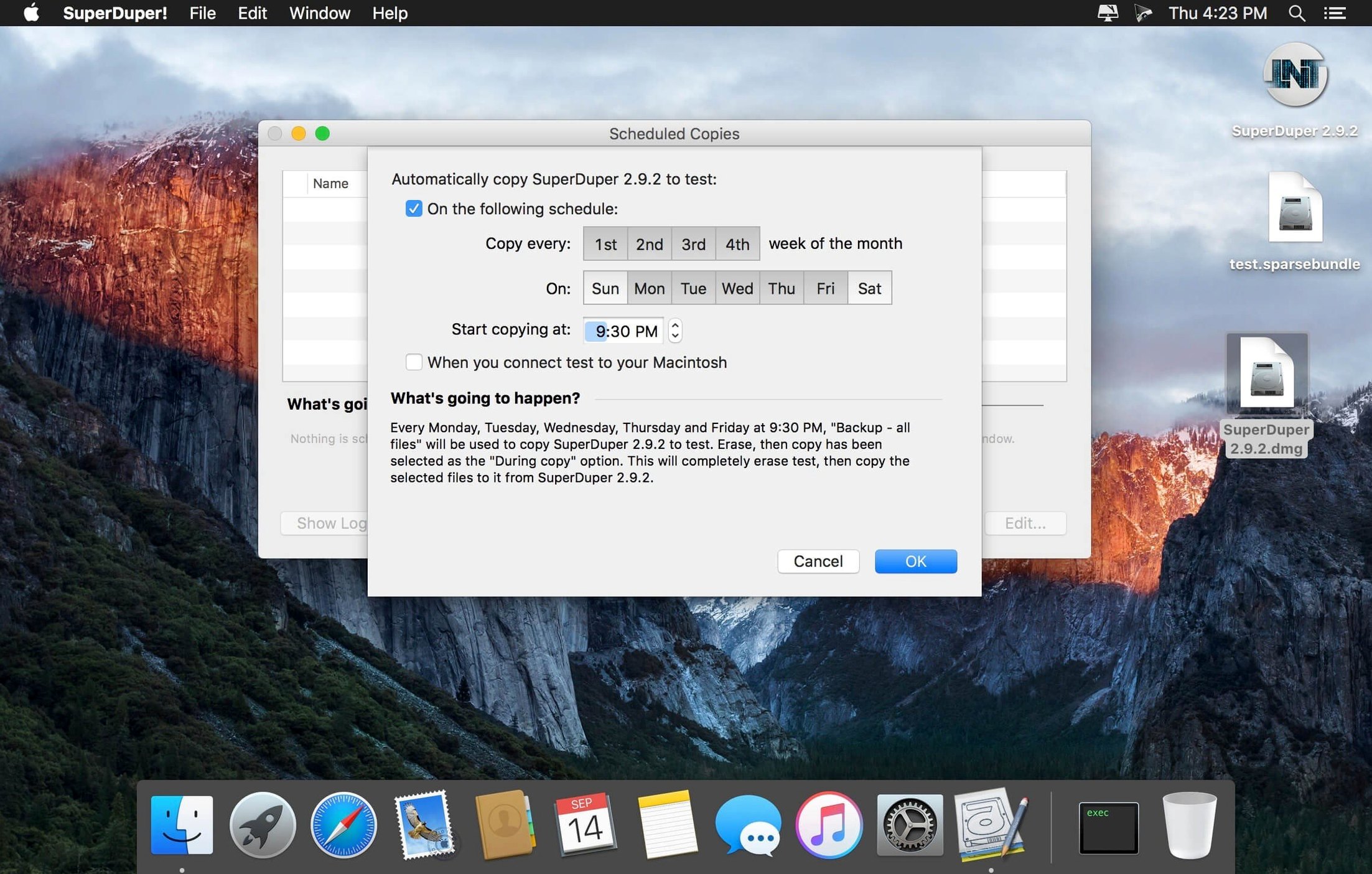
- Scheduled backups for important data
- Straightforward restore from any backup
Version 4.0.7 added a workaround for a startup-drive visibility problem under macOS 27 Golden Gate. In everyday use, that means the destination disk now appears reliably in the Startup Disk preference pane after a clone completes. Before the fix, a successful backup could vanish from that list—leaving you with a bootable drive the system refused to acknowledge. The update removes that friction. You clone, you restart, you’re back at your desktop on the spare drive without extra steps.
Clone philosophy split
Carbon Copy Cloner shares the same core ambition: a bootable clone you can trust. Its interface wraps the task in more guidance—task plans, snapshots, a health-check dashboard. SuperDuper! stays quieter. One window, fewer decisions. Both handle scheduling well, but CCC asks you to configure a task; SuperDuper! expects you to already know what you want copied.
Time Machine needs no introduction. It covers continuous versioned backup better than any cloning tool, but it won’t give you a bootable emergency drive. If your internal SSD fails at 9 p.m., a SuperDuper! clone on an external USB disk lets you keep working. Time Machine requires a macOS reinstall first.
Disk Utility can clone volumes too, through its Restore function. It works, slowly, and it offers no scheduling, no scripting, no checkpoints. SuperDuper! builds on that basic ability and turns it into something you can automate and forget.
Boot test proof
Start with a full clone to an external drive you can erase. Use Smart Update immediately after—it copies only what changed, so your second run takes minutes instead of hours.
Boot from the clone once. Hold Option at startup, select the external drive, and verify that your apps and files behave as expected. Do this before you need it.
Set one scheduled backup. A daily run at a quiet hour works for most people. The scheduler lives in the main window; pick your source, your destination, choose Smart Update, and add a schedule entry. Then leave it alone for a week and check the log.
If you migrate between Macs, create a sandbox script. The built-in scripting support lets you exclude large folders—old media archives, virtual machine bundles—that waste space on a migration clone. A lean copy moves faster and fits on a smaller destination drive.
The interface stays out of your way. Pick a source, pick a destination, and go.