Macs welcome
superwhisper runs on any Mac with Apple Silicon or Intel 64-bit, as long as it’s on macOS 13 or later.
What does it remove
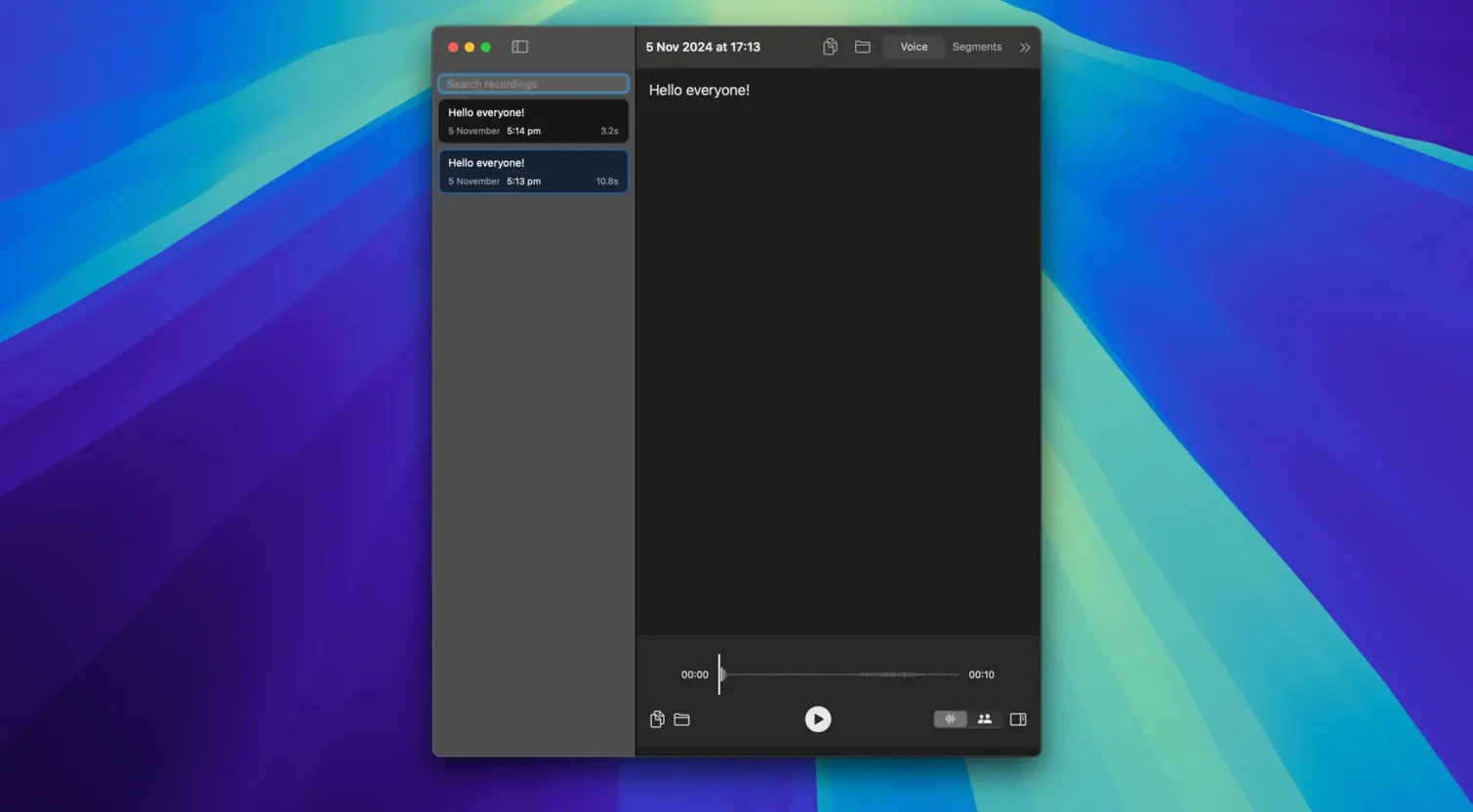
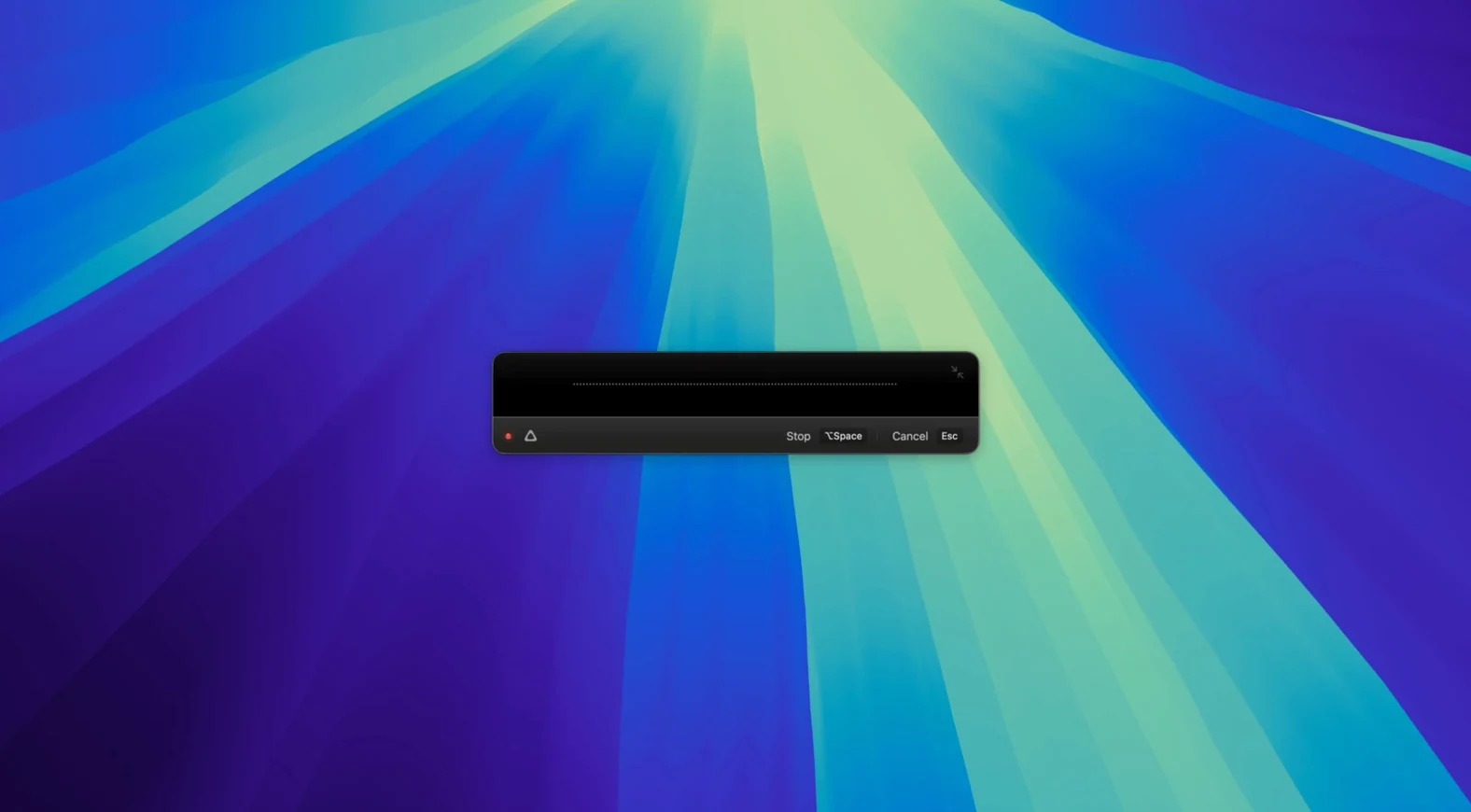
The need to type when your hands are busy. It turns speech into text directly on your machine.
Does it work offline
Yes. Data stays on the device. No cloud required for transcription or translation.
What’s the new model
Compared to MacWhisper and Whisper Transcription
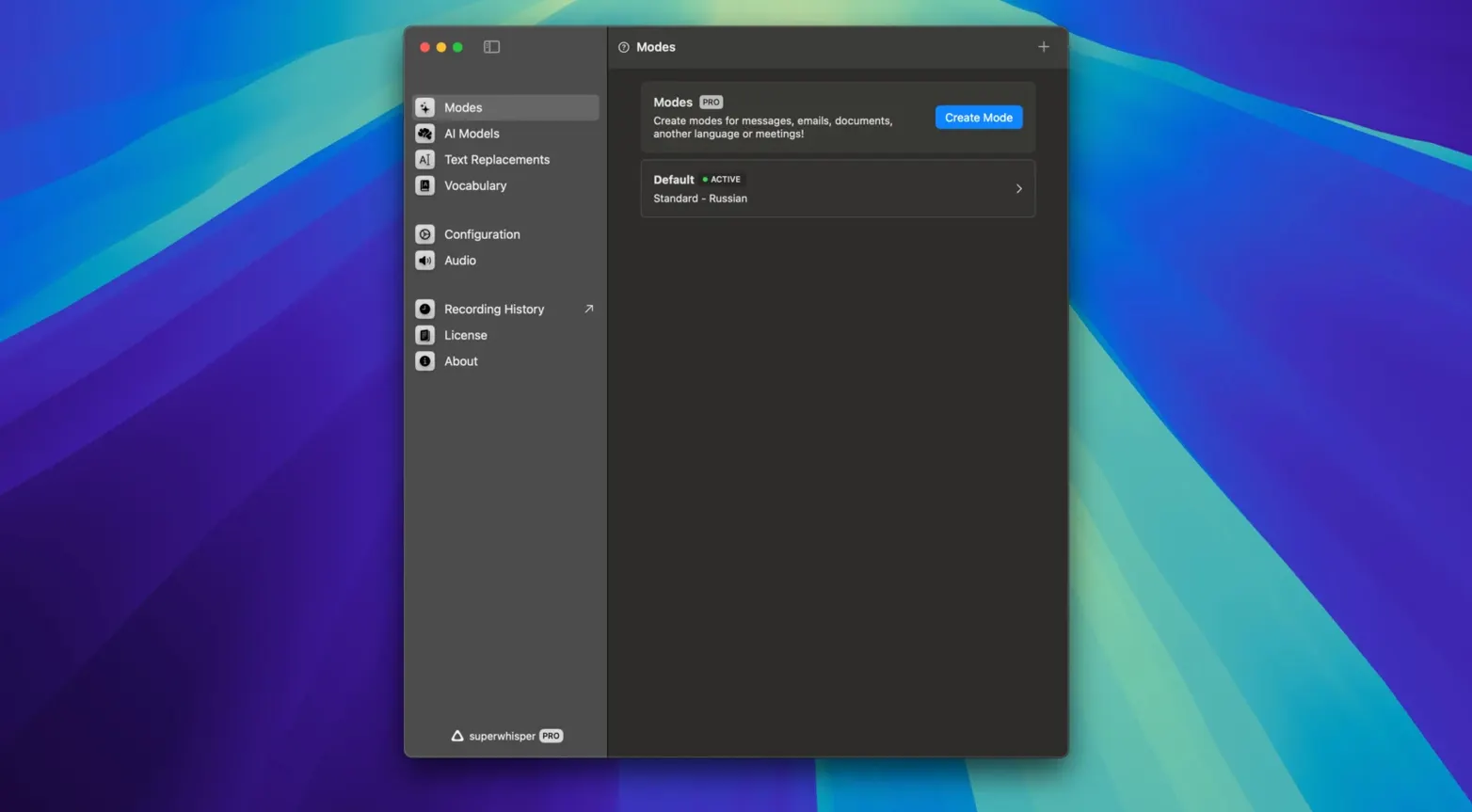
MacWhisper leans hard into the technical crowd — model selection, export formats, batch processing. superwhisper strips that down. You speak, it writes. No model picker to fiddle with.
Whisper Transcription pushes further into pro territory with speaker diarization. superwhisper skips that. What it adds instead: tone control via S1-mini, custom vocabulary right in the flow, and translation baked into the same window.
If you need a transcription workbench, look elsewhere. If you want dictation that disappears into the background, superwhisper fits.
Cursor magic
superwhisper works with anything that accepts text input. Mail, Notes, Messages — it drops transcribed text wherever your cursor sits.
It also pairs naturally with macOS Voice Control for navigation while superwhisper handles the actual dictation. One less context switch.
For writers who draft in a plain text editor and move to a word processor later, superwhisper streams into both without an import step. The custom phrases feature means names and project jargon don't get mangled — add them once, they stick.
Offline operation matters when you pair it with a MacBook on a train or in a café with spotty Wi-Fi. No lag, no dropped sentences waiting for a server response.
Version 2.18.5 brought S1-mini. An on-device language model that lets you adjust the tone of the output.