
Spotlight is fast until it isn't. When the index breaks or simply ignores the folder you need, you stop trusting it.
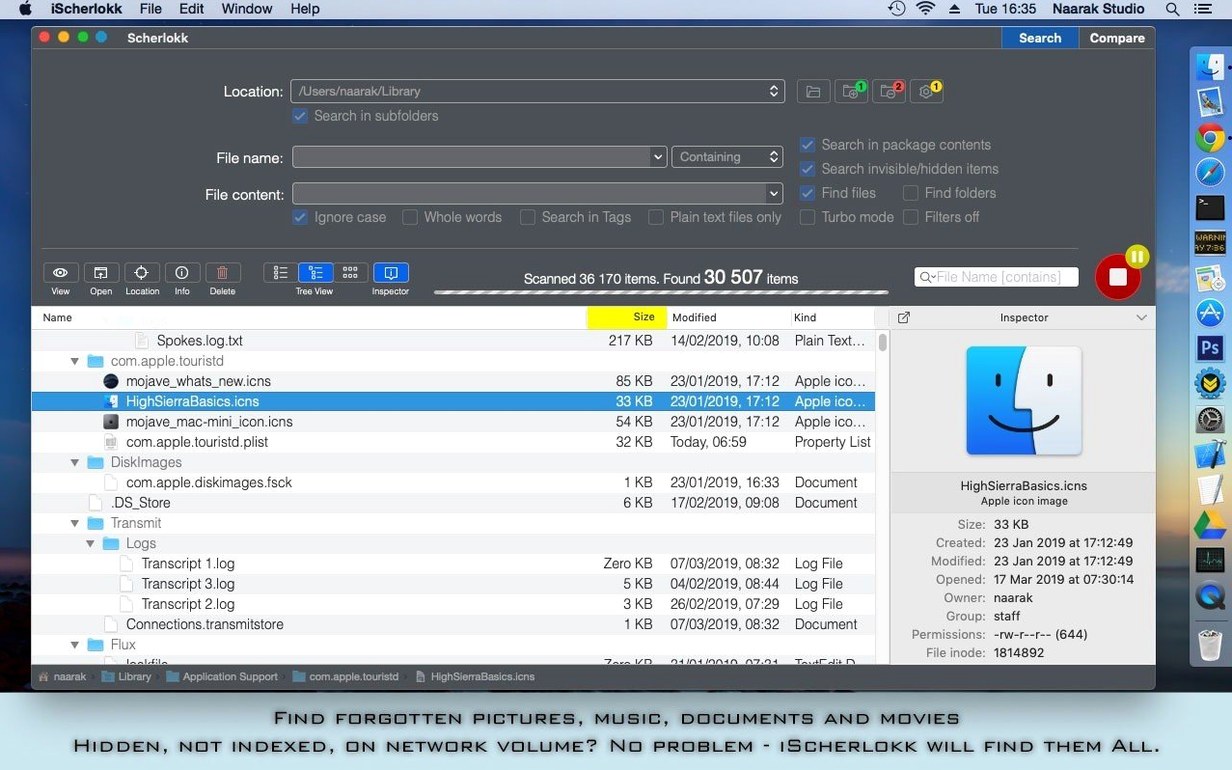
Scherlokk works differently. It reads the disk directly.
What files can it find
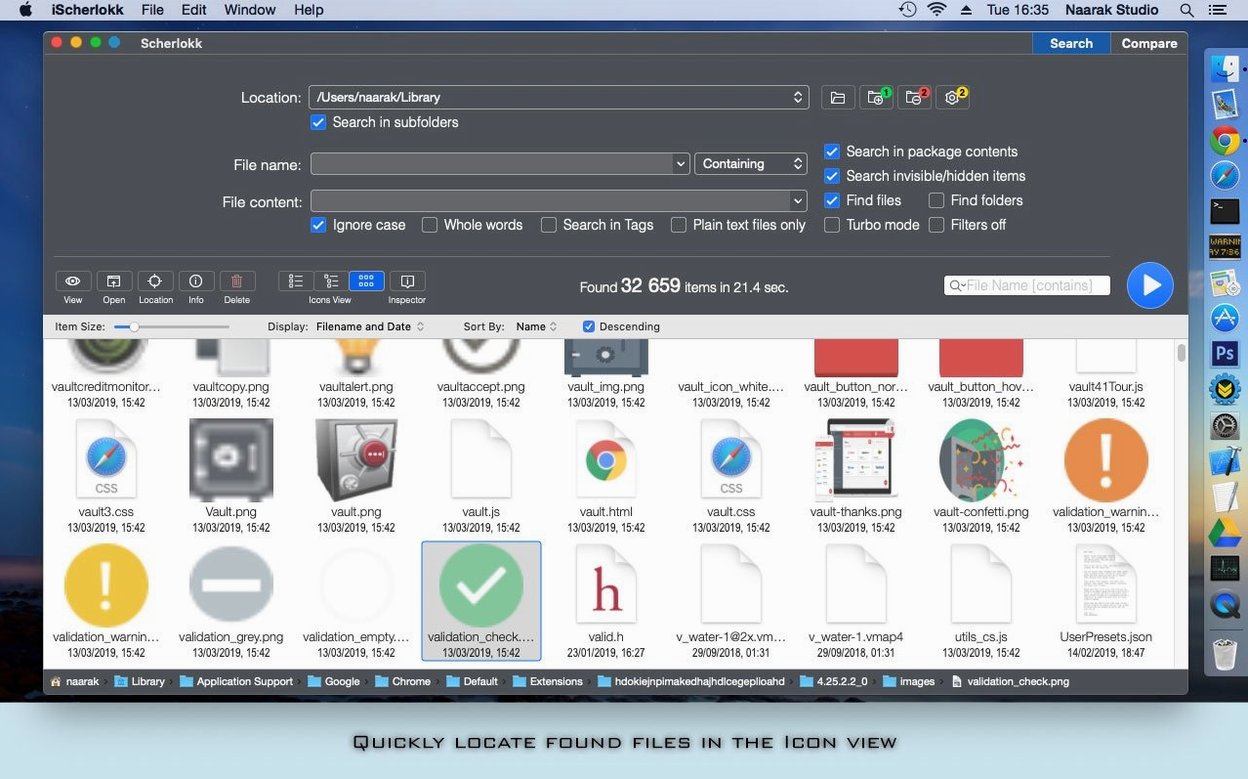
Everything. Hidden files, system files, music, pictures, and binary files. It does not rely on an index, so omissions are rare.
Where can it search
Built-in volumes, network drives via AFP, SMB, or FTP. You can narrow the hunt to specific folders or file types.
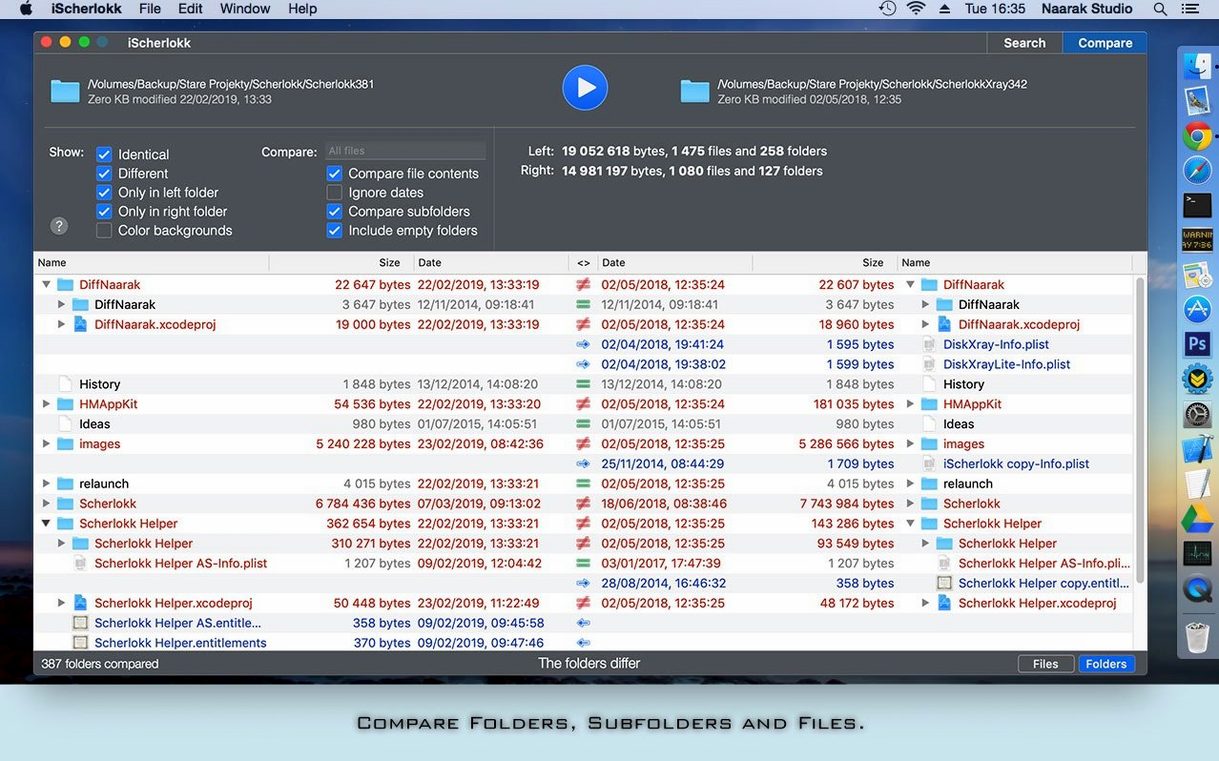
What about comparison
A few settings first
Open preferences right away. Switch the default view from flat to hierarchical. It makes sense of deep folders faster.
In the same panel, tell Scherlokk to show hidden files. The option is off by default. Turn it on once and leave it.
What changed with recent updates
Version 7 brought a quieter interface. The results pane redraws without flickering, even on a network share with thousands of items.
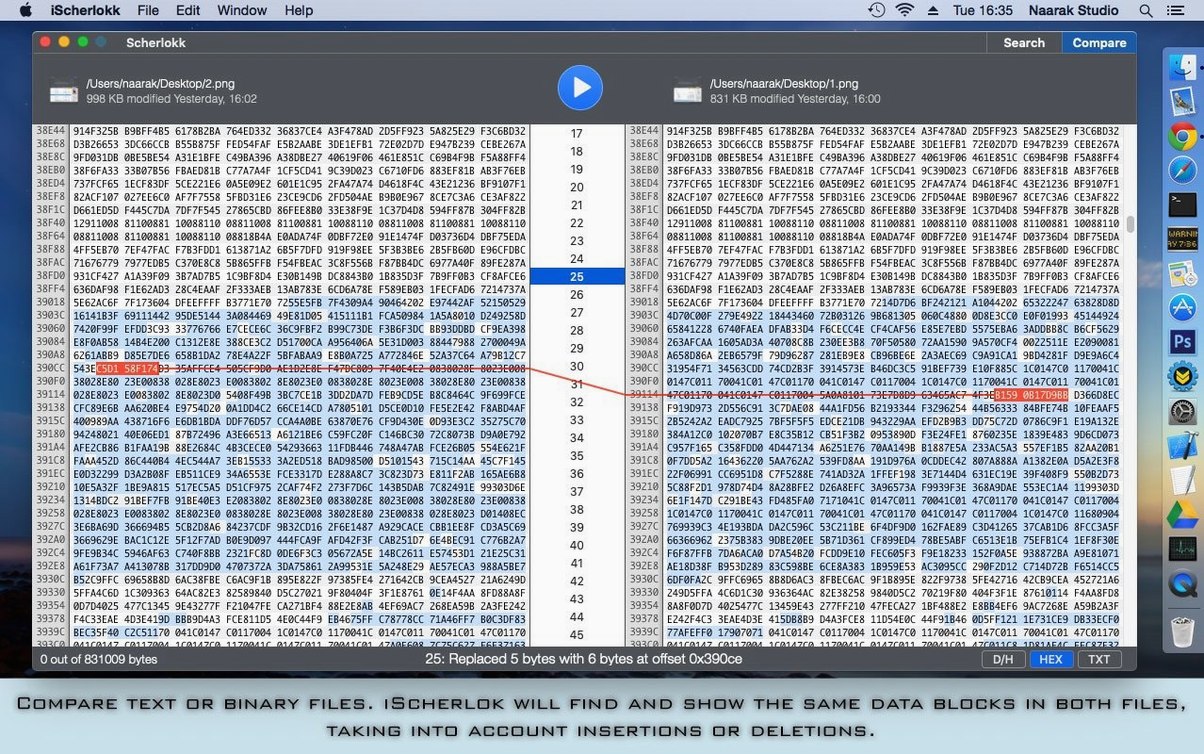
Binary comparison got faster. Large files that once took a beat now appear almost instantly. The diff coloring stayed clear, which is what matters.
Search by file extension no longer requires a leading dot. A small change, but it removes a small daily annoyance if you reach for scherlokk macos free several times a day.
Drop two files and it shows differences clearly, marking insertions and deletions. Handy for versions of a document.