
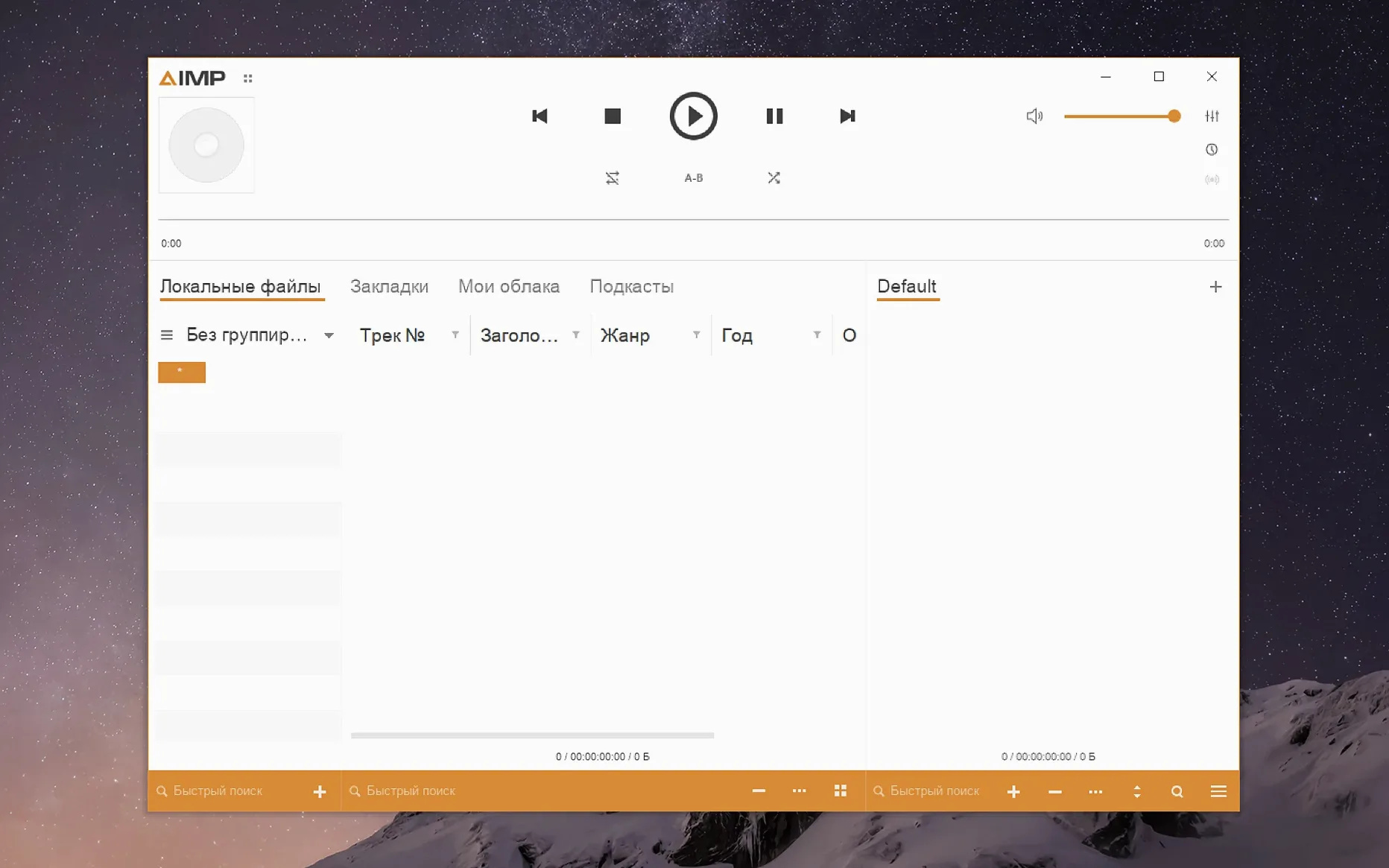
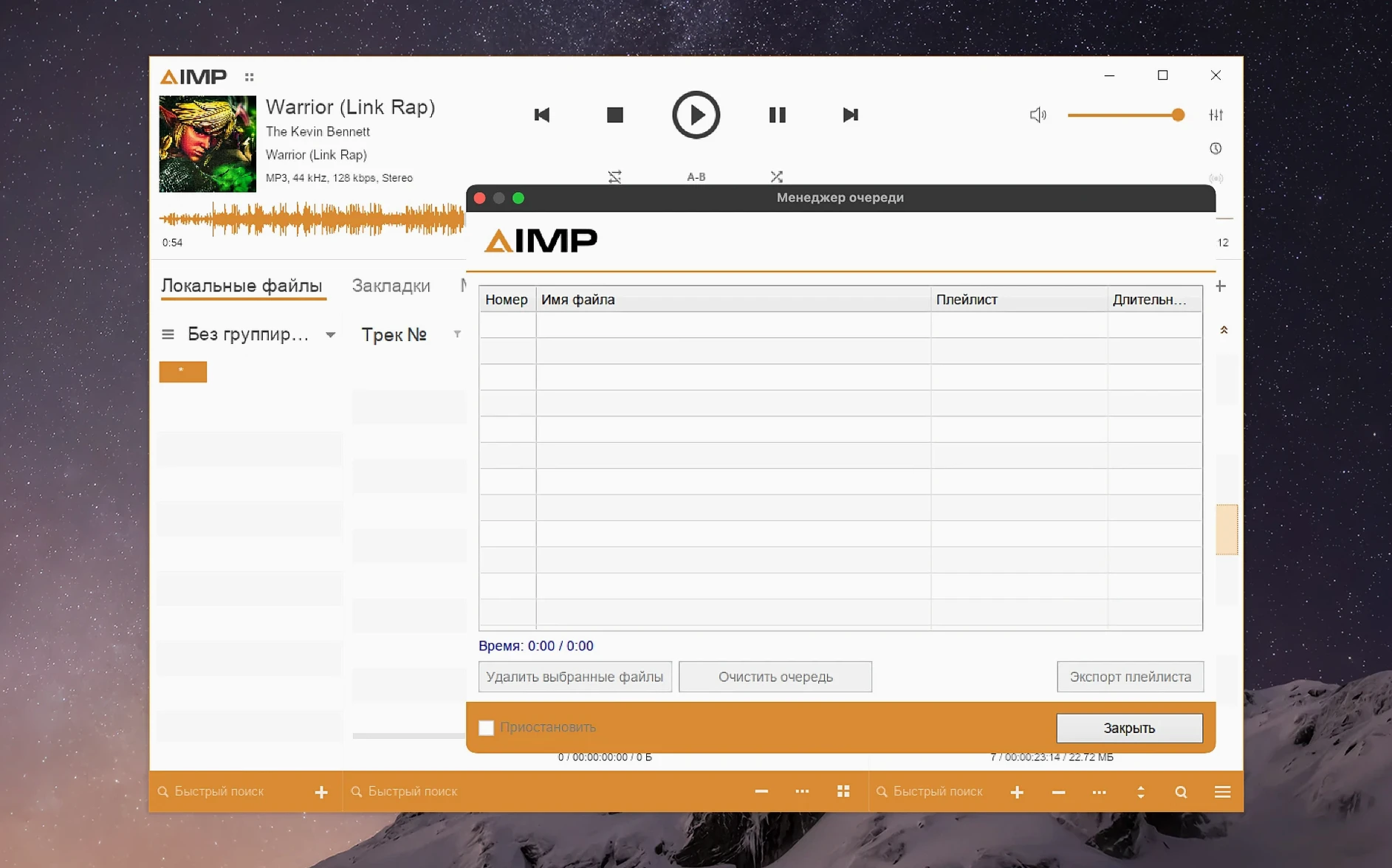
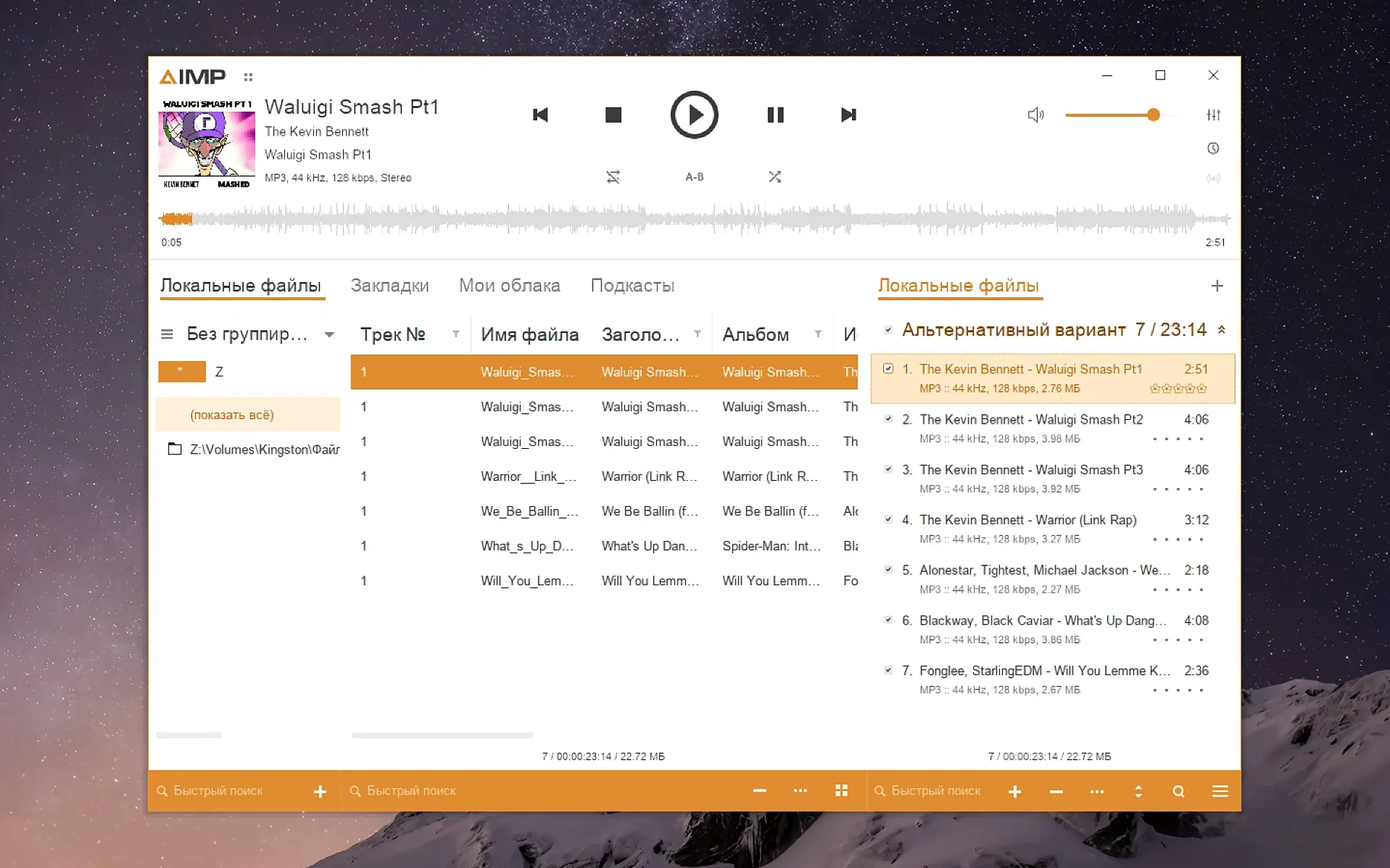
If you know AIMP from Windows, this is the same player, wrapped to run on macOS. No redesign. No rewrites. Just the familiar tool, brought over.
Faster waveforms
- Waveform calculation is faster now.
- The skin engine no longer misreads the mouse wheel from the visualization window.
- Alt+Click works properly in the music library grouping tree.
- The tag editor stopped complaining about an unnamed MP4 field.
- Several crash-report issues were resolved.
- Arabic, Danish, Italian, Spanish, and other localizations received updates.
Windows underneath
Interface languages, the skin engine, and the library tools remain what they were. AIMP still needs macOS 11 or later on Apple Silicon. It is still a Windows application, packaged with Wineskin.
Beginners often chase sound enhancements before they sort out playback stability. The equalizer and DSP plugins feel tempting, but applying them without checking the output device leads to clipping or silent playback in the first session. Another common misstep: importing an entire external drive into the library before confirming the library path inside Wineskin can see it. Start with one small folder. The music library grouping tree will behave once you know that.
Forgetting the Wineskin layer is the silent mistake. Dragging files directly from Finder onto the player window fails unless the app’s virtual drive already maps that location. AIMP does not see your Mac volumes the way a native app does. Drop files onto the playlist from within the player’s own file browser, not across desktops.
The skin engine confuses people who expect a native macOS settings panel. An unfamiliar skin does not mean the install broke. Right-click the player background, choose a skin from the list, and it snaps back to normal. No need to reinstall.
Apple Silicon
Does it work on Intel Macs? The current build lists Apple Silicon support. Older Intel machines may open it under Rosetta, but results vary by Wineskin engine version. People with M1, M2, or M3 machines report the fewest surprises.
Will it replace a native Mac player? It is an audio player, not a Finder-integrated music manager. Users who ask this usually want one app to sync devices, stream, and manage a large library. This one plays local files, handles playlists, and edits tags. Nothing else.
What about high-resolution audio? FLAC and Monkey’s Audio decode fine. The Monkey’s Audio codec was updated to version 11.08, so recent encodings pass through without error. No added resampling unless you set it.
Cold start delay
Launch time is the only friction. The Wineskin wrapper takes a few seconds longer than a native app on cold start. Once the window appears, menu navigation stays responsive even with a full playlist loaded. Scrolling a library of several thousand tracks shows no stutter on an M1 MacBook Air.
Memory use sits modestly. After an hour of playback with the waveform visualization active, the process hovers below what a browser tab consumes. Background CPU draw is near zero when paused.
Stability improved with the fixes to crash-report issues and the sampling-frequency buffer flush. Skipping tracks rapidly no longer leaves a stuck buffer, and switching output devices mid-session does not require a restart. One long session of an hour and a half, with constant playlist edits and tag writes, stayed solid.