Some audio editors fight the rest of your system, as if Finder and QuickTime did not exist.
Amadeus Pro doesn't. It opens what you drop on it and stays out of the way.
Next to your tools
MP3, FLAC, AIFF, Ogg Vorbis, WMA, CAF, WAVE, AAC. Markers where you need them. Favorite Actions keep repeated moves one click away. VST plug-ins load without ceremony. Analysis tools and direct-to-disk recording handle the heavy work.
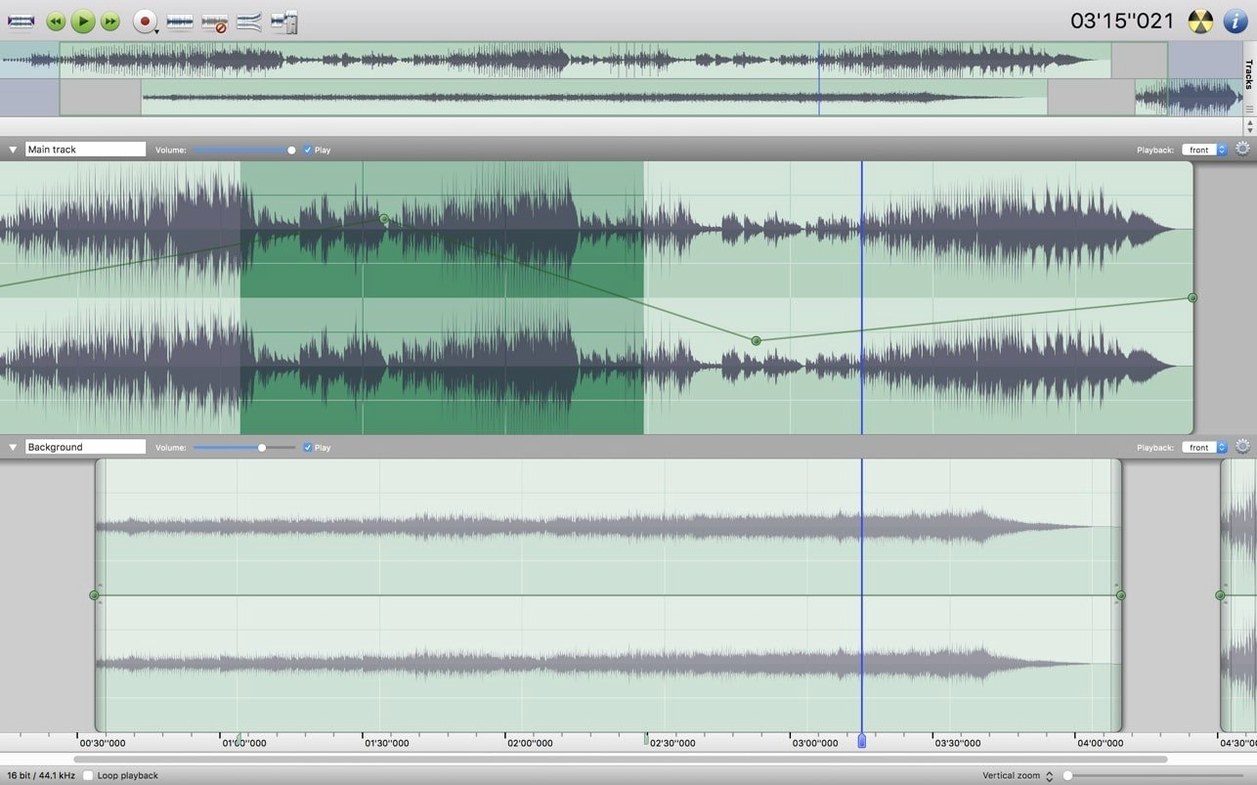
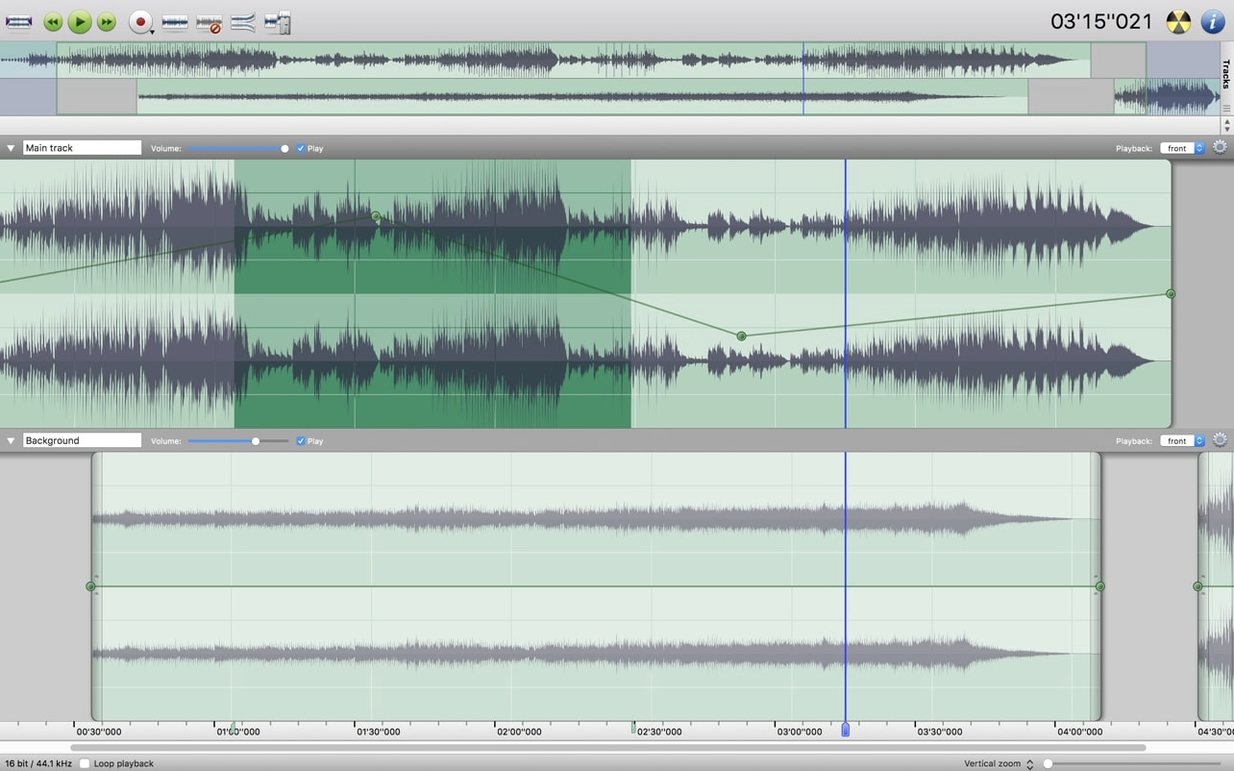
A morning cleanup of a field recording. That is where Amadeus Pro settles into its rhythm. You open a forty-minute WAVE file and the waveform draws almost instantly—cached, ready. The scroll is fluid, no waiting for redraws. You press the spacebar to play, click a spot, press M to drop a marker where the wind gust ends and the real talk begins. A quick drag selects the noisy section. Noise Reduction opens from the Effects menu, you sample the wind, then apply it to the whole track. Gone.
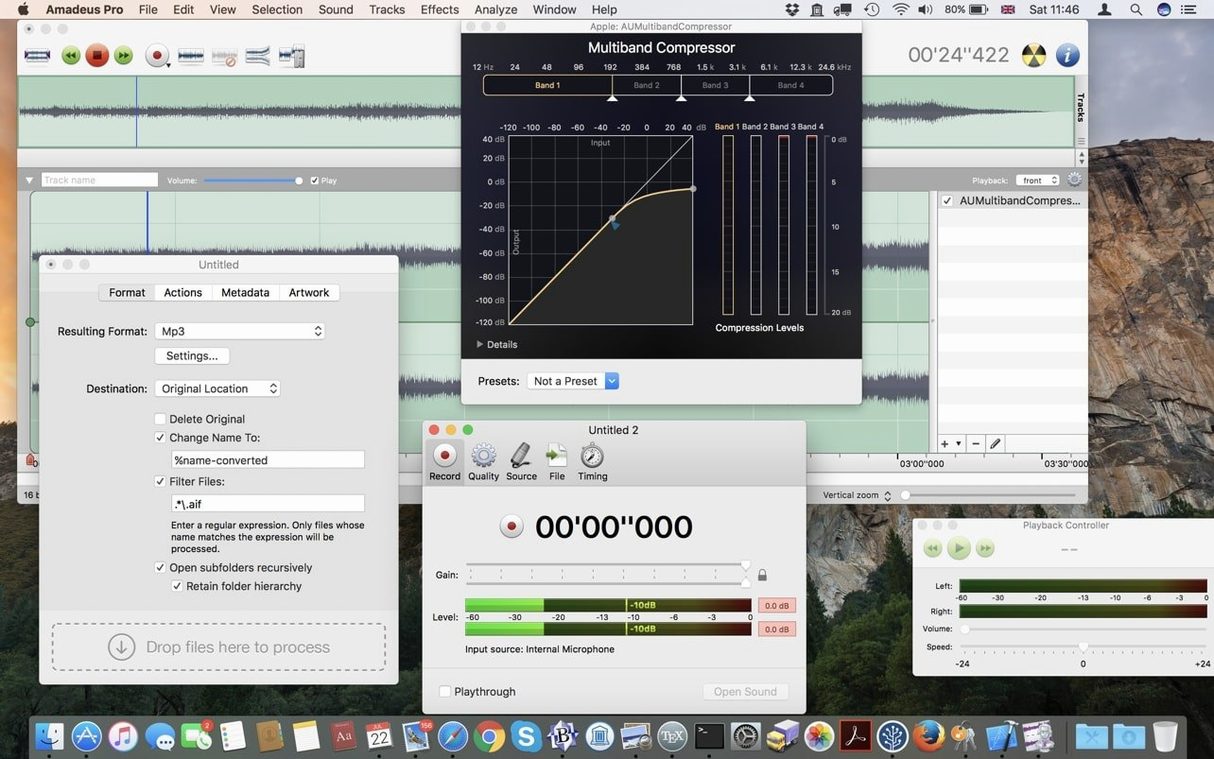
Batch processing waits until the end of the session. You line up six files, set a fade-out of two seconds, normalize peaks to -3 dB, and let the Favorite Actions panel fire the same chain you built last week. One click, not six.
Things you may not notice
The direct-to-disk mode matters more than it sounds. When you apply a heavy plug-in chain to a long file, the processor writes the result straight to storage instead of swelling RAM. It means a twelve-year-old Intel Mac handles a two-hour concert without a beach ball.
A few keystrokes speed up the day:
Shift-Command-Fapplies a fade-in to a selection;Option-Command-Ffades out.- Double-click a marker to name it. Later, the marker list lets you jump without scrolling.
- Holding
Optionwhile dragging a selection edge snaps to zero crossings. Clean edits without clicks or pops.
If you digitize tapes often, the recording window lets you set a threshold that pauses when the tape side ends, then drops a marker and waits. Come back, flip the cassette, press record.
When it stumbles
VST plug-ins expect a well-lit path. If a plug-in does not appear in the list, it is almost always a 32-bit component on a 64-bit system. Amadeus Pro will not bridge it. Replace it or switch to the Audio Unit version.
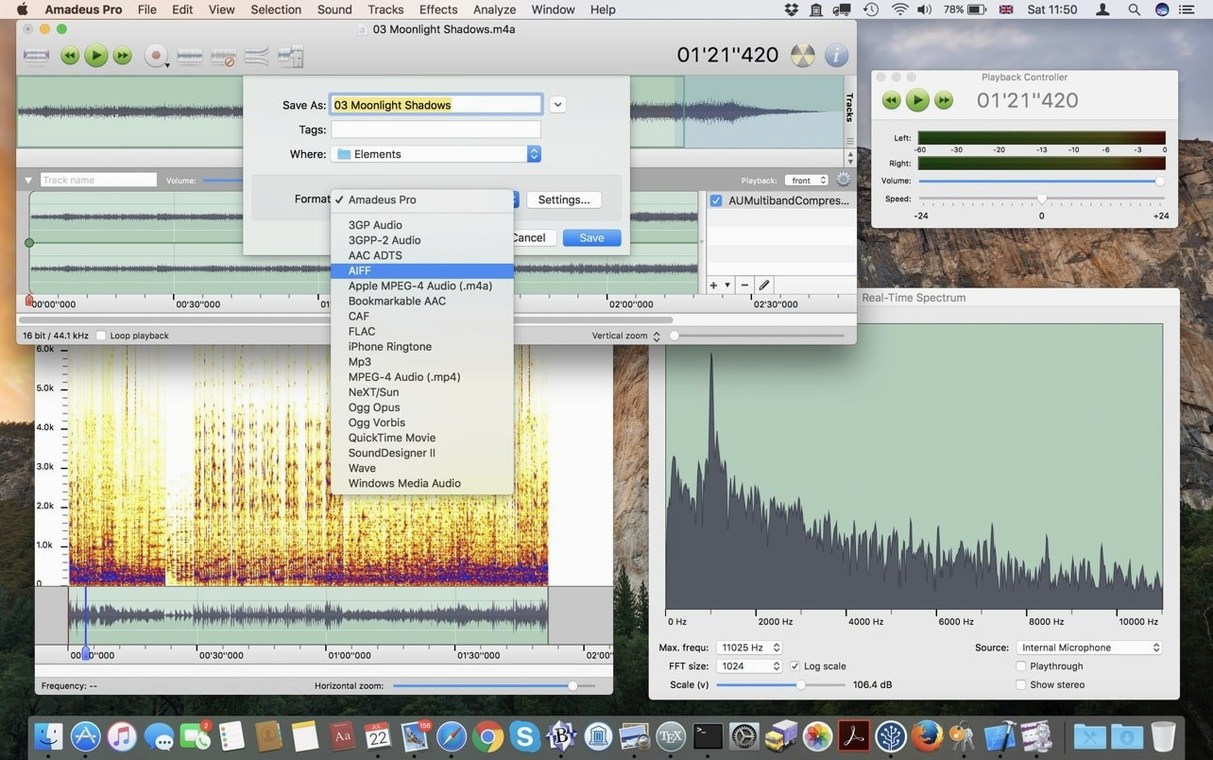
FLAC export can trip people up. The format hides under the Sound Files list, not its own menu. In the Save As dialog, look where it says “Format” and scroll until you see “FLAC.” Same for Ogg Vorbis.
Waveform caching sometimes gets ahead of itself. If a file looks blank on open, close it and reopen. Still blank? Trash the cache folder inside ~/Library/Application Support/Amadeus Pro/. Amadeus rebuilds it on the next launch.
People who search for an amadeus pro mac workflow often overlook one simple setup: drag the app’s icon into the Dock, then right-click it and assign it to open all WAVE, AIFF, and MP3 files. From then on, a double-click in Finder lands you right in the waveform, no splash screen, no project template. Just sound.
Seven interface languages, 64-bit Intel. It edits audio and asks for no new mindset.