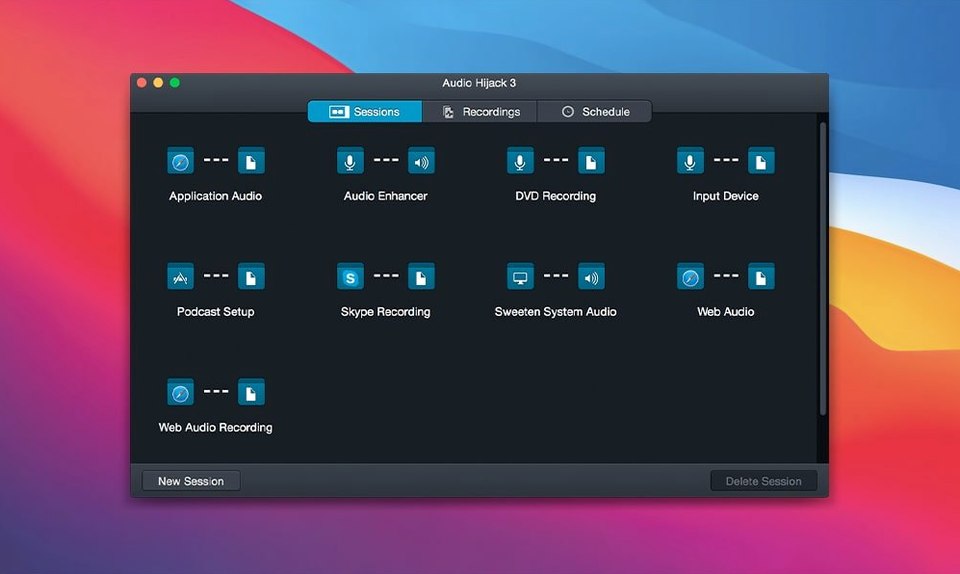
A system alert dings over a conversation you want to keep. A streamed concert disappears when the tab closes. Audio Hijack records exactly what you hear.
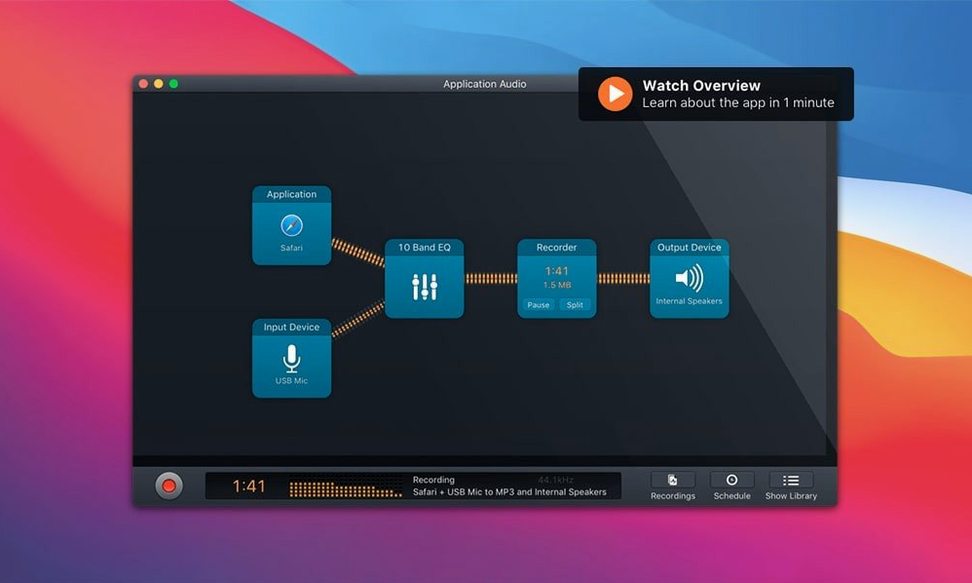
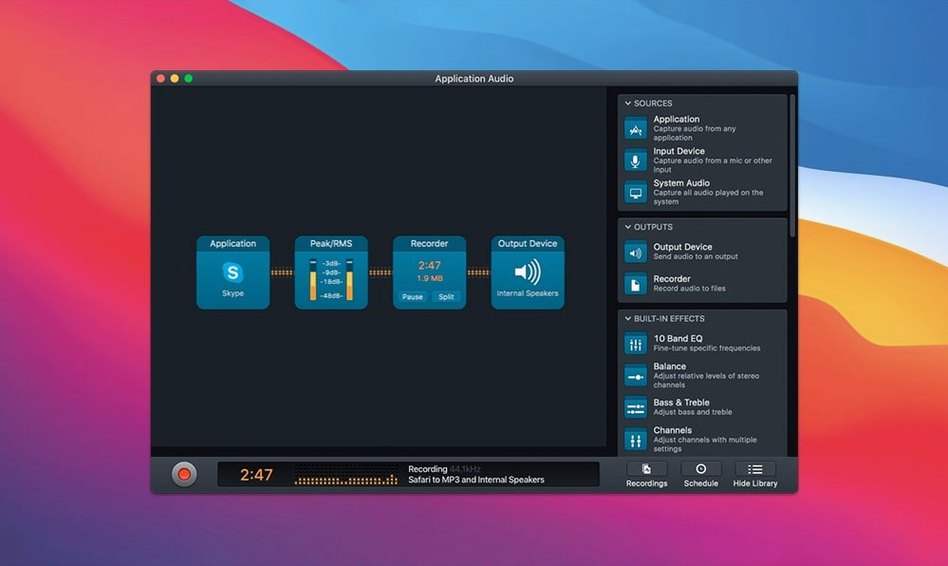
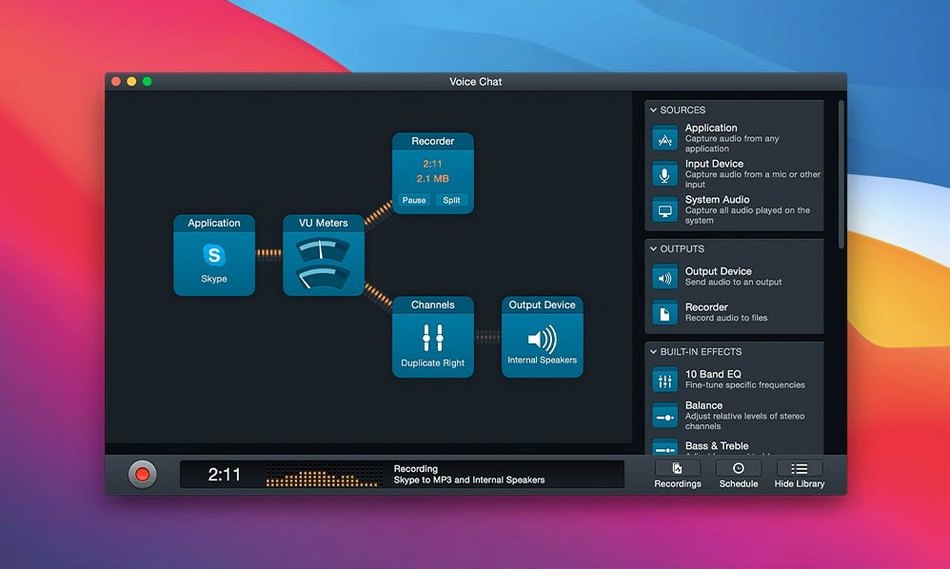
- Sources: apps, microphones, VoIP calls, internet streams, several at once.
- Blocks add processing to the chain before the file is written.
- FLAC and other formats, no extra conversion.
Routing vs. capture
Loopback, by the same developer, makes any audio routing possible between apps. It does not record. Audio Hijack sits one step later in the chain: route with one, capture with the other. They complement each other neatly, but for pure recording work, Audio Hijack is the complete tool.
OBS Studio records system audio and video. It brings streaming, scenes, and a heavier footprint. For a podcast or a phone call, OBS feels like a broadcast truck for a bicycle trip. Audio Hijack opens, you pick a template, you press record.
macOS screen recording with audio — QuickTime or the Screenshot toolbar — captures only one mic and one system output, fused into a video file. No separate tracks. No processing. Audio Hijack gives you per-source control and a finished audio file, not a screen recording you have to extract sound from later.
Light
Memory sits around 120 MB during a typical two-source session. Processor use barely registers on Apple Silicon — the Denoise block adds a few percentage points, no more. On an Intel Mac it stays comfortable, though heavy processing chains ask for a bit more headroom.
Stability is what you expect from a Rogue Amoeba tool. Sessions run for hours without drift or dropouts. The Audio Hijack Mac torrent builds floating around run the same engine; a clean install from the disk image behaves identically. Crashes are rare enough to be surprising.
Disk writes stay proportional to your format choice. FLAC at moderate compression adds negligible overhead. Recording a two-hour call feels as light as taking notes.
Placement
Audio Hijack fits between the sound and the file. It doesn't try to edit — you send the result to Ferrite or Logic or Reaper. It doesn't try to publish. It captures, cleans, and hands off.
Shortcuts integration lets you start a recording from a keyboard trigger or a Focus mode change. A session file dropped into a watched folder can feed automatic transcription elsewhere. It plays well with the Files app on a Mac that syncs to iCloud — recordings land where other tools expect them.
The Transcribe block, updated in 4.6.0, turns a voice memo into text inside the same session. No separate whisper app, no upload. That text can go straight into Notes or a draft email. For quick-turnaround interviews, the loop tightens considerably.
Best fit
Podcasters who want a clean recording chain without a mixer interface. Audio Hijack gives them per-source files and live processing in one window.
Interviewers who record calls. FaceTime, Skype, Zoom — the app sees them all as sources. Drop a Denoise block after the VoIP source and the file arrives cleaner than the call sounded.
Anyone digitizing old media. Turntable to Mac, a Declick and Dehum block, FLAC output. One session saves the record and quiets the vinyl noise in real time. No post-processing pass.
These users share a need: capture audio from places the Mac doesn't normally let you reach. Audio hijack torrent searches lead here for that reason. The app opens a door macOS keeps closed.
A microphone and an app in one recording. No switching tools.