Speakers in more than one room. Music that should follow you from the desk to the kitchen.
Freed sound
Being tied to one set of speakers. Sound trapped inside a single app.
App-to-room routing
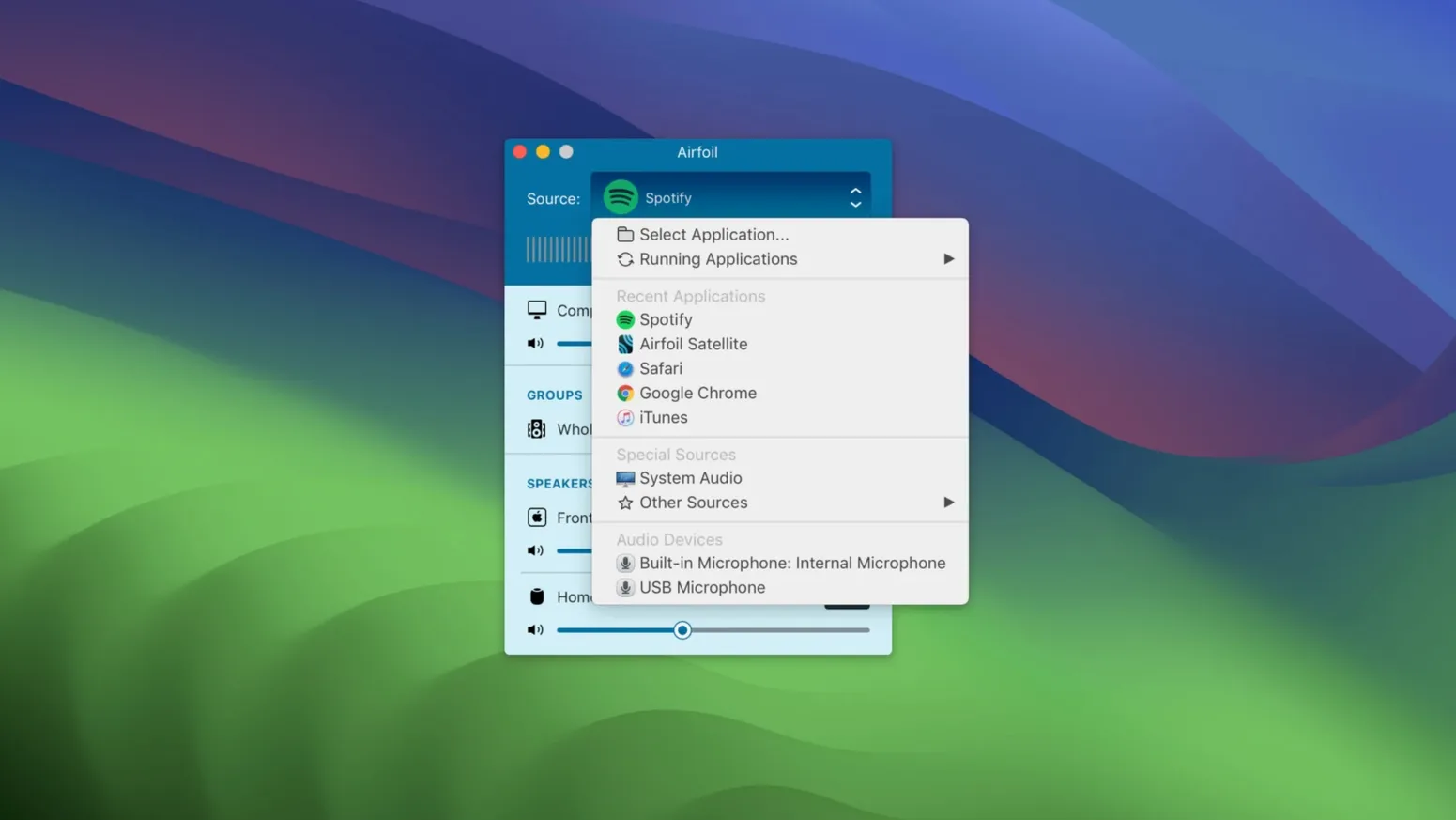
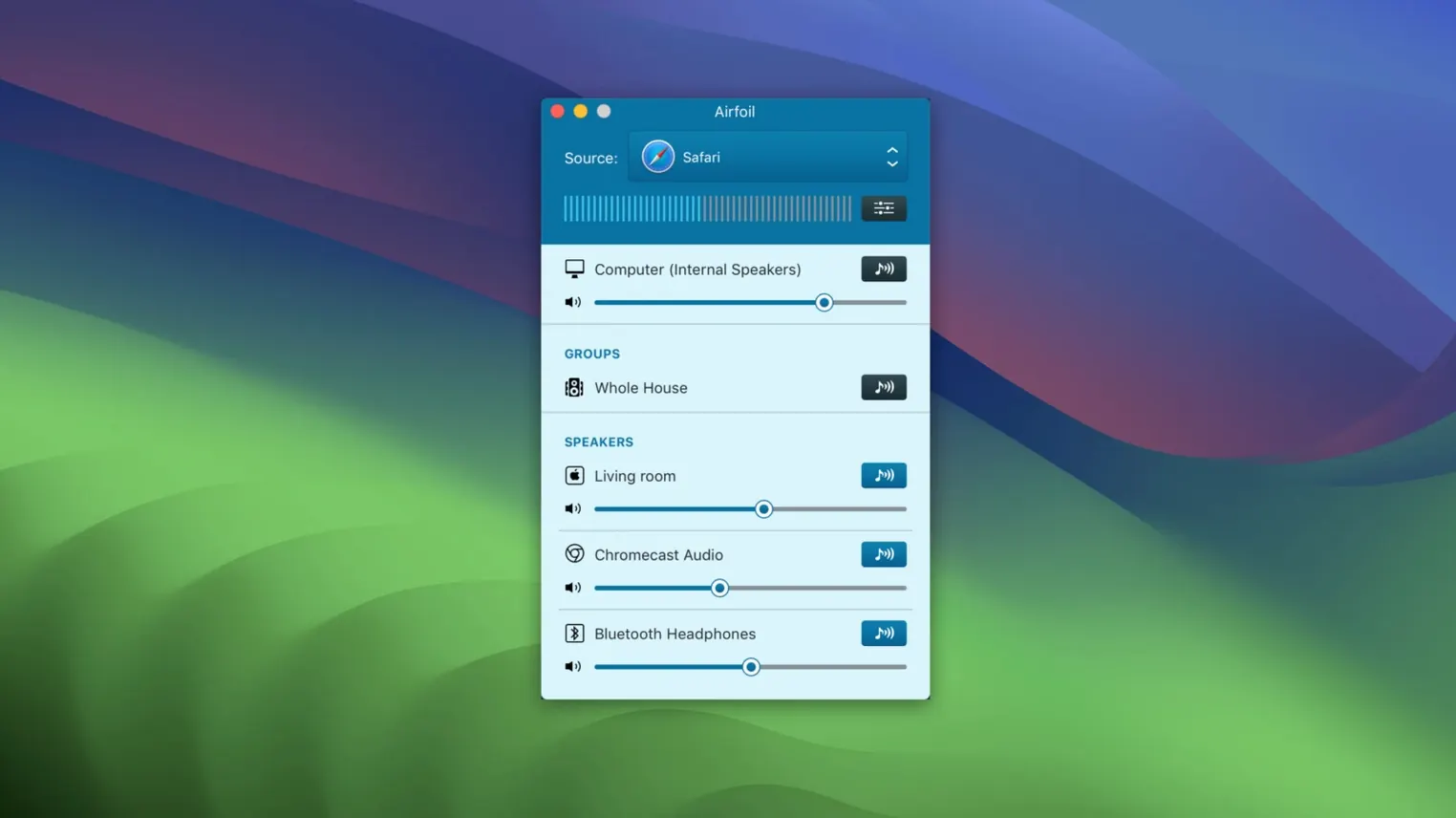
Pick an app. Pick a destination. Airfoil sends the sound. An equalizer shapes it for each room.
What came back
A freelancer’s afternoon
A designer working from a rented studio. Client calls come in. Reference tracks need to play while she moves between the iMac and the kitchen.
She sets Airfoil to send audio from her music player to the HomePod in the kitchen and a Google Cast speaker by the sofa. No pairing dance. No switching outputs. She just hits play.
Sync reality
Does it lag?
Noticeable delay depends on the network and the receiving device. Bluetooth adds the most. AirPlay and Google Cast are tighter. Airfoil transmits Apple Lossless, so the quality stays intact. For video, the sync will drift. This is audio territory.
Can I send different audio to different rooms?
No. Airfoil sends one source to many destinations. If you want the living room playing jazz and the office playing white noise, you need two sources and a second Mac.
Will it work with my old AirPort Express?
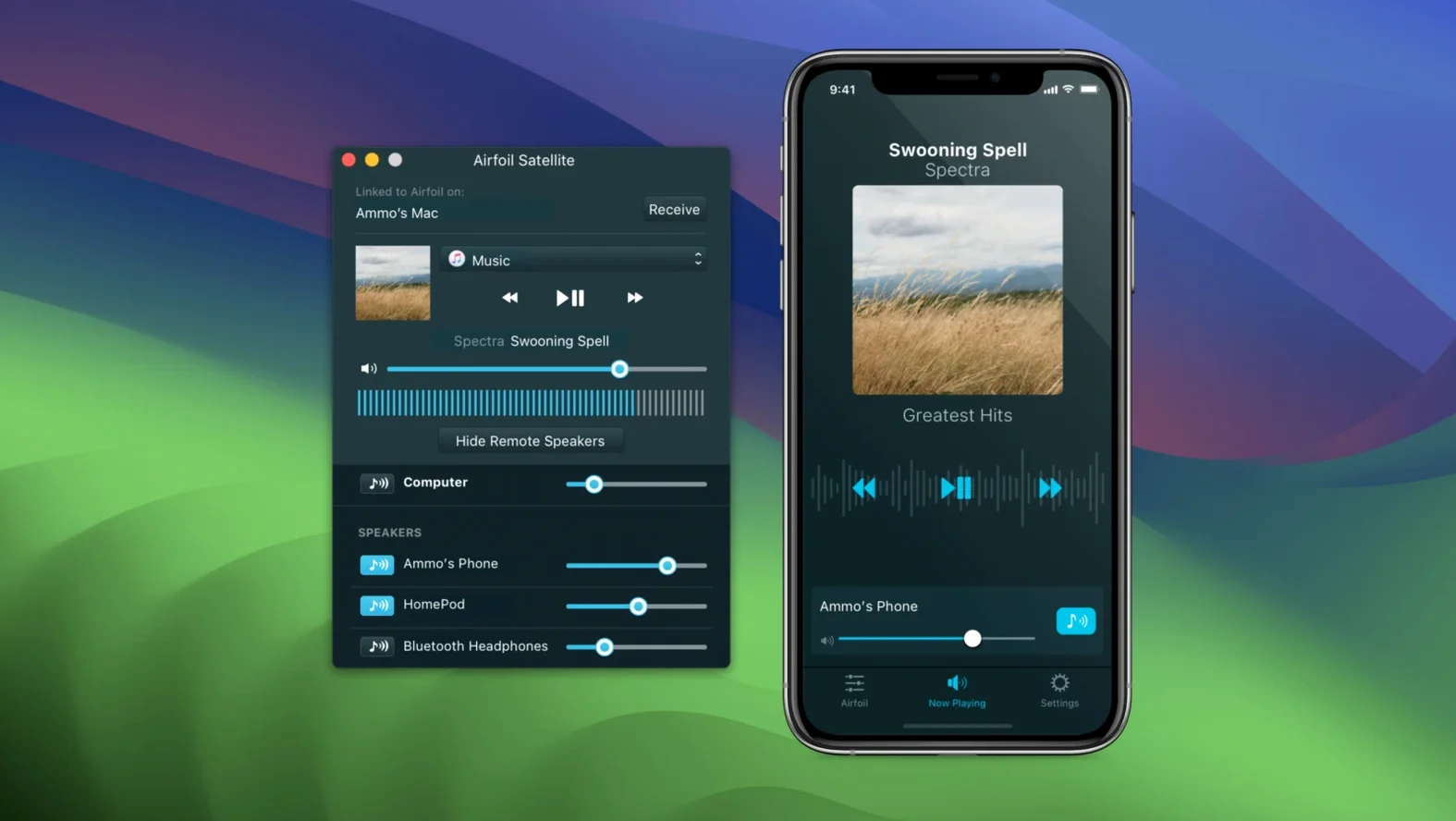
Yes. Airfoil sees AirPort Express units and treats them like any AirPlay destination. The same goes for Apple TV boxes, HomePods, Macs running the Satellite app, and iOS devices.
Tamed sibilance
Open Overcast on the Mac. Launch Airfoil. The app remembers the last destination and connects immediately. Select the kitchen HomePod from the list. Enable the built-in equalizer, pull the high end down a touch to soften sibilance.
Start the episode. Walk away. The audio follows.
Later, add a second zone. Drag the bedroom AirPlay speaker into the active group. Volume adjusts independently per device. No restart. No interruption.
When the episode ends, close Airfoil. Streaming stops. The Mac sleeps normally.
Version 5.13 restores streaming to Apple TV and HomePod.