Runs on Intel Macs and Apple Silicon, requires macOS 10.13 or later.
- Garbled text no more. Adjust the file encoding so improperly decoded documents become readable again.
- Extract images. Pull every image from a book or document into a single file, automatically resized.
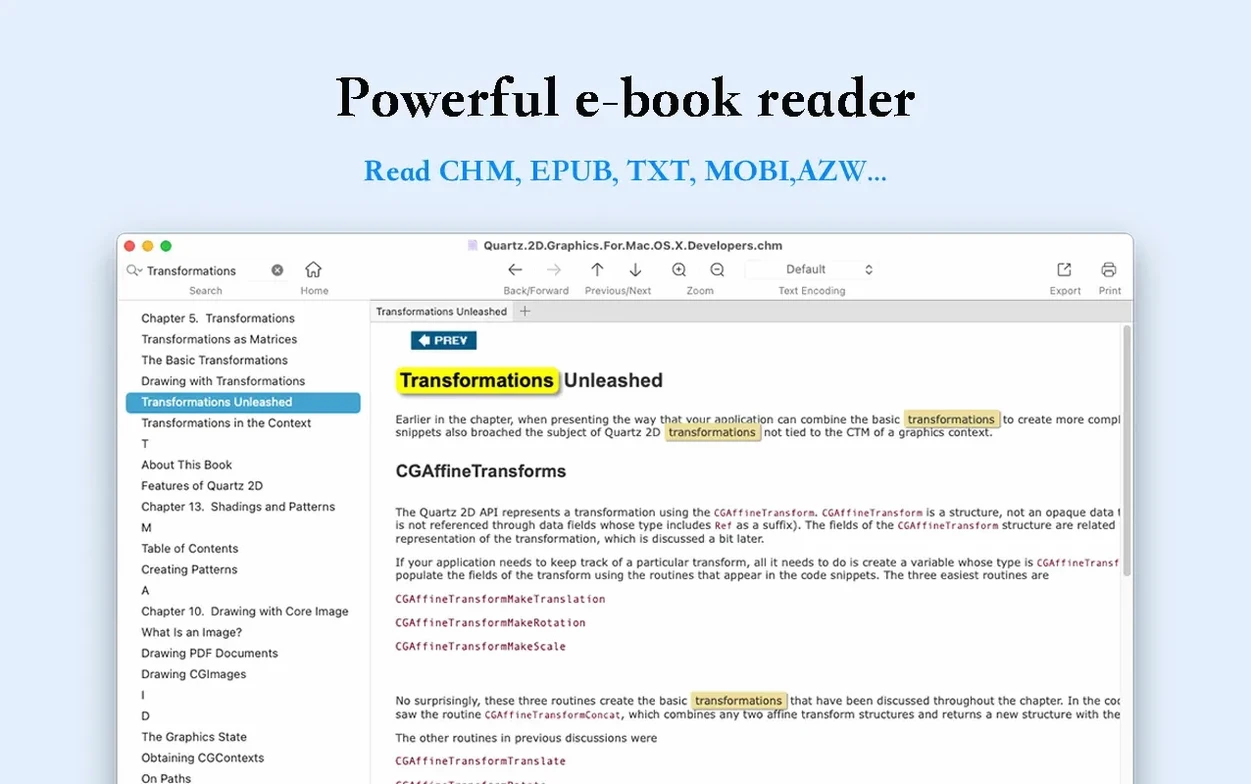
- Search with highlights. Find a word on the current page or across the full text; every match lights up.
- Export to standard formats. Turn anything you open into a clean EPUB or PDF.
Who benefits
Students wrestling with scanned textbooks in non-standard encodings. OmniReader Pro gives them a single place to open the file, fix the character set, and read without frustration.
Researchers who collect EPUBs, CHM documentation, and Kindle exports. Full-text search across formats means a keyword typed once scans everything. The reading history keeps a trail of pages you visited six hours ago.
Anyone who reads in both English and Chinese. The interface switches cleanly, and encoding handling spares you the typical Mojibake headaches when moving between languages.
Alternatives
Calibre. The heavy lifter. Calibre converts, catalogues, and serves books to devices. But it feels like a library management system first and a reader second. OmniReader Pro opens a book instantly, without importing it into a database. Different tool for a quieter moment.
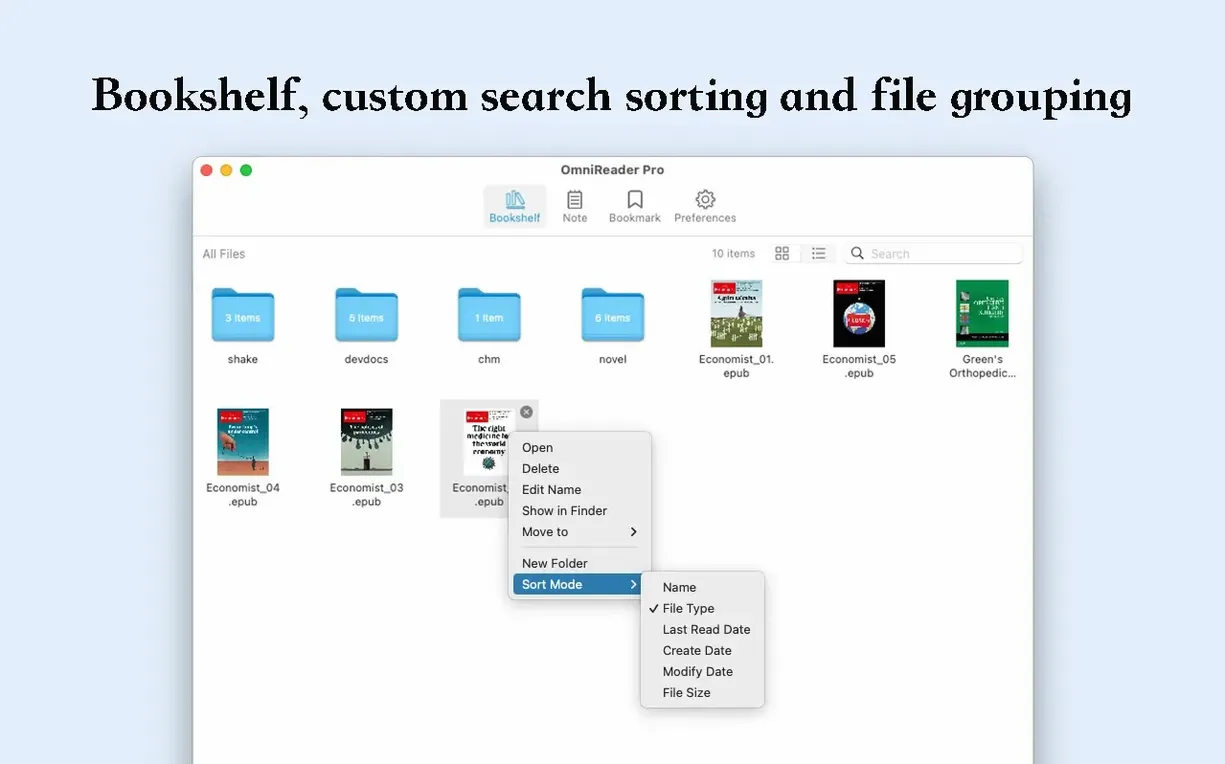
Clearview. A tabbed reader comfortable with EPUB and PDF. Clearview keeps a bookshelf and remembers your place. OmniReader Pro adds CHM and Kindle support, plus image extraction and encoding fixes Clearview never touches.
Apple Books. Clean, free, and already on your Mac. Apple Books handles EPUB and PDF well. It does not open CHM files. It does not let you fix garbled text. It does not extract images. When the file is standard, Apple Books wins on simplicity. When the file is messy, you need something else.
A task
You receive a CHM reference manual from a colleague. The text renders as strings of nonsense characters.
Open it in OmniReader Pro. The garbled text appears immediately. You try the encoding options until the characters resolve into readable Chinese. Two clicks.
Now you need the diagrams scattered through the manual. Use the image extraction command. Every figure lands in a single folder, resized for consistent dimensions. You drag the folder into your notes app.
Finally, you want a portable copy for a tablet. Export to EPUB. The encoding stays correct, the images sit where they belong. The whole task takes under a minute.
Page turning, zooming, and a collapsible sidebar keep long reading sessions quiet and distraction-free.