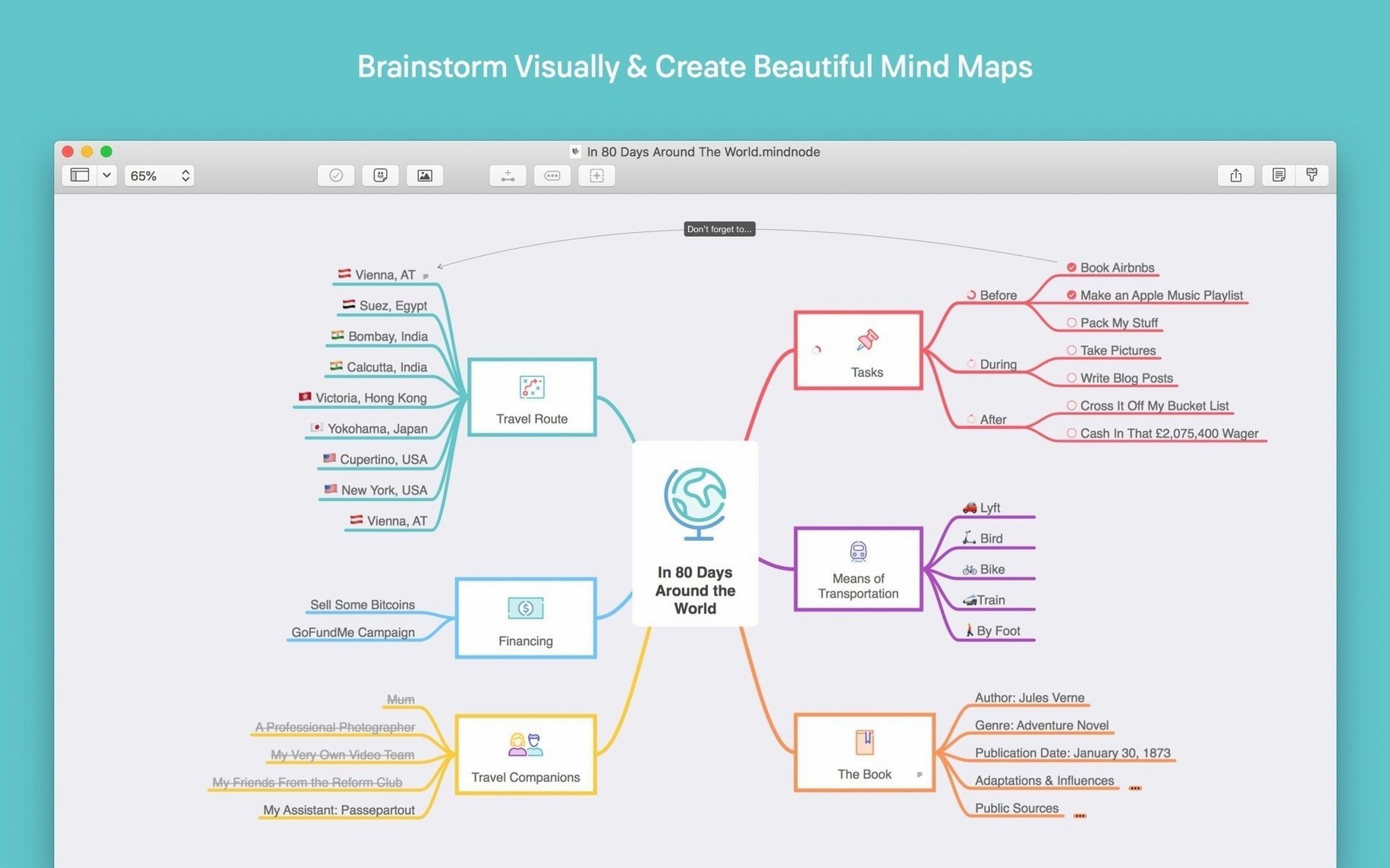
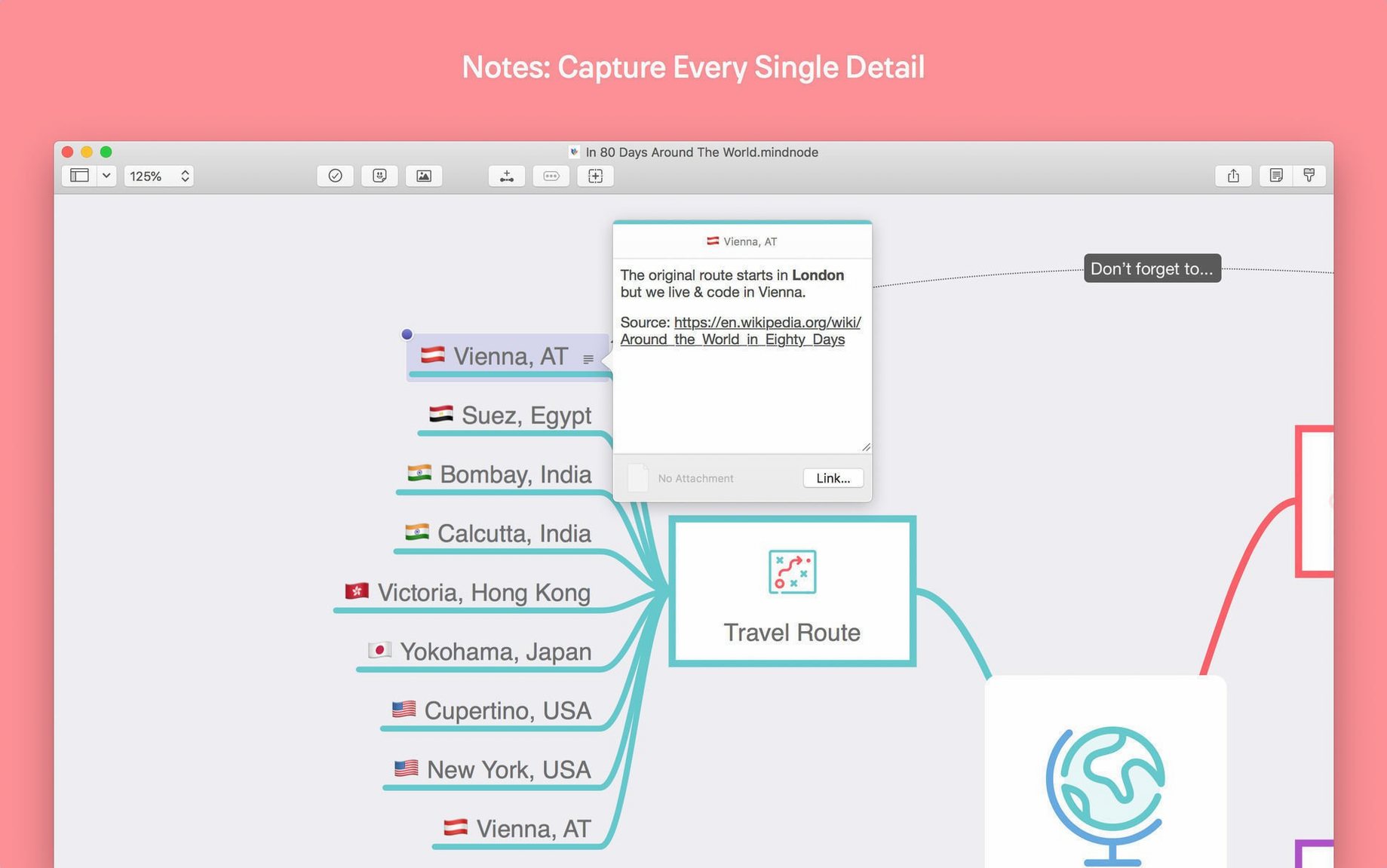
Collapsible branches keep the canvas quiet. That is the whole idea.
Version 2026.5.1 fixes a crash when resizing the Outline and a jitter when several nodes are selected.
Focus mode hides what you are not working on. A theme sets the tone once. Export goes to plain text, Markdown, OPML, PDF, DOCX and more.
No sign-in
Does it need activation? No. The app opens without a sign-in, a licence key, or an account. You pull a thought onto the canvas and start.
What does not work? iCloud sync. Documents stay local. You can still export to any format and move the file yourself. No other feature is restricted.
Will it run on an older Mac? It requires macOS 15 Sequoia or later. Apple silicon and Intel Macs are both fine. If you are still on Sonoma, it will not launch.
Branch thinkers
People who think in branches rather than lists. MindNode suits anyone who maps out articles, project phases, character arcs, or a packed week.
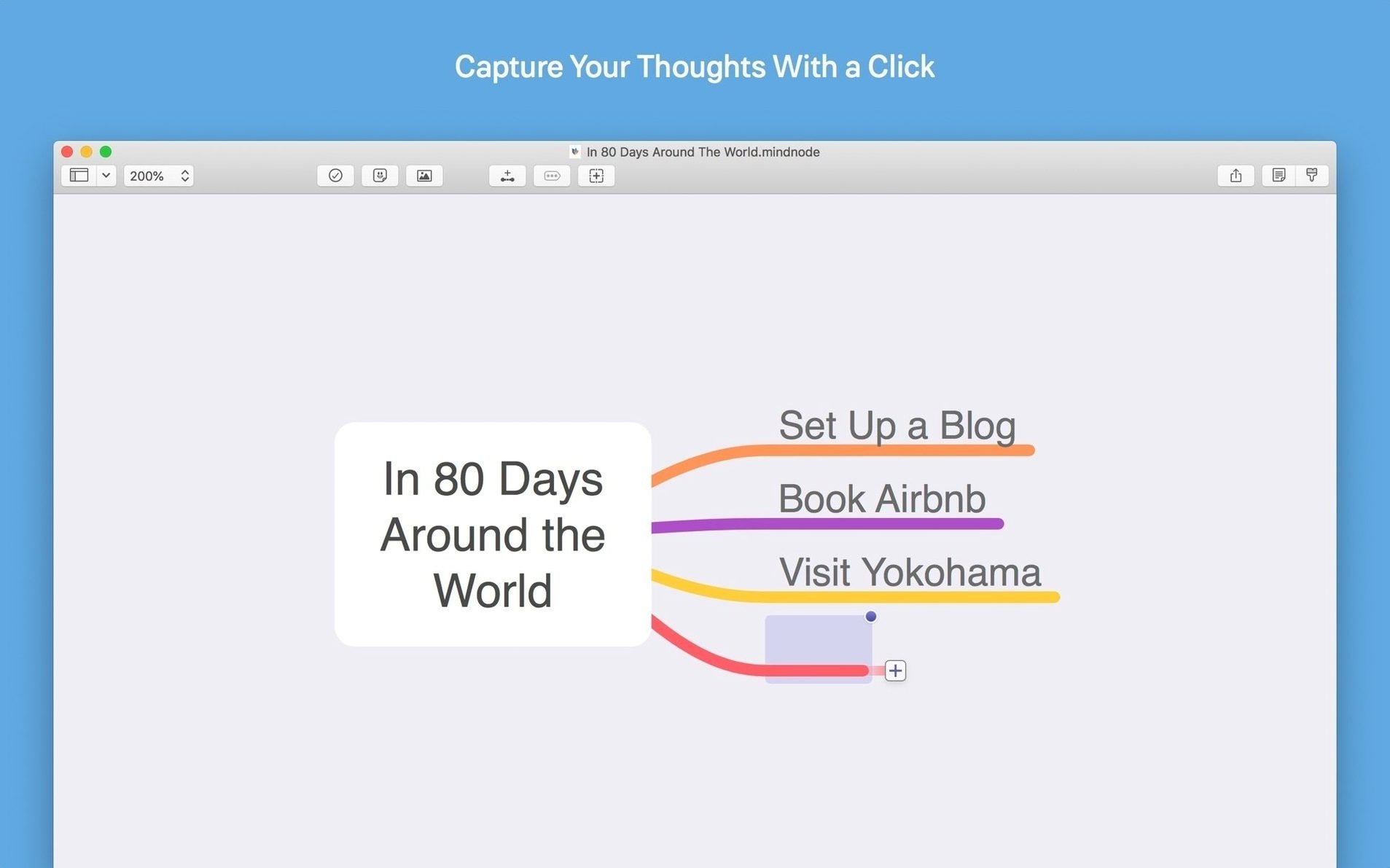
Students separating a thesis chapter into subtopics. Developers untangling a feature spec before writing a line. Designers laying out screen flows. The quick entry panel catches a thought in seconds. You can break and reconnect nodes later, so rough drafts stay rough as long as you need.
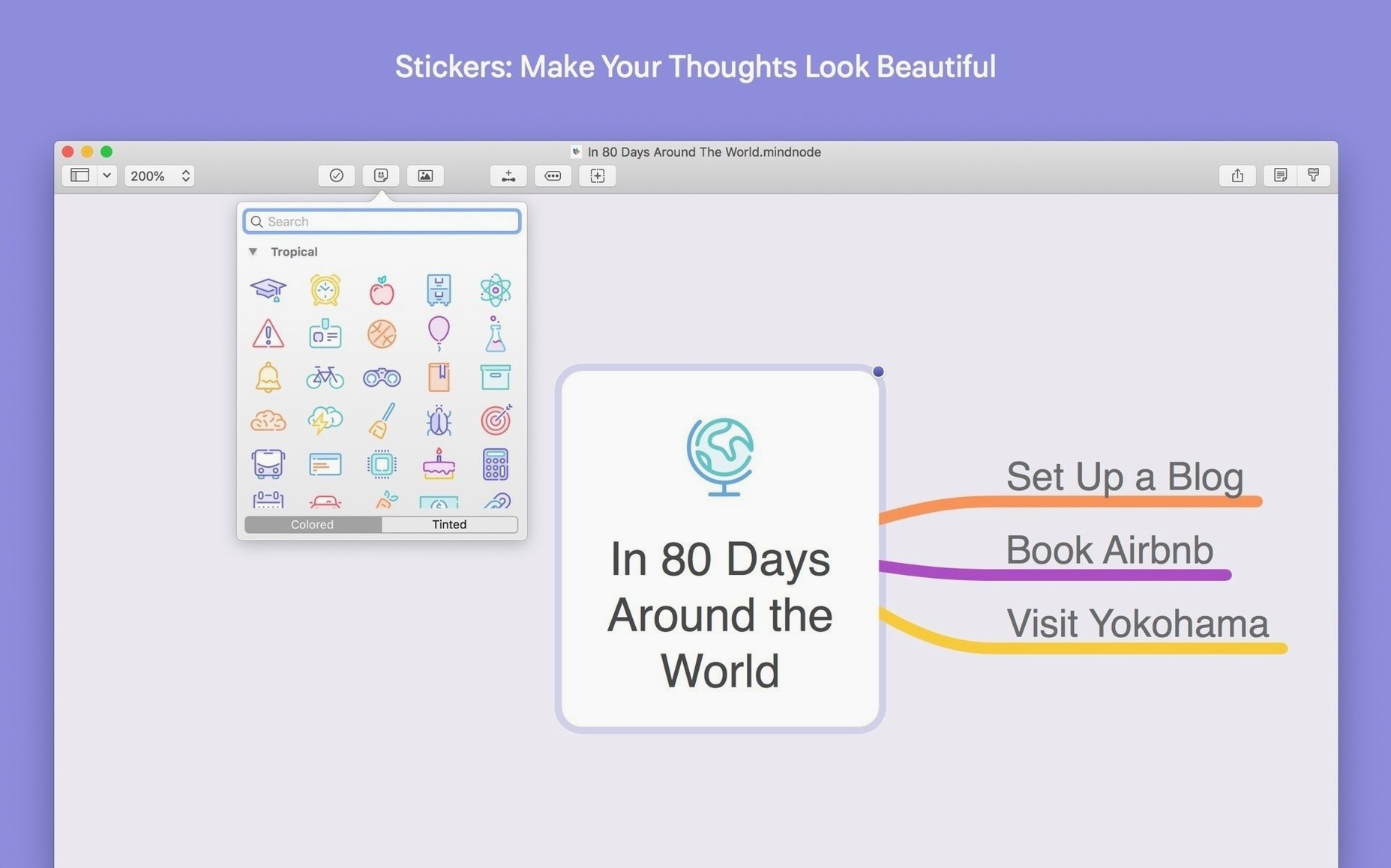
If your notes currently live in one long document, MindNode gives them room to spread sideways. Vertical and horizontal layouts let you choose how a map breathes. The 260‑plus stickers are a small thing, but they give a node instant visual weight without changing the font.
Anyone exporting to OmniFocus or Things will find the task handoff useful. A map becomes a list of actions in one step. For plain writing, Markdown and RTF exports are clean and rarely need cleanup.
iCloud features do not work in this version.