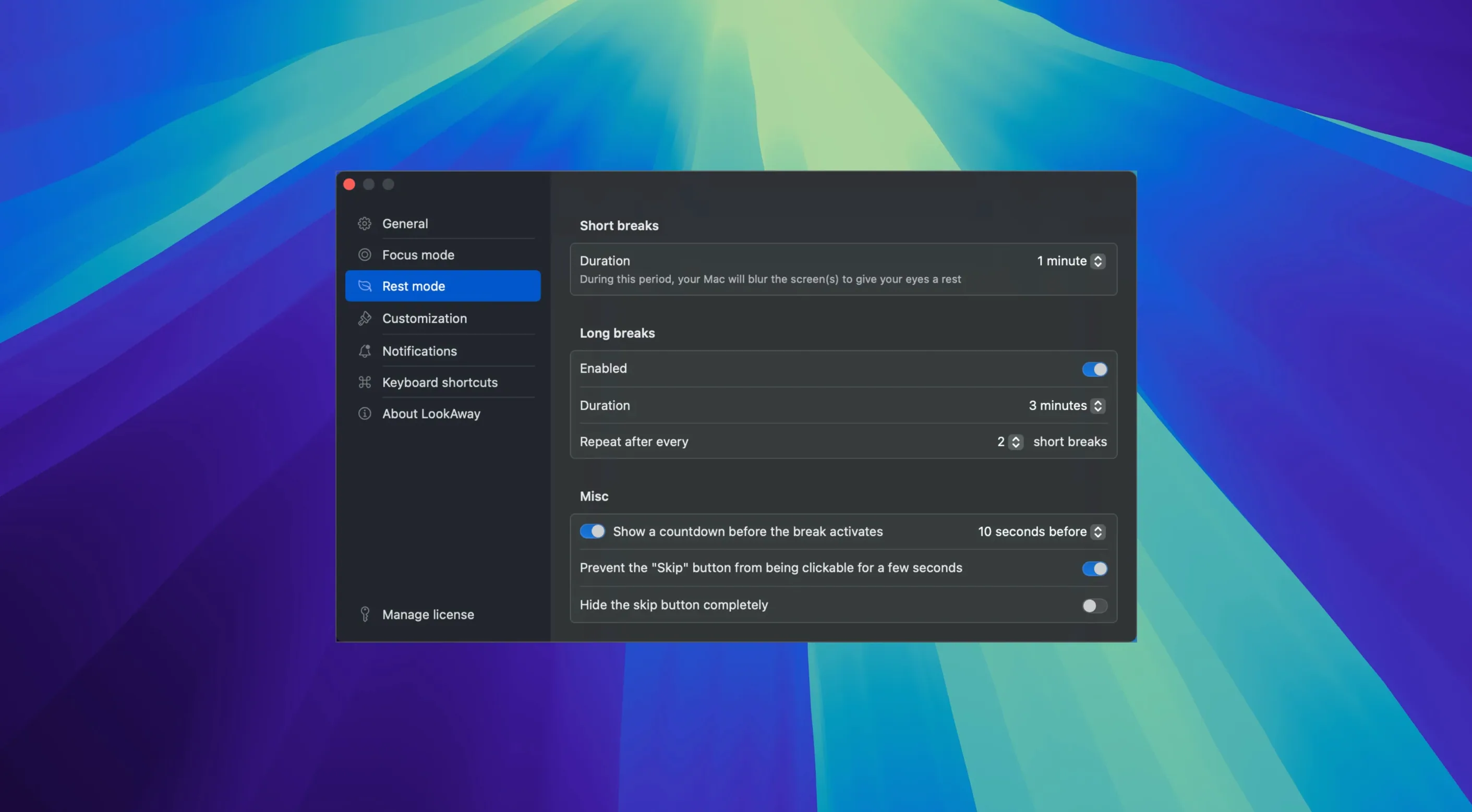
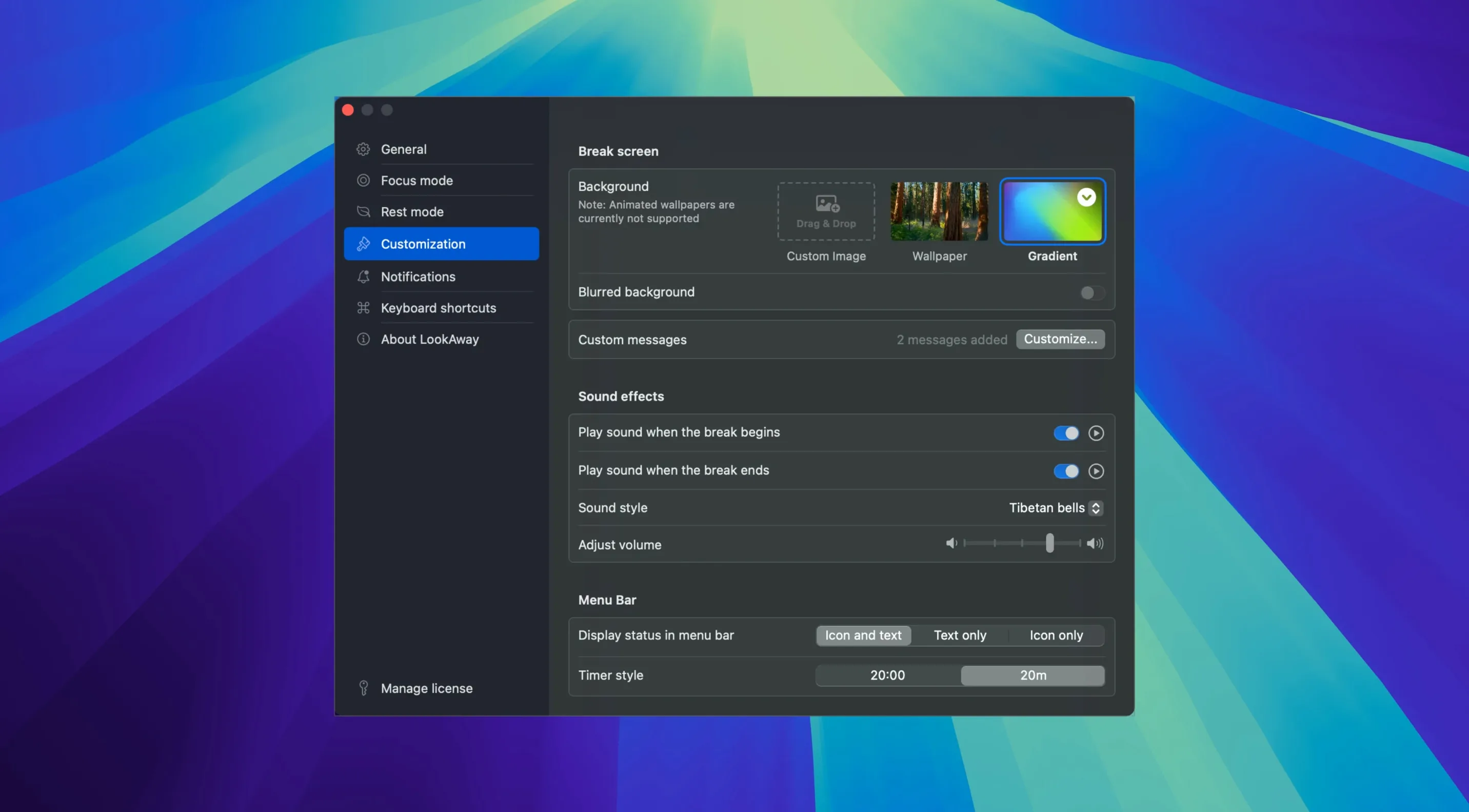
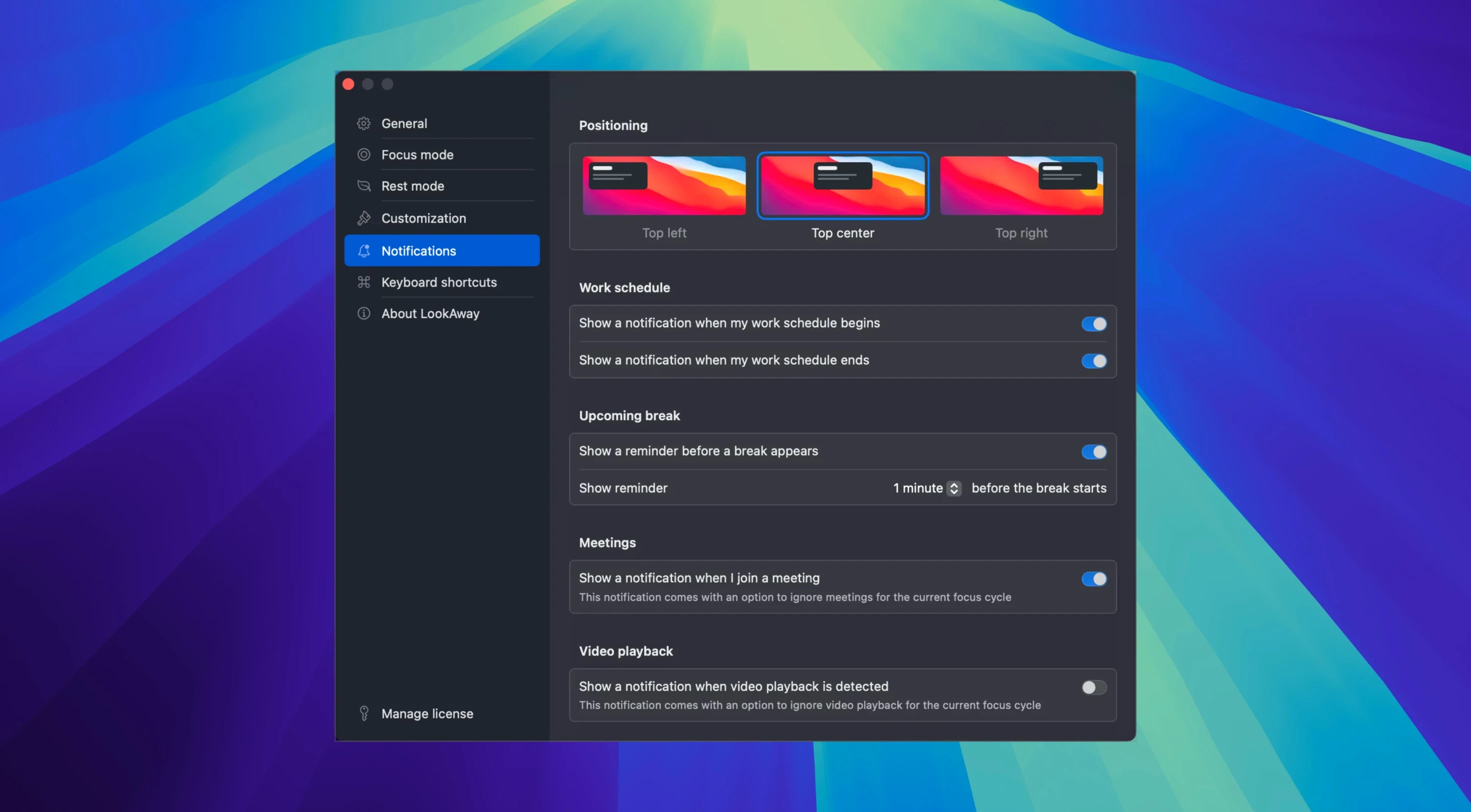
Your phone nudges you about screen time. LookAway does the same at a desk.
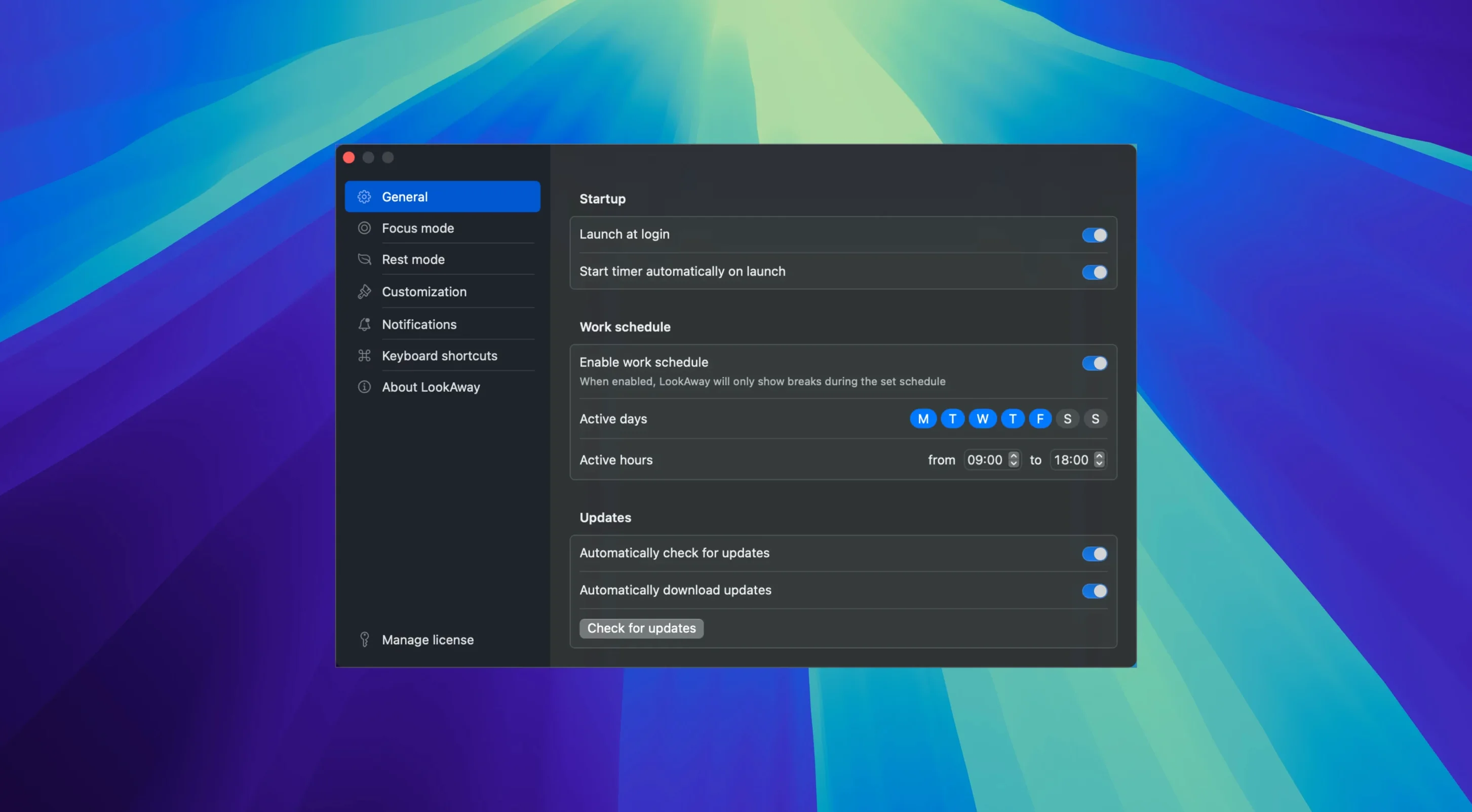
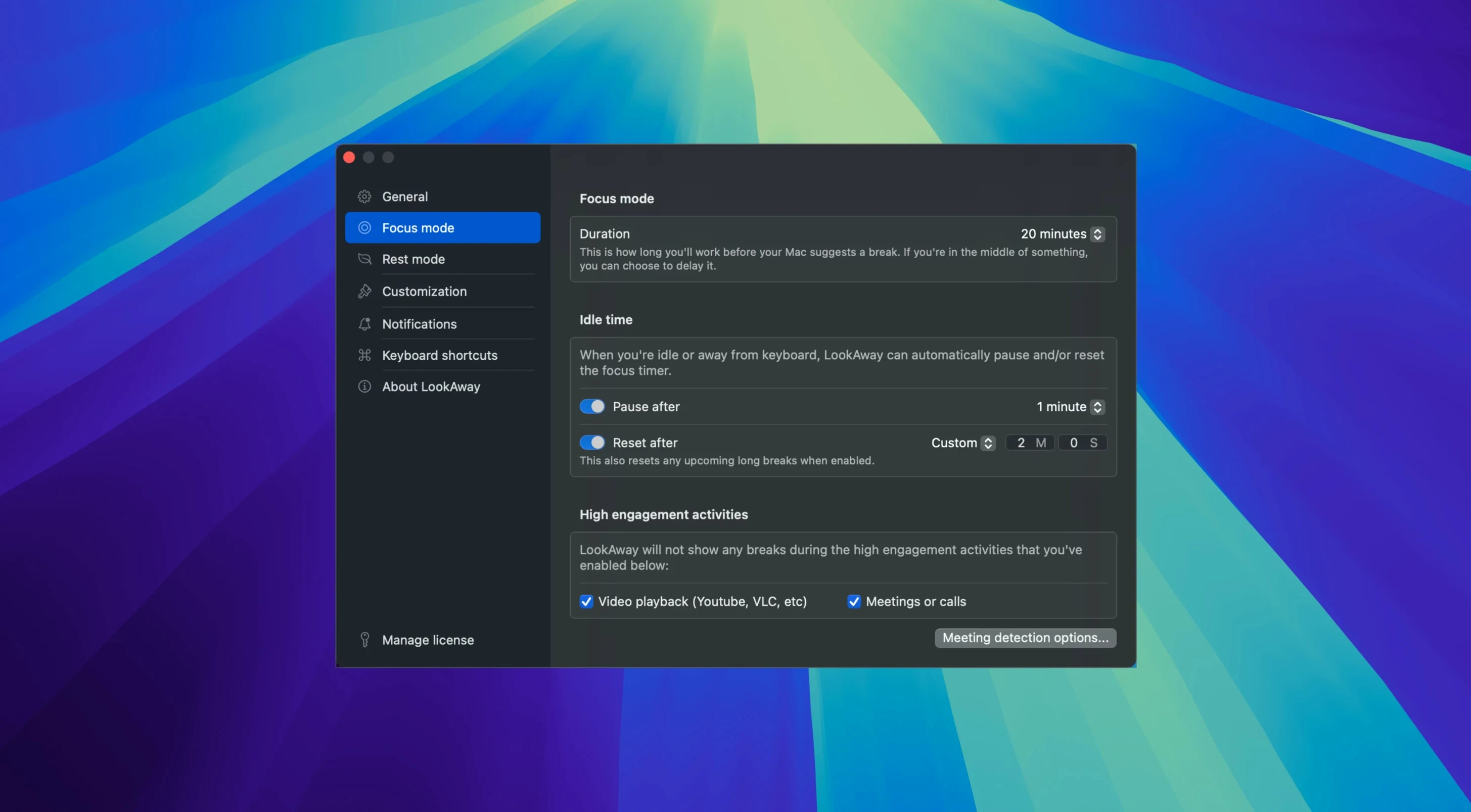
Meeting detection — it notices calls and video meetings and holds reminders until you are free.
Your rhythm — set the work interval and the break length. A quiet notification does the rest.
Beginners often treat LookAway like a strict timer and nothing else. They set a 20‑minute interval and ignore the pause‑on‑idle setting. Then they step away for coffee, return, and the break reminder fires immediately. The fix: let idle detection reset the timer, not just pause it. That way a natural coffee break counts as your screen break.
Another early mistake: making breaks too long or too frequent. A 30‑second break every ten minutes tends to irritate. Most people settle into something like 60 seconds after 40 minutes for short breaks, and 5 minutes after 90 for a longer one. Start modest and adjust upward.
Nearby apps
Time Out has been around longer. It shows a gentle overlay you can skip or postpone. LookAway feels lighter — no overlay editor, no scripting. Time Out rewards tinkerers; LookAway rewards people who want to set it and forget it.
Stretchly is open‑source and cross‑platform. Its break window includes a stretch idea or a quick tip. That makes it a wellness companion. LookAway says less. It stays invisible until the moment it asks you to look away from the screen.
BreakTimer lives in the menu bar. It suits someone who wants manual control and a tiny footprint. LookAway adds meeting awareness and idle detection — things BreakTimer leaves alone. If you spend half the day on video calls, LookAway is the more considerate choice.
Phantom post‑call break
The most common snag: LookAway stays silent during a meeting but the break counter keeps ticking. When the call ends, a break pops up instantly. The meeting detection is working — the timer simply doesn’t reset. A short busy buffer in the preferences gives you a few minutes to breathe before the reminder lands.
Multiple displays sometimes confuse the break overlay. It may appear on the wrong screen or split across two. Toggling the “follow mouse” display setting usually fixes it. If not, a quick quit and relaunch sorts the window placement.
Some people install the lookaway mac full version and notice that break sounds overlap with system audio during a Focus mode. The remedy: in System Settings, add LookAway to the apps allowed to play sound while Focus is on. That keeps the quiet chime audible without breaking your Do Not Disturb rules.
One job.