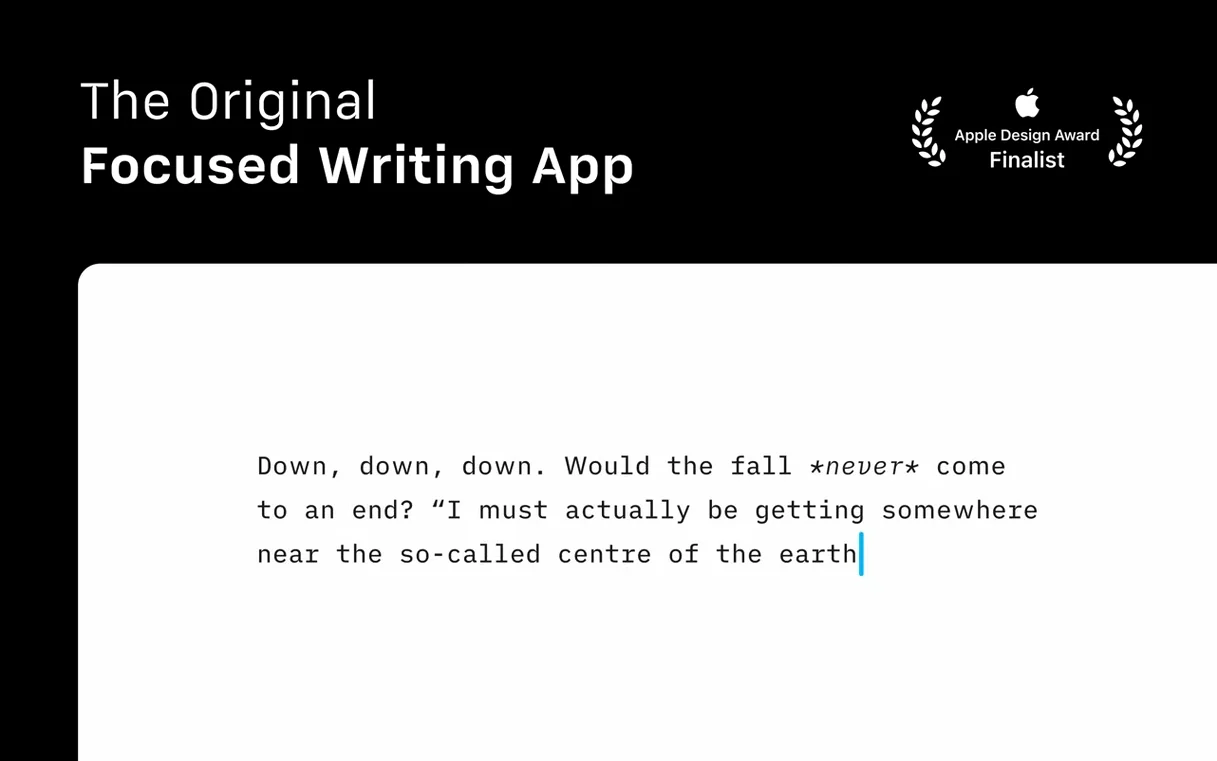
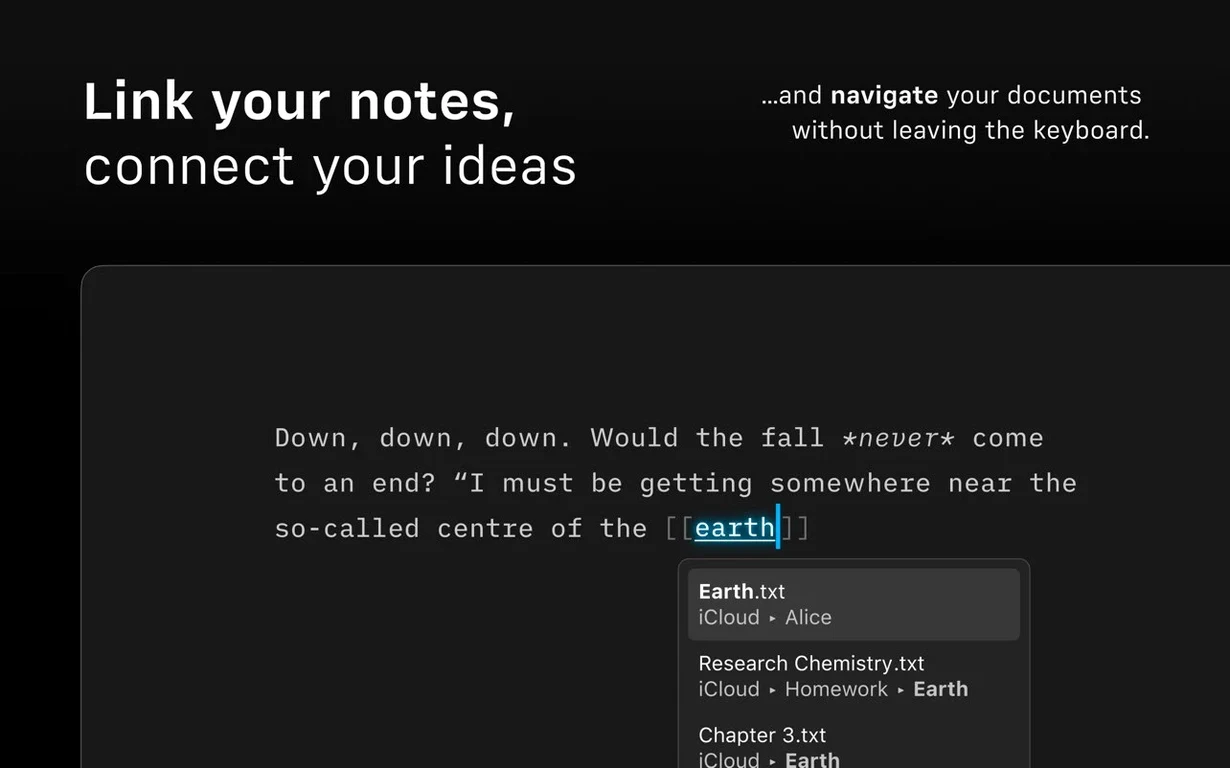
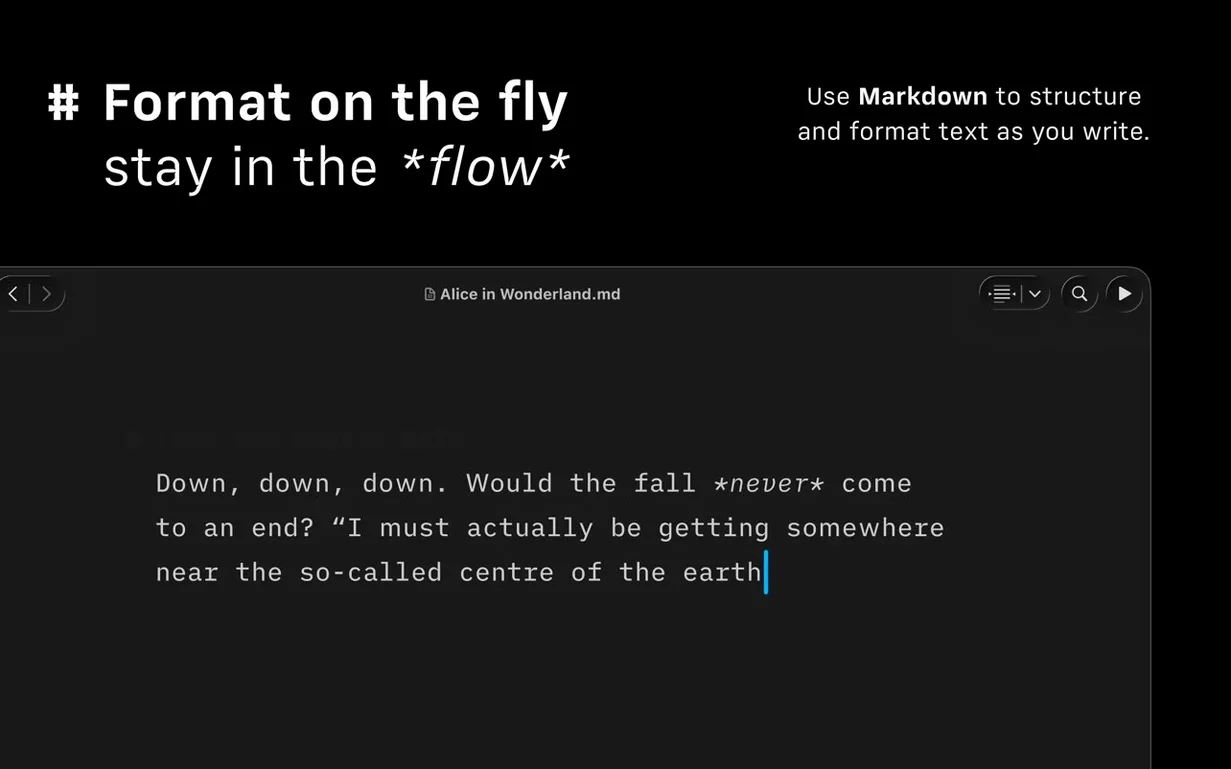
Most writing tools crowd the screen with options. iA Writer removes them. The page becomes the only thing you see.
- A refreshed interface for recent macOS versions
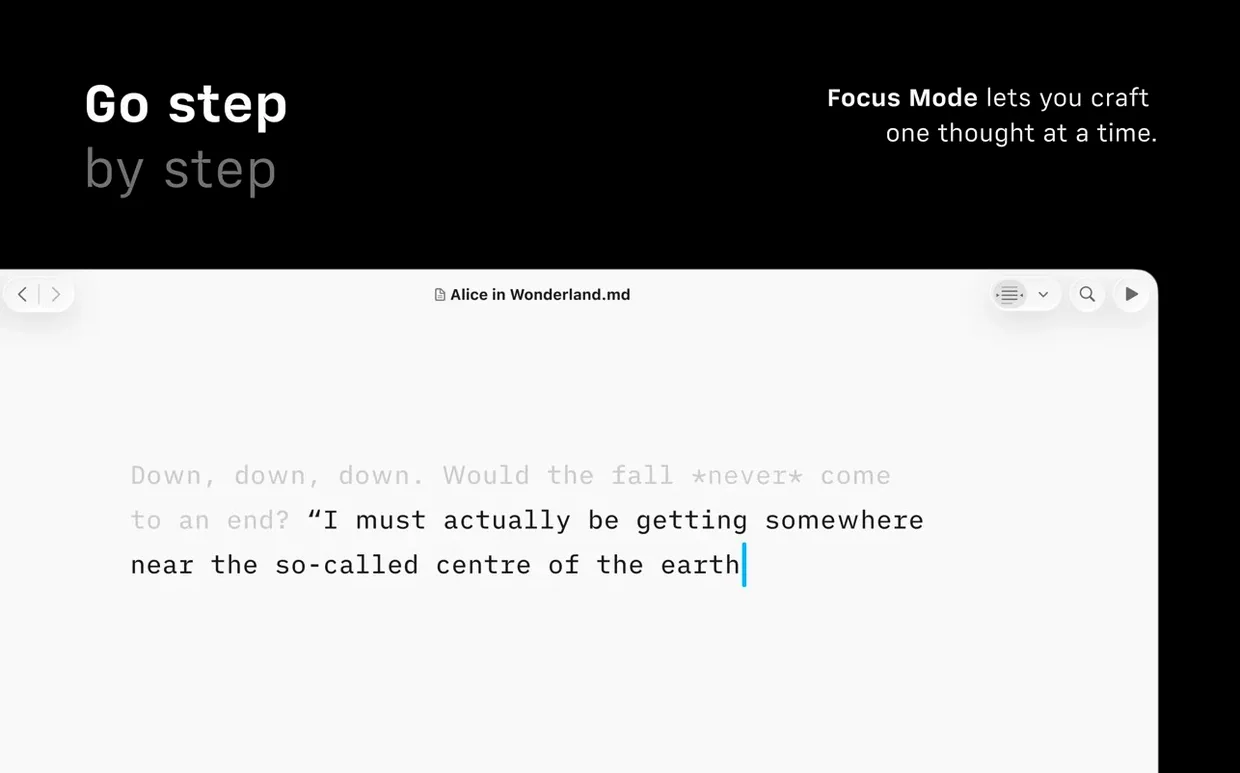
- Focus mode dims everything outside the current sentence or paragraph
- Document Outline with Quick Search for navigating long texts
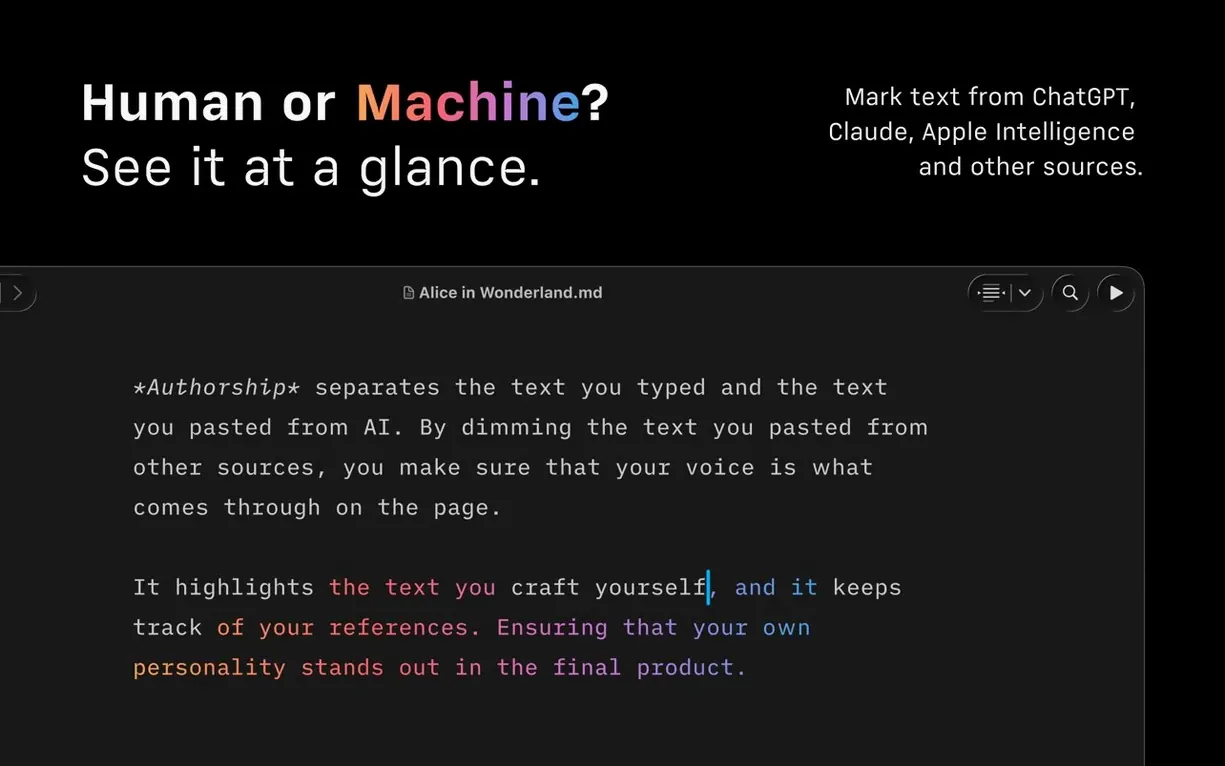
- Authorship indicators show author colors in menus
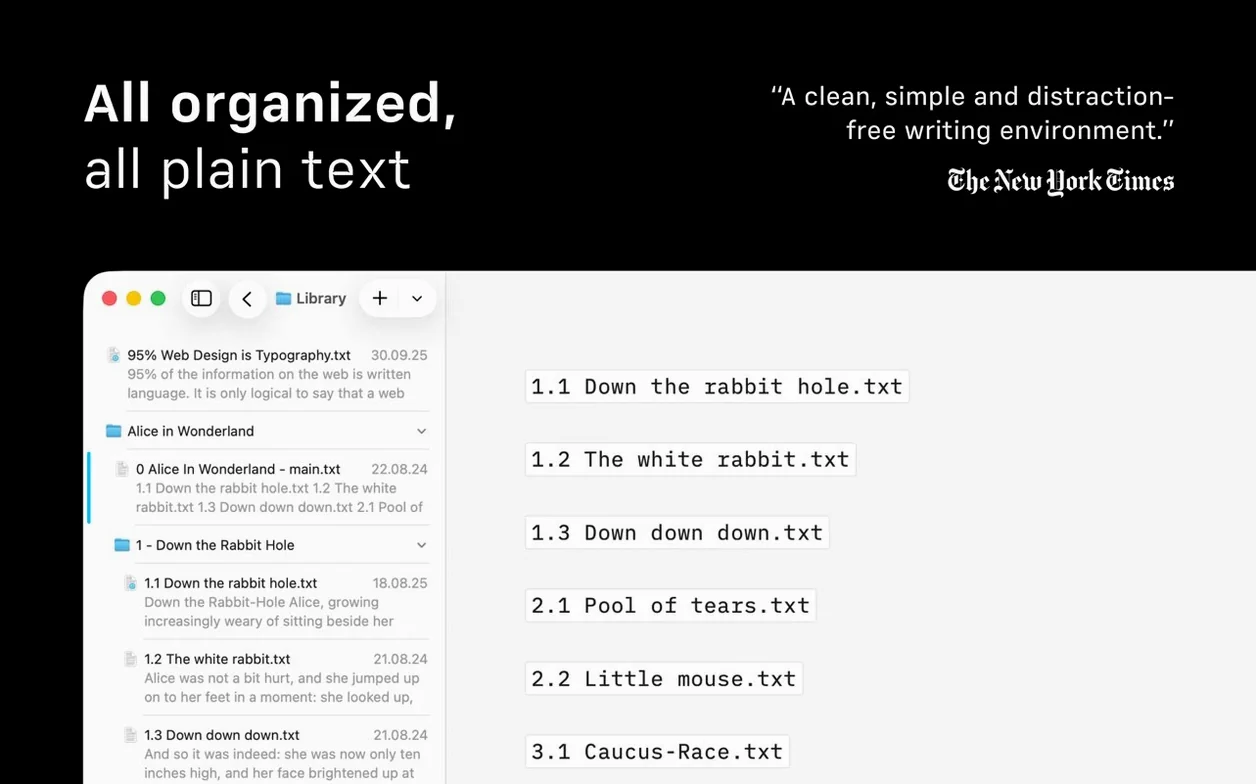
- Compact Library layout hides dates and excerpts
- Export to HTML, PDF, and DOCX
Don’t configure anything on day one. Just open a blank document and type. Let the defaults teach you what the app thinks a writing screen should be.
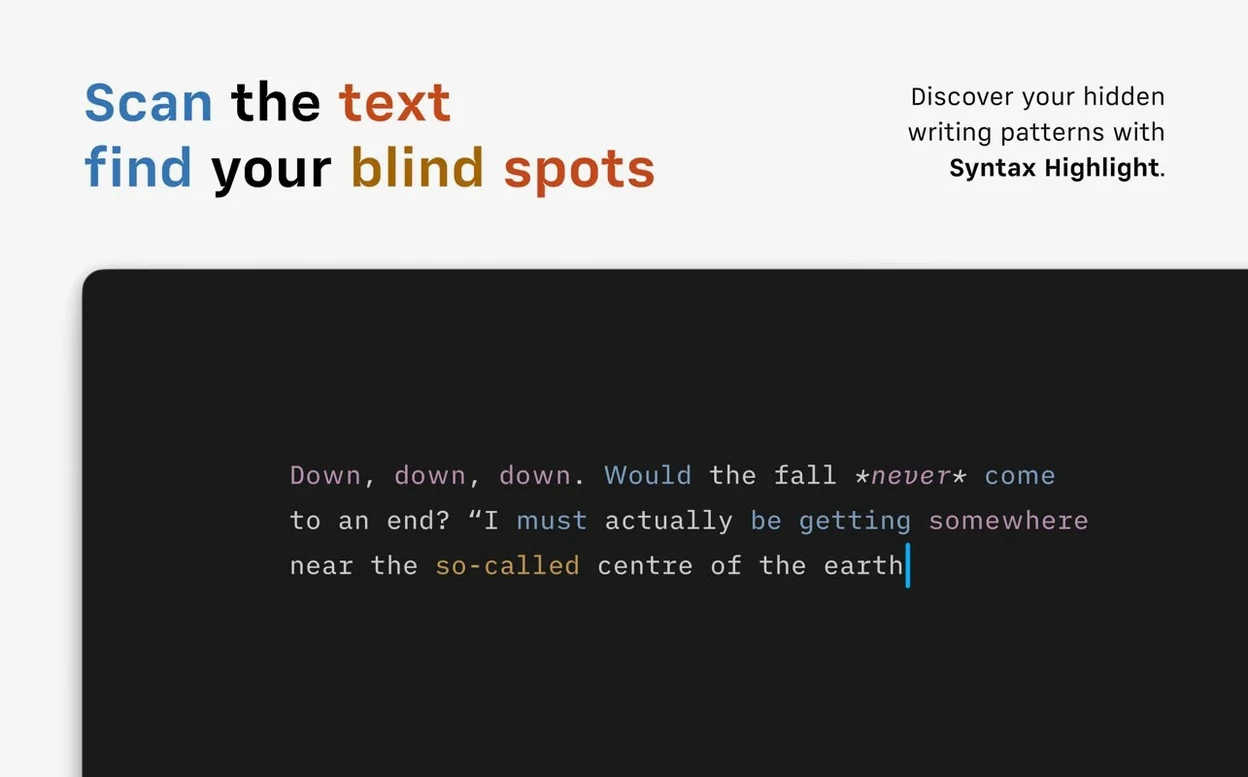
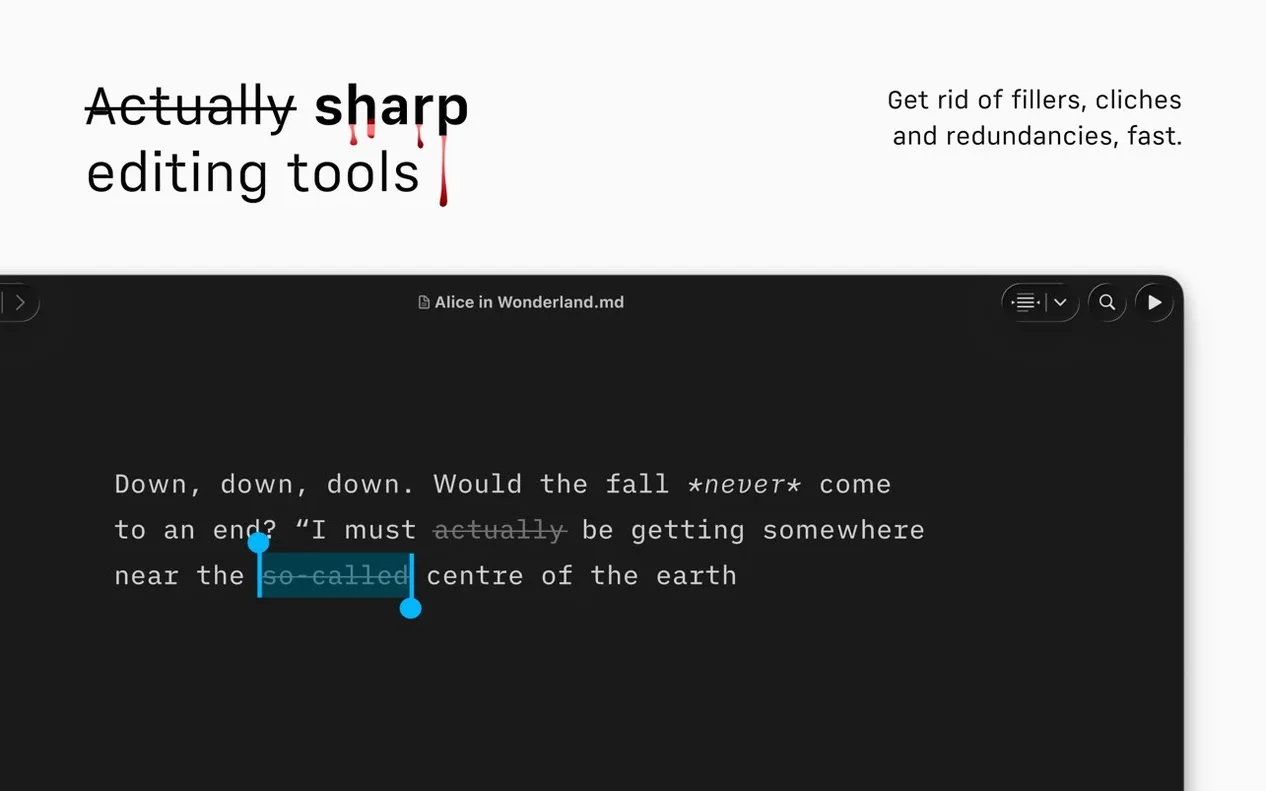
On day two, turn on syntax highlighting from the Command Palette. Look at your adjectives. The ones that light up are often the ones you can cut. Do this once on something you wrote months ago—the distance makes the feedback land softer.
By day three, try Focus Mode set to paragraph. Notice how the dimmed text pulls your eye forward. If you fidget with the Library pane, switch to the compact layout. The less you see of your file list, the sooner you start writing.
Markdown disappears
People who write longform alone. A researcher assembling a thesis chapter from scattered notes. A blogger who drafts three posts before breakfast. The app rewards plain-text discipline—if you already think in Markdown, it disappears under your hands.
Users who publish to WordPress or Medium get a quieter pipeline. Write, preview, send. No switching windows to check how a heading renders. The preview pane shows tables, links, and images exactly as the platform will see them.
VoiceOver users often remark on how little they have to skip over. The interface is sparse by design, so the screen reader moves through a short menu, straight into the text. That matters when you repeat the action fifty times a day.
A session, told plainly
She opens iA Writer. The Library shows a single folder of Markdown files, no dates, no excerpts. She picks the morning’s draft.
The screen goes white. She types a sentence, hesitates, then hits Command-K to bring up the Command Palette. A few keystrokes switch Focus Mode to sentence. Everything above and below fades to gray.
She writes for twenty minutes. Then she opens the Document Outline—Quick Search gets her to the section about methodology in two taps. She tightens three paragraphs. She exports a PDF with a template she customized last month and sends it to her advisor.
The Mac goes to sleep. The draft is exactly where she left it.
Version 8.0.9 fixes a handful of small bugs. The core idea remains the same. One window. Clear text. Nothing else.