EndNote builds the bibliography while you write.
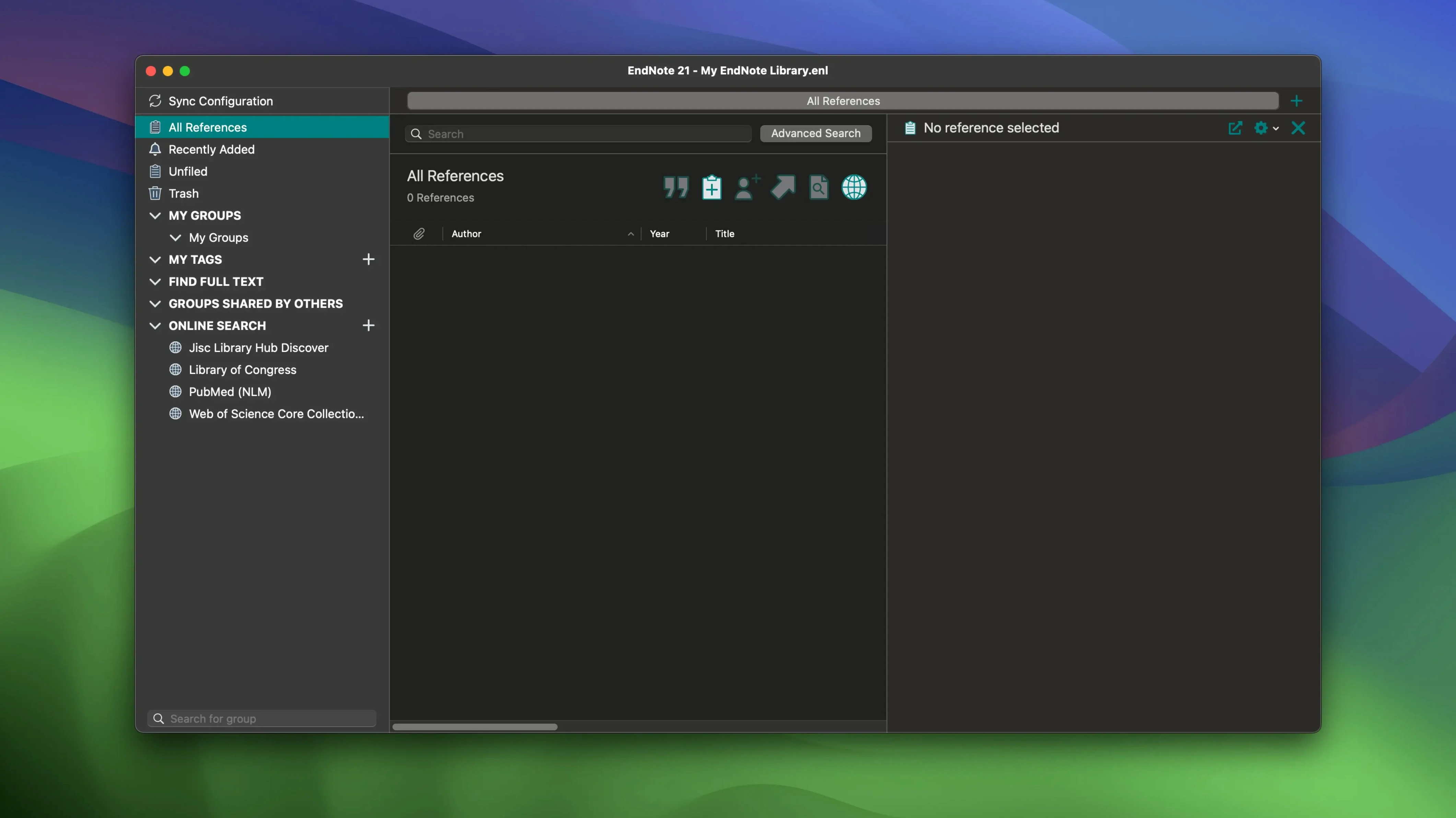
Create a library. Find a few papers through the built-in search and keep the PDFs next to the references. In Word or Google Docs, insert a citation with Cite While You Write. The bibliography appears at the end of the document, formatted.
Sync once, and notes, annotations and highlights follow you to another Mac.
Fits
EndNote talks to Word and Google Docs directly — a toolbar installs on first launch, no manual setup. The Cite While You Write pane lives in the ribbon and in a web sidebar. Either way, a search box pulls references from your library without switching windows.
It also respects macOS conventions quietly. Drag a PDF onto the dock icon and it files the reference for you. Right-click a file in Finder, choose Share, and EndNote appears as a destination. Spotlight can surface your library entries by author or title. Most people never notice that last one.
EndNote Web syncs to the desktop app, but it’s best seen as a lightweight companion — good for grabbing something mid-meeting on a borrowed machine, not for editing a full library.
Toolbar vanishes
The Word toolbar sometimes disappears after a macOS update. Re-run the EndNote installer’s customizer and tick only Cite While You Write. That replaces the plugin in the Word startup folder without touching your library.
Google Docs users hit a delay. The sidebar needs the EndNote Web library loaded, and a slow network makes it wait. Keep the local library tidy first, sync, then open the document. The lag gets blamed on the connection, not the app.
Syncing a large library with dozens of shared folders across multiple Macs occasionally duplicates smart groups. Clean them up once from a single machine and let EndNote Web’s restore feature pull that version back to the others. It’s quicker than untangling duplicates by hand.
PDF annotations made in Preview won’t sync. Annotations must happen inside EndNote’s own PDF viewer. The trade-off is less annotation grace for reliable cross-device highlights.
Color your tags
The tag palette takes colors. People miss that. Right-click any tag and assign a color — the stripe appears next to each reference. A quick glance at a long list and the red tags are the urgent reading group.
Restoring an earlier version of a single reference is a two-click affair. History lives inside each record, not in some hidden menu. Useful when an auto-import misreads a journal name.
When you search for endnote 2025.3 references online, the built-in browser strips clutter from publisher pages. It’s not Safari — it’s a dedicated parser that skips the ads and grabs the DOI and metadata. Works with PubMed, JSTOR, a few others.
Hold Option while clicking Cite While You Write’s insert button and the citation drops in as a footnote-ready format. No extra dialog.
Find, cite, sync. That loop is most of the tool.