
Compatible with macOS 11 and later on Intel and Apple Silicon Macs.
Forecasting — projecting future balances from scheduled transactions and income.
Shared ledger — an account synced through iCloud, showing who entered each line.
The planning tools sit beside the checkbook. A forecast plan overlays your expected bills against your expected pay. The gap between the two lines is the number that matters.
For a shared household account, the attribution marker removes the end-of-month audit. Each entry carries a name. No more asking who bought the sofa.
Beginner traps
New users often skip the forecast plan entirely. They treat the app as a register and miss the forward-looking half.
Another mistake: creating too many categories. Six to eight cover most households. Fifteen categories produce reports nobody reads.
Shared accounts confuse people who expect real-time collaboration. iCloud sync is not simultaneous — two people editing the same transaction will create a duplicate. Agree on who handles what before sharing.
Finally, beginners disable SIP as the install notes suggest, then forget it is off. That leaves the Mac softer than it should be.
Next to the others
Next to Banktivity, Debit & Credit feels sparse. Banktivity offers investment tracking, loan amortization, envelope budgeting. Most people never touch those. Debit & Credit keeps the surface smaller.
Compared to MoneyWiz, the reporting here is simpler. MoneyWiz builds cross-account dashboards with currency conversion. Debit & Credit shows one account at a time. For a single-currency household, the lighter approach loads faster and breaks less often.
SEE Finance goes deep on transaction tagging and splits. Debit & Credit does not attempt that depth. If you need to tag every coffee as business or personal with tax categories, look elsewhere. If you just need to know whether you are overspending, this fits.
Monthly check-in workflow
- Open the forecast plan on the first of the month. Confirm the scheduled bills still match reality.
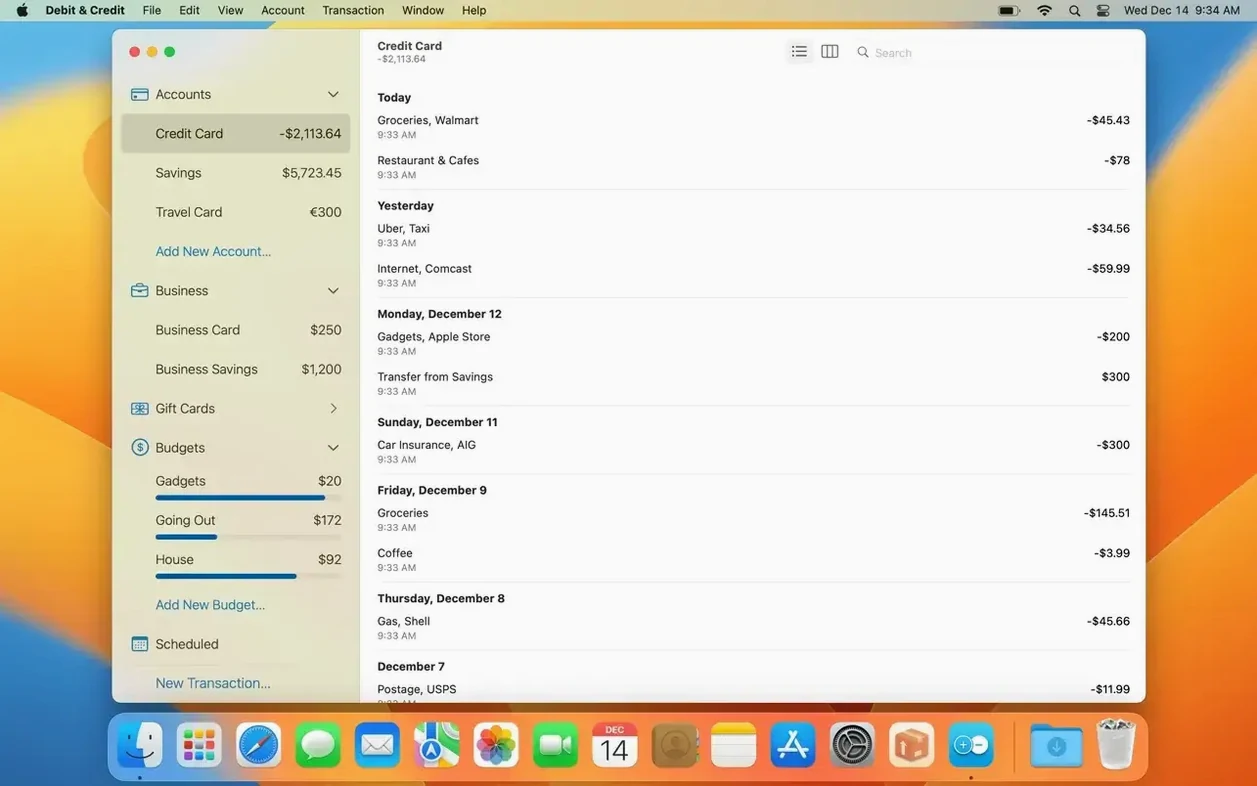
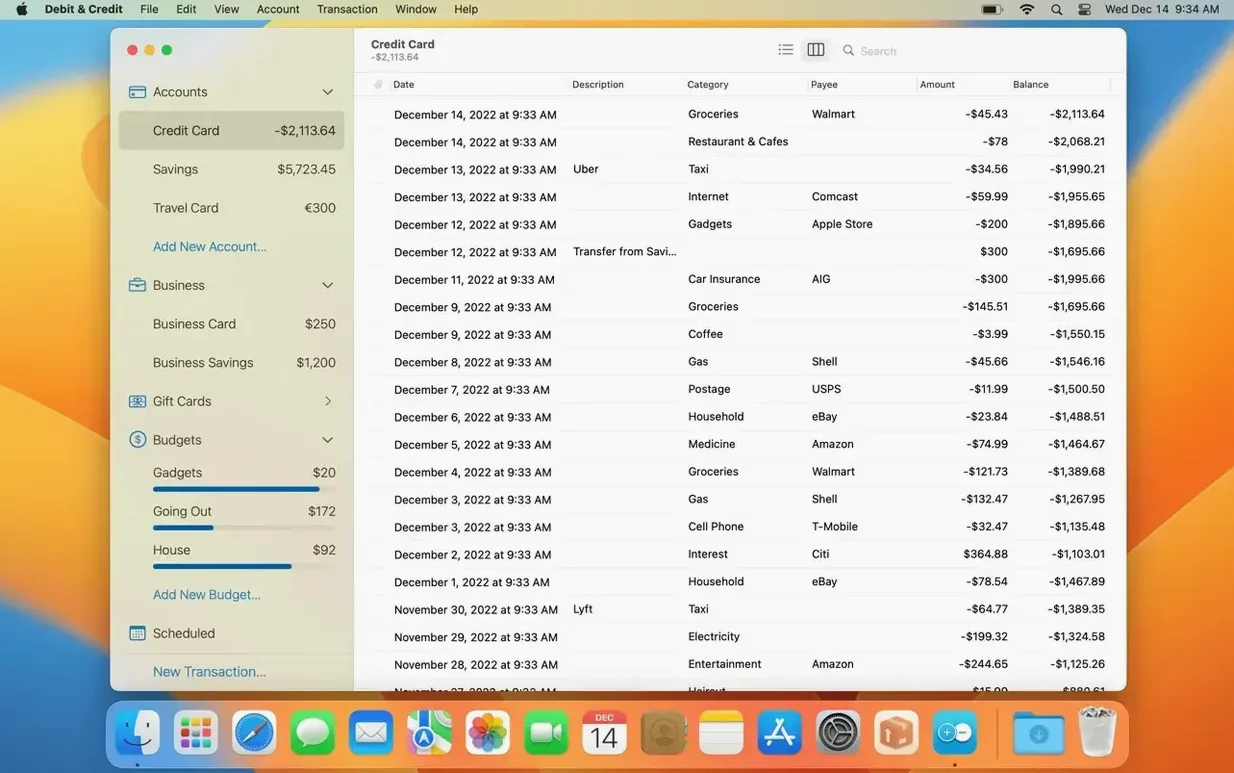
- Reconcile each account against the bank. The app pulls cleared balances; verify them in under three minutes per account.
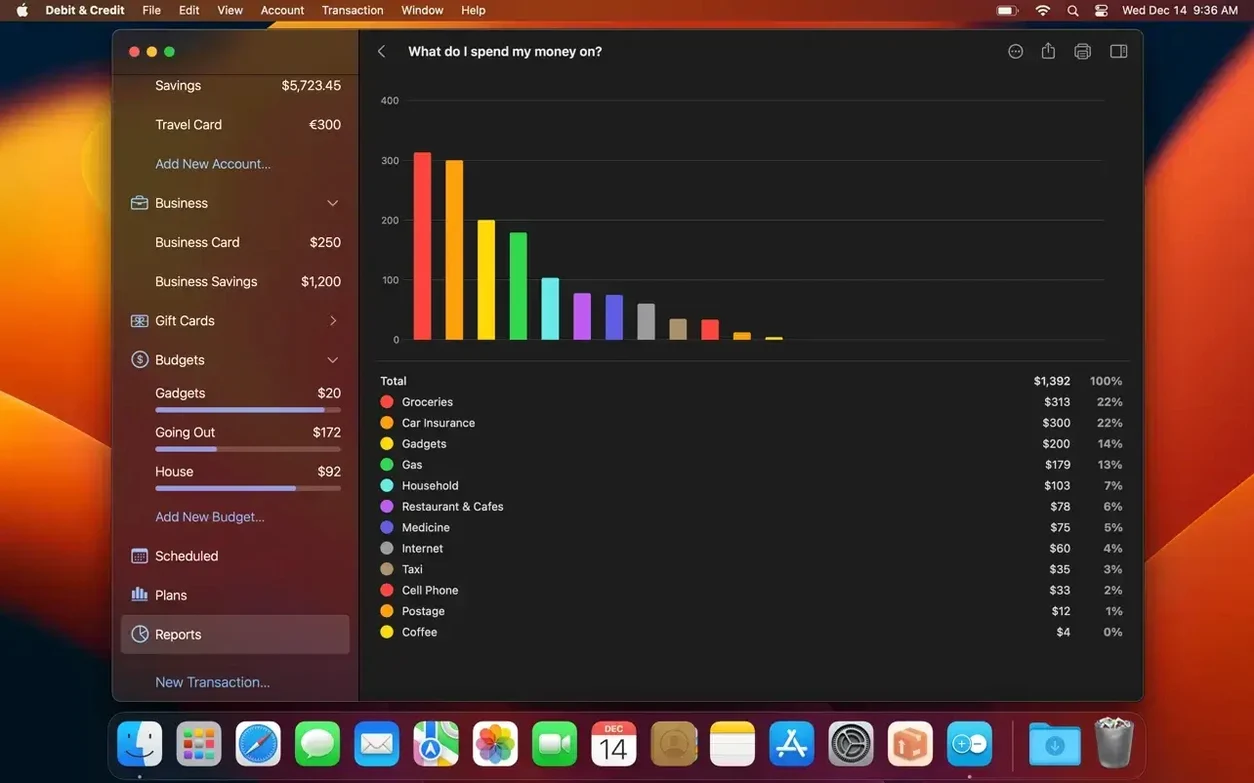
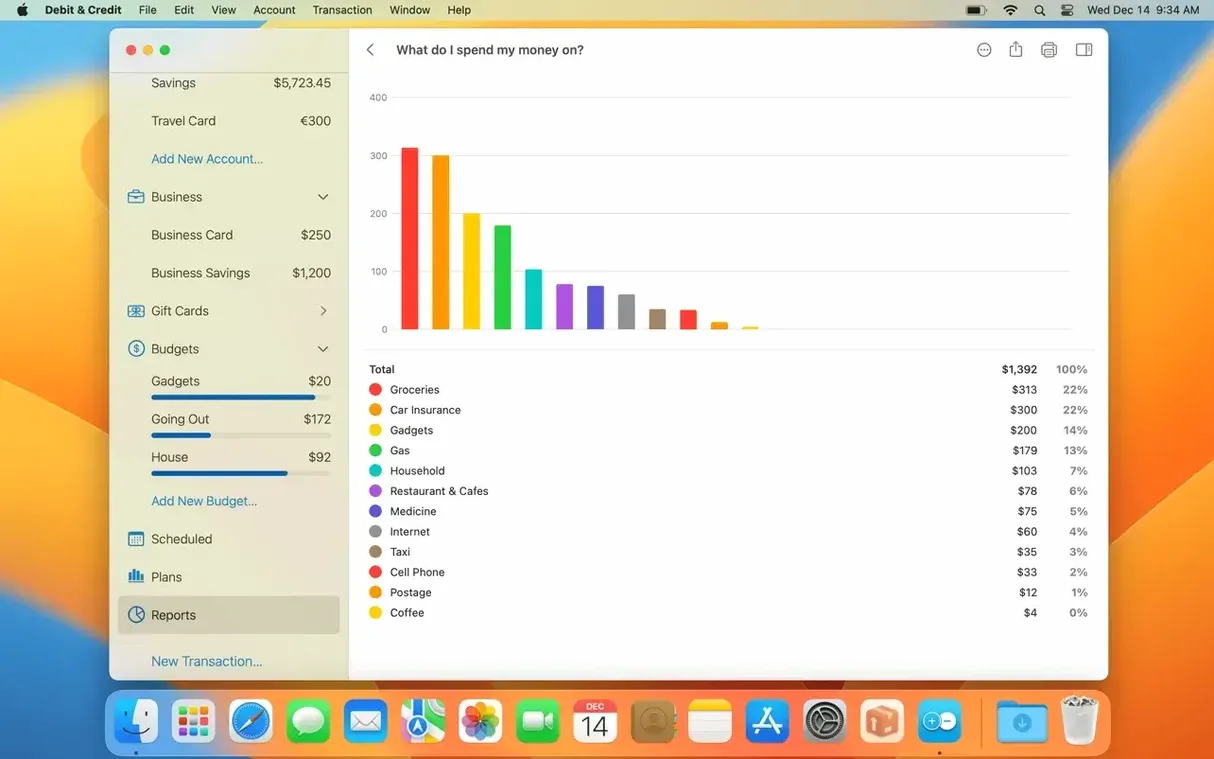
- Run a category report for the previous month. Look at the top three categories only.
- Compare actual spending against the plan. Note one adjustment for next month — a grocery cap, a subscription to cancel.
- Add any one-off expenses coming in the next 30 days to the forecast. Close the app.
Fifteen minutes. The forecast line now reflects what you actually expect. The debit and credit columns balance. The mac torrent build runs cleanly on Apple Silicon, and the premium feature set covers exactly this loop.
Set the plan once. The app compares it to what actually clears.