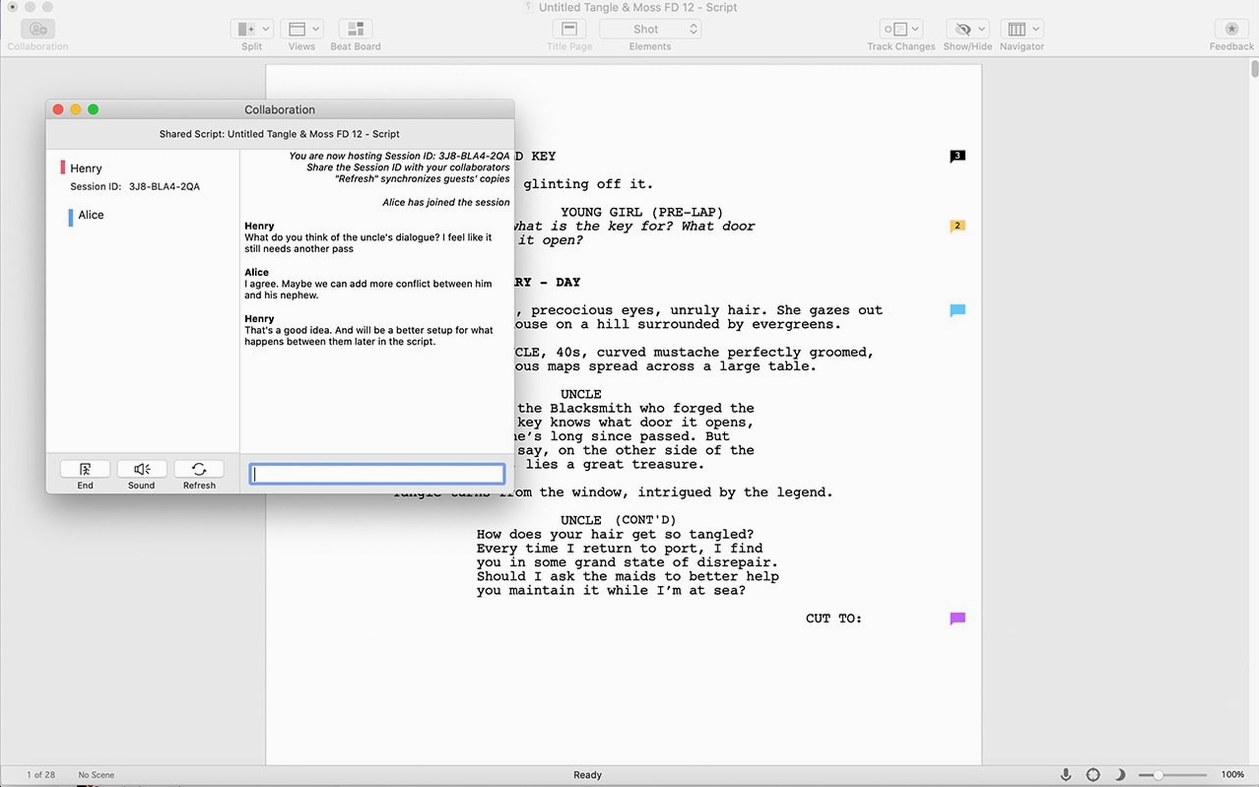
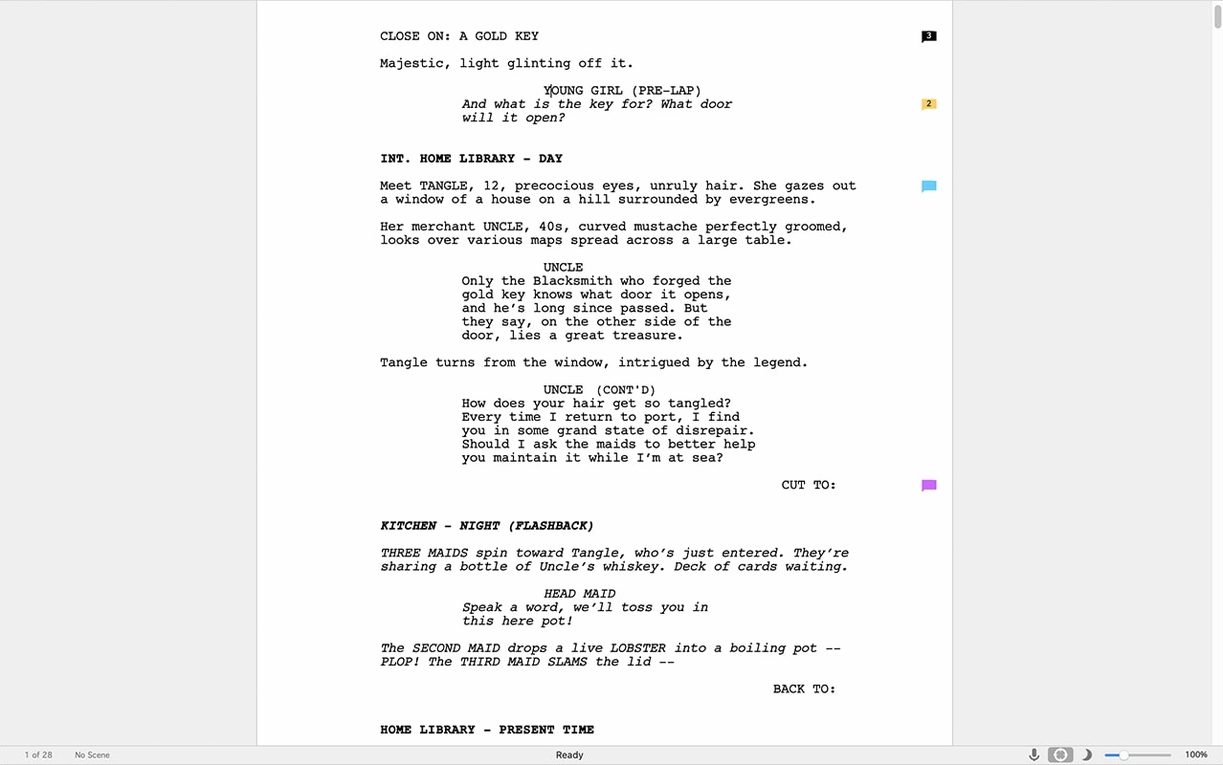
Showrunners' rooms and independent productions often run on the same tool. Final Draft is the quiet standard for professional screenwriters, used from first outline to locked shooting script.
The Scrivener integration changes the shape of a messy project. You can map a season arc or a complex feature in Scrivener, then push clean pages into Final Draft without losing the formatting that production teams expect.
Firewall stall
First launch sometimes stalls at sign-in. An active connection is needed once, and corporate networks with strict firewalls can block it. Wait it out or switch to a phone hotspot for that single step, then carry on offline.
If pages stop numbering correctly after a heavy revision, turn off revision mode, save, quit, and reopen. The paginator recalibrates.
One recurring annoyance: text pasted from a PDF or email arrives with stray margins. Use Edit > Paste Without Formatting and let Final Draft reapply the element styles. It is faster than repairing each paragraph by hand.
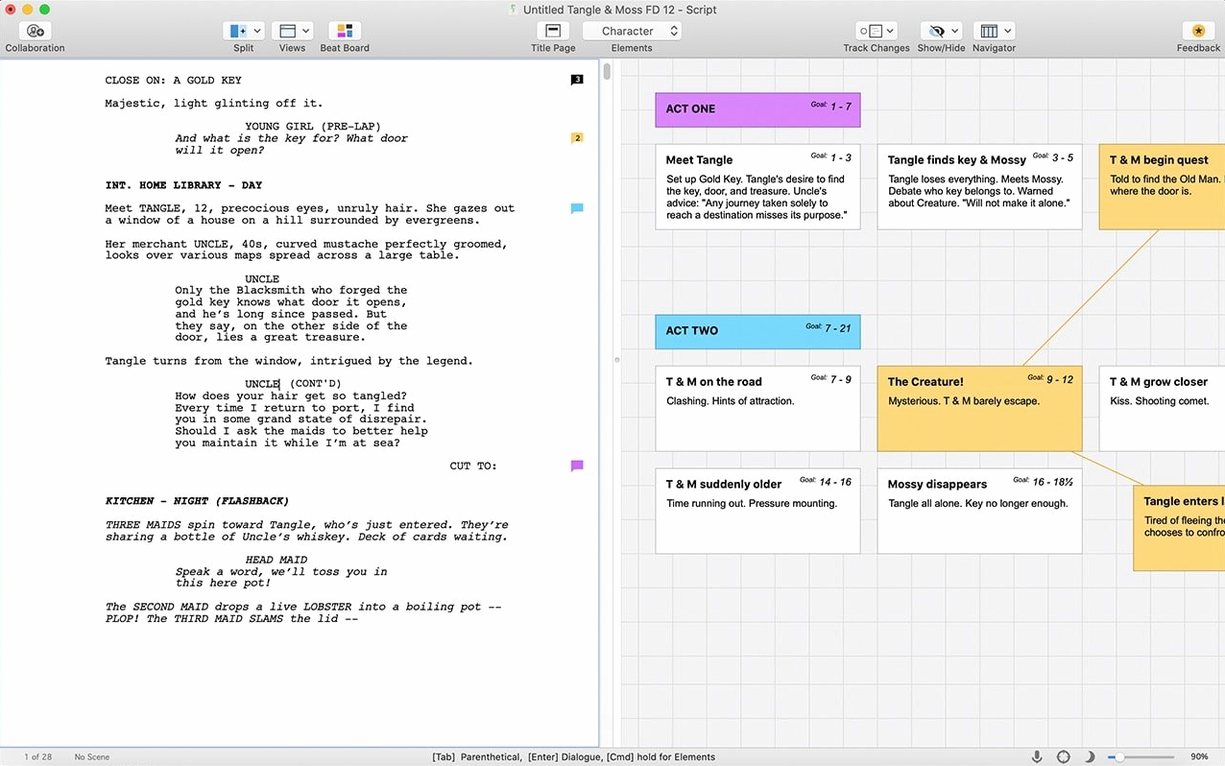
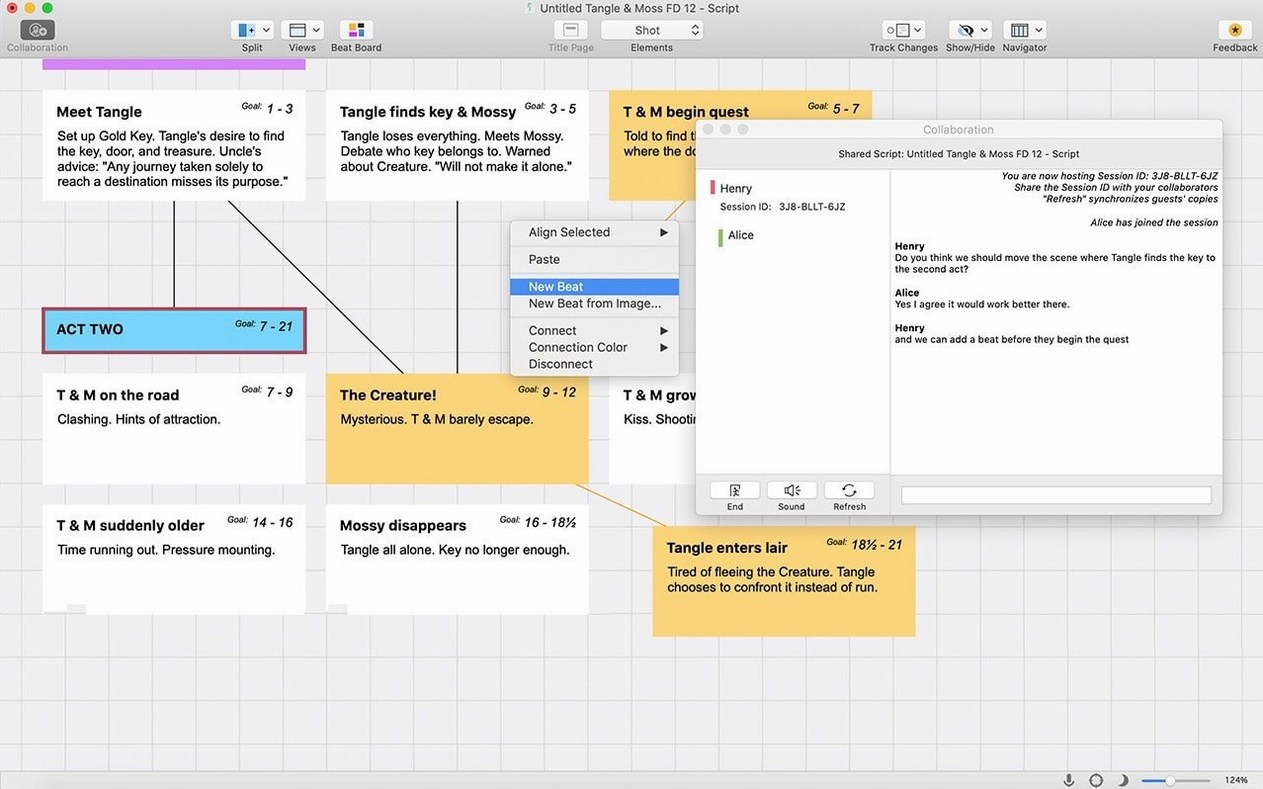
Another common stumble involves the Beat Board. When index cards refuse to snap to the grid, zoom out to fit the whole board and drag again. The snap threshold tightens as you zoom in.
Clipboard paste
Final Draft plays well with the Mac clipboard. Copy a scene from a treatment in Notes or Ulysses, paste as plain text, then assign the correct element — scene heading, action, character, dialogue — with a keystroke or the element menu.
The Scrivener integration works in one direction, from outline to script. Build your index cards and research folders in Scrivener, then export. Revisions after that live in Final Draft, so keep a clean copy of the outline if you expect to restructure later.
With Final Draft Go on an iPad or iPhone, a scene written on set can appear in the desktop project. It stays arranged the same way, which removes a whole category of late-night reuniting of files.
macOS features also apply. Dictation works for dialogue when hands are tired. Dark Mode rests the eyes during long sessions. Time Machine keeps sensible backups of .fdx files, and the files are small enough that backups stay quick.
Shared format
Highland favors plain text and speed. It writes clean pages with few controls, but production teams often ask for Final Draft files directly. Highland is the lighter tool; Final Draft is the heavier shared format.
Fade In mimics much of the same formatting engine and opens Final Draft files without fuss. It feels quicker on older Macs and stays out of the way. Final Draft counters with revision tracking that grips harder, and the Scrivener link has no equivalent there.
WriterDuet is built for browser collaboration. Two writers in different cities can speak through the same scene in real time. Final Draft assumes a more traditional room — one writer, one file, passed around. Choose by how you write with others.
None of the alternatives match Final Draft's reach in professional television. That is not a feature list; it is a fact of the business.
Ten-minute saves
Open the preferences before writing a word. Small changes pay back for months.
- Set Backup & Save to keep a local copy every ten minutes.
- Switch Page Layout to US Letter or A4, not the default.
- Turn on SmartType lists for character names and locations.
- Set the Element Style to match your preferred font size for reading drafts.
SmartType matters more than it sounds. Once the app learns your cast and sets, pressing a few letters fills a name or a room without breaking the rhythm.
Also adjust the Zoom to fit your eyes, not the page. Many writers run at 125% for months before noticing how much easier the script reads slightly larger.
These are not dramatic changes. They simply remove friction before the first scene heading appears.
Revision mode tracks colored changes without breaking pagination — a small thing that matters when a script passes through six departments in a morning.