Version 3.0.2 quiets things down further — the text selection menu is now yours to shape, and AI chat history stays on your machine.
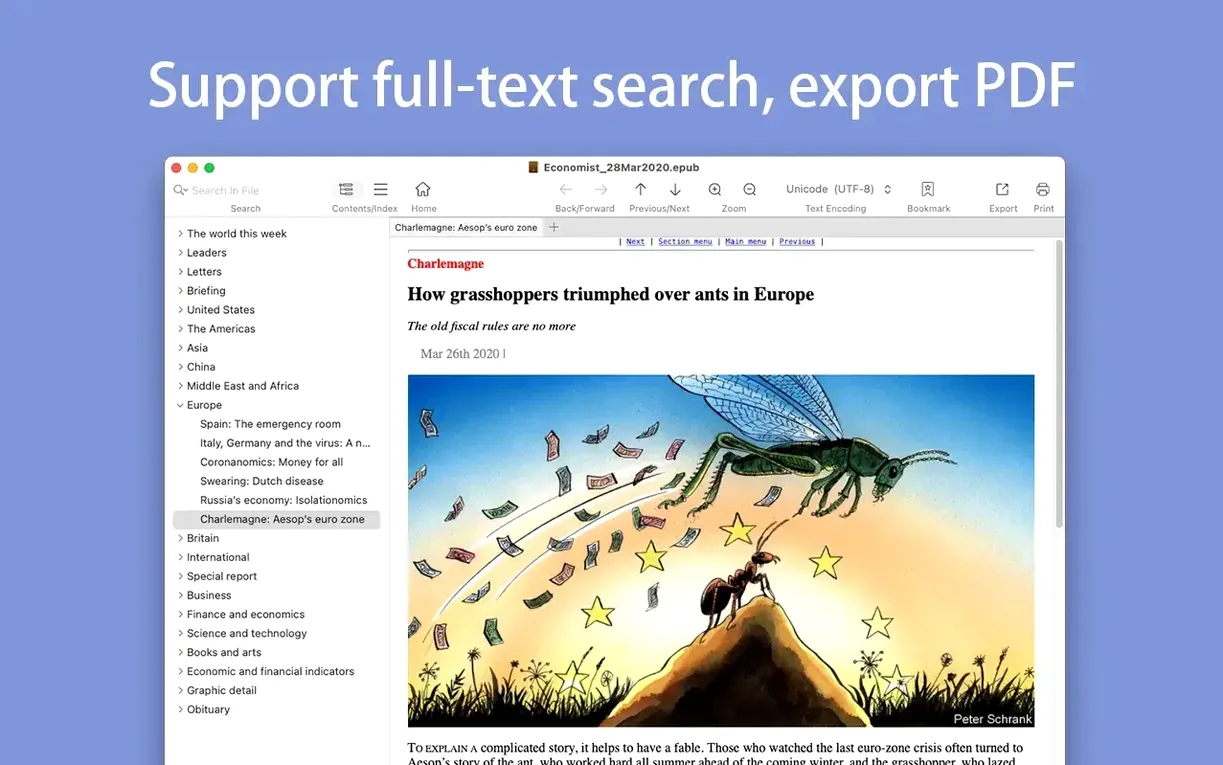
Full-text search — find a half-remembered phrase across the whole book, not just the open page.
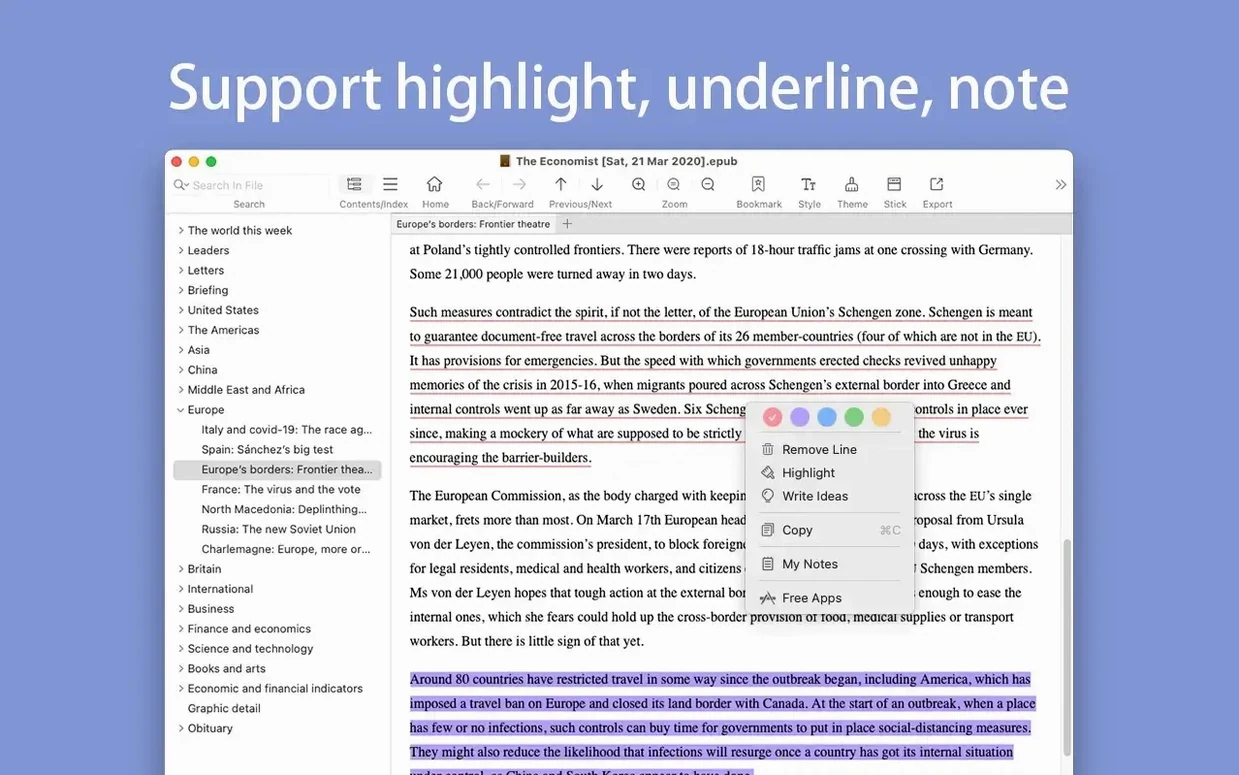
Highlighted results — search hits stay marked, so you can move through them without losing your place.
EPUB to PDF — freeze the layout when you need to share or print without reflow surprises.
MOBI to EPUB — bring older Kindle files into a cleaner, more flexible format.
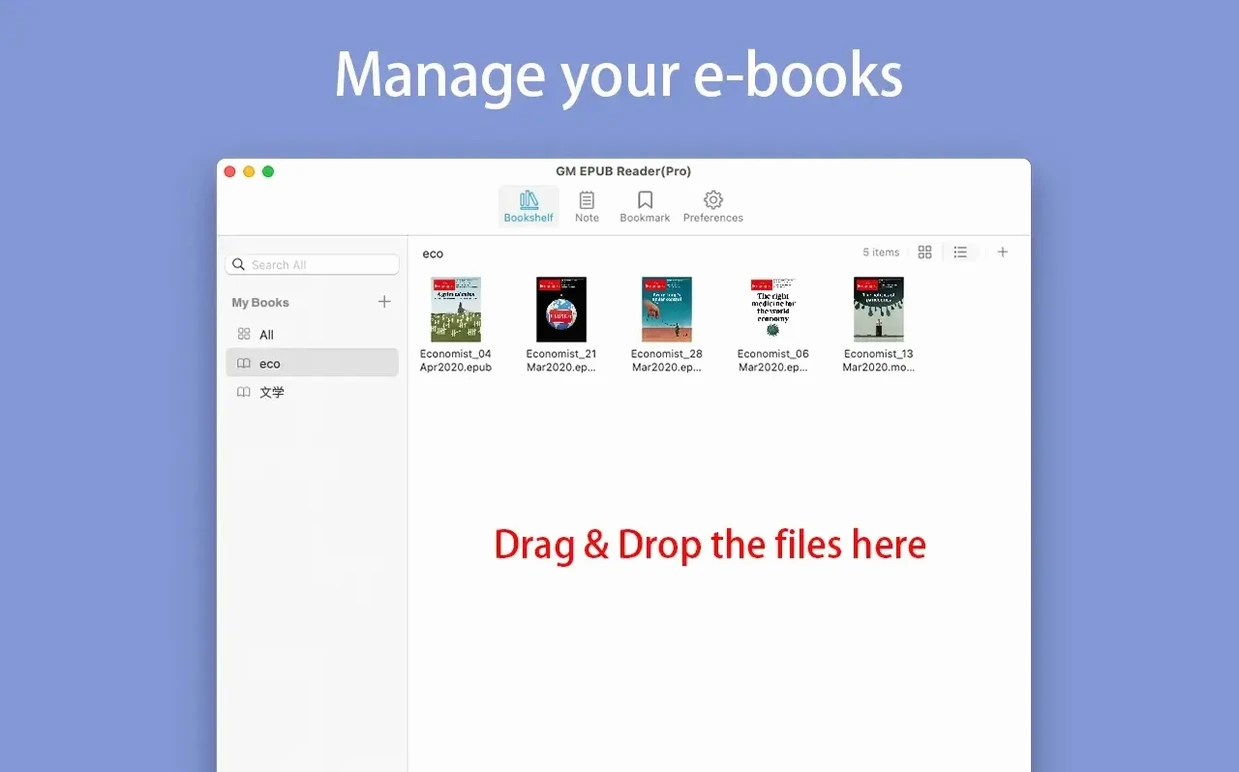
Bookshelf — opened books stay put, with custom icons for categories if you want them.
Reading history — step forward and back through the pages you visited, like a browser for books.
Keyboard navigation got quieter attention in this release. J and K scroll the page without lifting your fingers from the home row. Command with arrow keys jumps between pages. It sounds small, but it means you can read a whole chapter without reaching for the mouse.
The AI additions are tucked away where they won't bother you. A customizable action menu lets you select text and send it through whatever prompt you've set up. The chat history stays local — nothing leaves your drive unless you choose to export it. Sorting and hiding options keep the sidebar from becoming a menu you dread opening.
One reader's evening
A doctoral student, three chapters into a poorly indexed MOBI file. She needs every mention of a 19th-century term that shifts meaning across the book. Full-text search pulls the hits — twelve of them — each highlighted in place. She converts the file to EPUB, extracts the relevant images for a presentation, and prints the key pages to mark up by hand. No notes app, no external converter, no rearranging windows. Just the book, the search bar, and what she came for.
Sidebar off, page zoomed — clear the edges and size the text with Command-plus or Command-minus.