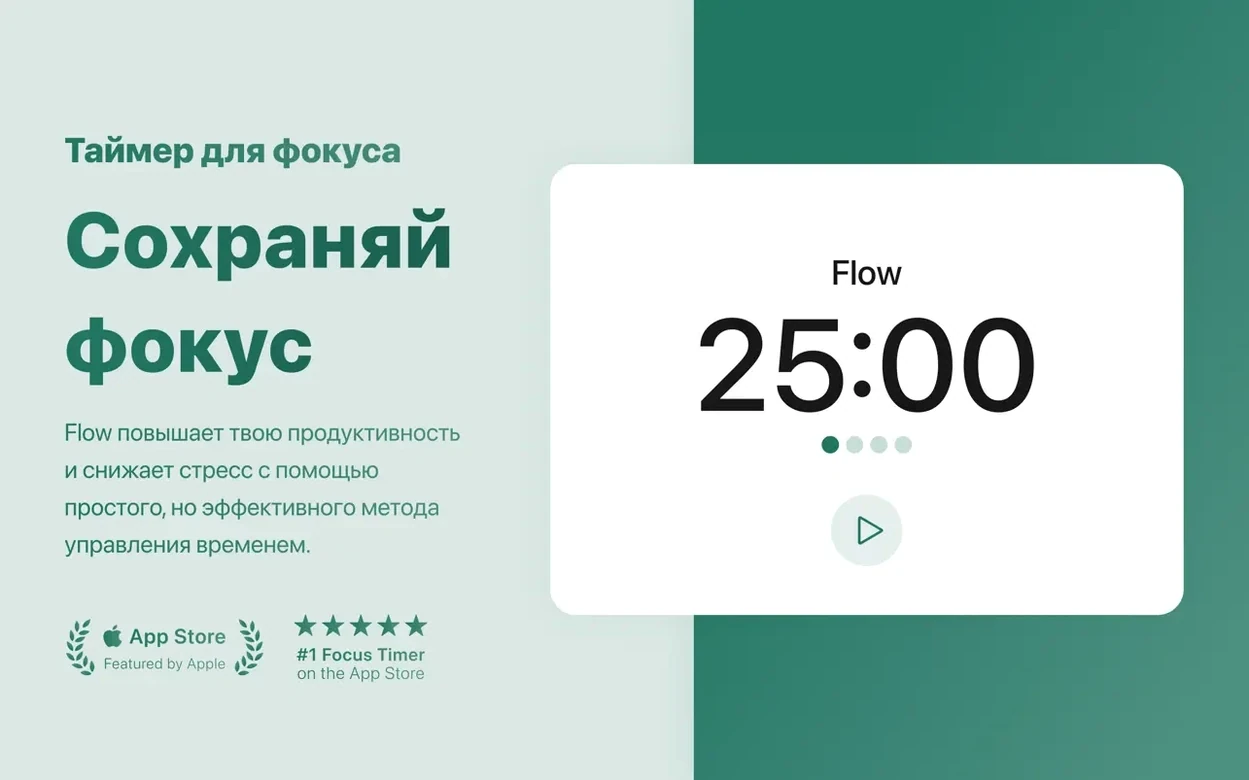


Students and developers use Flow. So do writers who need the internet for research but not for checking feeds. It is a timer first, a gatekeeper second.
Quiet focus blocks
- Quiet Pomodoro sessions with desktop notifications
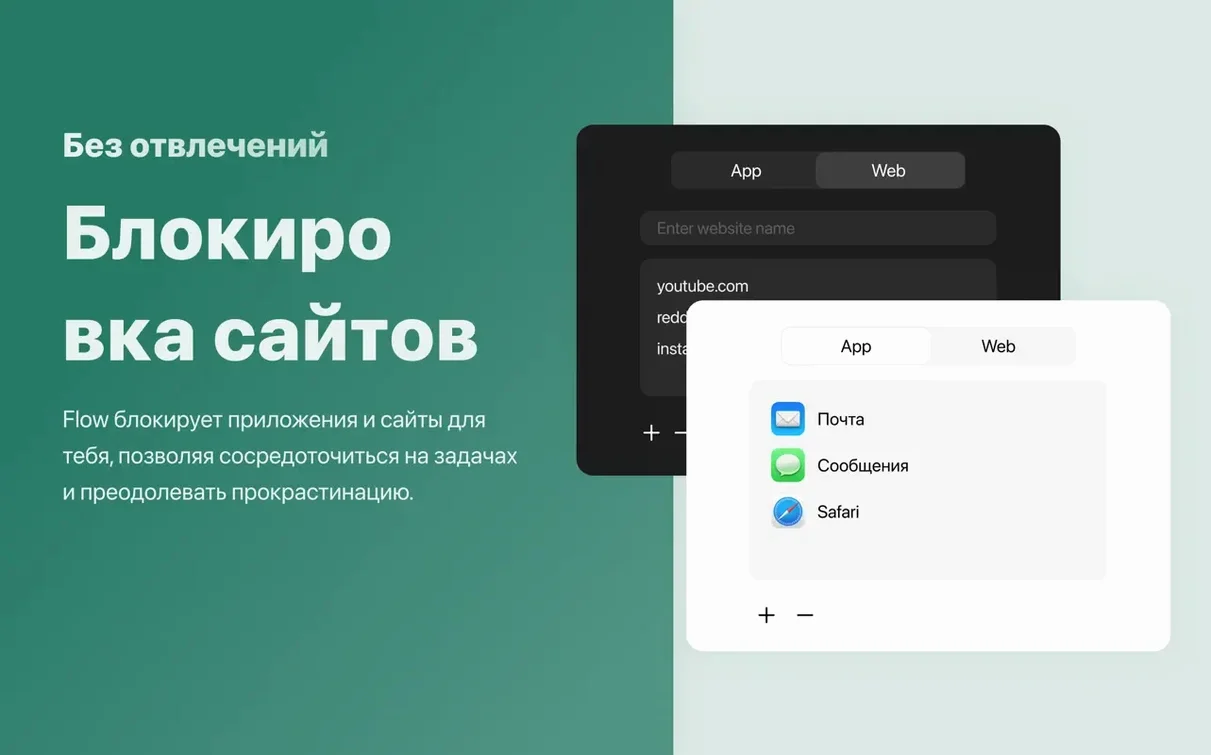
- Blocking distracting apps and websites during a focus block
- Quick control through hotkeys
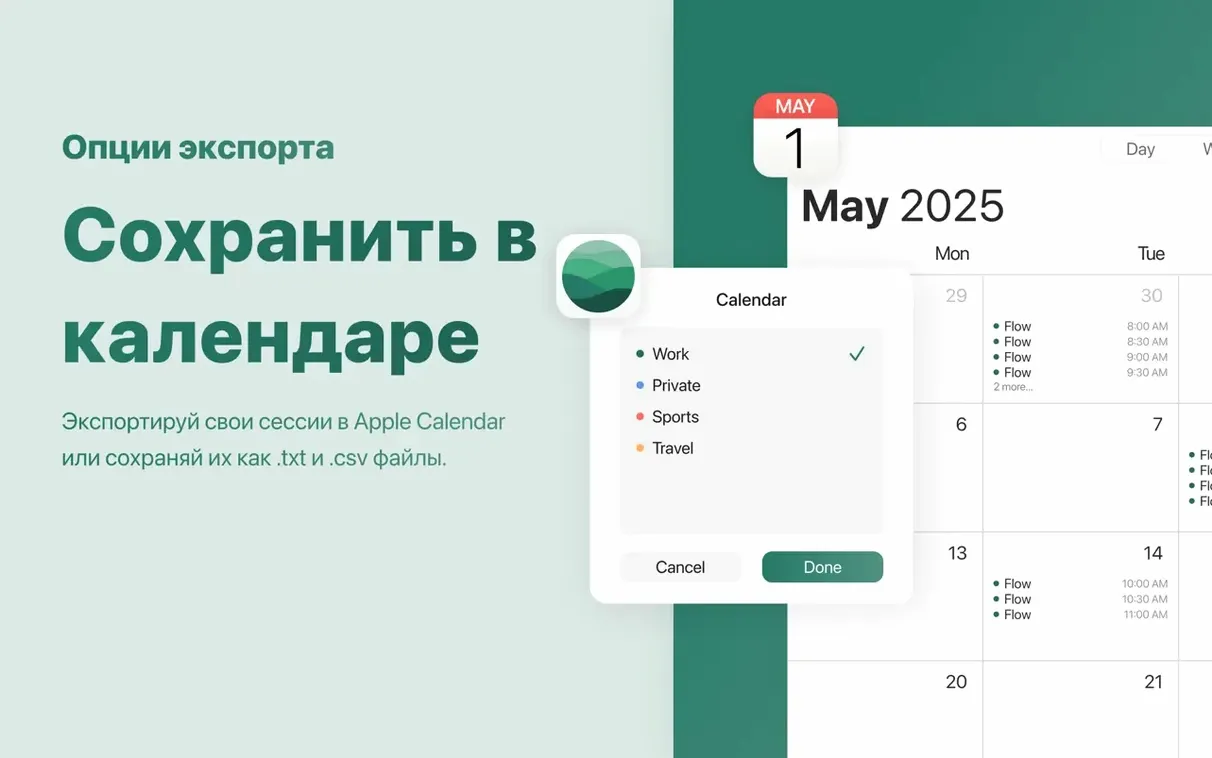
- Reviewing completed sessions in a simple overview
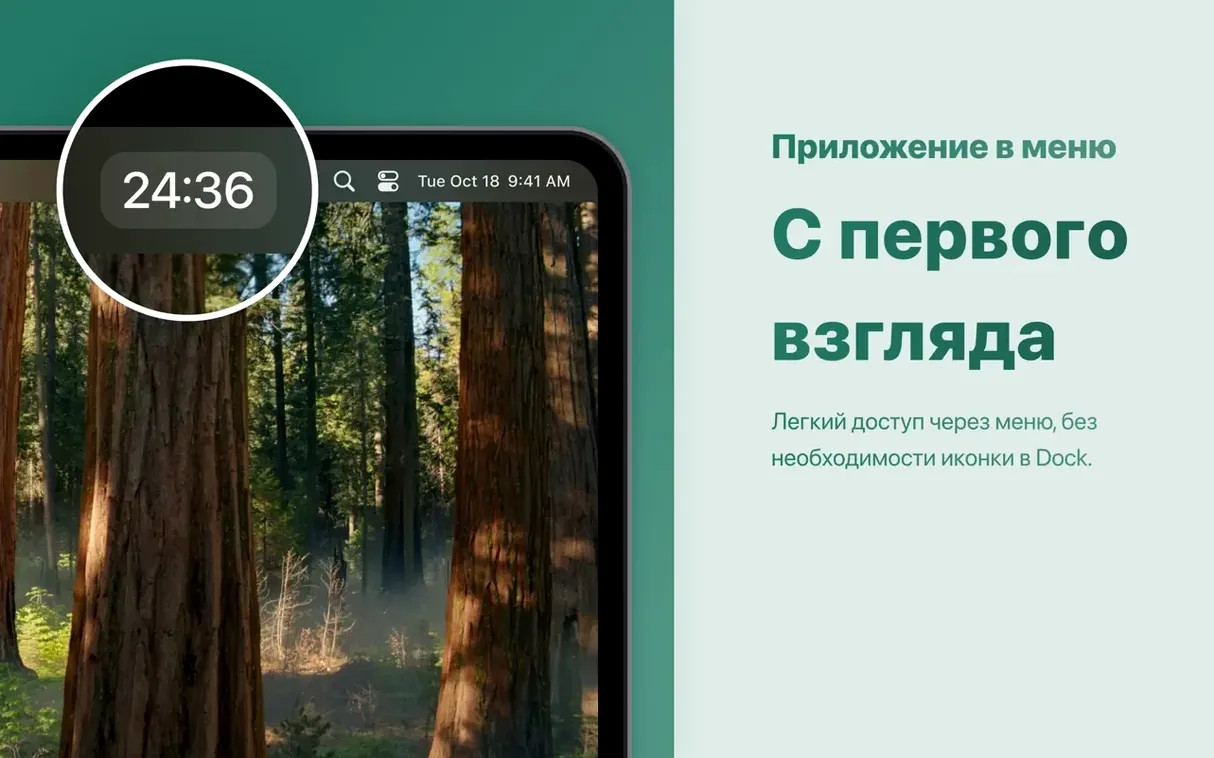
- A clean interface without icon badges
Exam prep companion
- Requires macOS 15 or later
- Runs on Apple Silicon and Intel Macs
- Minimalist by design, not by feature count
A translation student preparing for an exam might run Flow in forty-minute blocks. One session for terminology review, one for mock interpreting, one for essay drafting. During each block, X and a few news sites stay blocked. The fullscreen break mode becomes a small ritual: stand up, step away from the desk, come back when the screen changes.
Blocking too strict
Blocking feels too strict at first. The timer ends and a site you need for the next task still will not open. Right-click the timer, pause the session, and the block lifts. No need to quit the app.
Notifications can be missed in fullscreen mode. If that happens, allow Flow in System Settings under Notifications. The alert style matters more than the app itself.
Hotkeys sometimes conflict with another utility. Pick a combination you do not use elsewhere. Two modifiers and a letter usually helps.
A few users want the timer to show progress in the Dock. Flow does not use an icon badge. The menu bar and notifications carry the state instead. That is a design choice, not a fault.
Start one session. Let the timer do the deciding.