No new features in 5.9.8. Quiet work on the engine that holds your notebooks together.
The eraser removes only the part of a stroke you touch, or the whole line with a tap. Shapes straighten as you draw them.
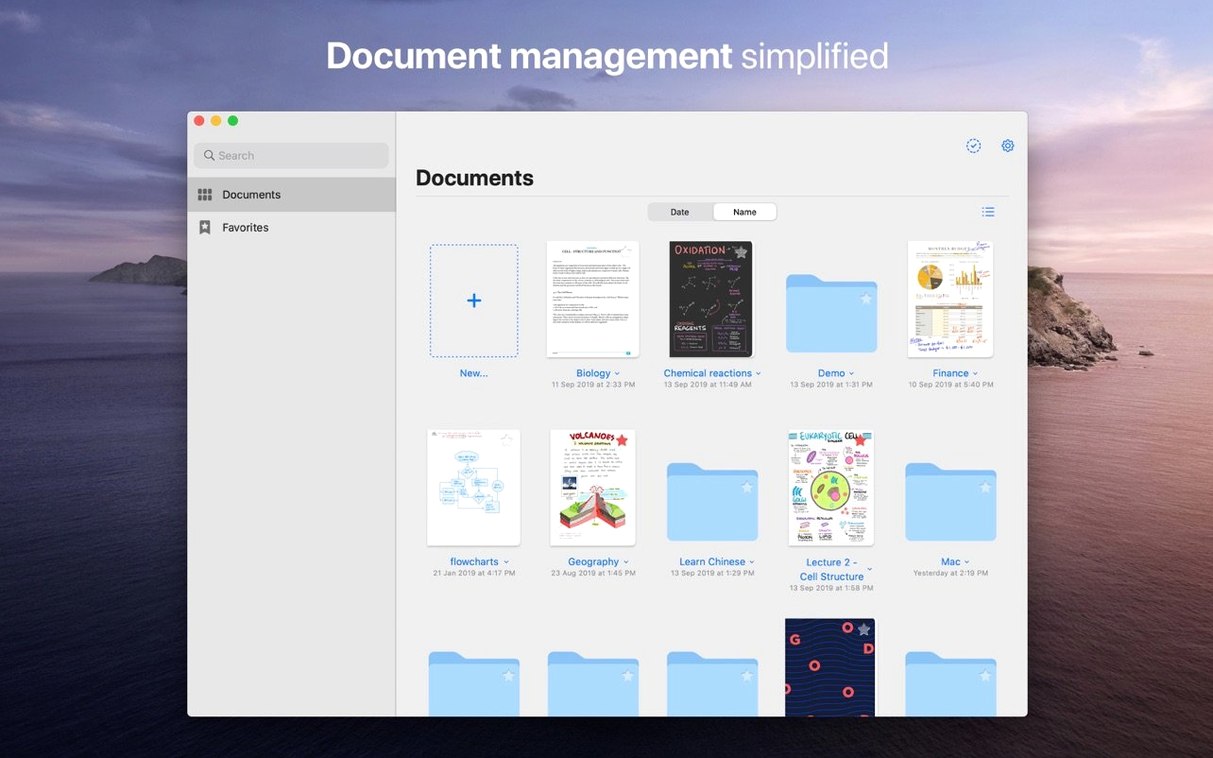
Import a PDF and its links still work. Drag files in from Finder. The outline builds itself from your headings.
A research reading workflow
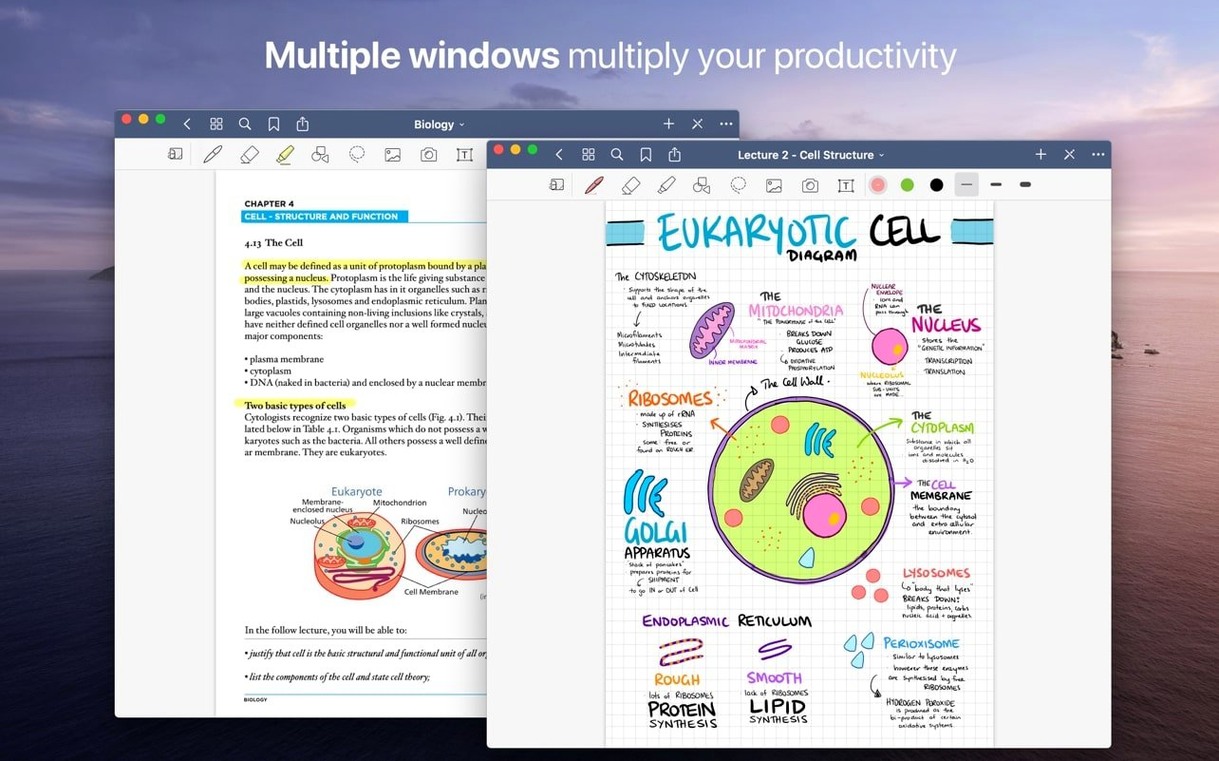
Drop a dense PDF into GoodNotes. Open the thumbnail sidebar on the left and the Favorites panel on the right.
Read through once with the marker tool set to a soft yellow. Highlight claims, not entire paragraphs. Each mark takes half a second.
On the second pass, switch to the pen. Write short margin notes next to every highlighted passage — a phrase, a question, a cross-reference. Keep it messy.
Open the custom table of contents. Add entries for the three or four sections that matter most to your project. Name them plainly.
Drag those key pages into Favorites. You now have a filtered view of the document, reachable in two clicks, with your marginalia intact.
Stroke eraser
Turn off auto-backup to an external format on day one. Let iCloud handle sync first; you can add PDF export later.
Set the eraser to erase entire stroke. It feels wrong for five minutes, then you stop chasing stray ink.
Enable palm rejection in the pen settings, even if you use a stylus on a trackpad. The app guesses less often.
Pick a default paper template that matches your most common task — narrow ruled for notes, blank for diagrams. You can change it per page, but the default shapes your muscle memory.
Inbox notebook
Make one notebook called Inbox. Point everything there for the first week: quick notes, clipped images, imported receipts. Organize later.
Learn the lasso tool early. It selects handwriting, moves it, resizes it, and changes its color. A paragraph written in blue can become red without rewriting a word.
Drag a page thumbnail out to your desktop. It becomes a PDF instantly. The reverse works too — drop any PDF back onto the thumbnail panel and it lands as a new page.
Resist building a folder tree until you have twenty notes. The search field reads your handwriting. You will find things faster than you expect.
Handwriting can be moved, rotated and recolored after it lands. Your first draft is not final.