
Office for Mac is a set of six apps—Word, Excel, PowerPoint, Outlook, OneNote, and OneDrive. The 16.93 package runs on Apple Silicon and Intel Macs. If you have just installed it, here is where to begin.
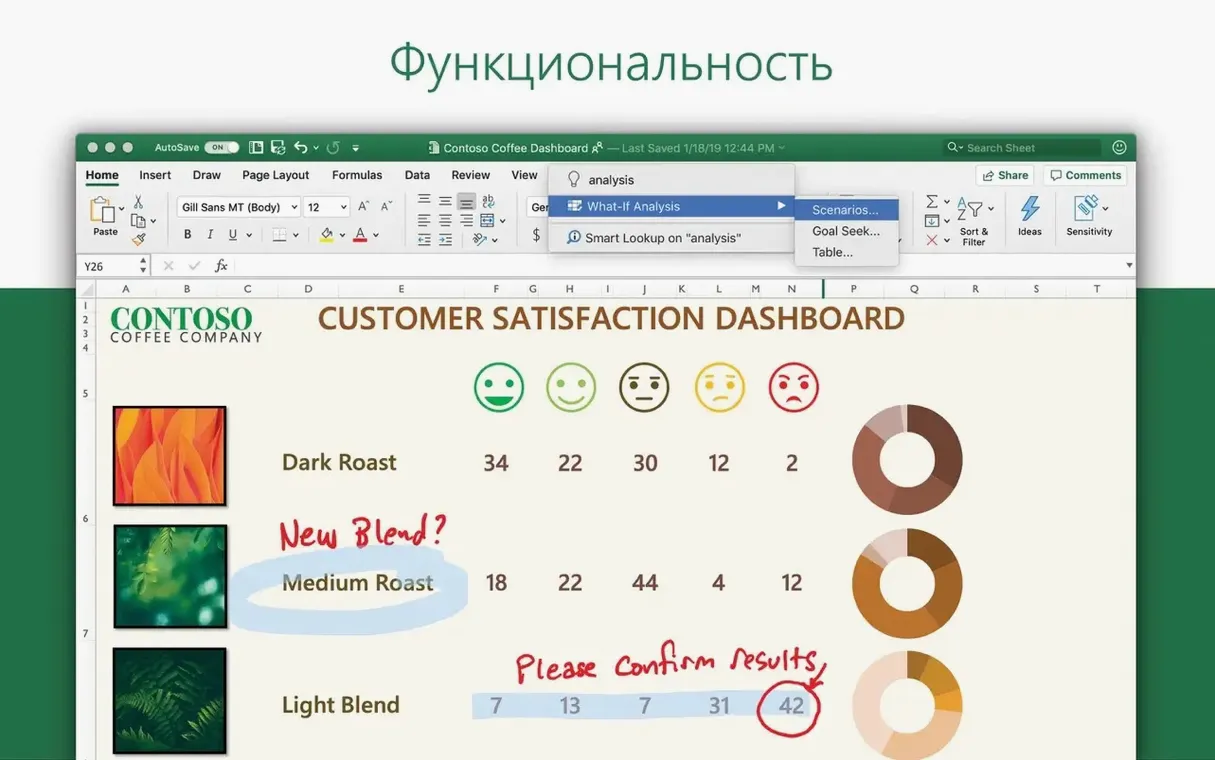
- Open Excel, drop in some data, and try the Ideas button. It surfaces patterns you might miss.
- Sign into OneDrive. It ties real-time co-authoring to Word, Excel, and PowerPoint without extra steps.
- Add two email accounts to Outlook. The unified inbox and calendar view removes a lot of tab-switching.
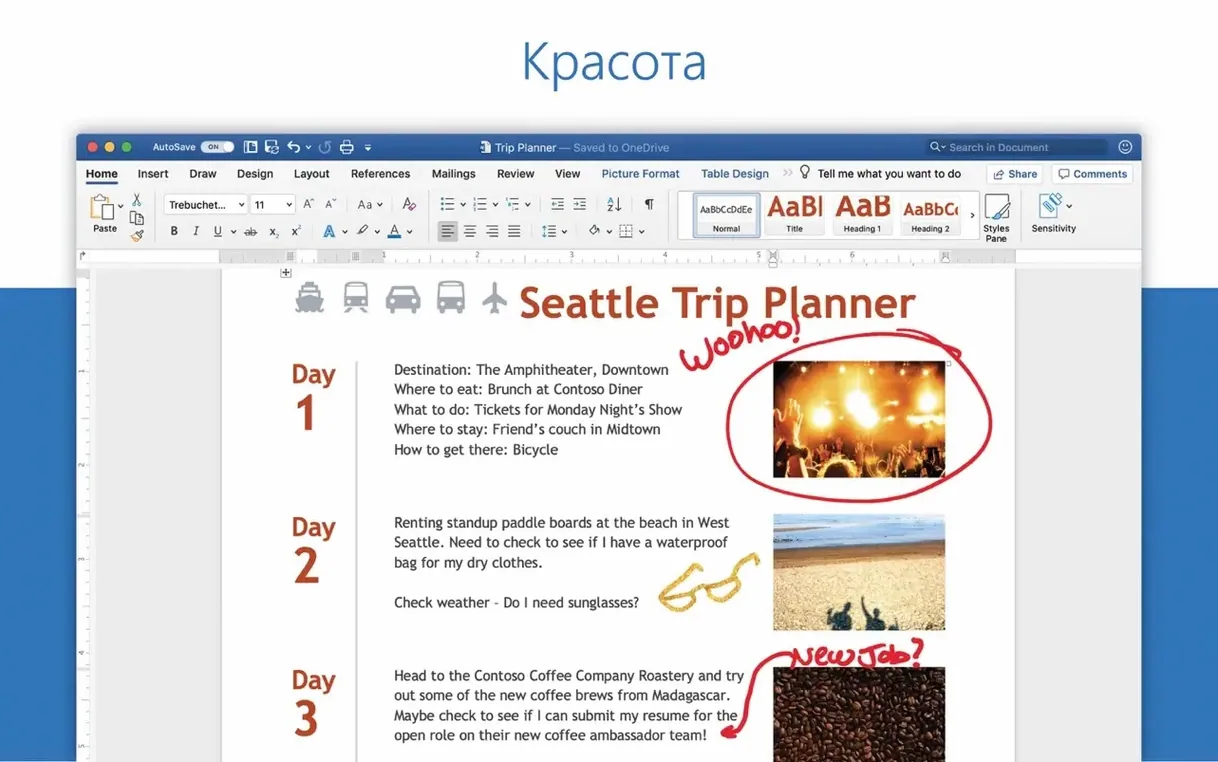
- In Word, start a blank document and press Shift-Command-N to return to body text styling. A small habit that keeps formatting clean.
- Check Microsoft AutoUpdate right away. Office for Mac gets refreshed roughly once a month.
Version 16.93 landed on January 14, 2025. It is a maintenance build — no new marquee features, just quiet fixes across Word, Excel, PowerPoint, Outlook, and OneNote. In day-to-day use, that translates to fewer small stumbles.
For instance, Outlook’s search stopped stalling on large mailboxes for some users. Excel’s conditional formatting rules no longer flicker when scrolling wide sheets. And Word’s track changes markup refreshes more predictably after a co-author saves from another Mac. None of this shows up in a splash screen. You notice it by what stops annoying you.
Near-instant open
Office on Apple Silicon opens cold in under four seconds for Word or Excel. Once warm, it is near-instant. PowerPoint with a 60-slide deck of 3D models and motion camera effects still breathes easily; scrolling is smooth, and slide transitions keep their timing.
Memory use is what you would expect from six large apps — not light, but not wasteful. On a 16 GB M1 Mac, having Word, Excel, and Outlook open with real documents sits around 2.5 to 3 GB combined. OneDrive sync adds a quiet background thread, barely a few hundred megabytes. The suite feels stable. Crashes are rare and usually trace back to a specific add-in or a corrupted template, not the core app.
Battery drain on a MacBook is moderate. A morning of heavy Excel work and Outlook email will cost you 20–25% an hour on an M2 Air. Not the leanest note-taker in your dock, but fair for the capability.
A short workflow
Suppose you need to turn quarterly sales data into a client deck. You start in Excel.
Paste the raw CSV into a new sheet. Highlight the revenue column and press the Ideas button. It suggests a trendline and a pivot table you had not considered — regional breakouts by quarter. Accept the pivot, copy it to a fresh sheet, and apply a dark theme from the chart styles. The numbers gain shape fast.
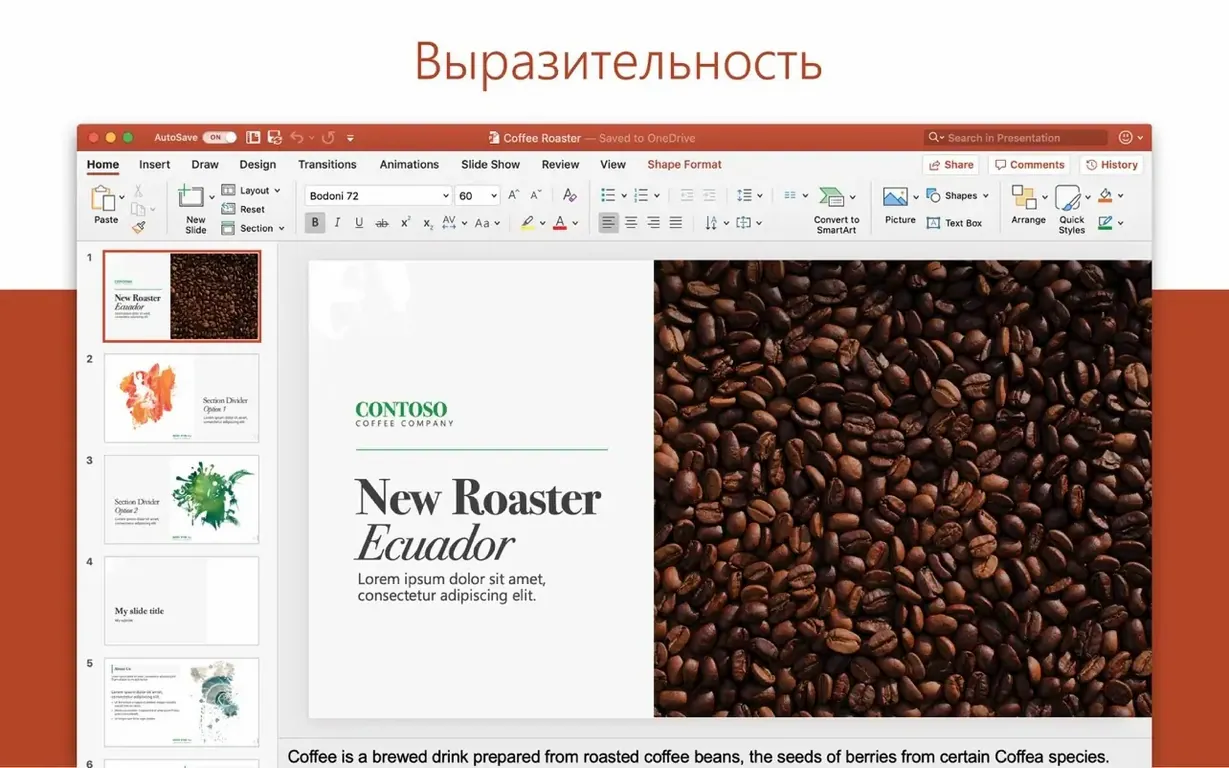
Now open PowerPoint. Use Insert > Object > From File to drop the Excel sheet in. The chart stays linked; later edits in Excel ripple through. Apply a motion camera transition to the title slide — a subtle drift that does not distract. Add speaker notes in the pane below each slide. Save to OneDrive.
From Outlook, compose an email to the client. Drag the PowerPoint file from OneDrive into the message body. Outlook turns it into a shared link with permissions set to view-only by default. Write two sentences of context and send. The whole sequence, raw data to delivered deck, takes under twenty minutes.
Offline certainty
People ask whether the suite works offline. It does. Word, Excel, and PowerPoint run fully offline. OneDrive files sync when you reconnect. Outlook queues outgoing mail and delivers it once the network returns.
Another common question: does it coexist with older Office versions? Yes, but not gracefully. The 16.93 package expects a clean install. If you had Office 2019 or an older LTSC version, remove it first. The VL Serializer in this package will not activate a mixed environment reliably.
Some look for an office for mac torrent to avoid large downloads. The 16.93 package is big — several gigabytes. A torrent mac office search often turns up repacks that strip languages or skip the serializer. If you need the full suite, a microsoft 365 mac torrent that includes all six apps and the AutoUpdate component saves you a second download later. A plain microsoft office download torrent may omit OneNote or OneDrive, so check the contents before mounting. For the complete LTSC set with activation tools included, a torrent microsoft office package built from the original Microsoft servers gives you a clean starting point.
People also worry about OneDrive’s footprint. You can disable it at login if you only want local work. The other five apps do not depend on it.
Pick one. The rest can wait.