Version 13.3.1 is a quiet release. The same editor, tuned.
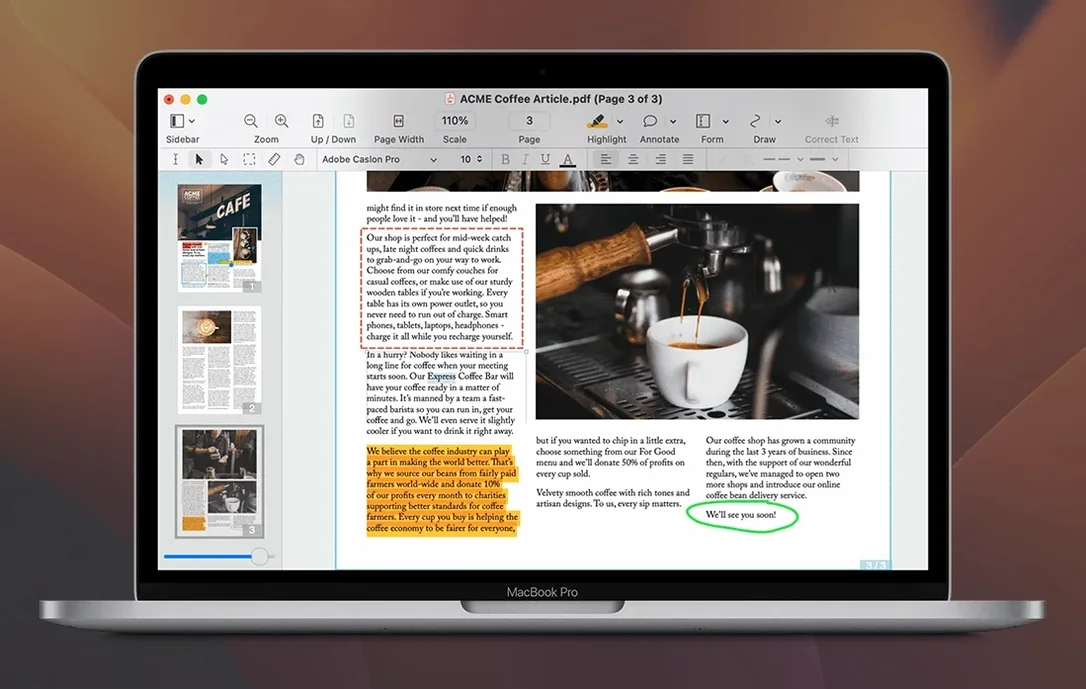
- Marks up and signs PDFs
- Redacts sensitive text for good
- Builds fillable forms and tables of contents
- Exports to Word, Excel or PowerPoint with fonts and columns intact
- Turns web pages into PDFs with working links
A contracts manager at a mid-size architecture firm receives a scanned subcontractor agreement. The pages are slightly rotated, the type is dense, and a dozen fields need updating before the document goes back out for signatures.
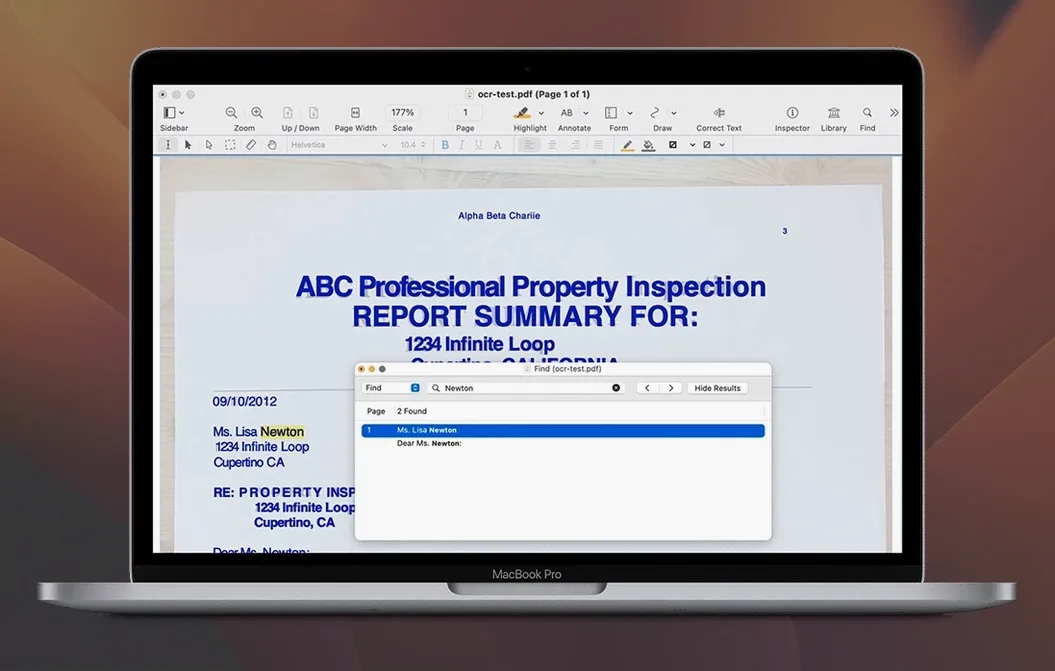
She opens Nitro PDF Pro. The OCR runs without a prompt. Seconds later the scanned image becomes searchable text she can actually edit.
Deskew & edit
She drags the PDF in. The sidebar shows thumbnails. Two pages are crooked. She clicks Deskew and they straighten.
Next, she opens the editable text blocks. She taps into the first paragraph, changes the project address, and moves to the payment schedule. The original font stays. No reflow. She adds her firm’s letterhead image to page one, resizes it, and nudges it flush with the top margin.
She creates three form fields: a signature block, a date picker, and a dropdown for contract type. She saves a copy as a fillable form and exports a second copy to Word for the partner who prefers tracked changes. The export holds columns, indents, and the table structure from the original scan.
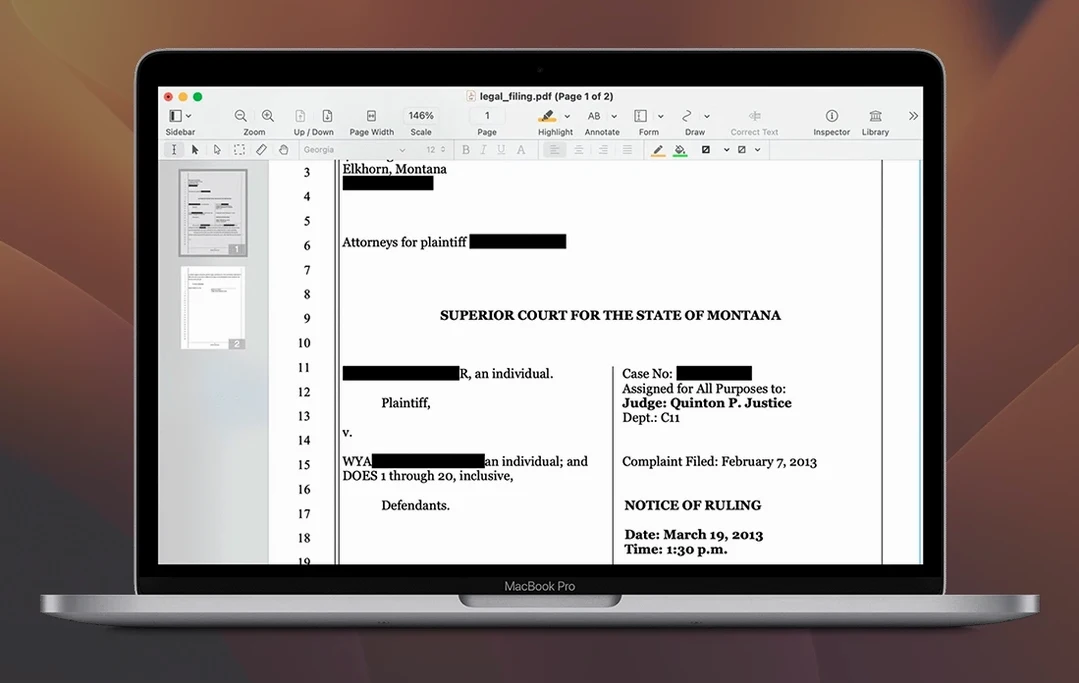
Before closing, she runs redaction over the client’s bank details on page four. Black bars replace the numbers. The metadata gets scrubbed automatically.
She attaches the final PDF to an email and archives the portfolio version, which bundles the signed form, the Word export, and the original scan into one file.
Column-aware copy
Version 13.3.1 tidied up text selection across columns. Rich text copied from a two-column layout now pastes in reading order, not the raw PDF stream order. That used to break copy-paste workflows, especially for legal and academic users pulling quotes.
Redaction got an under-the-hood fix. Previously, a heavily annotated file could leave fragment shadows behind black bars. The current build removes the content layer cleanly on the first pass. Scanned pages with mixed orientation also deskew more reliably than in the 13.2 series.
OCR, attachments and file portfolios are there when needed. Daily PDF chores stay small.